

Key Takeaways
- Color-based search lets you find digital assets by visual content, not just filenames or tags
- Three core approaches exist: AI color detection, manual tagging, and exact code search (hex, RGB, HSL)
- Stock libraries like Adobe Stock and Stocksy handle color search for their own catalogs
- Desktop tools like Eagle support hex/RGB/HSL search for locally stored files
- DAM platforms like BrandLife extend color search to your entire shared organizational library
- The most scalable method combines centralized storage, AI tagging, and documented brand color codes
You know exactly what shade you need. Finding it is another story.
Maybe it's the brand's signature teal, or a warm amber for a fall campaign. The color lives in your head - and somewhere in a library of thousands of files - but your search bar only understands words. So you open folders. You scroll thumbnails. You open files one by one. Fifteen minutes later, you're still looking.
This guide covers every method for finding images by color in 2026: the technology behind it, the tools that do it best, and the workflow strategy that makes it repeatable across a team.
What "search assets by color" actually means
Searching assets by color means finding digital files - images, illustrations, brand assets, videos - based on the colors they contain, rather than what they're named or where they're stored. It's the difference between typing "blue banner" and actually filtering your library by the hex code #1A73E8.
Most asset libraries are organized around human-readable metafilenames, folder structures, upload dates. None of that reflects what an image looks like. Color-based search closes that gap, letting you find pictures by color the same way you'd describe them to a colleague.
Why searching assets by color matters more than you think
Creative teams often spend considerable time manually searching through asset libraries to find files that match their specific needs. When a social media manager needs three on-brand images for a LinkedIn carousel and finds them in under ten seconds, that's a workflow that used to take fifteen minutes of folder-diving. The time savings compound fast across a team.
Brand consistency is the second payoff. When every team member can search pictures by color using exact palette codes, off-brand asset selection stops being a recurring problem. The right shade gets used because it's the easiest one to find.
There's a creative benefit too. Color-filtered searches surface assets people forgot existed. A designer searching for warm neutrals might rediscover a product photo from two campaigns ago that fits perfectly - one they'd never have found by filename.
How color-based search actually works
Not all color search is built the same. Understanding the three approaches helps you evaluate tools honestly and choose the right method for your workflow.
AI-powered color detection
Modern platforms analyze the pixel data of every uploaded asset, extract dominant and secondary colors, and index them automatically. When you search images by color, the system queries that index - no manual effort required. This is the most powerful approach at scale because it works retroactively on existing libraries and stays consistent regardless of how files were named or organized. AI-powered tagging and searching capabilities have become essential for managing large asset libraries efficiently.
Manual color tagging and metadata
The traditional approach: someone adds color labels or metadata to each asset during upload or review. It works for small, well-maintained libraries. It doesn't scale. Human taggers miss colors, use inconsistent labels, and rarely go back to re-tag older assets. Manual tagging is best used as a supplement to automated detection, not a replacement.
Hex code, RGB, and HSL search
These color models give you precision that "blue" or "warm orange" never can. A hex code like #C0392B identifies an exact shade of red. RGB defines color through red, green, and blue light values. HSL describes hue, saturation, and lightness - useful when you want "a muted version of this hue" rather than an exact match. For brand-specific palettes where a 5% color drift is visible and wrong, code-based search is the only reliable method.
Best tools to search assets by color in 2026
The landscape splits into three categories: stock libraries (searching someone else's content), desktop managers (searching your local files), and DAM platforms (searching your organization's shared library). Each solves a different problem.
BrandLife - AI-powered search across a centralized asset library
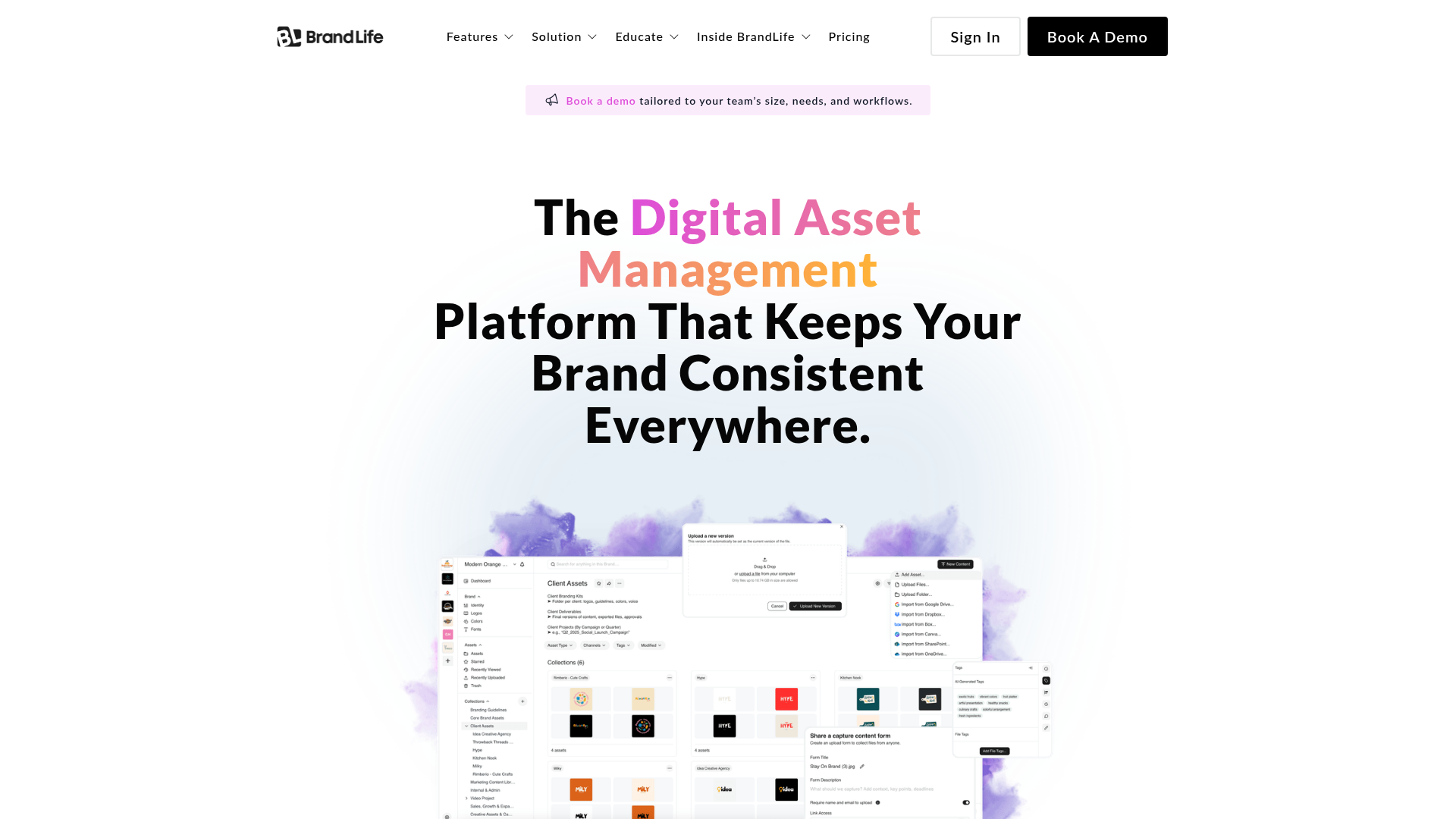
BrandLife is a digital asset management platform built for teams that need to search images by color - and every other visual property - across a shared, centralized library. BrandLife uses intelligent tagging to automatically categorize and organize assets, so teams can filter and retrieve files without relying on whoever remembered to add the right label during upload.
The distinction from stock libraries and desktop tools is structural. Every team member searches the same library with the same filters. When a regional marketing manager needs campaign assets that match headquarters' brand palette, they find them directly - no email to the design team, no waiting. BrandLife's brand guideline management reinforces this: approved colors, approved assets, accessible to everyone with the right permissions.
Version control adds another layer. Finding a color-matched asset means nothing if it's an outdated version. BrandLife keeps a complete history of changes, so teams always retrieve the current file. BrandLife also integrates with a wide range of design and productivity tools to streamline asset management workflows across the stack.
Best for: Marketing teams, agencies, and enterprises managing shared asset libraries where brand consistency and team-wide access matter.
Key strengths
- Advanced search and filtering across centralized shared libraries
- Intelligent AI-powered tagging for automatic asset categorization
- Built-in brand guideline management and palette enforcement
- Version control to ensure teams always access current assets
- Real-time collaboration, commenting, and approval workflows
Pricing: Contact BrandLife for current pricing
Adobe Stock - color and visual filters
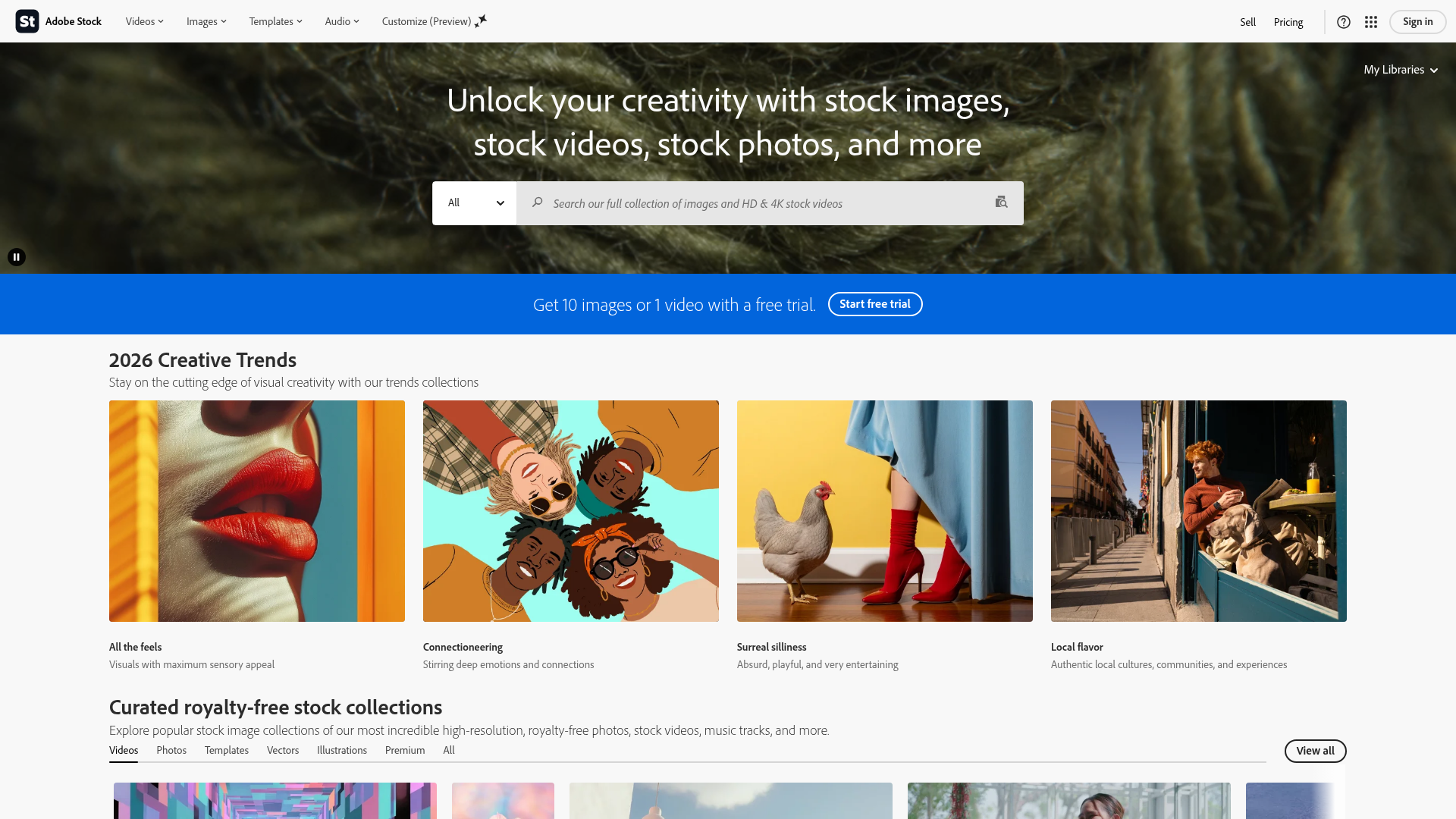
Adobe Stock's color filter lets you pick a hue from a visual palette or enter a hex value directly to find photos by color across their catalog. The Vivid Color filter adds a brightness dimension - useful when you need punchy, saturated imagery versus muted, editorial tones. Results integrate directly with Creative Cloud Libraries, so color-filtered assets move into design workflows without extra steps.
Best for: Teams already embedded in the Adobe ecosystem who need stock imagery matched to a specific palette.
Key strengths
- Hex code entry for precise hue matching
- Vivid/muted brightness controls alongside color filter
- Direct Creative Cloud Libraries integration
- Depth-of-field filter for combined visual filtering
- Large catalog with strong color indexing
Pricing: Subscription-based; plans start at approximately $29.99/month for 10 assets
Stocksy - color-based search for curated stock
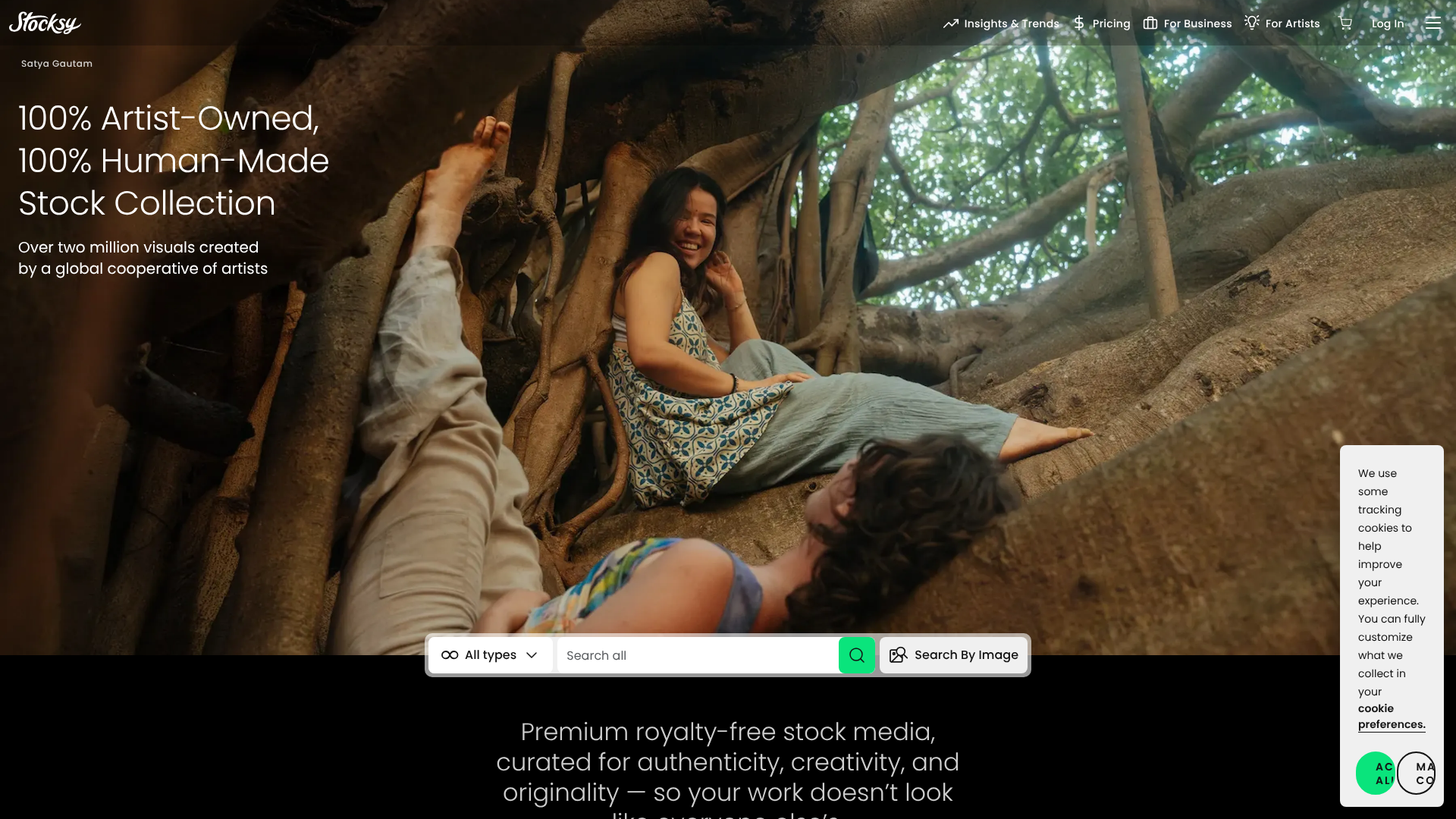
Stocksy offers color-based search capabilities for discovering stock assets that match specific color palettes and aesthetic requirements. The platform's editorial quality and artist-first curation make it a strong choice when the brief calls for imagery that feels considered rather than generic.
Best for: Agencies and brands that prioritize artistic, editorial-quality imagery with strong color coherence.
Key strengths
- Color palette search for cohesive imagery discovery
- High-quality, curated artist-contributed library
- Strong editorial and lifestyle photography selection
- Color-inspired collection browsing for mood boarding
- Credit-based purchasing for flexible usage
Pricing: Credit-based; credits start at $50 for a pack
Google Arts & Culture - color explorer
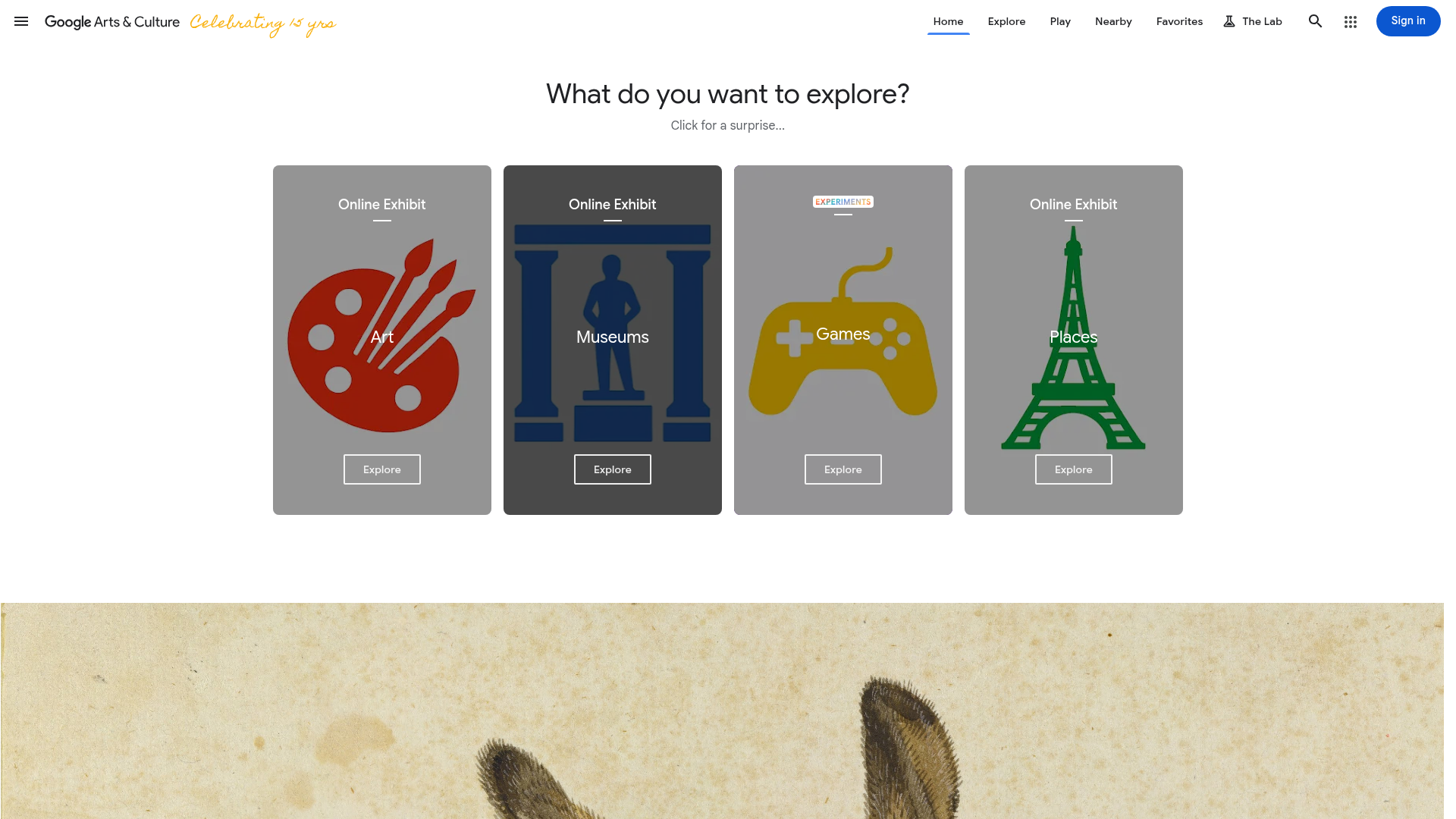
Google Arts & Culture's Color Explorer is an interactive tool for browsing artworks and cultural artifacts by dominant hue. To be direct: this isn't an asset management tool. It's an inspiration and discovery platform. But for art directors building a mood board or exploring how master painters used a specific palette, it's genuinely useful.
Best for: Creative directors and designers seeking visual inspiration and color reference from art history.
Key strengths
- Interactive color wheel for palette-driven art discovery
- Thousands of high-resolution artworks indexed by color
- Free, no account required
- Useful for mood boarding and art direction research
- Covers global cultural institutions and collections
Pricing: Free
Eagle - desktop color search for local files
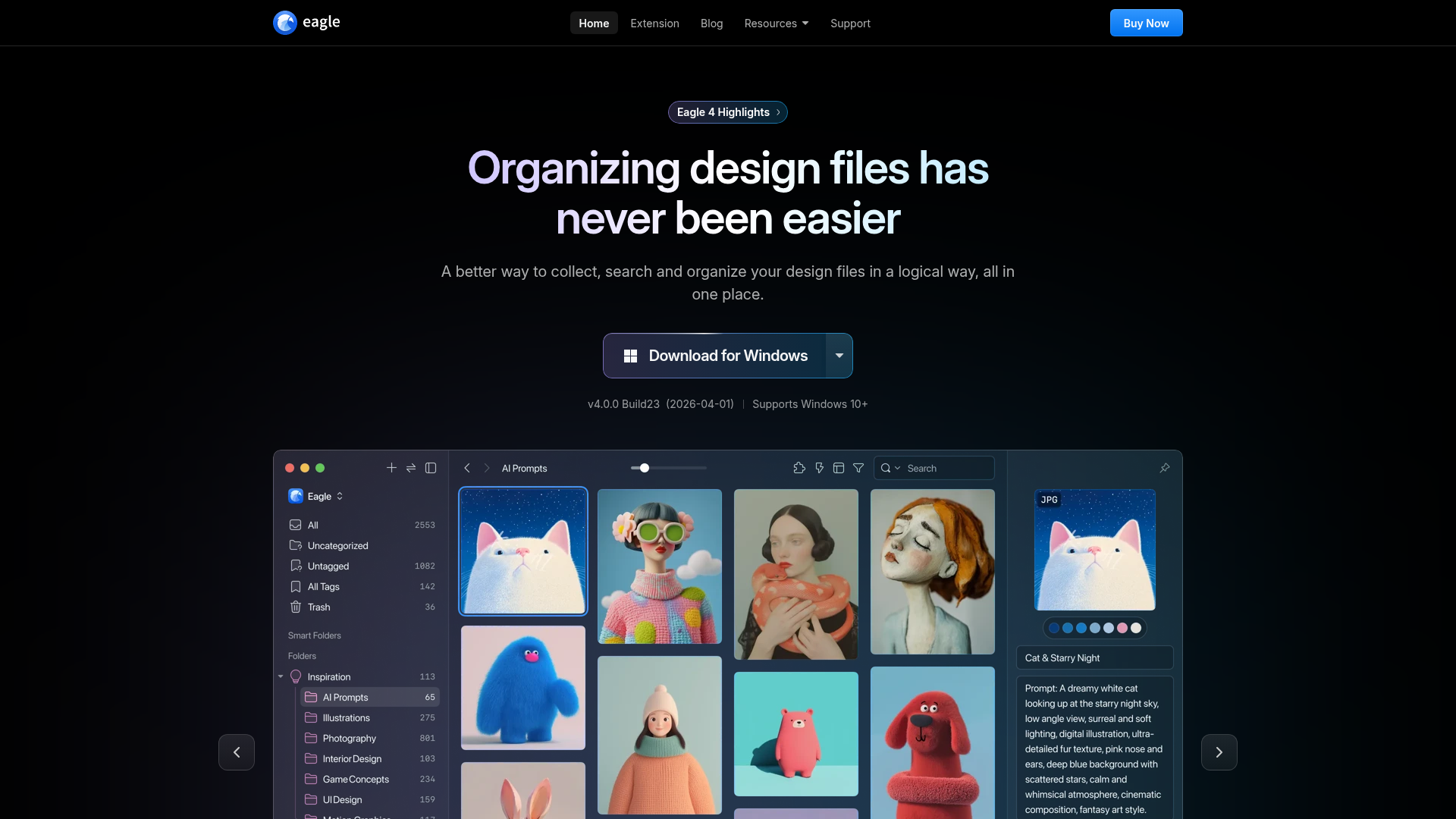
Eagle is a desktop application for organizing locally stored design assets, and its color search is genuinely precise. The platform supports searching by HEX, RGB, and HSL values and can scan a library of thousands of files in under half a second. That speed matters when you're mid-project and need a specific shade without breaking focus.
The honest trade-off: assets live on individual machines. Eagle works well for solo designers and freelancers, but it doesn't solve the team-wide problem of shared access to a centralized library.
Best for: Solo designers and freelancers managing personal asset collections on a local machine.
Key strengths
- HEX, RGB, and HSL color code search
- Sub-second search across large local libraries
- Supports images, videos, fonts, and 3D files
- Visual color palette extraction from any asset
- One-time purchase, no subscription required
Pricing: One-time purchase at $29.95
Other tools worth knowing
A few additional platforms offer meaningful color search capabilities worth a quick mention:
- Canva - color filters within its asset library; useful for teams already designing inside Canva
- Figma - component and asset search with color-based filtering for design system libraries
- Canto - DAM platform with visual search features including color-based filtering
- Brandfolder - DAM competitor with AI-powered asset tagging and visual search
- MediaValet - enterprise DAM with advanced metadata and visual search capabilities
- Shutterstock - stock library with a color filter for searching their catalog by dominant hue
How to build a color-based asset search workflow
Tools are only half the answer. The other half is the system you build around them. This is the part most teams skip - and why color search still feels unreliable even when the tool supports it.
Step 1 - define your brand's color palette with exact codes
Every brand color needs a documented hex code, and ideally its RGB and HSL equivalents. Without this, "search by color" is just browsing by eye - which reintroduces the same inconsistency you're trying to eliminate. A brand color guide with exact codes turns color search from approximate to precise.
Step 2 - centralize assets in a single, searchable library
Color search only works at scale when assets aren't scattered across Google Drive, Dropbox, individual desktops, and email threads. A centralized library eliminates the "which folder was that in?" problem. If you're still working across fragmented storage, the guide to digital asset management workflow covers how to consolidate effectively.
Step 3 - leverage AI tagging over manual color labels
AI-powered color detection beats manual tagging on every dimension that matters: consistency, scale, and coverage. A human tagger might label an image "blue" and miss the teal undertone that makes it off-brand. Automated detection catches what people don't think to tag. Manual labels should supplement automated detection for edge cases, not replace it.
Step 4 - create color-based collections for recurring campaigns
Build saved collections or smart folders filtered by brand palette colors. When a new campaign launches, the starting point is a pre-filtered set of on-brand assets - not a blank search bar. Teams that do this report significantly faster asset selection at the start of each production cycle.
Step 5 - train your team on color search best practices
The best system fails if only one person knows how to use it. A short internal guide covering hex code lookups, filter combinations, and saved searches pays back its creation time within the first week. Color search is only a workflow accelerator when the whole team uses it.
Color search for brand consistency: why it's a strategic advantage
Brand consistency isn't just a design concern - it's a business outcome. When every team member can instantly find assets that match the brand palette, off-brand deliverables become rare rather than routine.
This matters most for distributed teams. A regional marketing manager pulling campaign assets for a local event shouldn't need to email the design team to confirm which shade of green is correct. With documented color codes and a searchable centralized library, they find the right assets independently. The design team's time stays on design.
For agencies managing multiple clients, color-based search is how you keep Brand A's navy from bleeding into Brand B's royal blue. For enterprises with regional marketing teams, it's how headquarters maintains visual consistency without micromanaging every deliverable. Color search isn't a feature - it's a brand governance mechanism.
Common mistakes when searching assets by color
Even teams with good tools make these errors. Each one is avoidable.
- Relying solely on filenames - "blue-banner-v3.png" tells you nothing when the blue was updated to navy in v4. Filenames age poorly; color metadata doesn't.
- Ignoring color model precision - Searching for "red" returns everything from crimson to coral. Hex codes solve this. "Red" is an approximation; #C0392B is a decision.
- Not accounting for screen calibration - Colors look different on uncalibrated monitors. Always search by code, not by eye, when brand accuracy matters.
- Forgetting about asset versions - Finding the right color match means nothing if it's an outdated file. Version control and color search need to work together.
Stop scrolling. Start searching.
Searching assets by color in 2026 is no longer a niche capability - it's a baseline expectation for any team managing visual content at scale. The right combination of exact color codes, centralized storage, and AI-powered tagging turns a frustrating manual process into a precise, repeatable workflow. For teams ready to make that shift, BrandLife offers a centralized, AI-powered asset library where every file is findable by color, keyword, or tag - with the collaboration and brand governance tools to keep everything consistent.
Book a Demo - See how BrandLife makes color-based asset search work for your team.