.jpg)
Key Takeaways
- BrandLife is the top pick for brand teams, a modern DAM with multi-brand workspaces and AI search, starting at $150/month.
- Air is the best pick for creative review, while Box leads on enterprise file control.
- Google Drive and OneDrive cover baseline storage, but brand governance and expiring partner links call for a purpose-built DAM.
- Move off Dropbox once version confusion and brand drift start costing your team hours.
- Pick an alternative based on team complexity, whether you're single-brand or multi-brand, in-house or agency.
Someone on your team just grabbed the "final" logo from a shared Dropbox folder and dropped it into a launch deck. It was last year's version. That one slip is why you are reading a vendor shortlist instead of cleaning up another folder tree.
Dropbox handles basic file sharing well. Brand and creative teams need more once governance and fast search become daily requirements. At that point, a folder-based drive starts adding friction.
This guide covers the buying criteria of eight named Dropbox alternatives ranked for brand-ops fit. We will also explore migration triggers and answers to common questions. The list favors workflow fit over generic storage features, since that shapes real outcomes for brand teams.
What to Look for in a Dropbox Alternative
BrandLife says customers report 6+ hours saved weekly per creative after moving assets into a governed workspace. That time is a reliable reason to switch, so weigh each tool against the work your team actually does.
Asset governance and control
Wrong-version rework starts where structure breaks down. Look for rich metadata and a clear taxonomy, so the right people find the right files. Strong DAM tools add version control with restore history, plus audit trails for compliance.
Expiring share links and approval workflows help retire old creative on schedule. Category roundups from G2 consistently frame these controls as core evaluation points for governed asset management.
Brand operations and consistency
Static PDF guidelines get stale fast. Prioritize interactive brand guidelines that live beside the asset library, so partners can verify colors and logo usage without switching apps.
Brand portals and approved templates keep distributed teams on-brand. Multi-brand workspaces matter when you manage several clients or product lines, each with its own palette and font library.
Creative and integration fit
Feedback spreads quickly when review lives in inboxes and chat threads. Choose tools with in-context review and annotation, plus reliable large-file handling for video and raw photography. Integration depth drives daily adoption. Check native connections to Figma and Canva. SSO support keeps access secure as your team grows.
Scalability and total cost
Sticker price covers only part of the spend. Compare seat-based scaling with quote-based pricing. Then factor storage expansion and migration labor. Admin overhead adds up too. Public starting prices make budgeting easier, especially for growing teams that need clear monthly planning.
Dropbox Alternatives at a Glance
Skimming for the shortlist? Match the "best for" column to your team's shape, then read the deeper breakdown below.
| Tool | Best for | Pricing model | Key strength | Main limitation | Migration fit |
BrandLife | Modern multi-brand marketing and creative teams | $150/month Starter; Enterprise custom | Multi-brand workspaces, AI search, guidelines, free portals | Built for brand ops over raw consumer storage | High |
Bynder | Enterprise brand governance and portals | Quote-based | Governed portals at scale | Higher entry cost for small teams | Medium |
Brandfolder | Template-driven brand asset management | Quote-based | Template control and findability | Multi-brand fit varies by team | Medium |
Frontify | Brand guidelines and collaborative brand management | Quote-based | Brand portals and living guidelines | Teams with large libraries may compare dedicated DAM options | Medium |
Canto | Marketing teams focused on search and sharing | Quote-based | Fast findability across libraries | Partner distribution needs a closer look | Medium |
MediaValet | Metadata-heavy enterprise DAM | Quote-based | Metadata depth and security | Setup effort for smaller teams | Medium |
Air | Creative teams needing review and collaboration | Quote-based | Visual review workflows | Lighter multi-brand governance | Medium |
Box | Enterprise file control and compliance | Quote-based | Granular permissions and compliance | File platform, lighter on brand DAM depth | High |
Caption: At-a-glance comparison of eight Dropbox alternatives
BrandLife
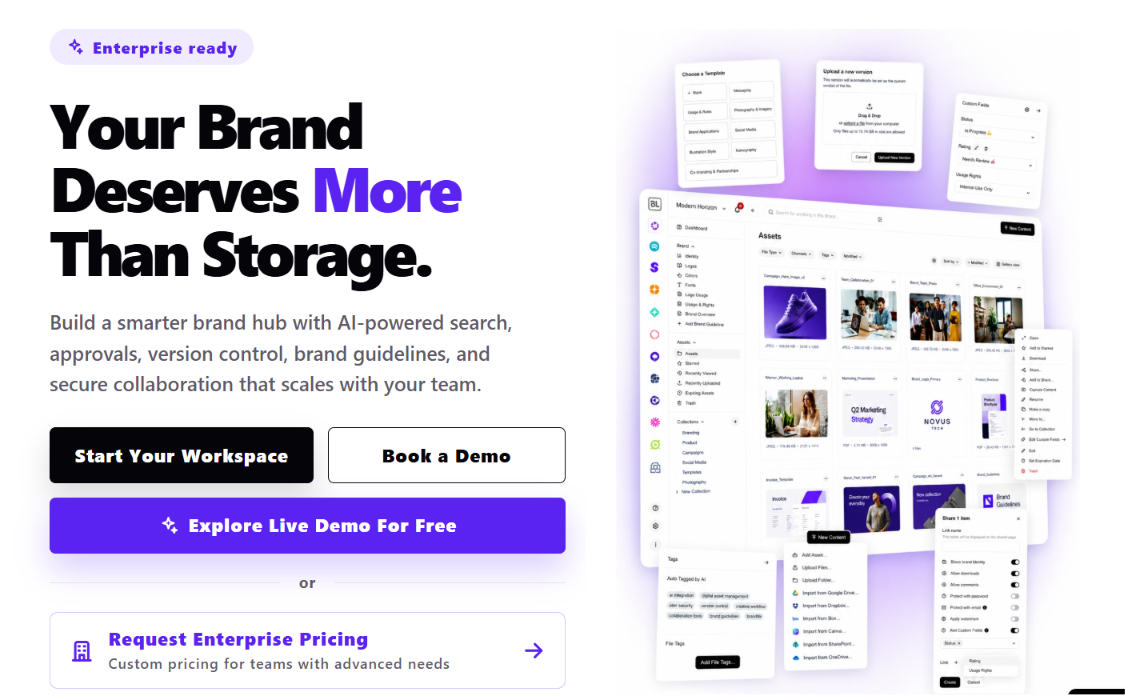
Alt text: Screenshot of the BrandLife homepage showing its multi-brand digital asset management dashboard
BrandLife says customers report 40% less time searching for assets, 70% fewer asset-request emails, and 6+ hours saved weekly per creative. Those outcomes speak to teams that have outgrown folder trees and need a governed workspace built around brand operations.
Strengths
- Pulls the entire asset lifecycle into one workspace
- AI-powered asset search and automatic tagging
- Version control that keeps restore history
- Approval workflows that route creative to the right reviewer
- Asset expiration for teams that need outdated files retired on schedule
- Multi-brand workspaces give each client or product line its own color palette, font library, and asset storage, a structure agencies and multi-brand orgs find especially useful
- Unlimited free brand portals for franchisees and partners, with secure expiring links you control
- The Capture Content Portal turns photographer and influencer uploads into tagged, organized assets on ingest
- AI Visual Search available as an add-on
- Native integrations with Canva, Figma, Slack, Google Drive, Dropbox, SharePoint, and OneDrive
Limitations
Bulk storage buyers may prefer a simpler file platform.
For a closer look, read BrandLife vs. Dropbox for creative teams.
Pricing
| Plan | Price | Included | Key features |
Starter | $150/month | 1 user, 1 brand, 1GB storage | Brand guidelines, AI tagging |
Pro | $250/month | 1 user, 1 brand, 1GB storage | Adds AI smart search, asset expiration, advanced guidelines, integrations, version history |
Business | $500/month | 1 user, 1 brand, 1GB storage | Adds multiple brand workspaces, advanced permissions, approval workflows, asset watermarking |
Enterprise | Custom | Unlimited users, brands, and storage | Advanced security, SSO, custom roles, dedicated support |
Caption: BrandLife's four pricing tiers, from Starter through Enterprise
See transparent BrandLife pricing for the full breakdown, including add-on rates for extra users, storage, and brands.
Bynder
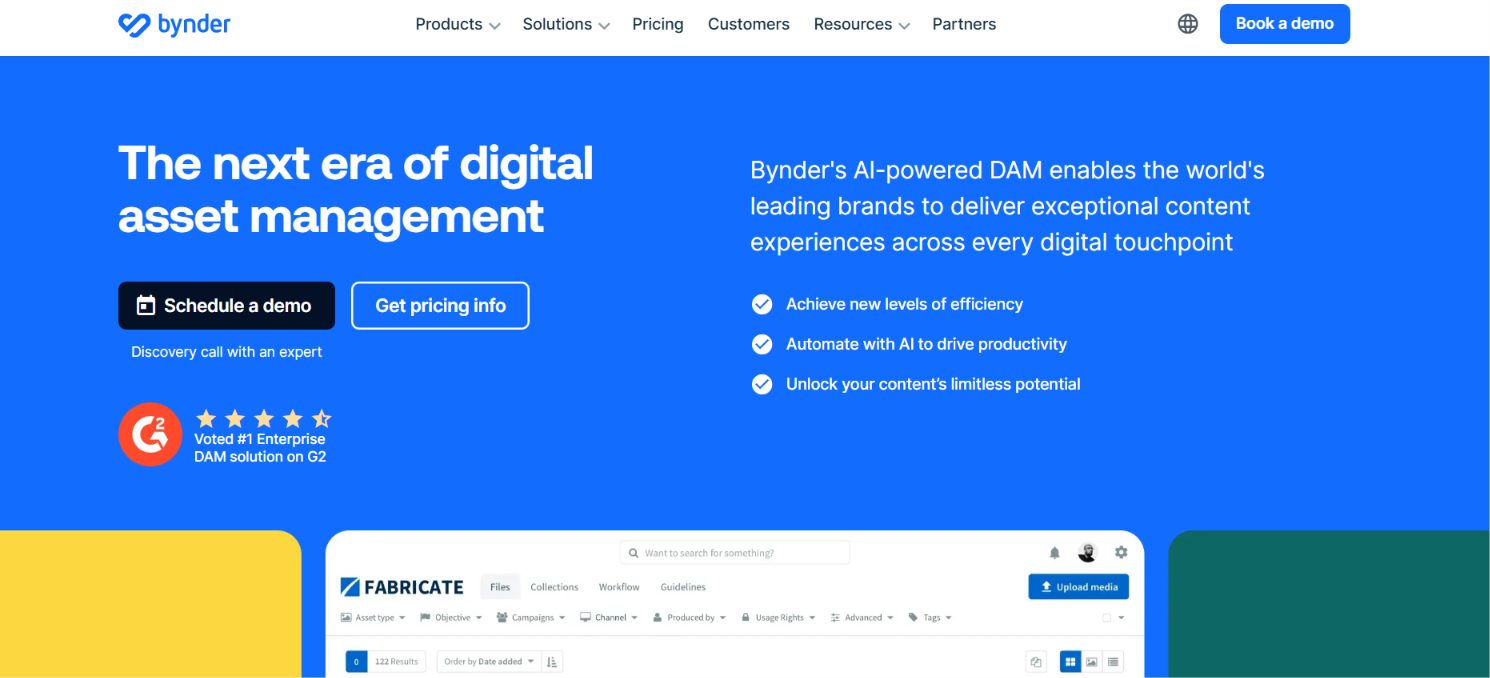
Caption: Bynder's homepage, positioning itself as an AI-powered enterprise DAM.
Alt text: Screenshot of the Bynder homepage highlighting its AI-powered enterprise DAM platform
Regional marketing teams and large global orgs often start here when they need governed portals at scale. Bynder is a well-known enterprise DAM choice for structured brand operations, and more than 4,000 organizations worldwide use it as their digital brand portal. It pairs core asset management with Bynder Studio, a built-in content creation layer, so teams don't have to bounce between separate tools for storage and content production.
Strengths
- Established enterprise DAM with governed brand portals, backed by strong governance controls
- Its own coverage of Dropbox alternatives reflects how the category evaluates permissions and distribution at scale
- Robust taxonomy and asset workflows for large marketing teams
Limitations
- Quote-based pricing, so budgeting starts with a sales call
- Onboarding effort and total cost tend to fit larger organizations
- Smaller brand teams may want a lighter setup path
See Bynder alternatives roundup for more information.
Pricing
No public pricing, budgeting starts with a sales call
Brandfolder
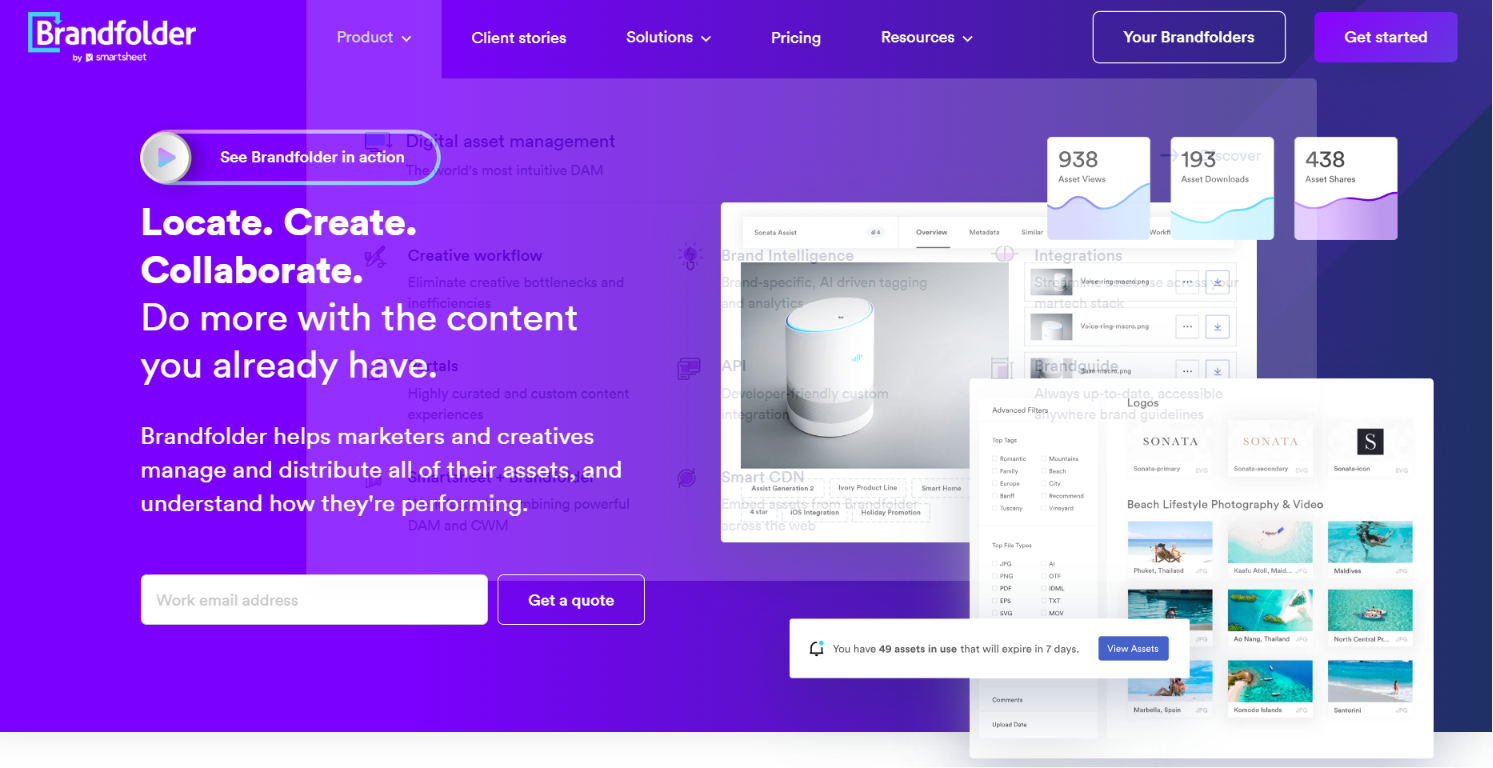
Caption: Brandfolder's homepage, now part of the Smartsheet product family.
Alt text: Screenshot of the Brandfolder homepage showing its brand asset management interface
Template control matters when regional teams keep rebuilding the same one-pagers and sales sheets. Brandfolder is a common shortlist pick for teams that want strong brand asset organization and findability. Now part of Smartsheet, it counts customers like Autodesk, Lyft, Mastercard, and McLaren Racing, and it markets itself as a straightforward alternative to heavier enterprise DAM platforms.
Strengths
- Brand asset management and template control, with search-driven retrieval
- Organized libraries and guardrails that keep approved templates in circulation
- Strong fit for orgs that place heavy value on template governance
Limitations
- Multi-brand teams should map workspace structure carefully before committing
- Separate product lines or client brands need clear separation
See BrandLife's Brandfolder alternatives roundup for more context
Pricing
No public pricing, demo-and-quote model
Frontify
Caption: Frontify's homepage, emphasizing brand guidelines and collaborative brand management.
Alt text: Screenshot of the Frontify homepage displaying its brand guidelines and DAM platform
Living brand guidelines are usually the reason teams shortlist Frontify. It is well known for brand portals and guideline management, and it markets itself as a full brand-building platform rather than a plain asset library. BMW is among the global brands that use Frontify to keep dealer and agency networks aligned on one set of guidelines, which gives a sense of the scale it's built to support.
Strengths
- Strong brand portals and interactive guidelines for collaborative brand management
- Color and font rules kept in one place partners can reference
- A clear strength in guideline distribution
Limitations
- Teams with very large asset libraries often compare Frontify with dedicated DAM platforms
- Library size usually shapes that decision
See BrandLife's Frontify alternatives roundup for a side-by-side look
Pricing
No public pricing, quotes typically scale with monthly active users
Canto
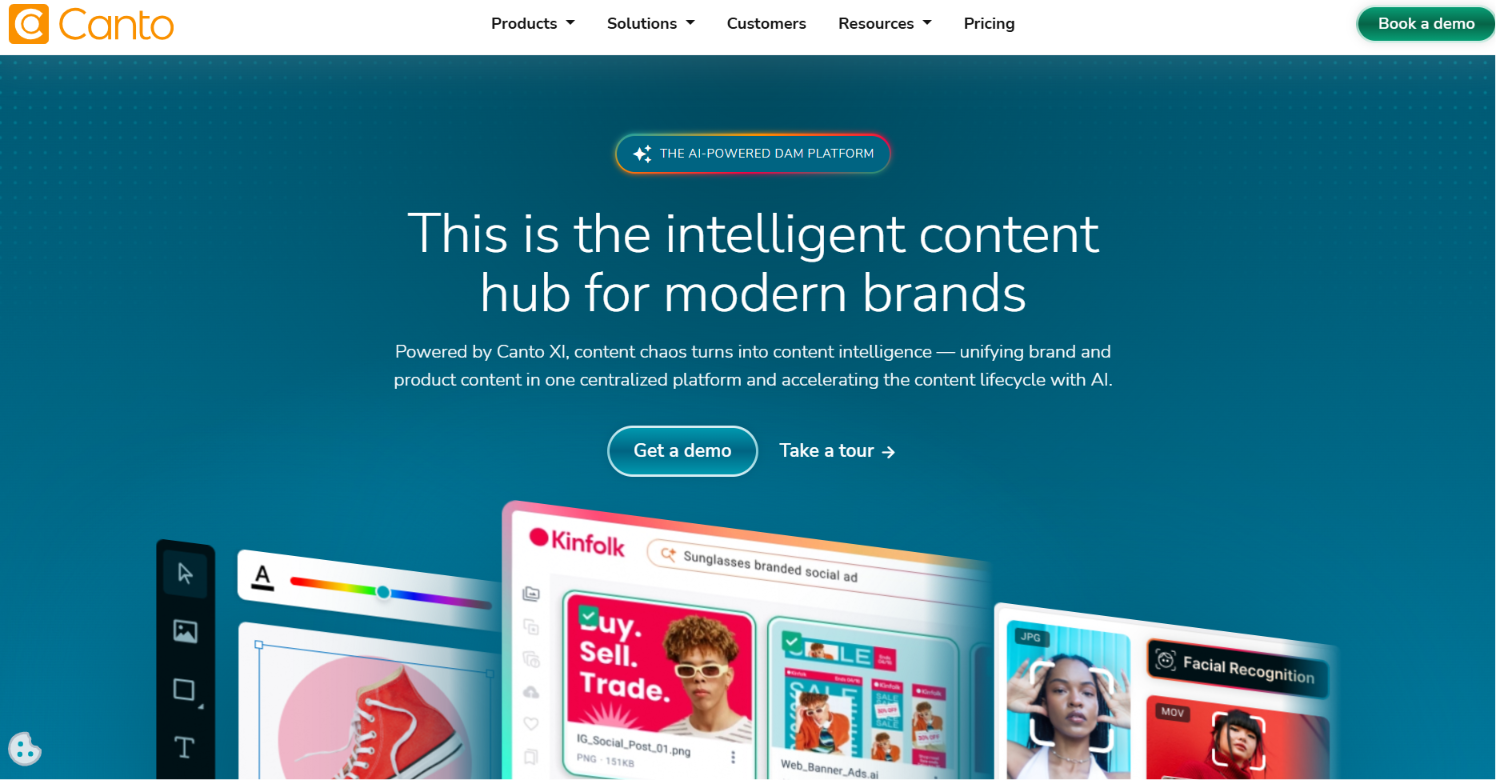
Caption: Canto's homepage, focused on fast asset search and sharing for marketing teams.
Alt text: Screenshot of the Canto homepage showing its digital asset search and sharing tools
Search speed becomes the main problem once campaign files and product photos start piling up. Canto is a frequent choice for marketing teams that want fast retrieval and straightforward sharing. It's one of the most reviewed DAM platforms on G2, and it leans into a self-serve, low-configuration setup rather than the longer enterprise rollout some brand-guideline-first platforms require.
Strengths
- Solid DAM search and organization, with sharing built for marketing teams
- An interface that helps marketers locate and distribute assets quickly
- A strong fit for search-first workflows
Limitations
- Partner-heavy distribution models deserve a closer look during evaluation
- Teams with franchisees or resellers should test portal controls early
Pricing
Custom quote. Named packages exist, but pricing within each is unpublished.
MediaValet
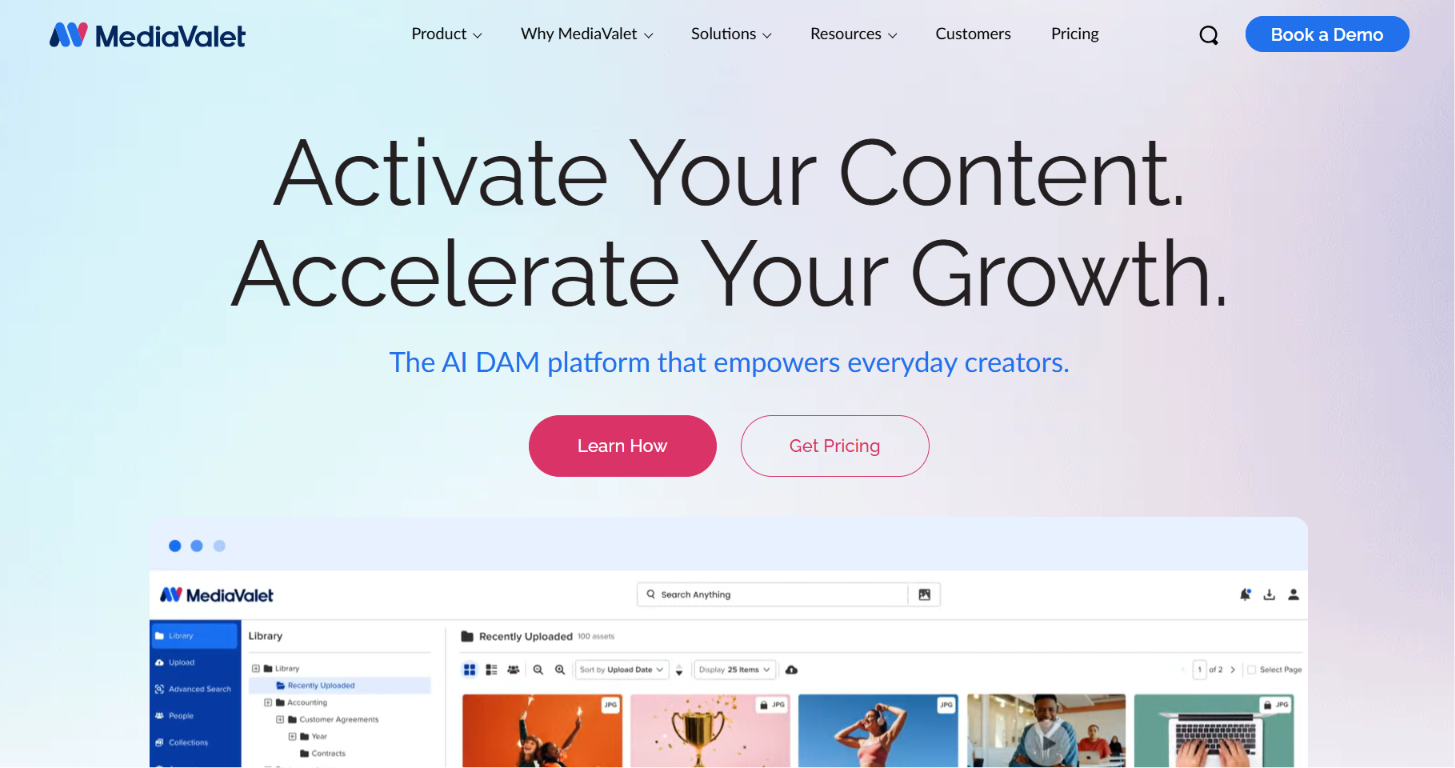
Caption: MediaValet's homepage, built exclusively on Microsoft Azure infrastructure.
Alt text: Screenshot of the MediaValet homepage highlighting its Microsoft Azure-based DAM
Strict metadata standards usually push enterprise buyers toward tools in this category. MediaValet fits teams that care deeply about structure, security, and governed distribution. It's built exclusively on Microsoft Azure, a distinction no other major DAM shares, and it counts brands like A&W, HelloFresh, and Hard Rock Hotels among its customers.
Strengths
- Enterprise DAM with deep metadata handling
- Strong security and distribution controls
- Room to model complex taxonomies precisely
Limitations
- Enterprise orientation can mean more setup work than smaller teams want
- Implementation time belongs in the buying discussion
Pricing
Custom quote. No public pricing, enterprise-oriented sales process.
Air
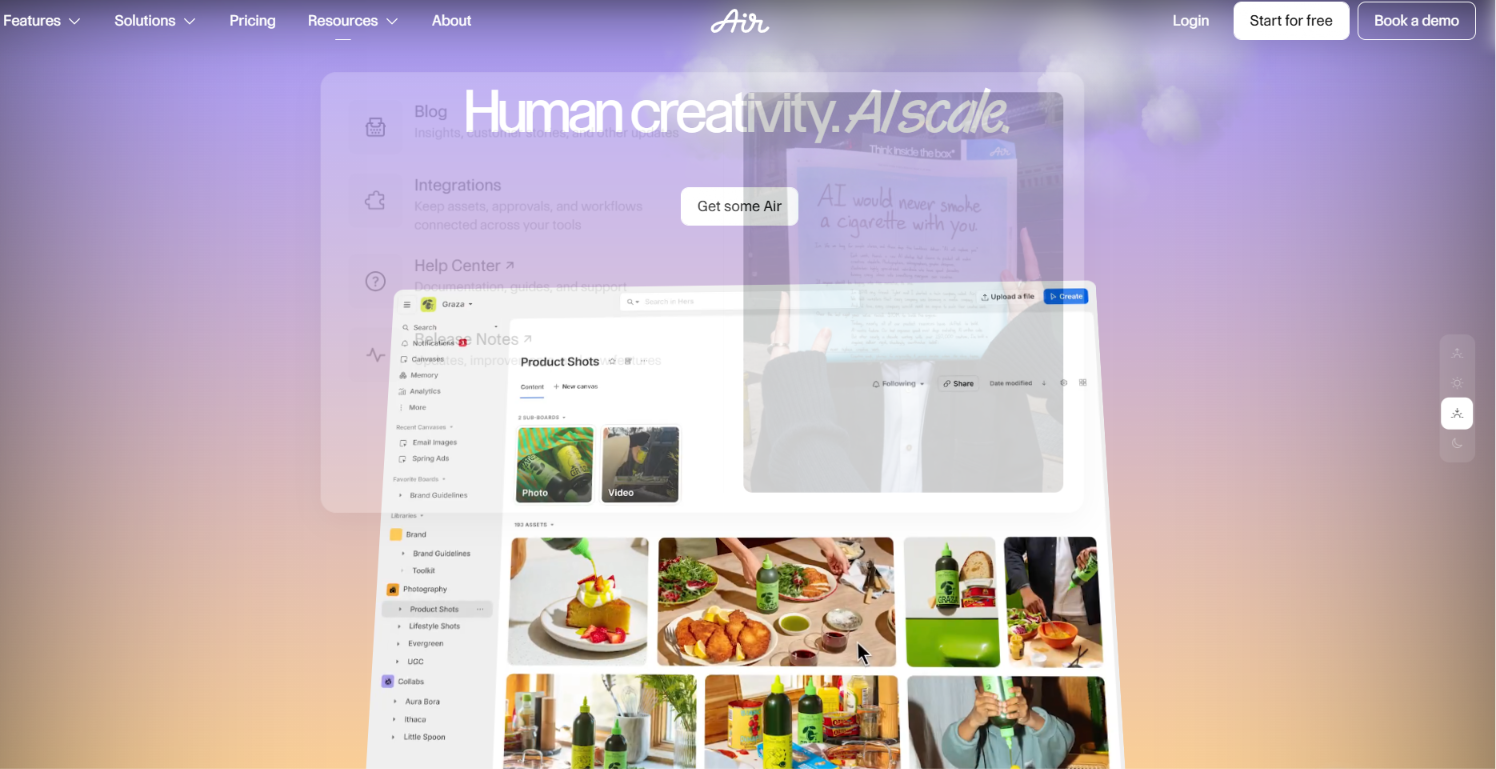
Caption: Air's homepage, centered on creative review and real-time collaboration.
Alt text: Screenshot of the Air homepage showing its creative collaboration and review workspace
Video cuts and photo reviews create friction fast when comments are spread across email and chat. That is where Air earns its place. The brand believes that creative-collaboration focus, and it markets itself less as a traditional enterprise DAM and more as a creative operations platform built around visual boards and real-time feedback.
Strengths
- Strong creative collaboration and review workflows, with clean visual organization
- In-context feedback and visual boards for designers
- A good fit for teams whose main pain point is review, not long-term governance
Limitations
Multi-brand governance and partner portal needs may push some teams toward a more DAM-focused option, which matters most for distributed brands and agencies
See how Air compares to Dropbox for a direct look.
Pricing
Free tier, then self-serve paid plans from about $10 to $30 per user monthly for small teams and individuals, Enterprise custom.
Box
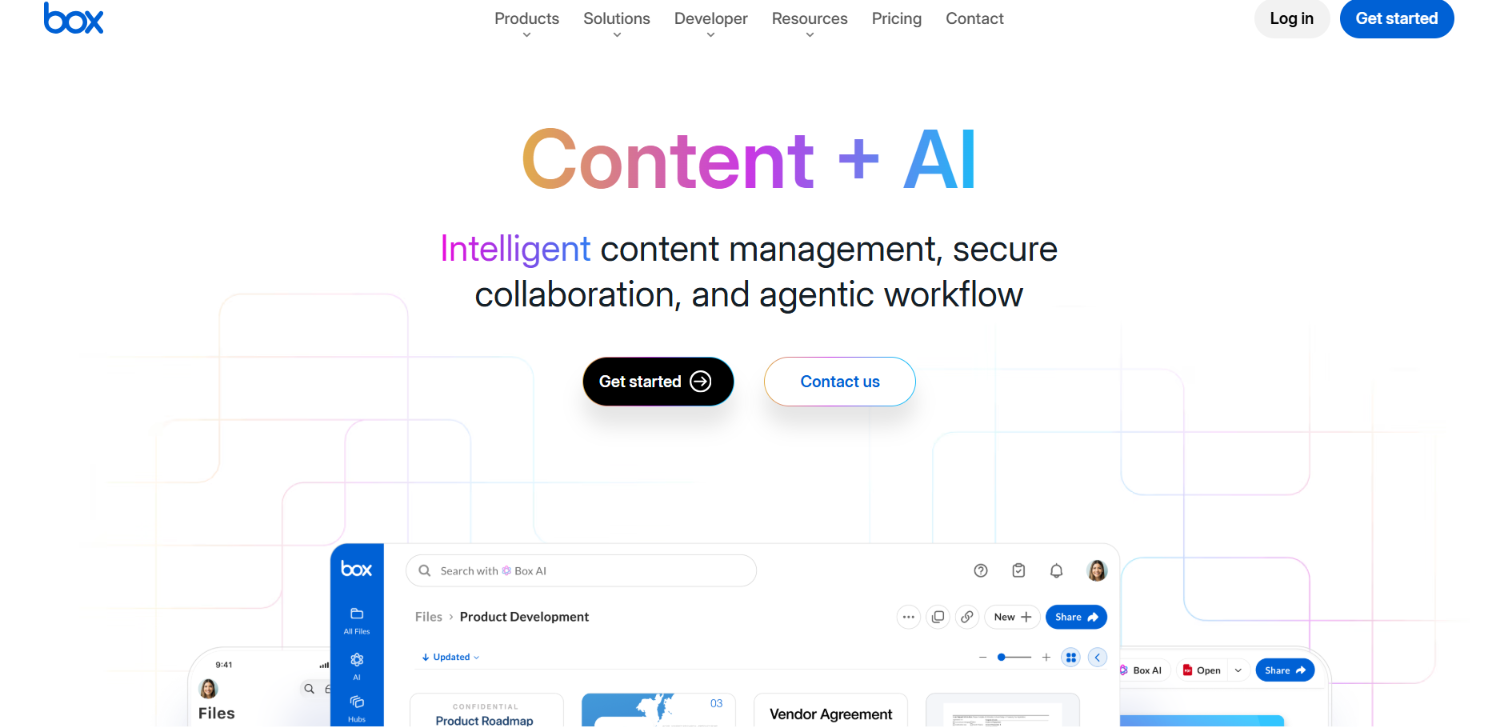
Caption: Box's homepage, positioned as a secure content layer for enterprise AI workflows.
Alt text: Screenshot of the Box homepage showing its enterprise content management platform
Granular permissions and audit-ready controls keep Box on enterprise shortlists. Roundups from TechRepublic show how many Dropbox comparisons include file-control platforms next to DAM tools. Box is a publicly traded company that has leaned hard into agentic AI over the past year, positioning itself as a secure content layer for enterprise AI workflows rather than a brand-specific asset manager.
Strengths
- Granular permissions and compliance controls
- A wide integration ecosystem across enterprise tools
- Familiar governance for IT and security teams, fitting cleanly into large tech stacks
Limitations
- A file-control platform more than a purpose-built brand DAM
- Brand guidelines and partner portals usually managed in separate tools
Migration Considerations, Who Should Switch, and When
Version confusion, brand drift, and partner-link sprawl are strong signals that the shared drive has outgrown your team. Weak taxonomy and missing approval steps add more pressure. Growing e-commerce content volume can do the same. When several of these show up together, a move starts making practical sense.
Start with a short checklist before you migrate. Audit active assets and flag outdated files. Export from Dropbox, then upload into the new tool with a clean taxonomy from day one. Update shared links and retire the old ones, so current creative is the only version still circulating.
User training and storage expansion both take real hours. Workflow reconfiguration adds more. Admin labor during the first month is usually the line teams underestimate most.
Choosing the Right Fit for Your Team
Dropbox does simple file sharing well. Brand teams usually need more control. Approval workflows matter here. Fast search and controlled partner distribution matter just as much. The right pick depends on your team's shape. Single-brand in-house teams weigh different tradeoffs than agencies juggling client brands or franchises serving many locations.
Match the tool to that complexity, and factor total cost beyond sticker price. BrandLife fits growing multi-brand teams that want modern UX and transparent pricing without the overhead of legacy DAM buying cycles. It combines DAM and interactive brand guidelines in one workspace. AI search and free brand portals come built in, so your team can move faster and stay on-brand.
Get started with BrandLife to centralize your brand assets, guidelines, and approvals in one workspace.
Frequently Asked Questions
What is the best free Dropbox alternative for brand teams?
Google Drive is a common starting point for simple storage and collaboration. Free plans help with early-stage sharing. Brand governance and expiring partner links usually come with paid tools. This is important when you distribute assets outside your team. Some DAM tools offer free brand portals inside a paid workspace, which is a different value from free storage. BrandLife includes unlimited free brand portals with its paid plans, so partners see only approved assets.
What is the best Dropbox alternative for small businesses and growing brands?
Predictable monthly pricing matters when you're scaling headcount and campaigns. BrandLife's Starter plan runs $150/month for one user and one brand, with core DAM features and AI tagging built in. That published figure lets you budget without a sales call. You can expand users, storage, and brands as you grow. See transparent BrandLife pricing for the full breakdown.
Which Dropbox alternatives offer the best security and permissions?
Enterprise file platforms like Box lead on granular permissions and audit-ready compliance for regulated teams. On the DAM side, look for SSO and expiring share links. Asset watermarking adds another layer for external distribution. BrandLife offers SSO and asset watermarking as marketplace add-ons, or bundled into the Enterprise plan. Match the depth of controls to how sensitive your external sharing gets.
How does Google Drive compare to Dropbox for brand teams?
Google Drive brings strong storage and real-time document collaboration, especially for teams already in Google Workspace. Both tools serve baseline storage well. Brand governance and approval routing usually live elsewhere. For brand consistency at scale, pair either with a purpose-built DAM.
When should a brand team migrate from Dropbox?
Version chaos that costs your team real hours is the clearest trigger to migrate. Files that pile up faster than your taxonomy can handle add pressure. Brand inconsistency across channels signals the same, along with partner-sharing sprawl that is hard to track. Challenges in approval steps and rising e-commerce content volume push the timeline forward. When teams are spending hours each week on file hunting and approval follow-up, the switch moves from nice-to-have to urgent.