


Key Takeaways
- The right Brandfolder alternative depends on your team size, migration needs, and budget model.
- BrandLife starts at $150/month and is built for growing or multi-brand teams that want DAM, brand guidelines, and sharing in one workspace.
- Bynder, Canto, Acquia DAM, and Adobe Experience Manager Assets use sales-led or custom pricing. Air publishes plan pricing, while Frontify uses MAU-based pricing.
- Before switching, map your assets, metadata, permissions, and existing share links so migration does not disrupt day-to-day work.
Brandfolder can centralize assets, improve search, and support controlled distribution. It may not be the right fit for every business.
A growing company may prioritize a clear entry point. An agency may need clean separation between clients. A large organization may prioritize governance and integration with its existing stack.
This guide compares seven Brandfolder alternatives using official vendor pages reviewed on August 20, 2026. Where a vendor does not publish a price, this guide says so rather than using an estimated range.
Brandfolder alternatives at a glance
| Alternative | Editorial fit | Pricing model verified on Aug. 20, 2026 | Officially documented capabilities | What to validate in a demo |
|---|---|---|---|---|
| BrandLife | Growing, agency, and multi-brand teams | Starter $150/month; Enterprise custom | DAM, AI tagging, brand guidelines, listed integrations | Storage, extra brands, users, AI credits, and add-ons in the final scope |
| Bynder | Teams assessing AI-powered DAM with a custom quote | Custom quote requested | AI-powered DAM | Governance, portals, workflows, implementation scope, and contract terms |
| Air | Teams comparing a published plan with creative-operation features | Business plan shown at $900 on the public pricing page | Advanced sharing permissions, comment-only collaborators, public API, n8n/Zapier integrations | Exact plan, credit usage, permissions, migration, and support for your scope |
| Frontify | Teams evaluating DAM alongside guidelines and templates | Pricing based on monthly active users (MAU) | DAM, AI, guidelines, templates, analytics, integrations | MAU definition, modules, portal needs, and renewal assumptions |
| Acquia DAM | Enterprise teams evaluating centralized DAM and workflow automation | No public price found on the official product page | Centralized assets, workflow automation, on-brand content delivery | Quote scope, connectors, migration services, metadata design, and administration |
| Canto | Mid-sized and enterprise teams evaluating a custom-quote DAM | Custom quote requested | DAM for organizing, managing, and distributing brand content and product information | Quote scope, metadata model, sharing, migration, and support |
| Adobe Experience Manager Assets | Teams evaluating Adobe’s DAM packages | Prime and Ultimate packages; contact sales for commercial terms | Centralized DAM, AI-powered content intelligence, Creative Cloud and Experience Cloud connections | Package, license type, storage, implementation, integrations, and operating resources |
Important: “Editorial fit” is a comparison judgment, not a vendor claim. It is based on the cited product and commercial information and should be tested against your real workflow. Plans, packaging, storage, support, and renewal terms can change; obtain a written quote before purchase.
Why teams look for a Brandfolder alternative
Buyers usually do not switch DAM platforms for one reason alone. Common decision points include the level of governance required, how easily a team can adopt the platform, the cost structure, support for multiple brands or clients, and the effort required to migrate an existing library.
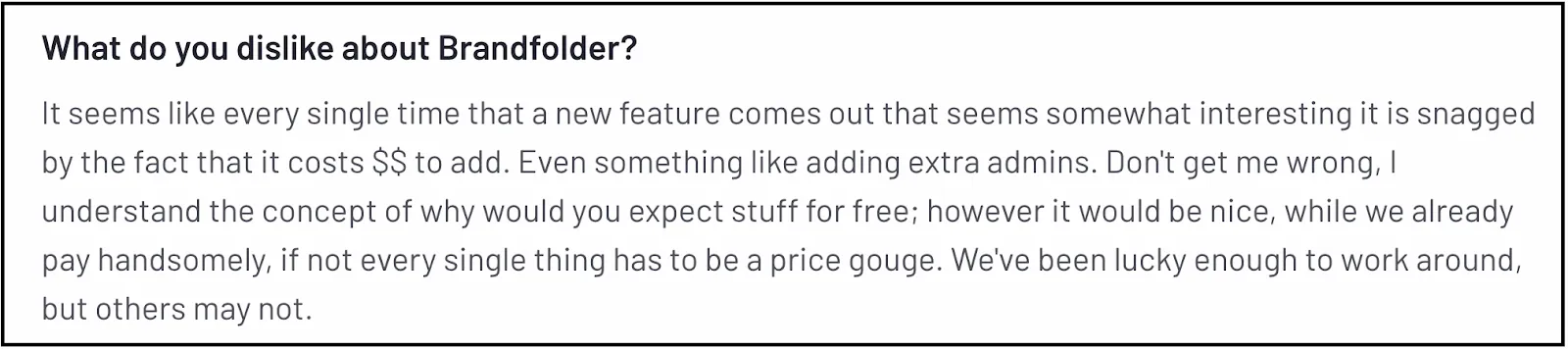
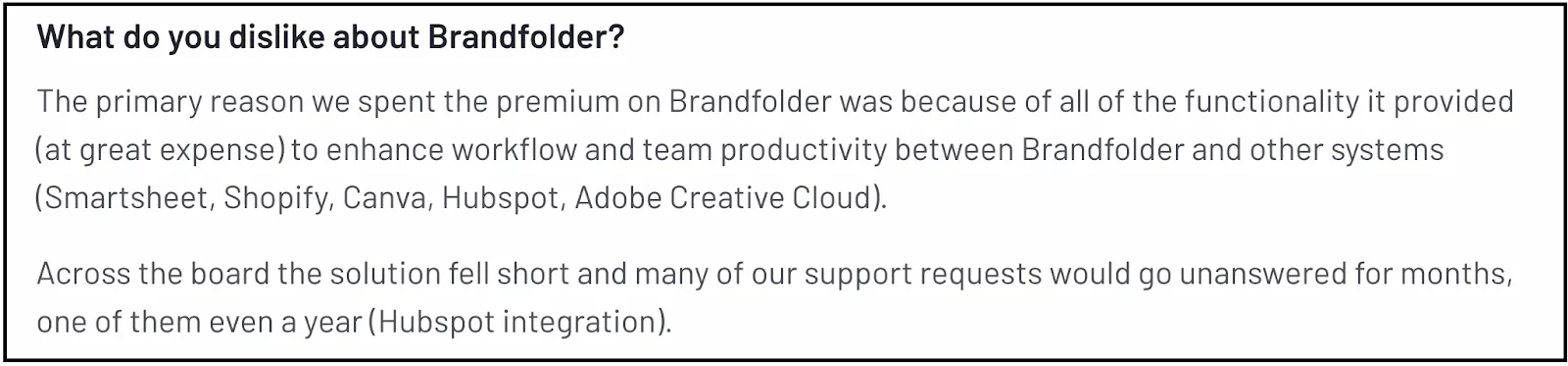
The useful question is not which platform has the longest feature list. It is whether your team can use the platform effectively and justify its full cost.
How we evaluated Brandfolder alternatives
We reviewed official vendor pages on August 20, 2026 and compared the information buyers should verify during evaluation:
- Published pricing or the vendor’s stated commercial model
- Asset discovery, metadata, and organization capabilities
- Roles, permissions, collaboration, and governance features
- Integrations with the systems your team actually uses
- Migration and implementation requirements
- Three-year total cost: subscription, implementation, storage, users, modules, support, credits, and renewal assumptions
This is a directional comparison, not a substitute for a proof of concept.
What to look for in a Brandfolder alternative
AI tagging and search
AI-generated metadata can reduce manual cataloging, but results should be tested with your product names, campaign language, colors, and internal taxonomy. Ask how the tool handles correction, governance, and future changes to your taxonomy.
Integrations that match real work
An integrations page is not proof that a workflow works for your team. Confirm the exact actions you need—for example, creating, approving, transforming, or distributing an asset—not just whether a logo appears on a page.
Collaboration and approvals
Test who can request changes, approve a version, see approval status, and prevent unapproved files from being shared. Use a real campaign workflow during the proof of concept.
Brand governance
Decide whether you need a basic asset library, living brand documentation, partner access, or controls that combine those needs. The right standard depends on your operating model.
Migration support
Ask how folders, tags, custom metadata, versions, comments, rights information, and public links will be handled. A fast import is not successful if the context that makes assets usable is lost.
Total cost of ownership
Model the first three years, not just the first invoice. Include implementation, storage, users, AI or usage credits, premium modules, support, training, and renewal terms.
1. BrandLife: a Brandfolder alternative for growing and multi-brand teams
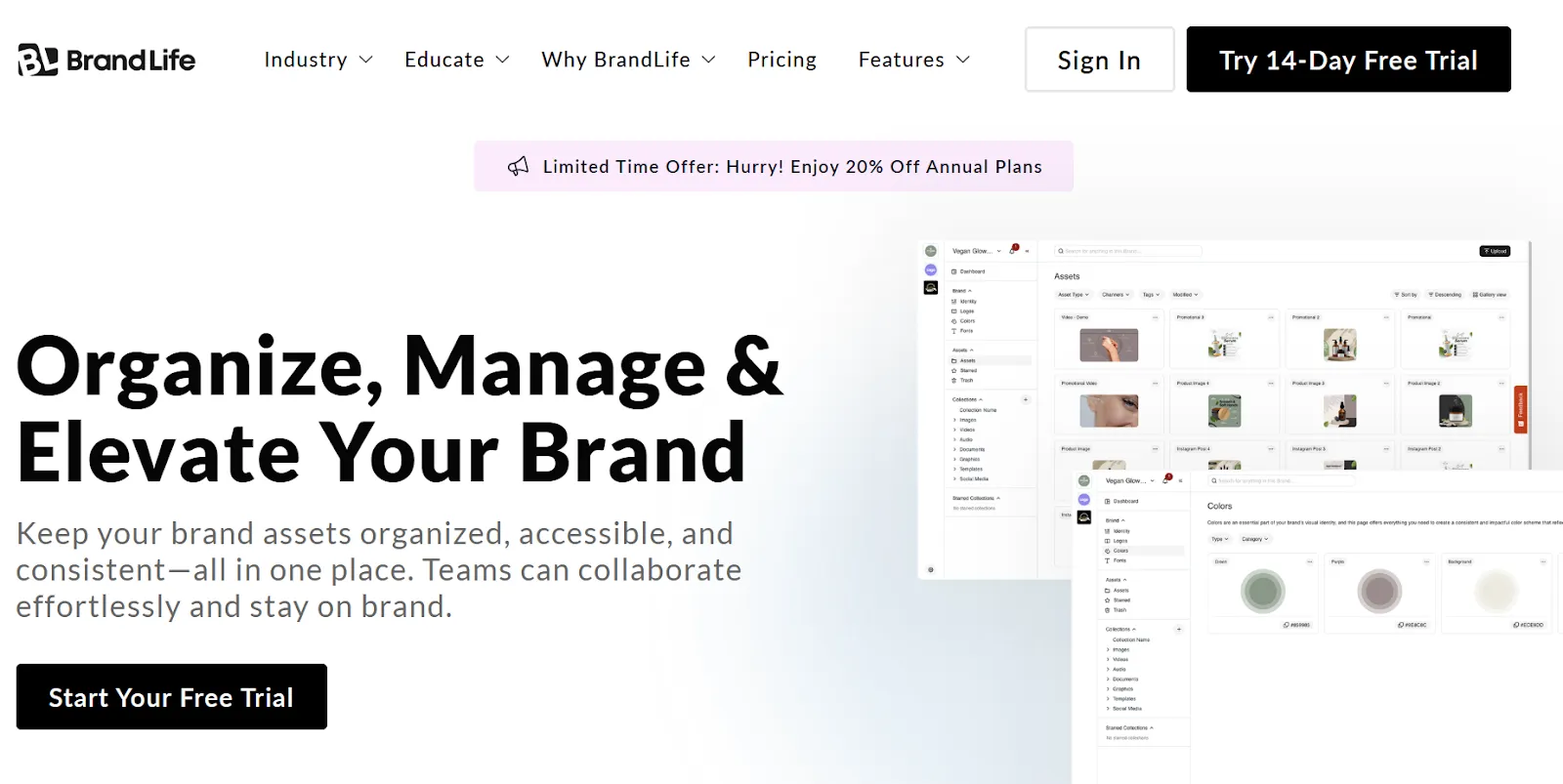
BrandLife combines DAM, brand guidelines, approvals, secure sharing, and separate workspaces for brands or clients.
Best for: growing brand teams, agencies, franchises, and multi-brand organizations that want to evaluate a $150/month Starter option.
Not ideal for: organizations that require extensive custom infrastructure or a large legacy-services ecosystem from day one.

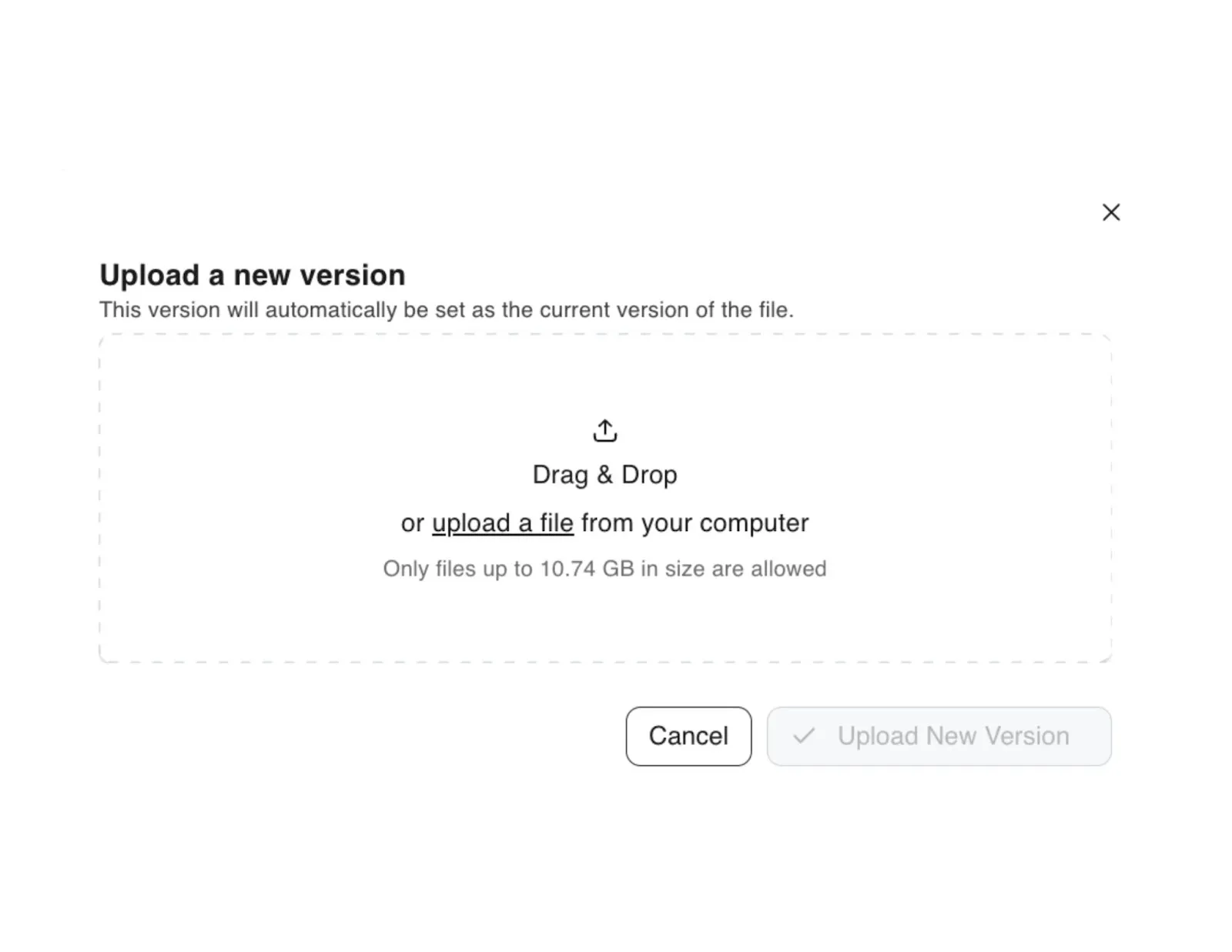
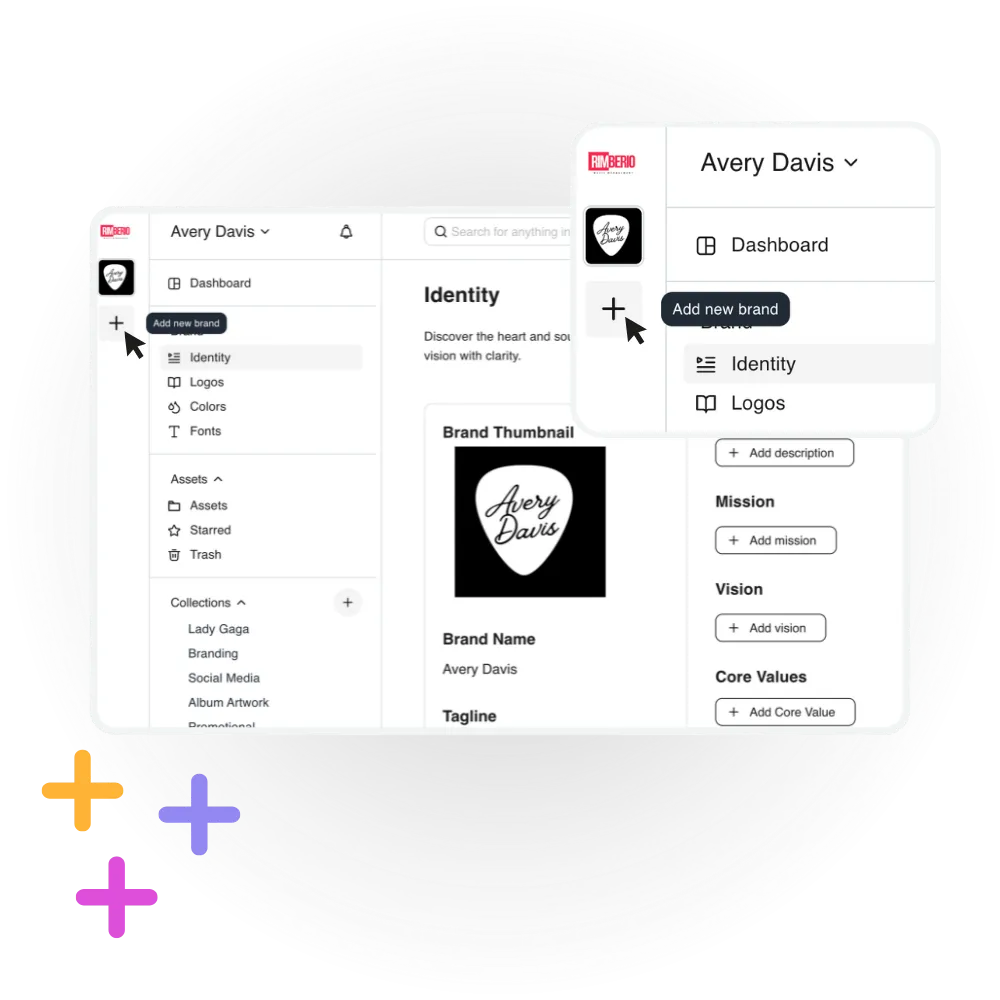
BrandLife Starter is $150 per month. Enterprise pricing is custom. Confirm users, storage, brands, AI credits, integrations, and any add-ons in the final scope.
2. Bynder: a custom-quote AI-powered DAM option

Bynder’s pricing page describes its offering as AI-powered DAM and directs buyers to get a custom quote. Official Bynder pricing page
Best for: teams that want to assess an AI-powered DAM through a tailored commercial proposal.
Not ideal for: buyers who need a public, self-serve price before beginning evaluation.
Ask Bynder to show the exact governance, portals, workflows, AI, migration, implementation, and support included in your quote.
3. Air: a published-plan option for creative operations
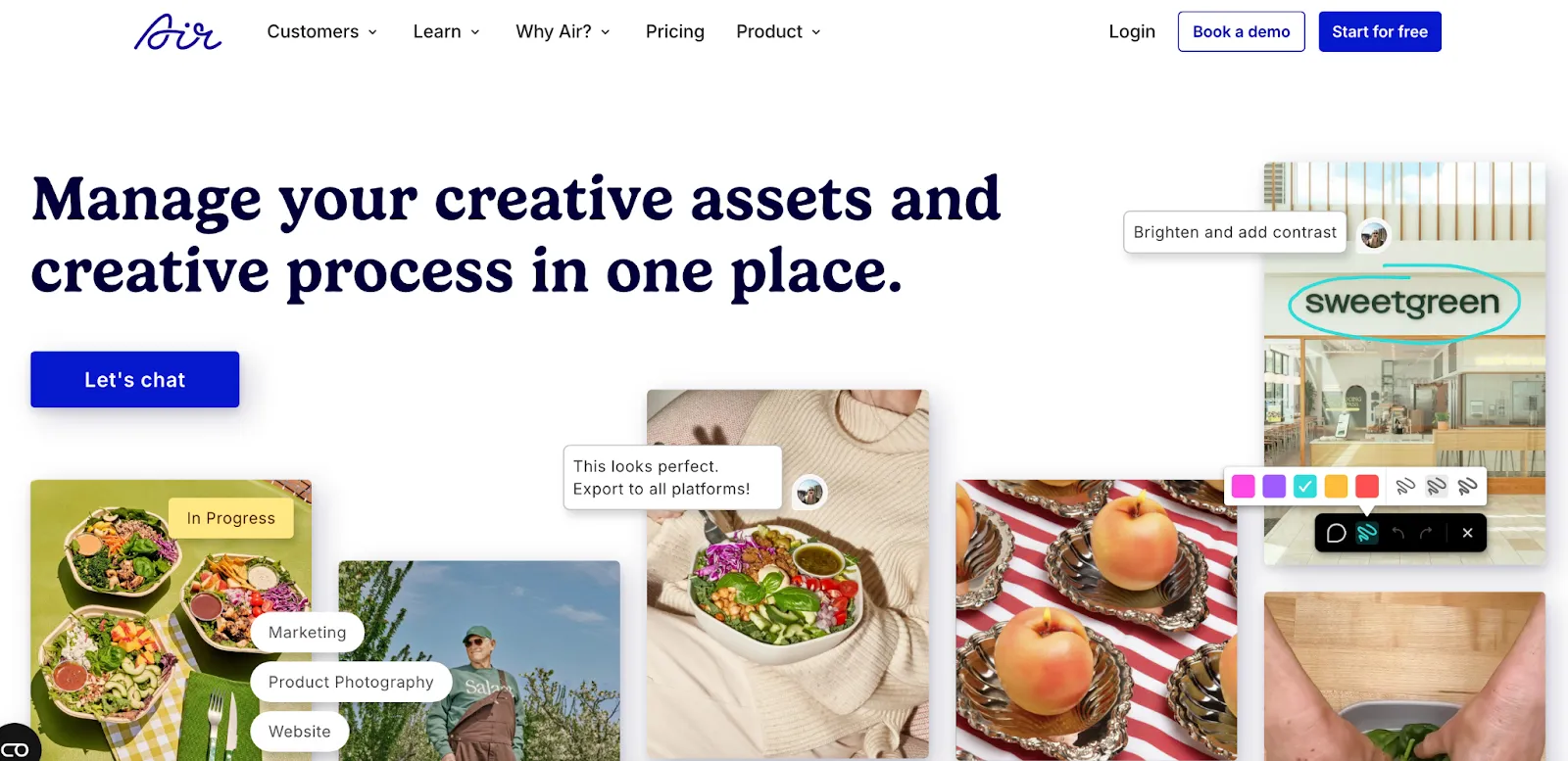
Air’s public pricing page lists a Business plan at $900 and describes advanced sharing permissions, comment-only collaborators, fast CDN delivery, public API access, n8n and Zapier integrations, and MCP server access. Official Air pricing page
Best for: teams comparing a published plan with sharing, collaboration, and API/integration capabilities.
Not ideal for: buyers who have not yet validated how the plan’s credits, permissions, migration, and support fit their library and operating model.
4. Frontify: DAM, guidelines, templates, and MAU-based pricing

Frontify’s pricing page lists Digital Asset Management, AI, Guidelines, Templates, Analytics, and Integrations. It says pricing is based on monthly active users (MAU). Official Frontify pricing page
Best for: teams assessing DAM alongside guidelines and template workflows.
Not ideal for: teams that cannot estimate likely monthly active usage or module scope before purchase.
Confirm how Frontify defines an active user, which modules are included, and how portal usage affects commercial scope.
5. Acquia DAM: enterprise DAM with centralized assets and workflow automation
Acquia describes Acquia DAM as an enterprise DAM platform for centralizing assets, automating workflows, and delivering on-brand content. Its official product page did not show a public price when reviewed. Official Acquia DAM page
Best for: enterprise teams assessing centralized DAM and workflow automation.
Not ideal for: buyers who require public package pricing before entering a sales process.
Request a written breakdown of implementation, migration, metadata design, connector, storage, and ongoing administration costs.
6. Canto: a custom-quote DAM for mid-sized and enterprise teams
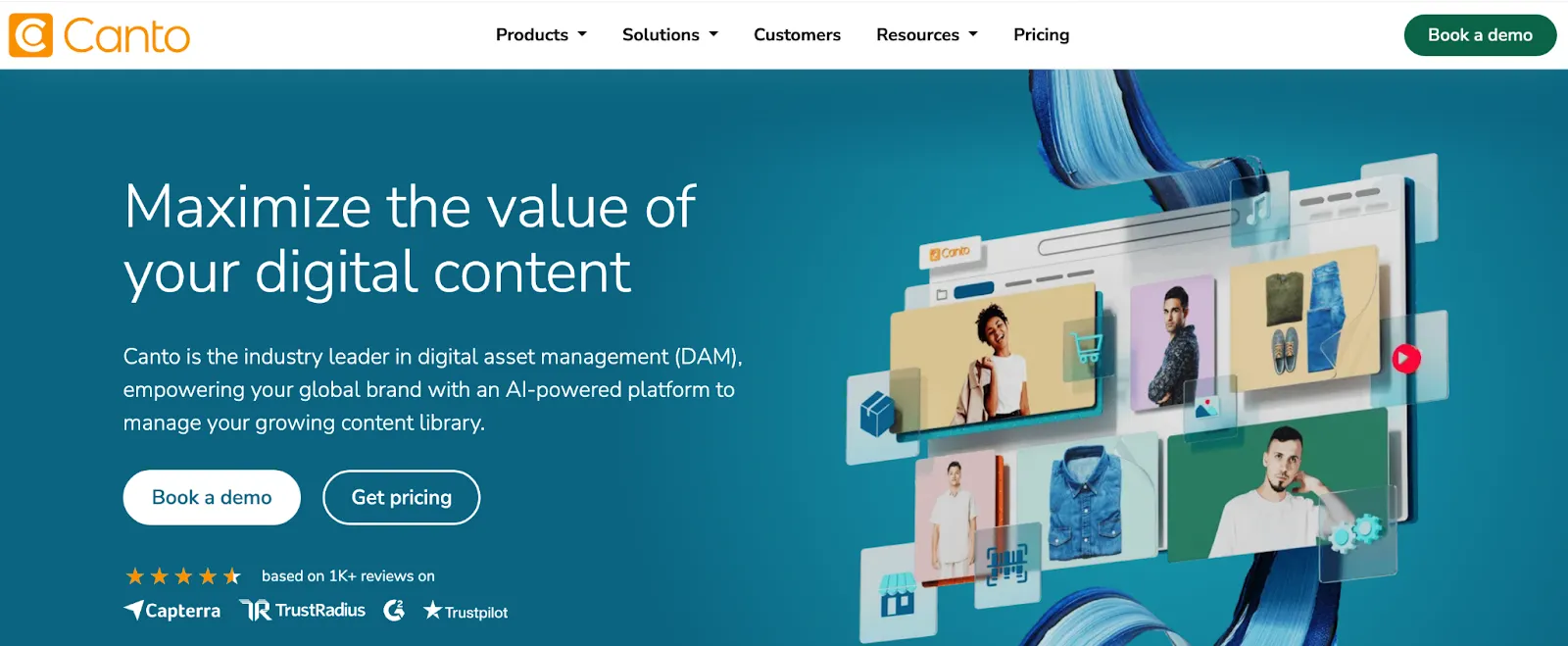
Canto’s pricing page says it offers DAM for mid-sized and enterprise teams to organize, manage, and distribute brand content and product information, and directs buyers to request a custom quote. Official Canto pricing page
Best for: mid-sized and enterprise teams evaluating a custom-quote DAM for organizing and distributing brand content.
Not ideal for: buyers seeking a published entry price.
Validate metadata, sharing, migration, support, and the exact commercial scope in the proposal.
7. Adobe Experience Manager Assets: Prime and Ultimate DAM packages
Adobe describes Adobe Experience Manager Assets as a DAM for discovering, managing, activating, delivering, and analyzing multimedia content. Its pricing page lists Prime and Ultimate packages, with capabilities including centralized asset management, AI-powered content intelligence, Creative Cloud and Experience Cloud connections, security and rights management, and content automation. Official Adobe Experience Manager Assets pricing page
Best for: teams that want to assess Adobe’s DAM packages and Adobe ecosystem connections.
Not ideal for: buyers who need a simple public entry price or who have not planned for implementation and ongoing operating resources.
Demonstrate the full asset path—from production to approval, transformation, and delivery—and include implementation, migration, development, training, administration, licenses, and storage in the total-cost model.
How to choose based on why you are leaving
If cost predictability is the issue
Start by comparing the commercial models, not just feature claims. BrandLife has an approved Starter price of $150/month; Air lists a public Business plan at $900; Bynder and Canto direct buyers to a custom quote; Frontify explains an MAU-based model; Acquia’s product page did not show a public price; Adobe lists Prime and Ultimate packages. Confirm the scope behind each option in writing.
If multi-brand separation is the issue
Test separate workspaces, access rules, portals, and cross-brand administration with two real brands or client accounts. Ask every vendor what must be configured, licensed, or managed separately.
If governance is the issue
Use your actual permissions, rights, approval, and audit requirements in the proof of concept. Avoid inferring governance depth from a generic feature page.
If creative review is the issue
Run an actual review cycle: upload a working file, collect feedback, create a new version, secure approval, and distribute the final asset to an external recipient.
Brandfolder migration checklist
Before changing systems, export and document:
- Original files and derivatives
- Folder or collection structure
- Tags and custom metadata
- Versions and approval status
- Usage rights and expiration dates
- User groups and permissions
- Public links and embedded assets
- Comments or audit history that must be retained
Then agree on acceptance criteria: asset counts match, required metadata transfers, permissions pass testing, and a representative sample can be found through search.
Questions to ask every vendor
- Which capabilities shown in the demo are included in our quote or plan?
- What is charged by user, active user, administrator, storage, brand, portal, AI credit, or module?
- What implementation work is required from our team and from the vendor?
- How will metadata, versions, comments, permissions, rights data, and public links migrate?
- What support response times are contractual?
- What are the renewal terms and expansion charges?
- How do we export all assets and metadata if we leave?
Final verdict
The best Brandfolder alternative is the one that matches your operating model and commercial constraints. BrandLife is worth evaluating for growing, agency, and multi-brand teams that want a $150/month Starter option. Air is worth evaluating where its published Business plan, sharing, and integration features fit. Bynder, Canto, Acquia DAM, Frontify, and Adobe Experience Manager Assets require a closer look at the commercial scope and implementation model described in a quote or sales process.
Make the final decision through a controlled proof of concept. Upload real assets, assign real users, and run the workflow that currently creates the most friction.