Table of content
Follow Us

Key Takeaways

  • Start with your problems, not features. Define what isn't working today before comparing DAM platforms.
  • Search and findability should be a priority. A DAM only creates value if your team can quickly find the right assets.
  • Evaluate AI based on practical value. Look for AI that improves tagging, metadata, search, organization, and repetitive workflows.
  • Think beyond today's needs. Consider future asset volume, users, integrations, brands, video, and overall scalability.
  • Calculate the true cost of ownership. Factor in storage, users, migration, implementation, integrations, support, and potential AI costs.
  • Test real-world workflows during demos. Ask vendors to demonstrate how your team would actually search, share, approve, and manage assets.
  • Plan for adoption. The most feature-rich DAM isn't necessarily the best one. The right DAM is one your organization will actually use.
  • Compare vendors consistently. Use the same requirements, questions, workflows, and scoring criteria for every platform.
  • Choose DAM as infrastructure, not just storage. In 2026, DAM should support your broader content operation, brand governance, workflows, and growth.
  • Choosing a Digital Asset Management system used to be relatively straightforward: find somewhere better to organize your images, videos, documents, and creative files.

    In 2026, the decision is much bigger.

    Organizations are creating more digital content, distributing it across more channels, working with more internal and external collaborators, and increasingly using AI throughout the content lifecycle.

    A modern Digital Asset Management (DAM) system needs to do more than store files. It should help your organization find the right content faster, control how assets are used, maintain brand consistency, streamline workflows, and scale as your content library grows.

    That also means comparing DAM platforms based solely on storage capacity or a long list of features can lead you toward the wrong solution.

    This guide walks you through how to choose a DAM system in 2026, which capabilities deserve the most attention, and the questions you should ask before making a decision.

    Choosing a DAM in 2026?

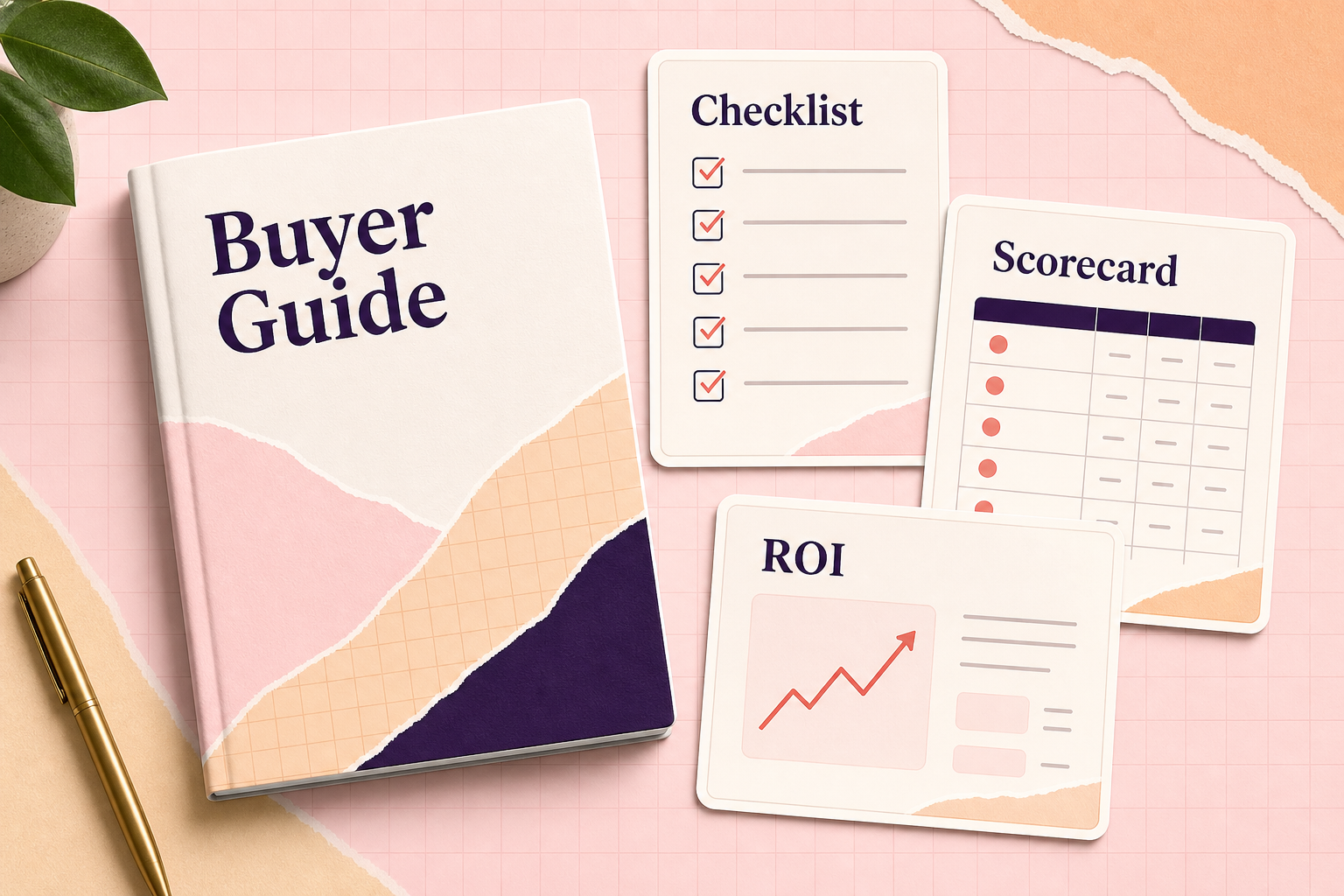
    Download the Complete Digital Asset Management Buyer's Guide 2026 for our DAM requirements checklist, vendor evaluation scorecard, ROI framework, demo questions, and more.

    [DOWNLOAD THE FREE DAM BUYER'S GUIDE]

    What Is a Digital Asset Management System?

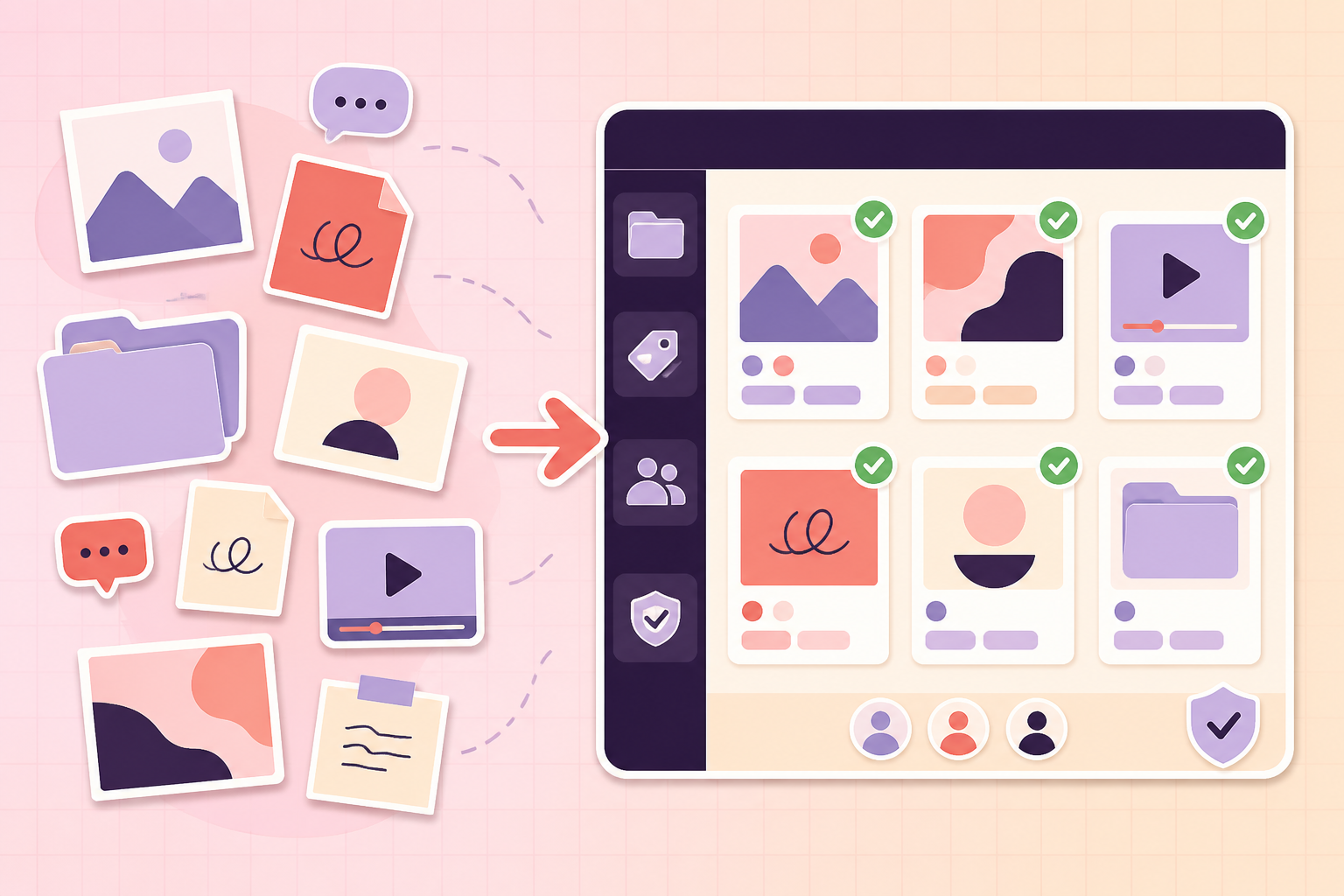
    A Digital Asset Management system, commonly called a DAM, is software that provides a centralized environment for storing, organizing, searching, managing, sharing, and controlling an organization's digital assets.

    Depending on the organization, those assets might include:

    • Images and photography
    • Videos
    • Logos and brand assets
    • Design files
    • Marketing collateral
    • Presentations
    • PDFs and documents
    • Social media content
    • Product imagery
    • Campaign creative
    • Brand guidelines
    • Audio files

    The important distinction is that a DAM isn't simply another place to put files.

    Cloud storage platforms can be great at answering:

    "Where did we put that file?"

    A good DAM should help your team answer more important questions:

    "Which asset is the correct one?"

    "Can I use it?"

    "Is this the latest version?"

    "Can I share this externally?"

    "What other assets belong to this campaign?"

    That distinction becomes increasingly important as your asset library, team, and organization grow.

    1. Start With Your Problems, Not a DAM Feature List

    Before scheduling a single demo, identify why your organization is considering DAM in the first place.

    This sounds obvious, but it is one of the easiest steps to skip.

    A vendor may show you hundreds of capabilities during a demo. Without clearly defined requirements, impressive features can quickly distract you from the problems you're actually trying to solve.

    Start by asking your team:

    What isn't working today?

    Your answers might include:

    • Employees can't find assets.
    • Files are scattered across multiple platforms.
    • People regularly use outdated creative.
    • Our folder structure has become impossible to manage.
    • Creative teams spend too much time responding to asset requests.
    • External partners don't have an easy way to access approved content.
    • Nobody knows which file is the final version.
    • We have thousands of poorly tagged assets.
    • Sharing large files is difficult.
    • Brand assets aren't centrally controlled.
    • Permissions are becoming complicated.
    • Our existing system can't scale with our content volume.

    Turn each problem into a requirement.

    For example:

    Problem: Employees can't find content.

    Requirement: Powerful search, filters, metadata, and AI-assisted discovery.

    Problem: Agencies repeatedly request logos and campaign assets.

    Requirement: Controlled external sharing or self-service brand portals.

    Problem: Employees use outdated creative.

    Requirement: Version control, approved asset management, and expiration controls.

    Your DAM requirements should ultimately trace back to real business problems.

    2. Determine Who Will Actually Use the DAM

    A DAM selected exclusively for the creative team may fail when marketing, sales, agencies, and other departments eventually need to use it.

    Think beyond the initial users.

    Potential DAM users could include:

    • Marketing
    • Creative
    • Brand
    • Sales
    • Communications
    • Product teams
    • Ecommerce
    • Agencies
    • Freelancers
    • Distributors
    • Partners
    • Leadership
    • Customers

    Consider both internal and external users.

    Then ask what each group needs to accomplish.

    A graphic designer may need Adobe integrations and version control.

    A salesperson may simply need to find the latest approved product brochure.

    An agency may need temporary access to campaign assets.

    A brand manager may need to control exactly which logos, imagery, and guidelines are available.

    The best DAM experience for each of those users may look very different.

    3. Evaluate Search and Findability

    If your team can't find what it needs, your DAM isn't doing its job.

    Search should therefore be one of the most important areas you evaluate.

    Modern DAM platforms can combine traditional keyword search with metadata, filters, taxonomy, smart tagging, and increasingly AI-assisted content discovery.

    When testing DAM search, don't let the vendor use only their perfectly organized demonstration library.

    Give them realistic scenarios.

    Ask:

    "Find every approved image from our spring campaign featuring this product."

    Or:

    "Find the final version of an asset when I don't know its filename."

    Evaluate capabilities such as:

    • Keyword search
    • Metadata search
    • Filters
    • Custom metadata fields
    • Taxonomy
    • Search by asset type
    • Saved searches
    • Full-text document search
    • AI-assisted search
    • Natural-language search
    • Automatic tagging
    • Visual recognition

    Also consider how much work is required before the search becomes useful.

    An impressive search interface can't compensate for an asset library with inconsistent metadata.

    Ask every DAM vendor:

    How well will search work with the assets and metadata we have today, not the perfectly organized library you're showing us?

    4. Look Closely at Metadata and Taxonomy

    Metadata is information attached to an asset that describes what the asset is.

    That could include:

    Campaign: Spring Launch
    Product: Product A
    Region: North America
    Asset Type: Lifestyle Photography
    Usage Rights: Paid Social
    Expiration: December 31, 2026

    Good metadata makes large libraries dramatically easier to navigate.

    When evaluating DAM software, look at:

    • Custom metadata fields
    • Required metadata
    • Controlled vocabularies
    • Bulk metadata editing
    • Automatic metadata generation
    • Taxonomy management
    • Metadata inheritance
    • AI-assisted tagging
    • Metadata governance

    Most importantly, determine whether the system can accommodate your organization's terminology rather than forcing your organization into a rigid structure.

    5. Evaluate AI Based on What It Actually Does

    Almost every technology platform talks about AI in 2026.

    That doesn't mean every AI feature will create meaningful value for your team.

    Instead of asking:

    "Does your DAM have AI?"

    Ask:

    "What work will your AI eliminate or improve for our organization?"

    Useful DAM applications may include:

    • Automatic tagging
    • Metadata generation
    • Image recognition
    • Natural-language search
    • Duplicate identification
    • Video transcription
    • Content summarization
    • Localization
    • Content recommendations
    • Automated asset organization

    Then dig deeper.

    Questions to ask about DAM AI

    How is our content used by your AI systems?

    Can AI functionality be disabled or controlled?

    Which AI models or providers are involved?

    Can administrators review AI-generated metadata?

    Does AI improve over time based on our organization?

    What additional costs are associated with AI features?

    How does AI fit into our organization's governance requirements?

    The goal isn't to buy the DAM with the most AI.

    It's to buy technology that meaningfully reduces repetitive work without introducing unnecessary complexity, cost, or governance concerns.

    6. Test Version Control and Asset Lifecycle Management

    Consider what happens after an asset enters your DAM.

    Assets change.

    They get updated, approved, replaced, licensed, restricted, and eventually archived.

    Your DAM should make those changes manageable.

    Look for capabilities such as:

    • Version history
    • Approved versions
    • Asset expiration
    • Archiving
    • Rights information
    • Usage restrictions
    • Licensing dates
    • Duplicate detection
    • Audit history

    Imagine your company updates its logo tomorrow.

    How easily could you replace the old version and ensure employees stop downloading outdated files?

    That scenario tells you more about a DAM than another hundred-item feature list.

    7. Evaluate Permissions and Governance

    Centralizing assets creates value only if the right people have the right level of access.

    Your DAM should allow administrators to control who can:

    • View assets
    • Download assets
    • Upload assets
    • Edit metadata
    • Approve content
    • Share externally
    • Manage users
    • Access specific brands or collections

    Organizations with multiple brands, agencies, regions, or departments should pay particular attention to permission structures.

    Ask vendors to demonstrate a realistic scenario.

    For example:

    "Show us how we would give an agency access to one campaign for 90 days without allowing them to see our entire asset library."

    If accomplishing that requires complicated workarounds, consider what managing hundreds of users will look like later.

    8. Consider Brand Management

    DAM and brand management increasingly overlap.

    If maintaining brand consistency is one of your goals, determine whether the platform can become a self-service destination for approved brand content.

    Look for:

    • Brand portals
    • Brand guidelines
    • Approved asset collections
    • Multiple-brand support
    • Templates
    • Public/private portals
    • Partner access
    • Controlled downloads

    The ideal outcome is simple:

    Instead of employees asking the marketing department:

    "Can you send me the latest logo?"

    they know exactly where to find it themselves.

    9. Examine Sharing and Collaboration

    Your digital assets probably don't stay inside the marketing department.

    They move between colleagues, agencies, partners, customers, vendors, and platforms.

    Evaluate how easily your DAM lets users share content.

    Look for:

    • Shareable links
    • Expiring links
    • Password protection
    • Download controls
    • External collections
    • Partner portals
    • Comments
    • Approvals
    • Notifications

    Pay particular attention to external users.

    A DAM that's easy for employees but frustrating for agencies and partners may simply move your existing bottleneck somewhere else.

    10. Identify the Integrations You Actually Need

    Your DAM shouldn't become another isolated content silo.

    Map the systems that digital assets already move through.

    That might include:

    • Adobe Creative Cloud
    • Microsoft 365
    • Google Workspace
    • Content management systems
    • Product information management systems
    • Project management tools
    • CRM platforms
    • Marketing automation
    • Ecommerce platforms
    • Social media tools
    • Creative software
    • APIs and internal systems

    Then categorize integrations as:

    Must have

    Nice to have

    Potential future requirement

    Don't choose a platform because it advertises hundreds of integrations.

    Choose one because it integrates effectively with the systems your organization actually uses.

    11. Evaluate Security Early

    Don't wait until you've chosen your preferred vendor to involve IT or security.

    Bring relevant stakeholders into the process early.

    Depending on your organization, considerations may include:

    • Role-based access
    • Single sign-on
    • Authentication
    • Encryption
    • Audit logs
    • Backups
    • Data residency
    • Compliance requirements
    • Permission management
    • Vendor security practices

    Security requirements can eliminate otherwise attractive platforms from consideration, so discovering those issues late can waste weeks of evaluation.

    12. Think About Migration Before You Buy

    Your assets already live somewhere.

    Maybe they're in:

    Google Drive.

    Dropbox.

    SharePoint.

    OneDrive.

    Servers.

    Hard drives.

    An existing DAM.

    Or, more realistically, all of the above.

    Ask prospective DAM vendors:

    • Who handles migration?
    • Are migration services included?
    • Can existing metadata be preserved?
    • How are duplicates identified?
    • What file types are supported?
    • Can folder structures be mapped?
    • What happens to version history?
    • Is bulk migration supported?
    • How long does migration typically take?
    • What preparation is required from our team?

    A great DAM with a terrible migration process can create months of unnecessary work.

    13. Calculate the True Cost of the DAM

    The advertised subscription price doesn't necessarily tell you what the platform will actually cost.

    Evaluate:

    Software subscription

    Users

    Storage

    Implementation

    Migration

    Integrations

    Training

    Support

    Additional AI or processing costs

    =

    Your Real DAM Cost

    Then model how that cost changes over three years.

    Ask:

    What happens when we double our asset library?

    What happens when 100 more employees need access?

    What happens when video becomes a larger part of our content strategy?

    Which capabilities cost extra?

    A DAM that looks inexpensive today can become significantly more expensive as usage grows.

    14. Build the Business Case for DAM

    DAM ROI isn't only about replacing a Dropbox subscription.

    Consider how much your organization currently spends on inefficiency.

    Time spent searching for assets

    How many employees search for content every week?

    How much time do they spend doing it?

    Recreated assets

    How frequently does someone recreate content because they couldn't find the original?

    Creative requests

    How much time does your creative department spend sending files to other teams?

    Incorrect content

    What happens when an outdated logo, expired image, or incorrect campaign asset gets published?

    Technology consolidation

    Could your DAM replace other storage, transfer, portal, or asset-sharing tools?

    Speed to market

    Could easier asset discovery and approval help campaigns launch faster?

    The strongest DAM business case connects technology investment to measurable organizational outcomes.

    15. Consider Ease of Use and Adoption

    A DAM can have incredible technology and still fail.

    Why?

    Because nobody uses it.

    During demos, pay attention to how many steps ordinary tasks require.

    Ask someone who isn't involved in the buying process to test the system.

    Can they:

    • Find an asset?
    • Upload content?
    • Share a collection?
    • Identify the approved version?
    • Download the right format?

    without extensive training?

    If basic tasks aren't intuitive during a controlled demonstration, they probably won't become easier after implementation.

    16. Evaluate Scalability, Not Just Today's Requirements

    You aren't only choosing a DAM for your current asset library.

    Consider what your content operation could look like three to five years from now.

    Think about:

    • Asset growth
    • Video growth
    • New brands
    • New markets
    • More users
    • Additional agencies
    • AI-generated content
    • New channels
    • Increased metadata
    • New integrations

    Ask each vendor:

    "If our asset volume triples over the next three years, what changes?"

    The answer should cover both technical scalability and pricing.

    17. Create a DAM Vendor Scorecard

    Once you've established your requirements, evaluate every vendor using the same criteria.

    For example:

    Evaluation CategorySuggested WeightEase of Use15%Search & Findability15%Metadata & Organization10%AI Capabilities10%Brand Management10%Sharing & Collaboration10%Integrations10%Security & Governance10%Implementation & Migration5%Price & Overall Value5%

    Adjust the weighting based on your organization's priorities.

    This prevents the vendor with the most impressive presentation from automatically becoming the winner.

    18. Ask Vendors to Demonstrate Your Workflows

    One of the best ways to compare DAM platforms is to give each vendor the same scenarios.

    Instead of:

    "Can you show us your search functionality?"

    ask:

    "A salesperson needs an approved product image for a presentation but doesn't know its filename. Show us exactly how they would find it."

    Instead of:

    "Do you support external sharing?"

    ask:

    "Our agency needs access to approved campaign assets for the next 60 days. Show us how we'd set that up."

    Real workflows expose friction that feature checklists can't.

    19. Watch for DAM Buying Red Flags

    Be cautious when:

    • Pricing is difficult to understand.
    • Important features require unexpected add-ons.
    • Search works only when assets are perfectly tagged.
    • AI capabilities can't be clearly explained.
    • Migration responsibilities are vague.
    • External sharing is overly complicated.
    • Ordinary tasks require extensive training.
    • The pricing model becomes dramatically more expensive as your library grows.
    • The vendor can't demonstrate your specific workflows.
    • Your team likes the features but dislikes actually using the product.

    Remember:

    The best DAM isn't necessarily the platform with the longest feature list.

    It's the platform your organization will actually use.

    20. Make Your Final DAM Decision

    Before signing a contract, make sure you can confidently answer:

    • What problems are we solving?
    • Who will use the DAM?
    • What are our must-have requirements?
    • How will our assets be migrated?
    • How will employees find content?
    • How will permissions work?
    • What AI capabilities will we actually use?
    • Which integrations are required?
    • How will the DAM scale?
    • What will it cost over three years?
    • How will we measure ROI?
    • What does implementation involve?
    • Who will own DAM governance internally?
    • Will employees actually use it?

    If those answers aren't clear, you're probably not ready to make the final decision.

    Choosing the Right DAM in 2026

    The role of Digital Asset Management is changing.

    DAM is no longer simply a creative library sitting at the edge of the organization. As rich media spreads across marketing, sales, ecommerce, product experiences, partner channels, and other areas of the business, organizations need infrastructure capable of making that content accessible, controlled, and useful.

    AI makes that opportunity even bigger, but it also creates new questions around governance, cost, metadata, and scalability.

    That's why the right DAM decision shouldn't begin with:

    "Which platform has the most features?"

    It should begin with:

    "What does our organization need its content to do?"

    Define your problems.

    Understand your users.

    Build your requirements.

    Test real workflows.

    Compare vendors consistently.

    Calculate the total cost.

    And choose the platform that makes managing your digital assets simpler, not more complicated.

    Take the Next Step: Download the 2026 DAM Buyer's Guide

    If you're researching or comparing Digital Asset Management systems, we've created a resource to make the process easier.

    The Complete Digital Asset Management Buyer's Guide 2026

    Inside, you'll get:

    • DAM requirements checklist
    • Feature evaluation framework
    • AI capabilities checklist
    • Integration planning worksheet
    • DAM ROI framework
    • Vendor evaluation scorecard
    • Questions to ask during DAM demos
    • Common buying red flags
    • Final DAM decision checklist

    [DOWNLOAD THE FREE 2026 DAM BUYER'S GUIDE]

    Get the framework you need to evaluate your options, compare vendors, and choose the right Digital Asset Management system for your organization.

    Frequently Asked Questions

    What should I look for in a Digital Asset Management system?

    Look beyond basic storage. Important DAM capabilities include search and findability, metadata management, version control, permissions, rights management, sharing, integrations, security, scalability, and ease of use. AI-assisted tagging and search are increasingly important, but they should be evaluated based on the practical value they create for your organization.

    How do I choose the best DAM software?

    Start by documenting the problems you're trying to solve and turning them into requirements. Then evaluate multiple DAM platforms against the same criteria and ask each vendor to demonstrate realistic workflows using your use cases.

    What is the difference between DAM and cloud storage?

    Cloud storage primarily provides a place to store and share files. Digital Asset Management adds capabilities designed to manage the content itself, including metadata, advanced search, version control, permissions, rights management, brand management, workflows, and controlled distribution.

    Does my company need a DAM?

    You may be ready for DAM if employees regularly struggle to find assets, content is scattered across multiple systems, outdated files are being used, creative teams receive constant asset requests, or your current file structure no longer scales effectively.

    How much does Digital Asset Management software cost?

    DAM pricing varies considerably based on users, storage, features, implementation, migration, support, and integrations. When comparing vendors, calculate total ownership costs rather than comparing subscription prices alone.

    Is AI important when choosing a DAM in 2026?

    AI can make DAM significantly more useful through capabilities such as automatic tagging, metadata generation, image recognition, transcription, and natural-language search. However, organizations should also evaluate how AI is governed, how company data is handled, what the functionality costs, and whether it solves meaningful workflow problems.