Key Takeaways
- The best DAM is the one your team will actually adopt. Search, permissions, workflow fit, migration effort, and total cost matter more than the longest feature list.
- BrandLife is a practical option for growing and multi-brand teams that want transparent entry pricing, separate brand workspaces, AI tagging, and living brand guidelines.
- Enterprise platforms can offer deeper governance or broader ecosystems, but buyers should budget for implementation, training, storage, support, and paid modules.
- Shortlist three tools, test them with your real assets, and score the same workflow in each platform before signing a contract.
Your creative lead should not spend 45 minutes searching for a campaign image, only to discover it is the wrong version.
Digital asset management software gives marketing and creative teams one controlled place to store, find, approve, and distribute brand assets. The strongest platforms also manage metadata, usage rights, versions, portals, and integrations.
This guide compares 15 DAM tools through a buyer-focused lens. It covers team fit, search, governance, implementation, pricing model, and likely trade-offs.
Quick comparison of the best DAM software
Pricing and packaging change. Confirm every vendor quote, included feature, storage allowance, and implementation charge directly before publication or purchase. BrandLife pricing reflects the approved 2026 offer.
What is digital asset management software?
Digital asset management software stores, organizes, retrieves, governs, and distributes files from a central library. Those files can include product photography, video, logos, templates, campaign creative, sales material, and brand guidelines.
A DAM differs from a shared drive because it adds structured metadata, version control, permissions, approval workflows, and controlled distribution. Those controls help teams find the right asset and understand whether they can use it.

BrandLife’s Slack integration supports real-time updates and notifications.
1. BrandLife: best for growing and multi-brand teams
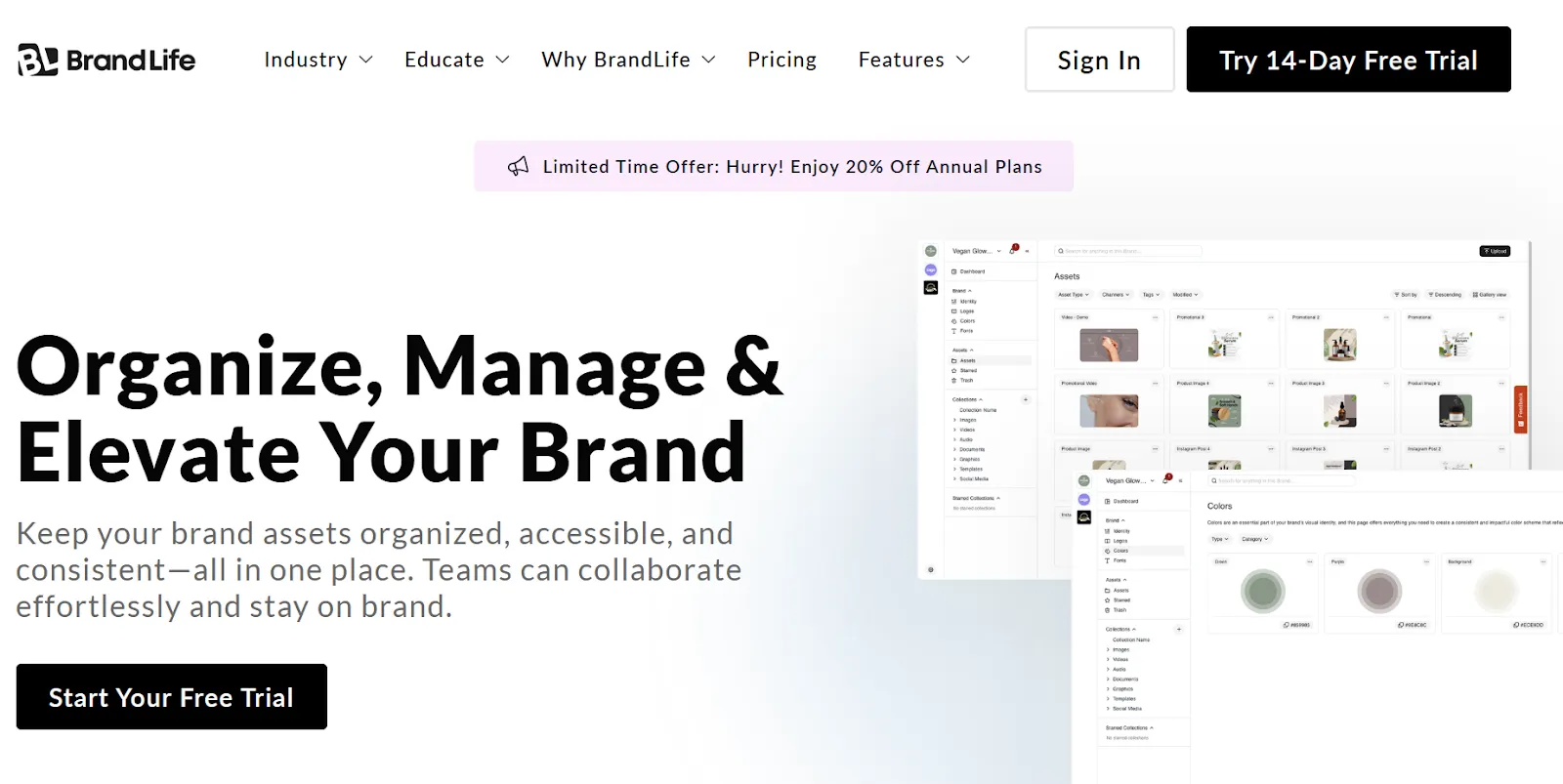
BrandLife’s home page.
BrandLife combines digital asset management with living brand guidelines, secure sharing, approvals, and separate workspaces for each brand or client.
What stands out
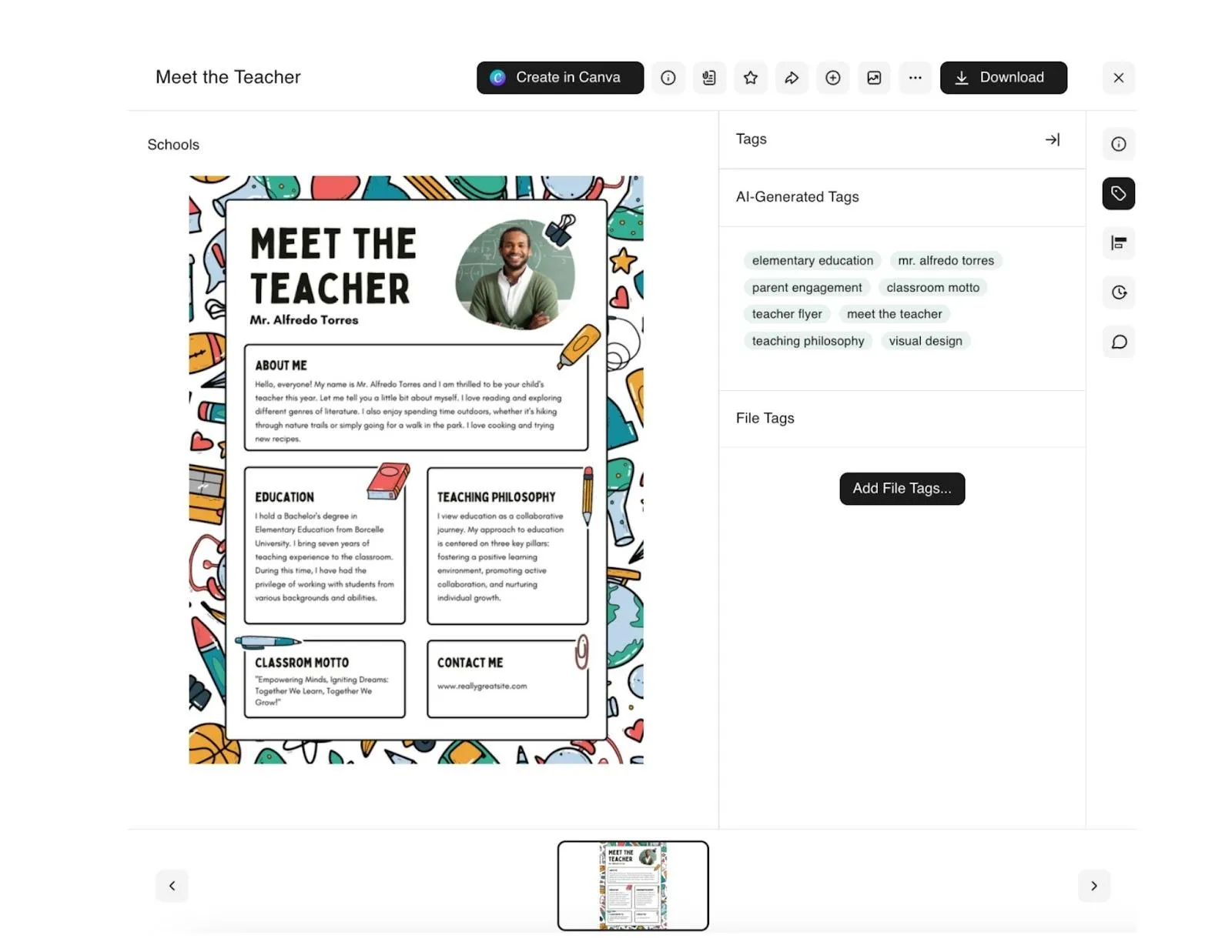
BrandLife’s AI-generated tags help teams organize and retrieve assets.

BrandLife’s brand portal gives teams and partners controlled access to approved assets.
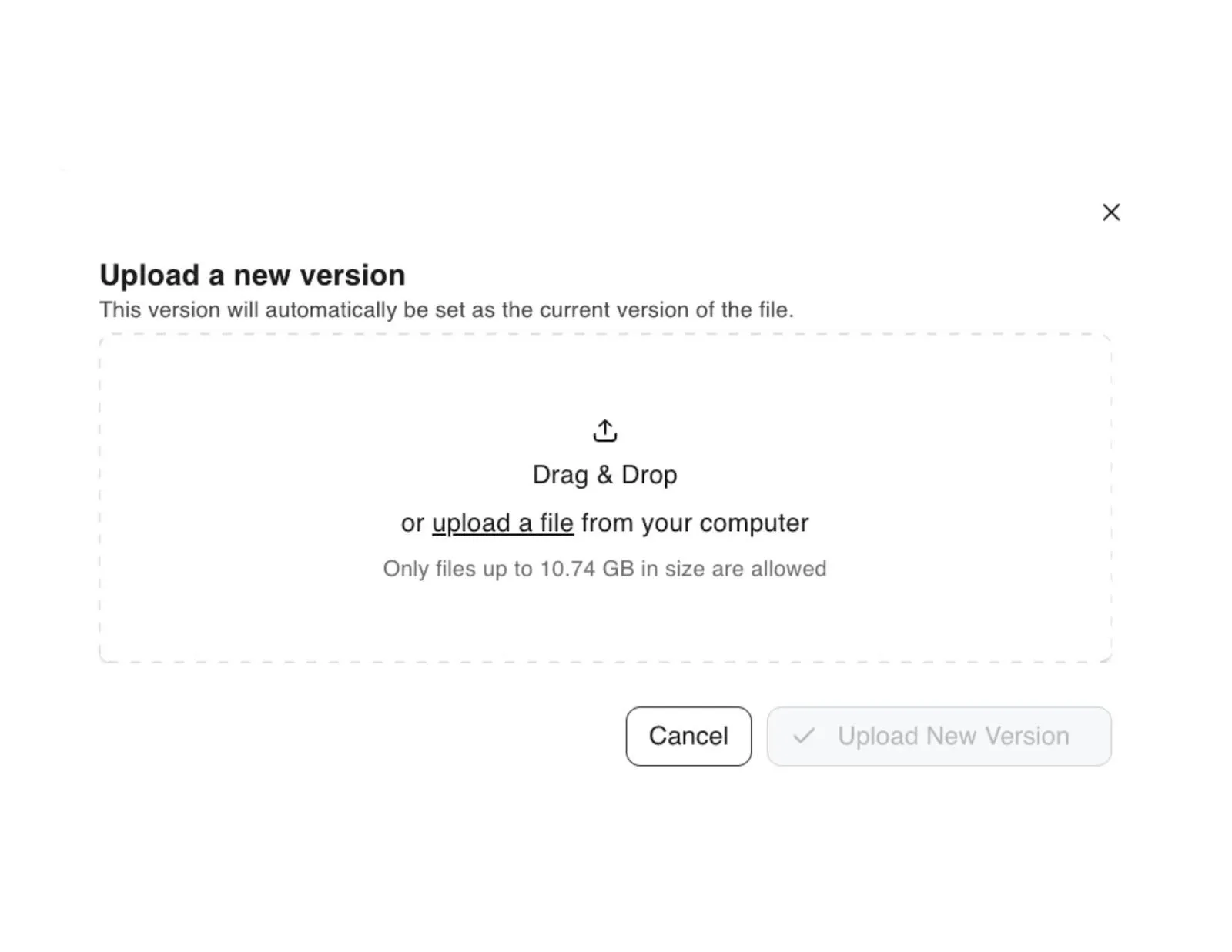
BrandLife version control helps teams manage updates without losing prior files.
Pricing and TCO
The Starter plan is $150 per month for one user, one brand, 1GB of storage, core DAM features, AI tagging, guidelines, and listed integrations. Enterprise pricing is custom and includes unlimited users, unlimited brands, custom storage, advanced security, dedicated support, and custom integrations.
Buyers should also scope extra users, storage, brands, AI credits, and marketplace add-ons such as visual search, SSO, watermarking, or custom roles.
2. Bynder: best for global brand operations
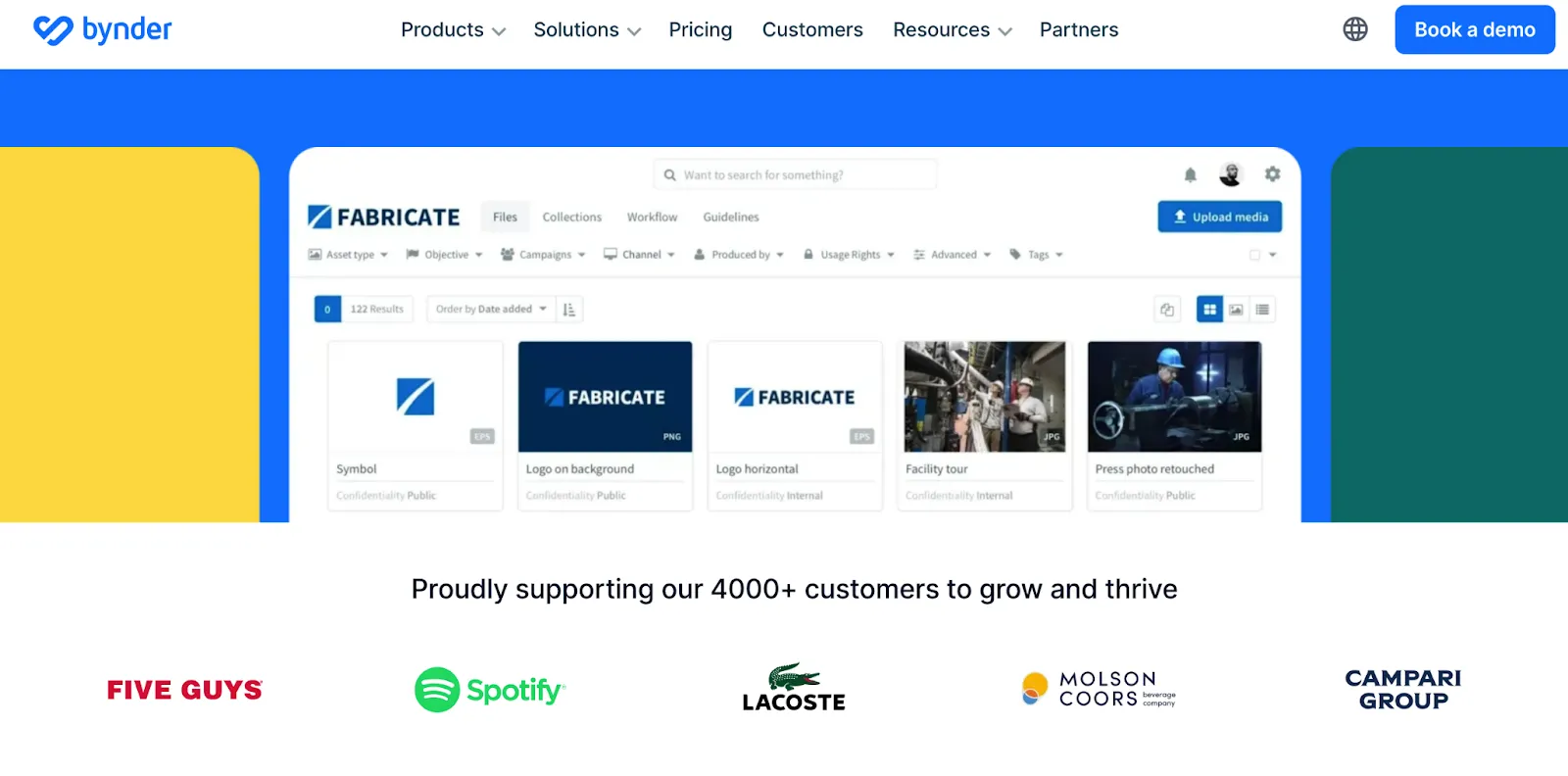
Bynder is suited to organizations that need structured brand portals, workflow controls, and governance across regions.
Before buying, confirm which workflow, portal, creative automation, and integration capabilities are included in the quoted package.
3. Brandfolder: best for enterprise asset intelligence
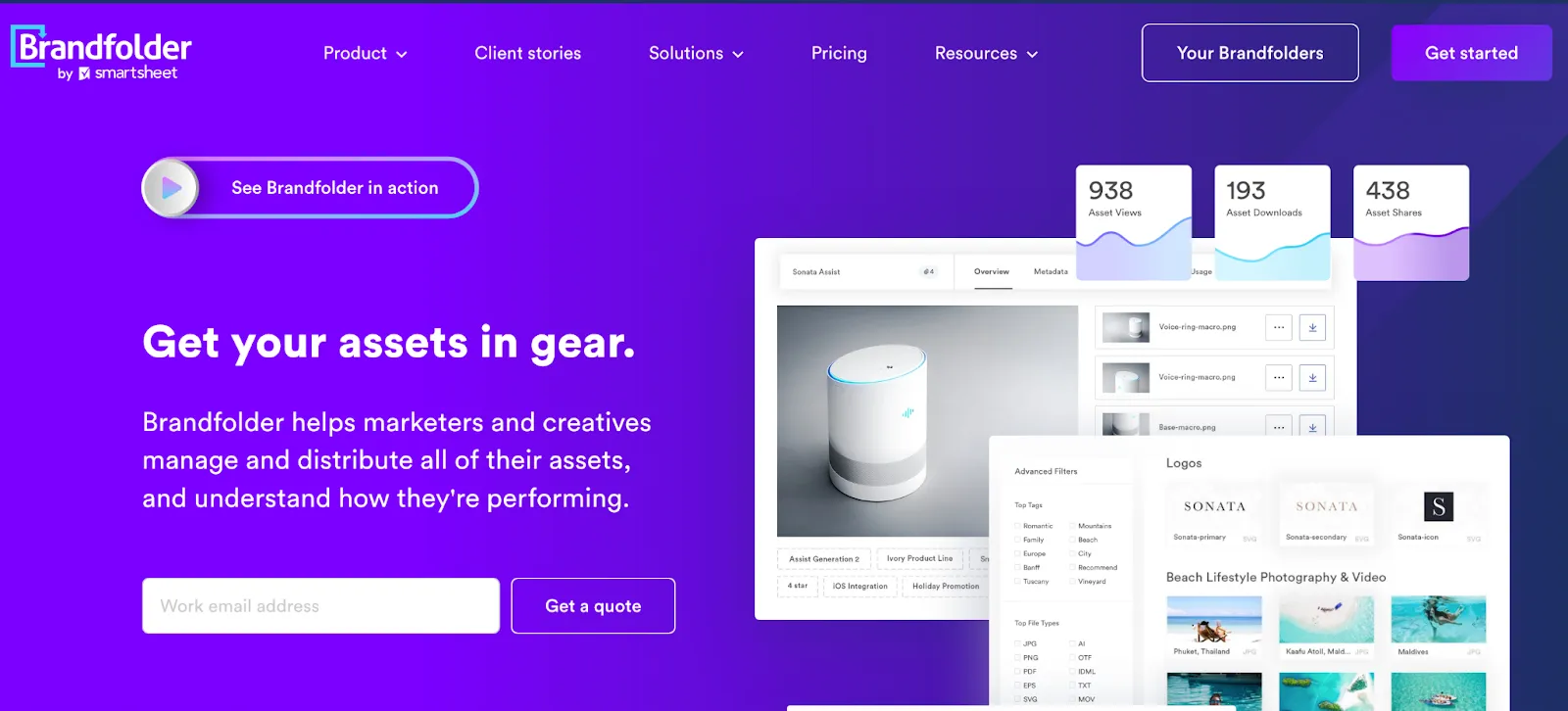
Brandfolder supports search, sharing, permissions, and asset analytics for enterprise marketing teams.
Ask how seats, storage, support, onboarding, and optional modules affect the first-year and renewal totals.
4. Canto: best for mid-market creative collaboration
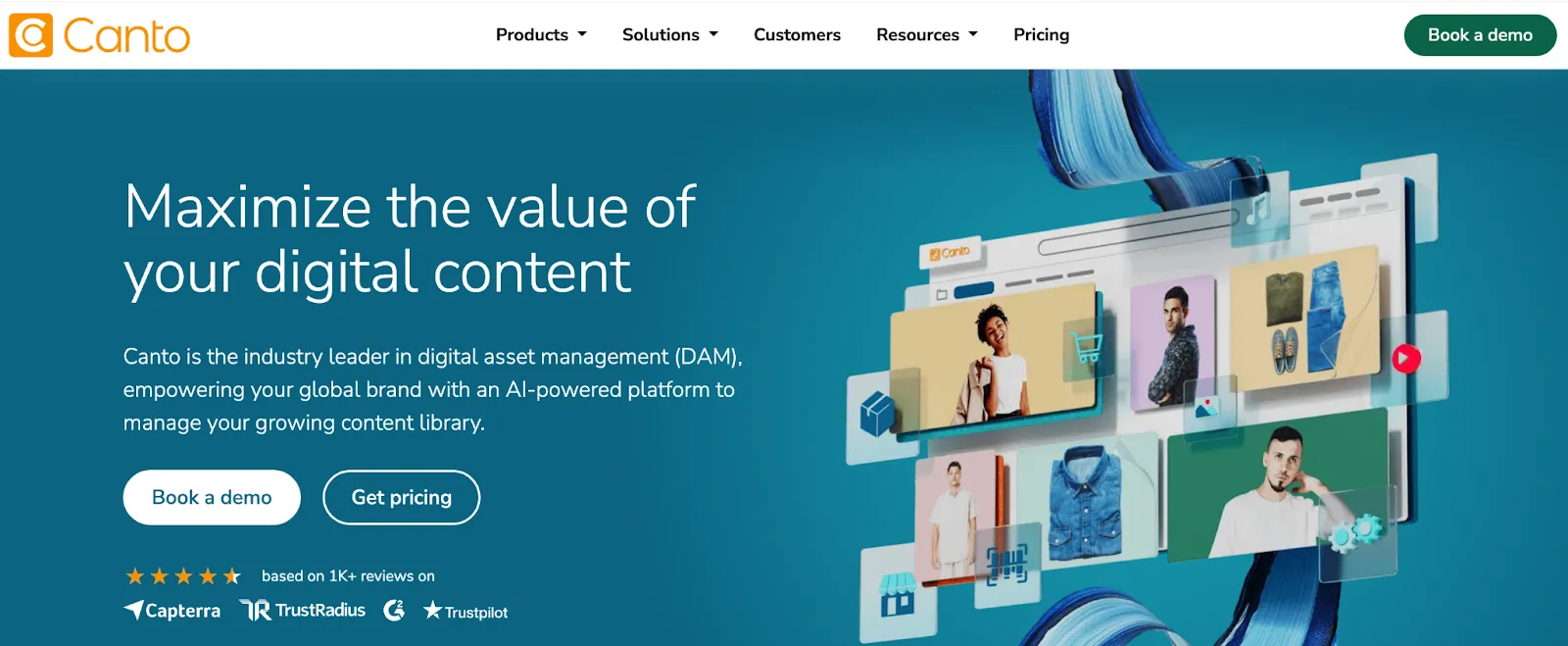
Canto focuses on visual asset organization, sharing, portals, and collaboration.
Test taxonomy management, duplicate handling, video workflows, and guest access with a real asset sample.
5. Frontify: best for living brand guidelines

Frontify connects brand guidelines, assets, portals, and collaboration.
During evaluation, compare guideline maintenance, portal permissions, asset search, and the cost of additional modules.
6. MediaValet: best for distributed and video-heavy teams
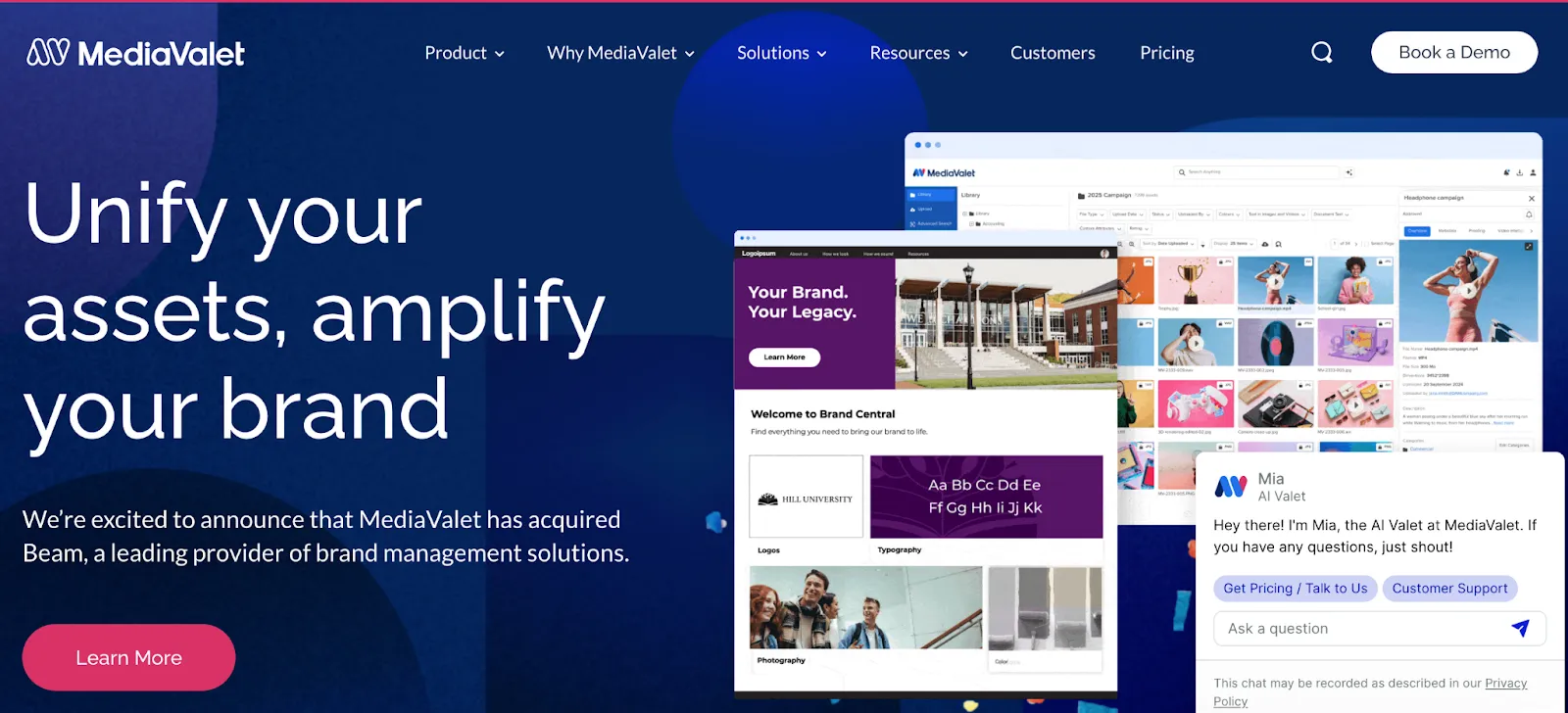
MediaValet is positioned for organizations with large libraries, distributed users, and rich-media needs.
Use a proof of concept to test large-file previews, upload speed, transcoding, permissions, and search quality.
7. Acquia DAM: best for Acquia-centered organizations
Acquia DAM supports structured asset management and distribution within a broader digital experience ecosystem.
Confirm connector scope, migration services, metadata design, and ongoing administration requirements.
8. Aprimo: best for complex marketing operations
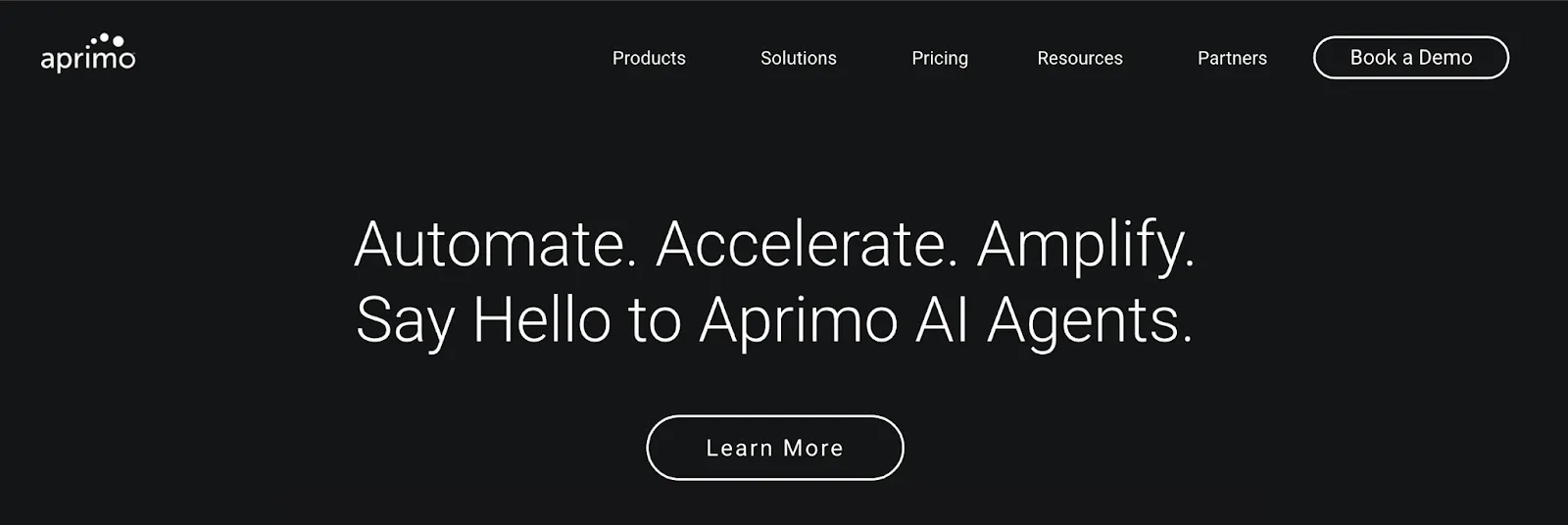
Aprimo combines DAM capabilities with broader marketing operations and workflow management.
Map your real approval chain before the demo. Complexity only creates value when it matches a genuine process.
9. Adobe Experience Manager Assets: best for Adobe enterprises
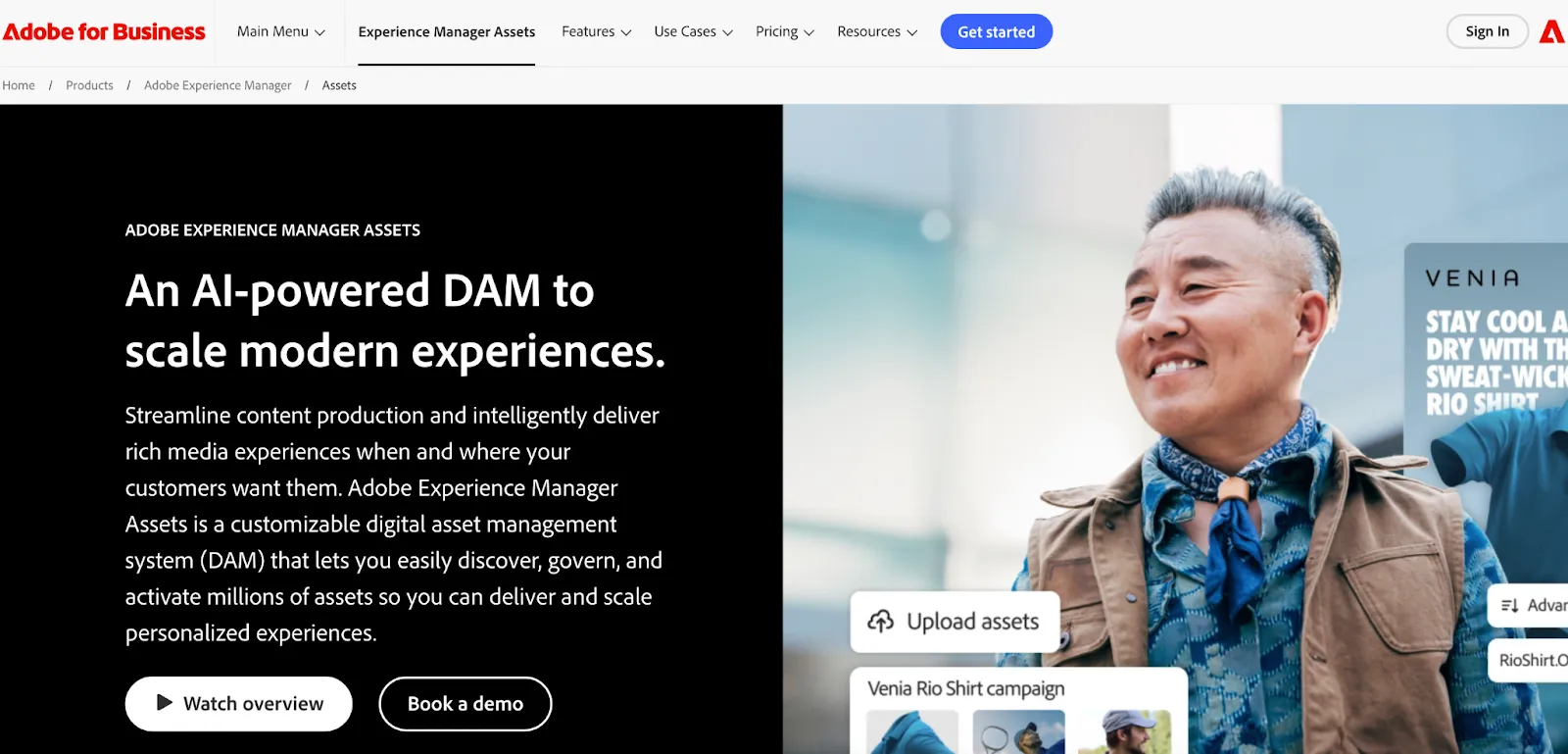
AEM Assets fits companies already committed to Adobe’s experience and creative ecosystem.
Budget beyond licensing. Include implementation partners, development, migration, training, and ongoing administration.
10. Cloudinary: best for developer-led media delivery
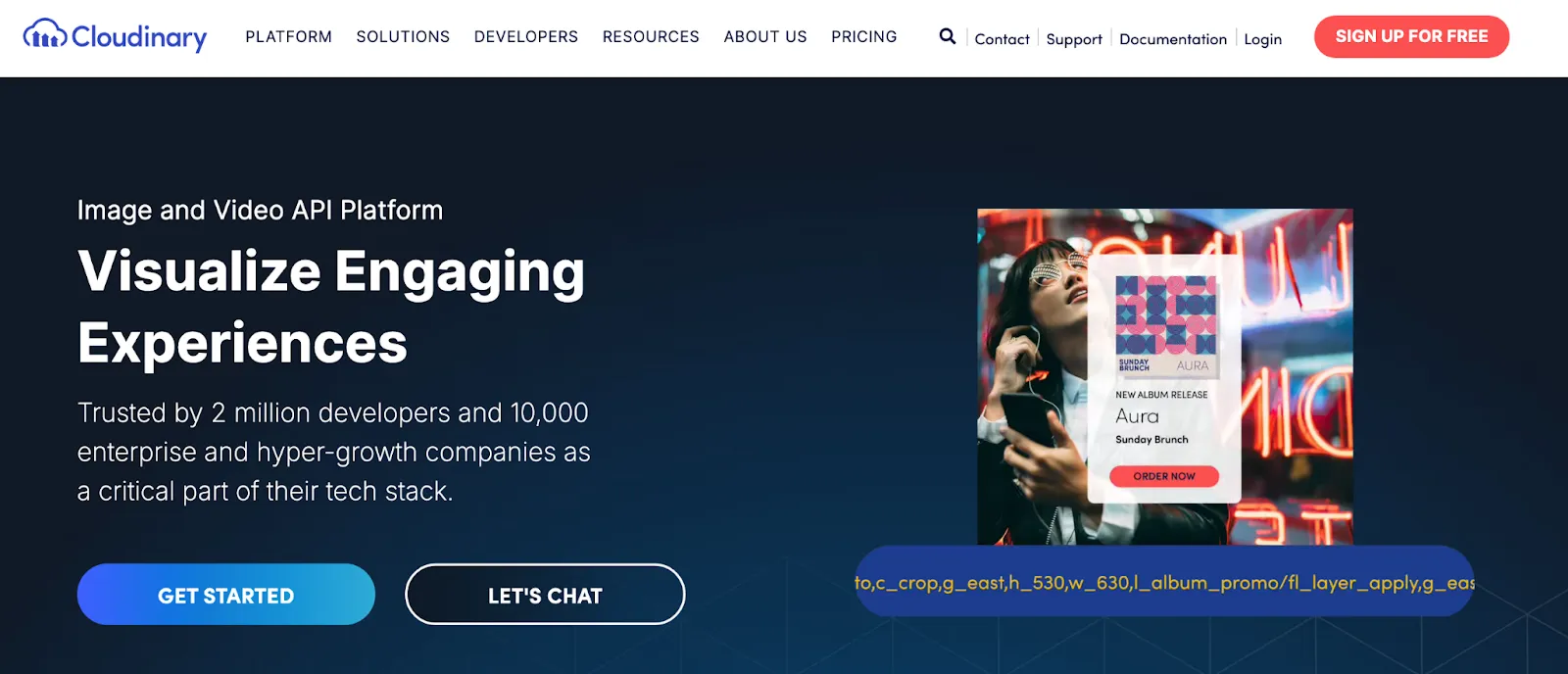
Cloudinary is strongest when teams need programmatic image and video transformation, optimization, and delivery.
Model usage-based costs with realistic traffic and transformation volumes rather than a small test account.
11. Air: best for visual review workflows
Air centers visual assets and creative collaboration in a board-style environment.
Test approvals, version history, external sharing, and library performance at your expected scale.
12. Filecamp: best for smaller budgets
Filecamp offers asset storage, sharing, labels, and access controls in a simpler package.
Check storage, branding, user rules, and support terms across the available plans.
13. Pics.io: best for a lighter DAM approach
Pics.io supports metadata, search, versions, and collaboration, including workflows connected to existing storage patterns.
Test migration behavior, metadata mapping, previews, and permissions with representative files.
14. IntelligenceBank: best for compliance-led marketing
IntelligenceBank combines DAM with approvals, brand governance, and marketing compliance workflows.
Ask the vendor to demonstrate your exact review process rather than a generic feature tour.
15. Lingo: best for brand kits and portals
Lingo connects brand guidance with downloadable assets in visual, shareable experiences.
Evaluate bulk administration, metadata depth, permissions, and integrations alongside the visual experience.
How to choose the right DAM
Choose by team type
Run one real workflow in every finalist
Upload 100 representative assets. Include large video, duplicate files, expired creative, and assets with incomplete metadata.
Then ask a marketer who did not upload the files to:
Score the result, not the demo script.
What DAM software really costs
The subscription is only one line in the budget. Calculate total cost of ownership across:
A lower license can still become expensive if the team needs months of implementation. A higher quote can be justified when it replaces several tools and removes manual work. Compare the full three-year cost against the same agreed scope.
Migration checklist
Before signing, confirm:
Final verdict
There is no universal best DAM. BrandLife is a strong starting point for growing and multi-brand teams that want practical controls and transparent Starter pricing. Bynder, Brandfolder, Aprimo, and AEM Assets fit more complex enterprise programs. Cloudinary serves a more technical media-delivery need.
Shortlist by operating model, then test each platform with the same assets and workflow. The right choice should make approved content easier to find, safer to share, and less expensive to manage.
See how BrandLife’s DAM platform for modern brand teams handles search, brand guidelines, version control, and secure sharing
Frequently asked questions
What is the best digital asset management software?
The best DAM depends on team size, governance needs, integrations, implementation capacity, and total cost. Growing multi-brand teams may favor BrandLife, while large enterprises may need a platform with deeper configuration and services.
How much does DAM software cost?
DAM pricing ranges from published monthly plans to custom enterprise contracts. Include implementation, migration, storage, users, support, add-ons, and renewal terms when comparing cost.
What is the difference between DAM and cloud storage?
Cloud storage keeps files. A DAM adds metadata, search, versions, permissions, approvals, usage controls, and distribution tools designed for brand and marketing assets.
How long does a DAM implementation take?
It depends on asset volume, metadata quality, integrations, permissions, and governance. A small team can move faster, while a global rollout may require a phased migration and formal change management.