.jpg)
Key Takeaways
- Google Drive handles file storage and document collaboration well, but it stalls once your team manages active brand libraries and partner sharing at scale.
- BrandLife is the top pick for brand teams, a modern DAM with multi-brand workspaces, AI search, interactive brand guidelines, and free partner portals.
- Brandfolder is a strong alternative for enterprise brand governance, with hands-on onboarding and structured DAM workflows.
- Choose a DAM if you run campaign assets or franchisee distribution. Choose team cloud storage like Dropbox or OneDrive if you mainly need sync and document collaboration.
What's the next step after Google Drive? That question shows up almost verbatim in a discussion thread on Adobe's community forum, where one team asked how to move terabytes of files out of a shared Drive and into a real asset management system. The pattern behind it is one brand and creative teams run into over and over. Files pile up in a shared Drive folder, filenames stop meaning anything, and finding the current version turns into a game of asking around.
That's the starting point for many teams.
The disconnect between simple file storage and real brand operations is where consistency quietly falls apart. It shows up fastest for marketing teams managing more than one brand, agencies juggling client libraries, and any team that shares assets with partners or franchisees outside the organization.
Google Drive is built for file storage and document collaboration, and it does that well. The shift happens once a brand library becomes active. Buyers now want a governed asset management system connected directly to search, permissions, and partner sharing, rather than a folder tree that depends on everyone naming files the same way.
This guide breaks down the criteria that separate cloud storage from a real DAM, six named alternatives grouped by workflow fit, and a simple decision rule you can apply to your own shortlist.
How to Choose a Google Drive Alternative for Brand Teams
One question clears up most of the shortlist, are you storing files or running brand operations? Answer that first, and the right category becomes obvious.
The one-line decision rule
Managing campaign assets or franchisee distribution points you to a digital asset management platform. Syncing files and co-editing documents points you to team cloud storage like Dropbox or OneDrive. A DAM adds metadata and AI tagging that folder-based storage lacks. It also brings version control and approvals built for brand operations.
Criteria we weighed
Seven lenses shaped every pick below.
- Asset-type fit, documents versus images and video
- Searchability, folder browsing versus metadata and AI tagging
- Governance, version control and approval permissions
- External sharing, client portals and secure partner access
- Integration fit with Microsoft 365 and creative tools
- Implementation effort as a team gets set up
- Scalability as seats and asset volume climb
Google Drive Alternatives at a Glance
Skimming for the shortlist? Match the "best for" column to your team's shape, then read the deeper breakdown below.
Quick comparison table
How eight Google Drive alternatives compare on best fit, public pricing, and key limitation for brand teams.
1. BrandLife
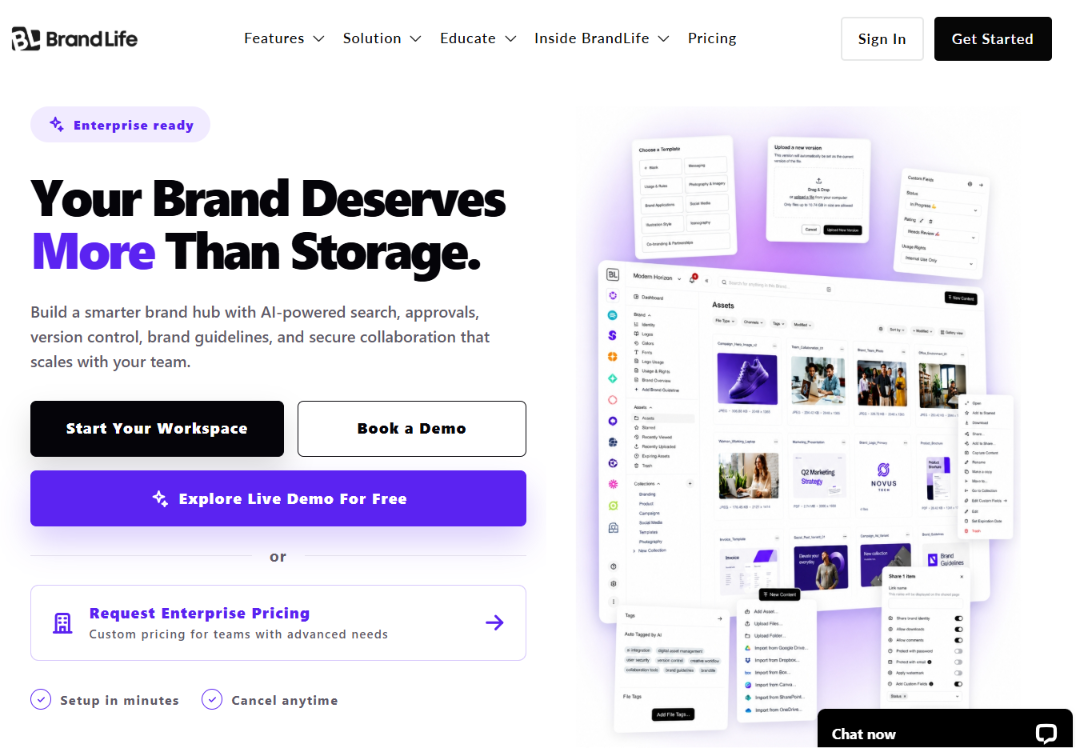
BrandLife customers report 40% less time searching for assets and 70% fewer asset-request emails. Those gains matter when your team ships campaigns across more than one brand. Growing brand teams often hit the divide between shared folders and full brand governance. BrandLife is a modern DAM for marketing and creative teams outgrowing Google Drive who want faster setup than many legacy DAMs. It centralizes brand assets like logos, product photography, and campaign files in one AI-powered workspace.
See BrandLife's tool comparisons for a side-by-side against Google Drive.
Pros
- Multi-brand workspaces give each client or sub-brand its own color palette, font library, and asset storage
- AI-powered search and tagging cut manual metadata work
- Interactive brand guidelines replace static PDFs and update in place
- Version control, asset expiration, approval workflows, and custom metadata support daily brand operations
- Unlimited free brand portals for partners and franchisees, so each audience sees only the assets and guidelines they're approved to use
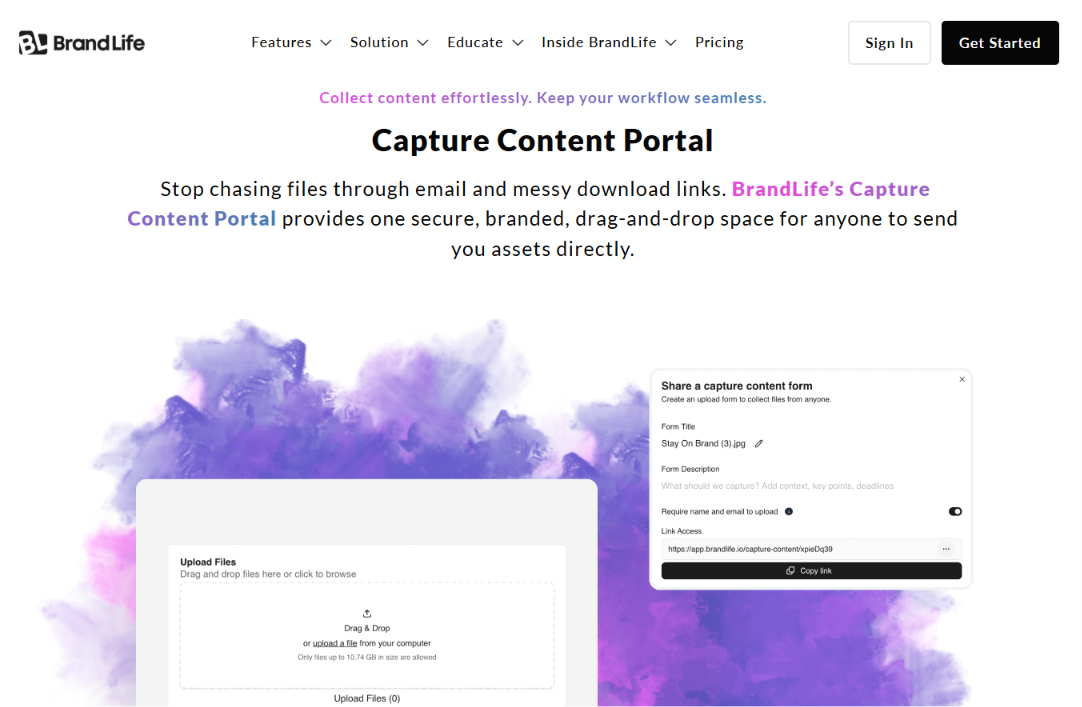
- The Capture Content Portal lets photographers, influencers, and field teams upload directly into the DAM
- Secure links and expiration controls help keep retired creative out of circulation
Cons
- Single-brand teams focused purely on document collaboration can get by with general cloud storage
- Microsoft-heavy document workflows usually feel more natural in OneDrive, so some teams pair the two
Best For
Multi-brand marketing and creative teams that want AI search, interactive brand guidelines, and free partner portals in one workspace.
2. Brandfolder
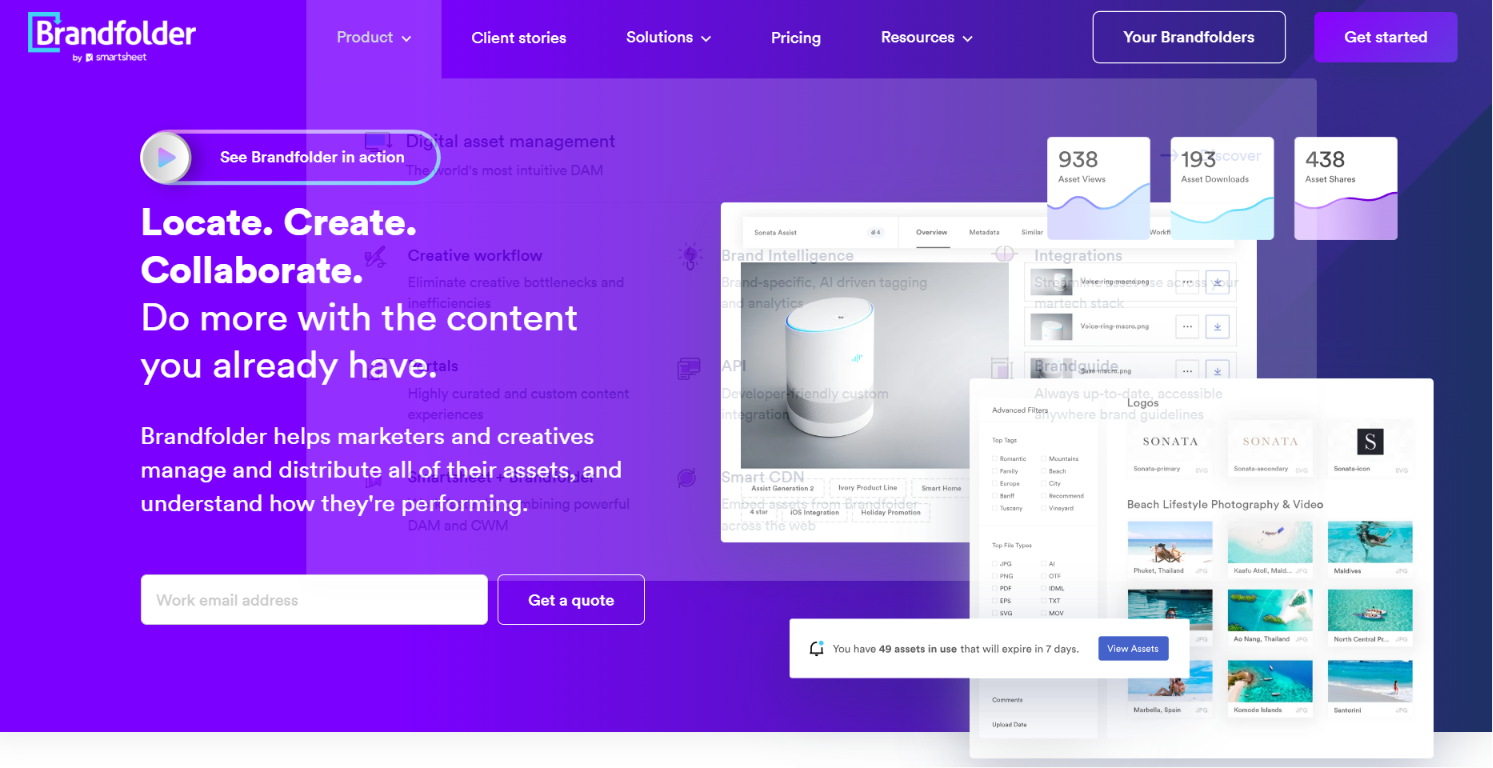
A guided rollout matters when hundreds of assets and many stakeholders move at once. Brandfolder positions itself as an advanced asset management tool with hands-on onboarding and structured DAM workflows, and it's now part of Smartsheet's product family. Customers like Autodesk, Lyft, Mastercard, and McLaren Racing use it to keep brand assets organized at scale. That combination of guided setup and established customers makes it a common shortlist pick for enterprise brand teams moving off Google Drive.
Pros
- Brand Intelligence analytics that track asset usage and engagement to inform content strategy
- AI-powered auto-tagging and visual search, including OCR that finds text inside PDFs and images
- Content Automation templates that let non-designers create on-brand materials without looping in the creative team
- Organized libraries and guardrails that keep approved templates in circulation
- Custom branded portals with developer-friendly APIs for curated external content experiences
- Native Smartsheet integration connecting DAM work to project and work management
- Proofing and approval workflows for images, videos, documents, and PDFs
Cons
- Multi-brand teams should map workspace structure carefully before committing
- Implementation involves more setup than a basic cloud storage tool
- Brand management depth runs lighter than dedicated brand-first platforms
See BrandLife's Brandfolder alternatives roundup for more context
Best For
Enterprise brand teams that want a guided, hands-on rollout, especially those already inside the Smartsheet ecosystem or planning to be.
3. Canto
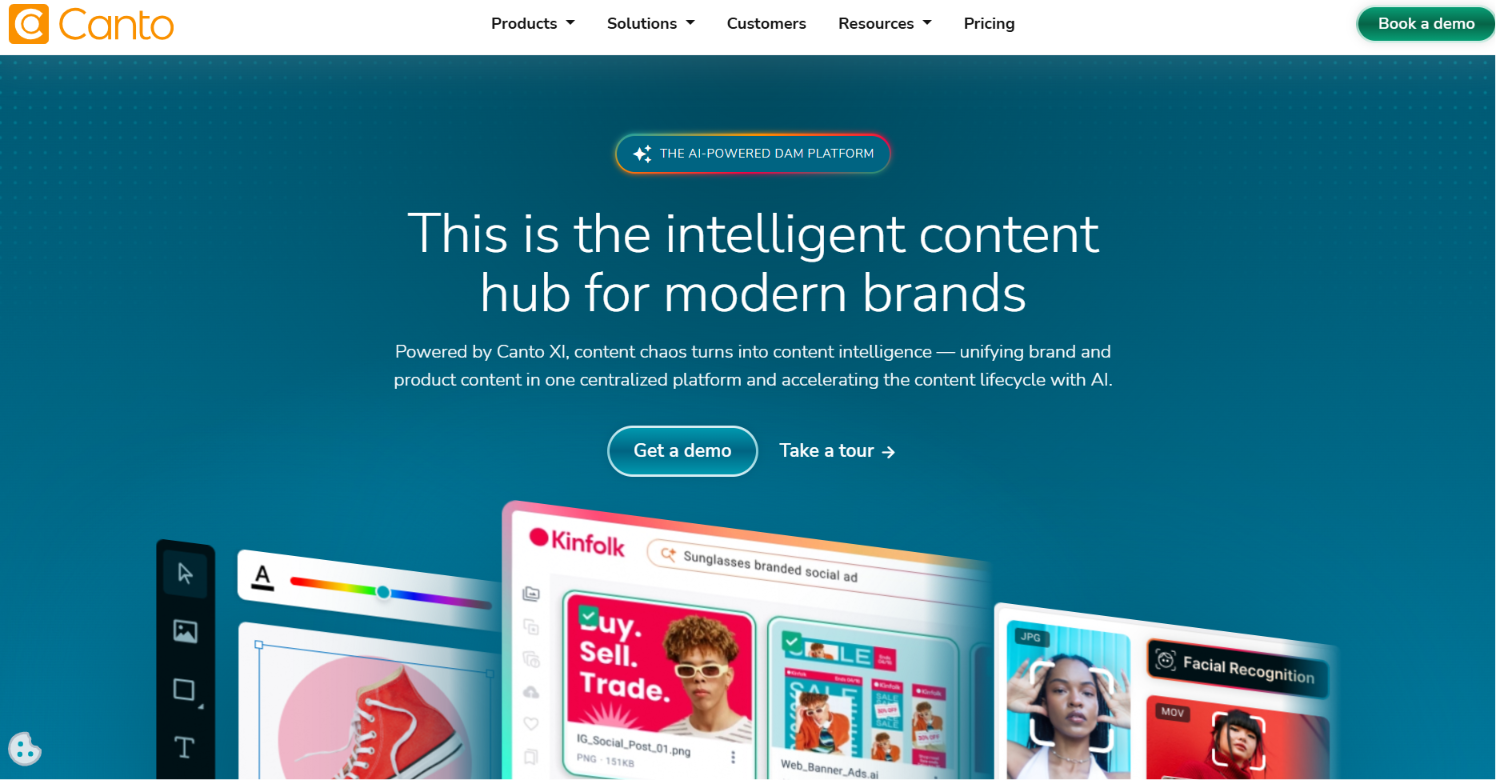
The first jump from shared folders to a real asset system usually needs a familiar on-ramp. Canto is identified as a digital asset management solution for brands, with support for sharing images, video, documents, and other brand assets in one place. It's one of the most reviewed DAM platforms on G2, and it leans into a self-serve, low-configuration setup rather than the longer enterprise rollout some brand-guideline-first platforms require. That combination makes it a common first stop for teams testing whether a DAM is worth the switch at all.
Pros
- Faster time to value, with reported implementation averaging a couple of months
- An interface built for everyday users, not just admins, with clean thumbnails and customizable views
- AI-powered search that helps marketers locate and distribute assets quickly
- A dedicated onboarding team that guides new customers through a structured go-live process
- Canto DAM for Products, connecting asset management directly with product data
- Smart tags and visual search built for self-serve use without admin help
Cons
- Available sources don't include much recent implementation detail, so a vendor demo is the natural next step
- Partner-heavy distribution models deserve a closer look during evaluation
- Brand guideline depth runs lighter than dedicated brand-management platforms
Best For
Marketing teams making their first move off cloud storage who want a fast, low-friction rollout over deep brand-guideline tooling.
4. Dropbox
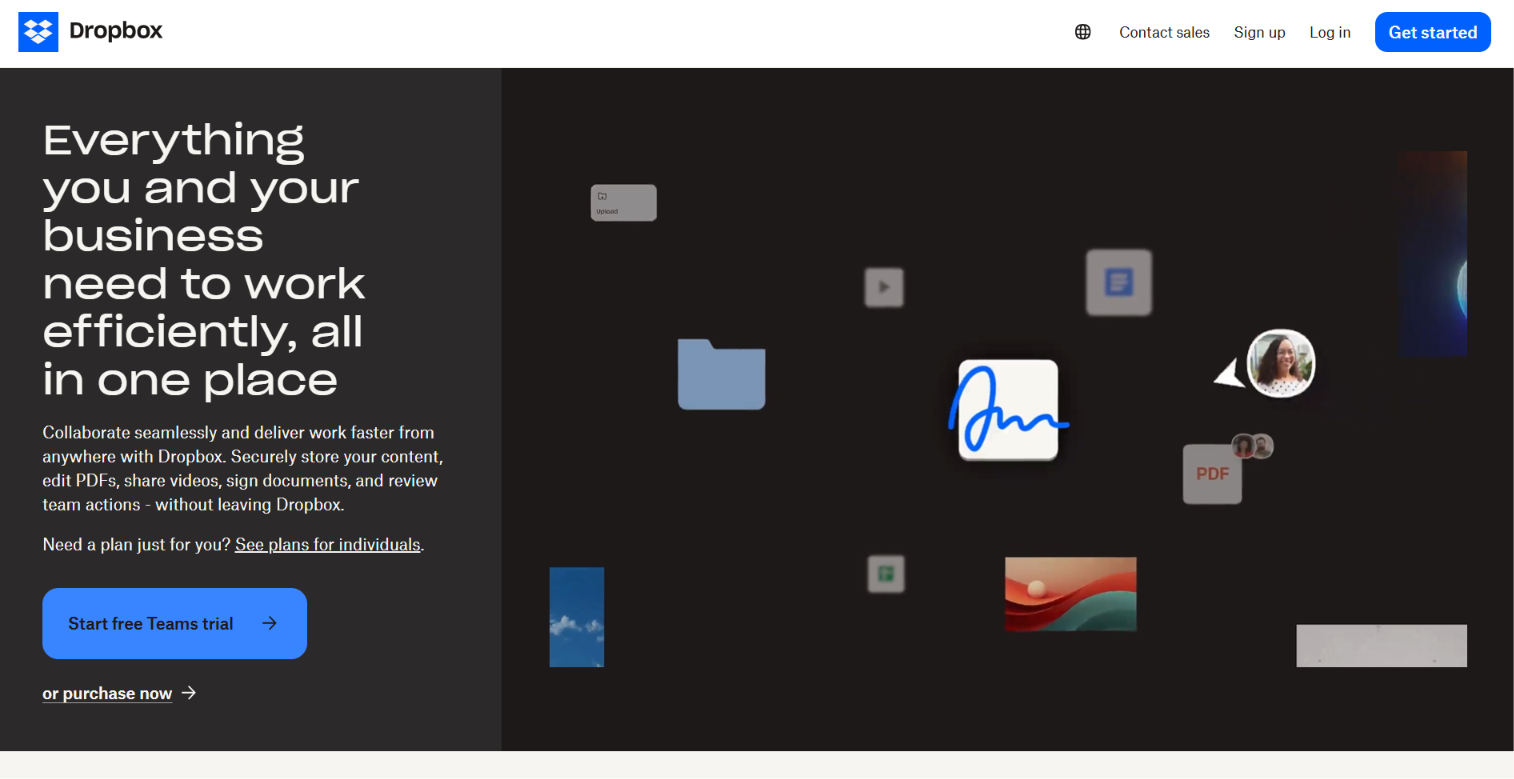
Fast sync is still Dropbox's main draw for remote and cross-platform teams. Review sources frame it as a reliable general-purpose alternative to Google Drive, with broad adoption and simple sharing across desktop, mobile, and web. Collaborators already know how to use it, which keeps onboarding friction low even for teams that aren't especially technical.
Pros
- Ease of use and low onboarding friction, since most collaborators already know the product
- Reliable file sync across desktop, mobile, and web
- Broad third-party integration support
- Smart Sync, which keeps large libraries available locally without consuming full disk space
- File requests that let external collaborators upload without a Dropbox account
- Basic version history and file recovery windows on paid plans
Cons
- Lacks DAM-specific features like metadata governance and creative review workflows
- No brand guideline or approval-routing tools built in
- Many brand teams add a DAM once governance becomes part of the job
Best For
Teams that mainly need reliable file sync and document sharing, with brand governance handled by a separate, dedicated tool.
5. Box
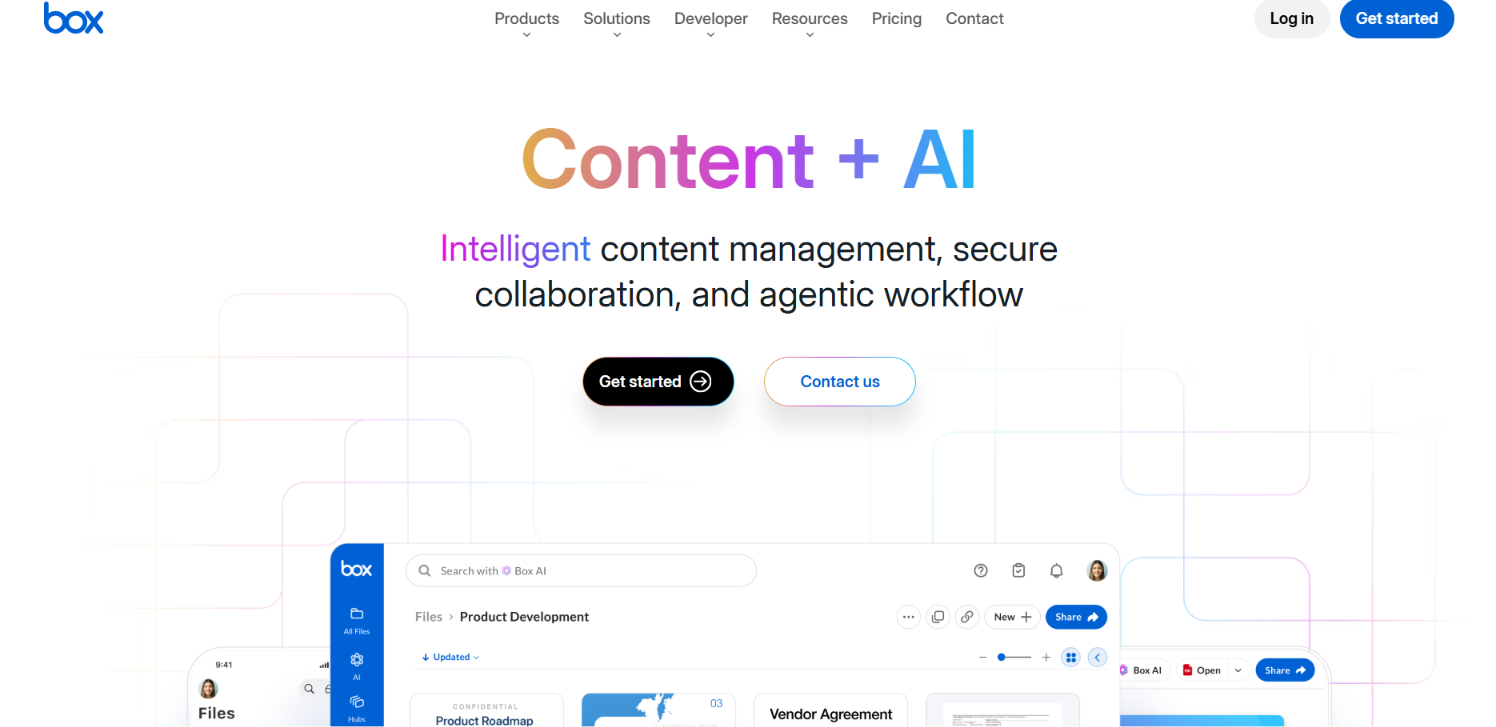
Auditors and compliance teams usually push Box to the top of the list. Review sources position it as a strong option for enterprise content management, security, and regulated environments, more governance-oriented than Google Drive out of the box. Box has leaned hard into agentic AI over the past year, positioning itself as a secure content layer for enterprise workflows rather than a brand-specific asset manager.
Pros
- Granular permissions and compliance controls, with a wide integration ecosystem across enterprise tools
- Box Shield, with an AI Threat Analysis Agent that explains security incidents in plain language
- Box Automate, a no-code workflow tool that routes work across people, AI agents, and systems
- Box AI Studio for configuring custom AI agents against enterprise content
- Box Extract for pulling structured data out of documents, presentations, and images
- Native connections to Anthropic Claude, Microsoft 365 Copilot, and other AI assistants through the Box MCP Server
Cons
- Prioritizes document governance more than visual asset management and creative review
- Brand guidelines and partner portals usually live in a separate tool
- The deeper AI and automation tools are reserved for the top Enterprise tiers
Best For
Security-conscious enterprises and regulated industries that need enterprise file control first, with brand-specific DAM features layered on separately.
6. Microsoft OneDrive
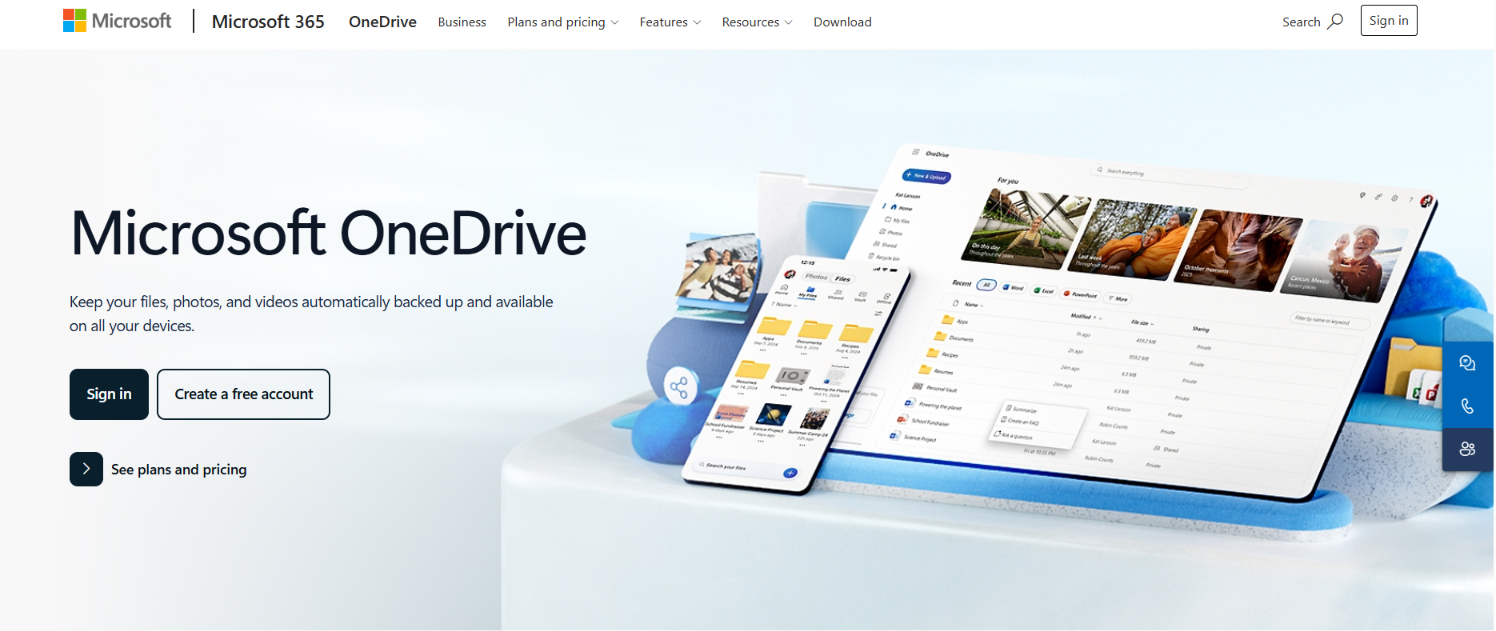
Teams already living in Word, Excel, and Teams usually pick the path with the least workflow friction. OneDrive integrates tightly with Microsoft 365 and Teams, which makes document collaboration feel native for organizations standardized on Microsoft tools. IT teams often treat it as the path of least resistance too, since licensing is usually already in place.
Pros
- Deep integration with Word, Excel, PowerPoint, and Teams
- A familiar interface for staff already working inside Microsoft 365
- Built-in co-authoring and version history for documents
- Known Folder Move, which redirects Desktop, Documents, and Pictures folders into OneDrive automatically
- Differential sync, which uploads only the changed part of a file rather than the whole document
- Sensitivity labels and compliance tools shared across the Microsoft 365 admin console
Cons
- Built for documents first, so product photography and partner-safe asset distribution usually live better in a DAM
- No native brand guideline or approval-workflow tooling
- Asset-heavy libraries get harder to browse without DAM-style metadata
Best For
Microsoft-heavy, document-centric organizations that want asset storage to sit inside their existing 365 licensing.
Finding the Right Home for Your Brand Assets
Choosing a Google Drive alternative means picking a system that makes it easier for every team, partner, and stakeholder to find and use the right asset. The best platforms combine governance, digital asset management, collaboration, and accessibility, so brand standards become part of everyday workflows instead of another folder tree.
As your organization grows, factors like multi-brand support, partner access, and AI-powered search become increasingly important. Evaluating vendors against these criteria helps you invest in a solution that scales with your business instead of creating new operational bottlenecks.
Organizations managing multiple brands, distributed teams, or external partners get the most out of BrandLife, which performs well across governance, search, and partner distribution. Its combination of living brand guidelines, built-in DAM, AI-assisted asset discovery, and multi-brand architecture gives marketing teams a single source of truth for both brand standards and approved assets. Teams can keep everything connected instead of managing guidelines and assets across separate systems, making it easier to maintain consistency as brands, campaigns, and partner networks expand.
BrandLife customers report 40% less time searching for assets, 70% fewer asset-request emails, and 50% faster launch cycles, which makes it a practical option for teams that want modern DAM features without the overhead of legacy DAM buying cycles.
Choose the solution that helps your team spend less time hunting for files and more time building your brand. Get started with BrandLife to bring your brand assets, guidelines, and approvals into one connected place.
Frequently Asked Questions
What is the best Google Drive alternative for brand teams?
BrandLife is the overall pick for multi-brand marketing and creative teams. It combines AI search and interactive brand guidelines with free partner portals. Enterprise brand teams that want hands-on onboarding can shortlist Brandfolder for its structured DAM rollout. If your need is storage-first, Dropbox handles fast sync and Box supports regulated content governance. Match the tool to your workflow, a DAM for active brand libraries, and cloud storage for document collaboration.
Is Google Drive good enough for managing brand assets?
Basic storage and document collaboration run fine on Google Drive. Limits show up once your brand library becomes active and more partners need access. Drive is built around folders and files, while brand teams often need metadata, AI tagging, approvals, and partner portals. Marketing and creative teams managing campaign assets or franchisee distribution usually move up to a DAM.
Do you need to give up Google Drive entirely, or can the two work together?
Most brand teams keep some Google Workspace tools even after adopting a DAM, since Docs and Sheets still handle plans, briefs, and reporting well. The asset library is what moves. BrandLife's native Google Drive integration lets teams pull existing files across during the switch, so Drive can stay in place for general documents while the DAM becomes the source of truth for approved creative.
How long does a typical move from Google Drive to a DAM take?
Small, single-brand libraries can be organized and migrated in a couple of weeks. Multi-brand or franchise-heavy libraries usually take longer, since taxonomy, permissions, and partner portal setup all need planning before the bulk import starts. Running a short parallel period, with both systems live, helps active campaigns keep moving during the switch.
Who should lead a move from Google Drive to a DAM?
Ownership usually sits with whoever manages brand or creative operations, since they understand the asset library best. IT or a Google Workspace admin typically supports the Takeout export and access changes. Regional or partner-facing teams should get a say early, since portal structure and permissions affect them directly once the new system goes live.