Key Takeaways
- Split content by evidence versus reuse. An ECM governs records that prove what the business agreed, while a DAM governs brand files that people reuse and share.
- Expect different lifecycles. An ECM record ends with a retention schedule and a disposition decision, while a DAM asset ends when it’s retired from use.
- Keep brand assets in the DAM and agreements in the ECM. Contracts, licenses and approval records stay in the ECM, and logos, photos and templates move to the DAM.
- Connect the two with references, not copies. AIIM found that 74% of content systems aren’t connected to other line-of-business systems, so plan how licenses, approvals and end dates flow between them.
- Run your brand library in BrandLife beside your ECM. BrandLife is a DAM with version control and role-based access on every plan, built to sit alongside your records platform rather than replace it.
Three in four content systems (74%) aren’t connected to other line-of-business systems, according to AIIM’s 2023 industry report. Only 26% of document, content and records systems link to other core applications, and that gap shows up fast when marketing asks where the current logo lives.
Take a typical enterprise stack. Legal keeps contracts in the company’s content platform, and IT points marketing to the same platform for everything else. Six months later, the brand team has 4,000 product photos in nested folders that nobody outside the team can search.
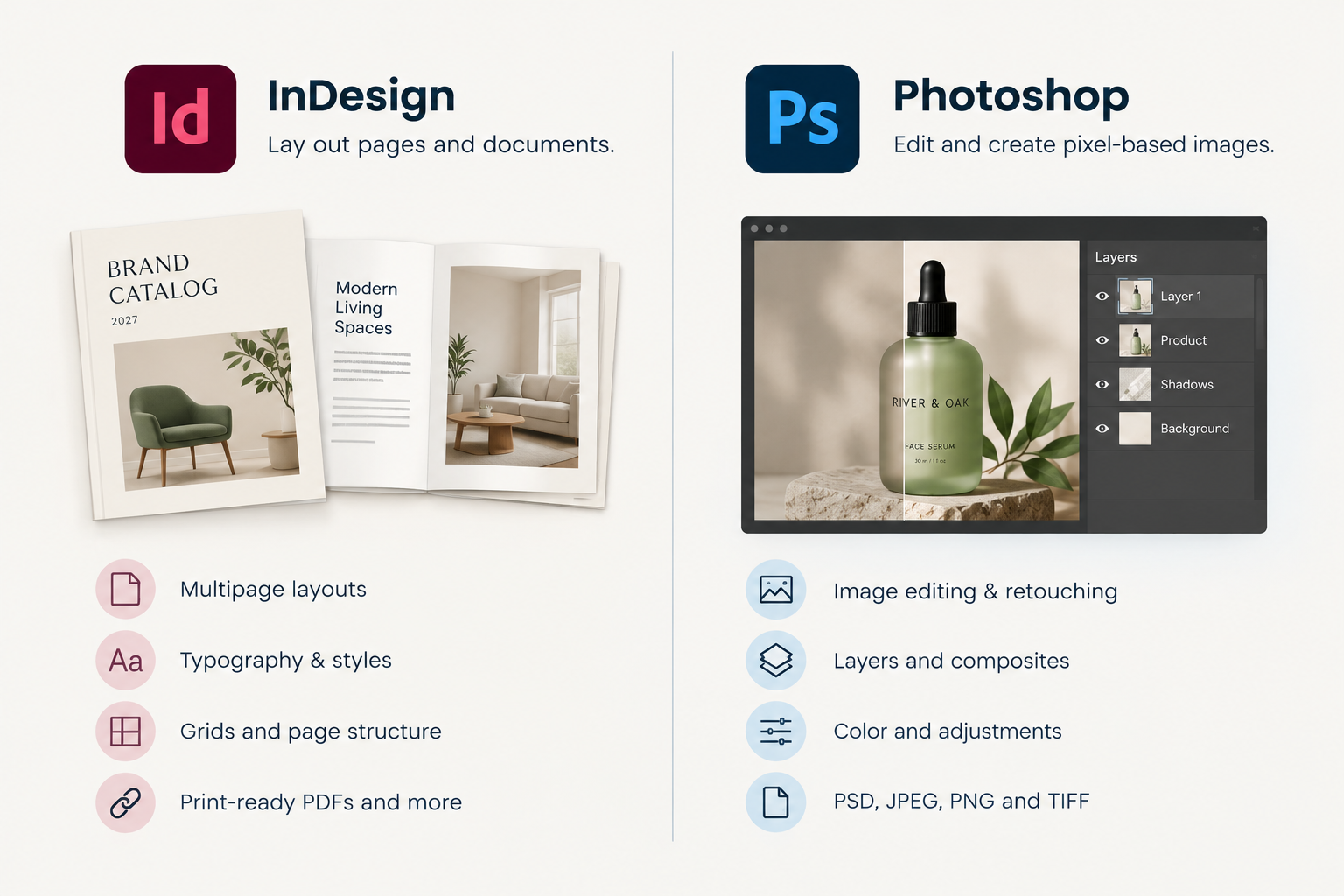
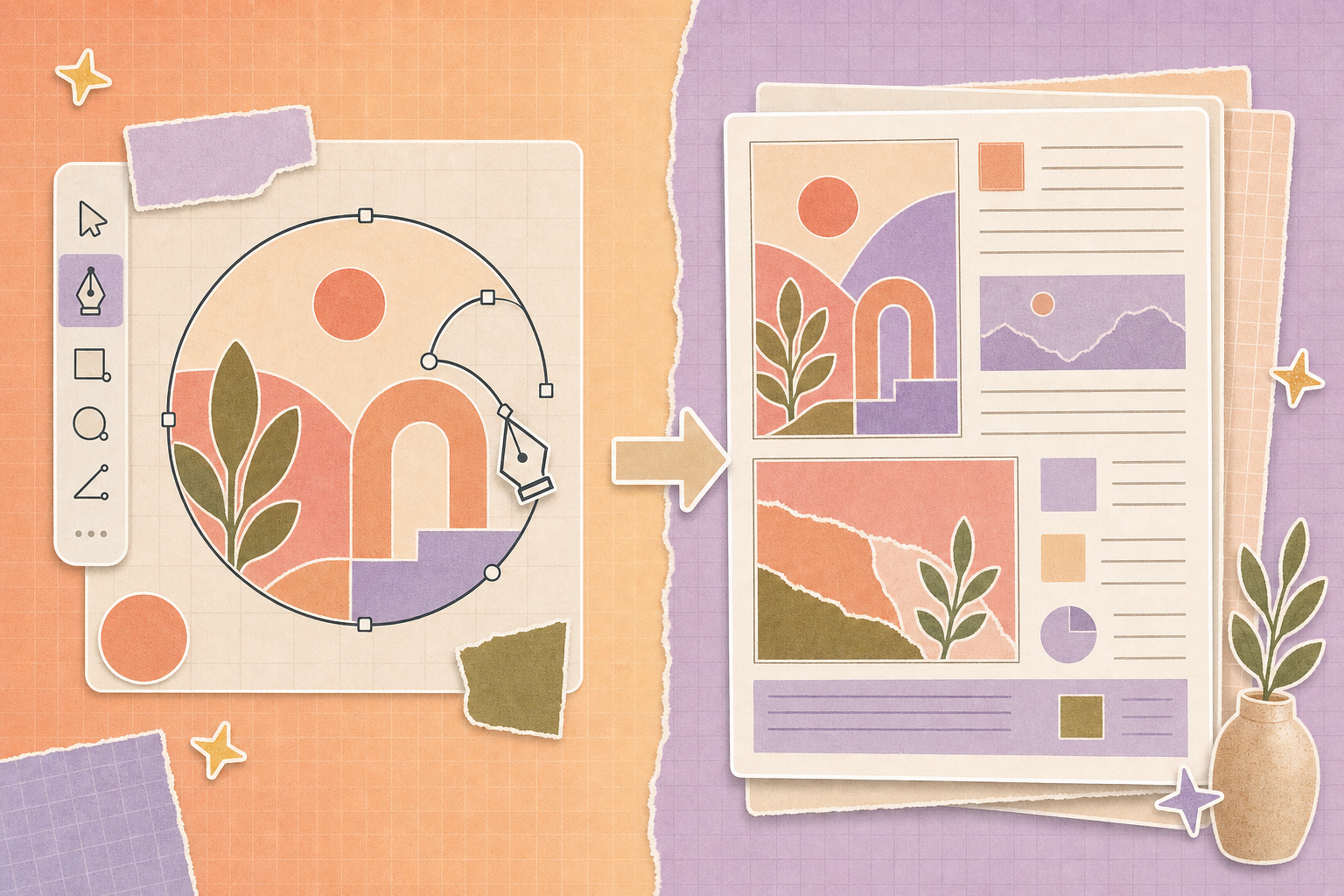
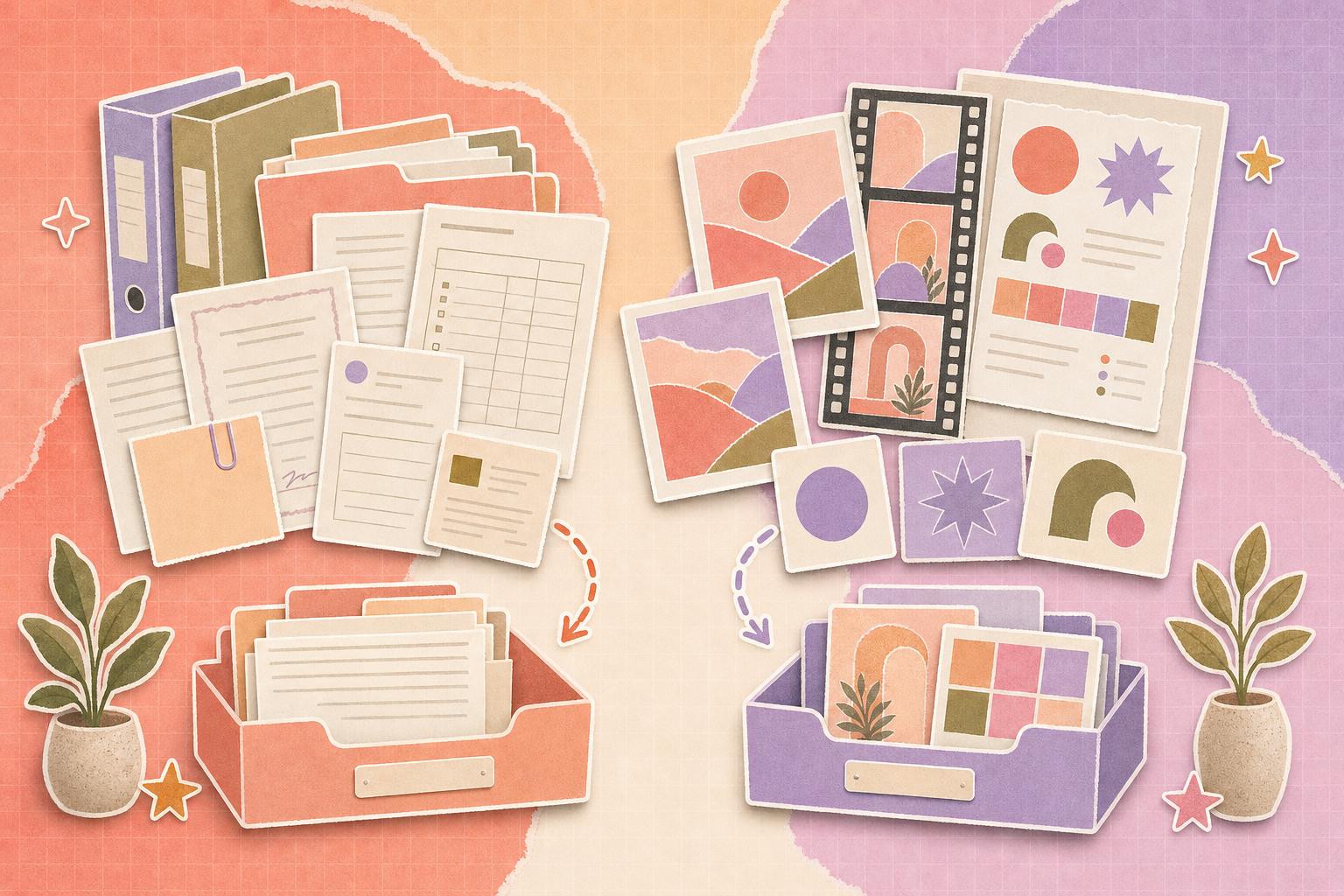
Enterprise content management (ECM) and digital asset management (DAM) solve different problems. ECM governs business records, such as contracts and policies, through retention and disposal. DAM governs reusable brand files, such as logos, photos and video. Brand assets belong in a DAM, while the evidence around them, such as licenses and sign-offs, belongs in the ECM. The sections below explain what each system covers, how they differ and how the two exchange information across an enterprise stack.
What Do ECM and DAM Each Cover?
ECM and DAM both store files, so they look similar on a vendor slide. Their scope is different, though, and scope decides where a file should live.
What is Enterprise Content Management?
AIIM is the industry association for information management. Its ECM glossary entry describes ECM as a mix of strategies and tools rather than one product, with the goal of capturing business content, managing and storing it, preserving it and delivering it across its whole lifecycle.
The name has shifted over time. AIIM’s blog on the state of content management recalls that Gartner dropped the “ECM” label in 2017 in favor of “content services,” so plenty of companies run an ECM under the newer name. Microsoft, for example, announced that SharePoint passed 200 million monthly active users and was named a Leader in Gartner’s 2020 Content Services Platforms Magic Quadrant.
At its heart, an ECM manages records. AIIM’s records management definition calls a record evidence that an event took place, such as a contract approval.
What is Digital Asset Management?
A DAM is built for files people reuse. Logos, product photography, video and templates get tagged, previewed and approved, then shared again and again with channels and partners. Our guide to what digital asset management is covers the basics.
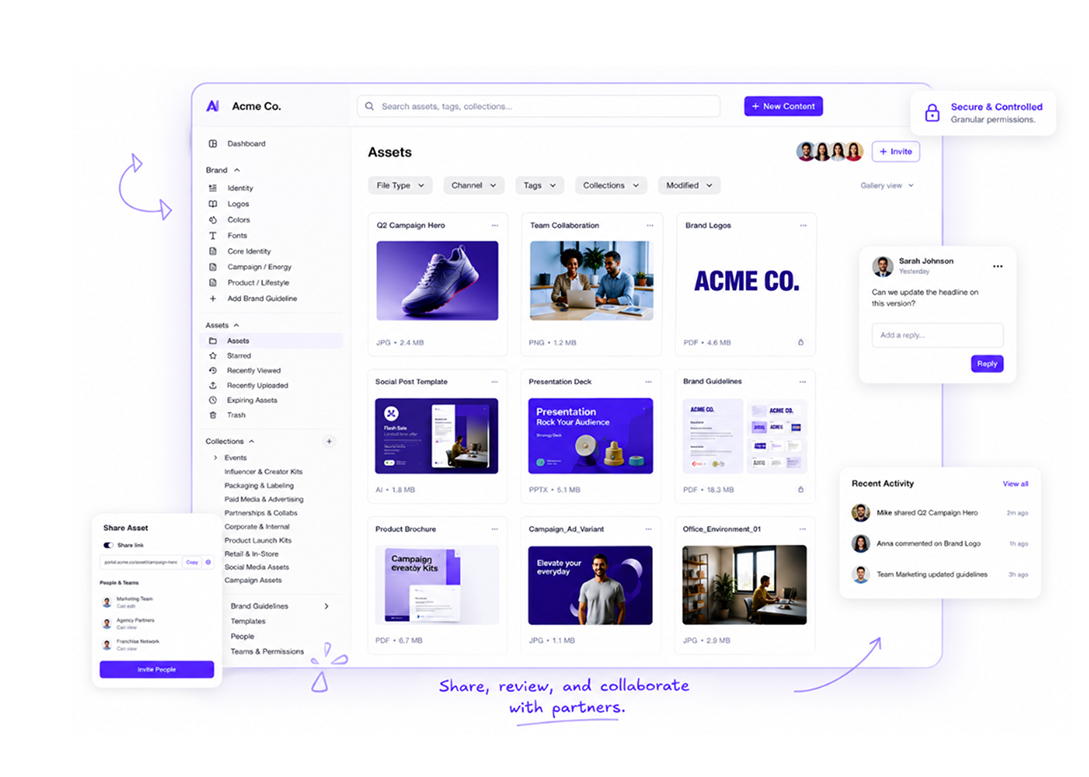
BrandLife’s Digital Asset Management Software
The clearest way to remember the difference is by the question each system answers. A DAM answers “which version can I use right now?” An ECM answers “what did we agree, and can we prove it?”
How ECM Differs From CMS and PIM
ECM often gets mixed up with two other acronyms, and each one governs a different kind of content.
| System | What it governs | Typical owner |
|---|---|---|
| ECM (content services) | Business records and documents through retention and disposal | IT, records and legal teams |
| DAM | Reusable brand and creative files | Brand and creative ops |
| CMS | Web pages and their publishing | Web or digital team |
| PIM | Product data such as specs and prices | Ecommerce or product team |
ECM, DAM, CMS and PIM compared
A CMS publishes web pages, and a PIM describes products. If product data is your real question, read our DAM vs PIM comparison. This page stays on records versus brand assets.
How Do Enterprise Content Management and DAM Differ?
The two systems differ on four points that matter to brand teams, plus how people search. The table summarizes them, and the sections below explain each one.
| Factor | ECM | DAM |
|---|---|---|
| Governance goal | Prove compliance and control access to records | Keep brand use consistent and current |
| Main content types | Contracts, policies, invoices, forms, email | Logos, photos, video, design files, templates |
| Main users | Employees across departments, plus auditors | Marketers, designers, agencies, partners |
| Lifecycle end | Retention period, then disposition | Expiry or retirement, then archive |
| Search style | Document text and classification | Visual previews and tags |
Enterprise content management vs DAM at a glance
- Governance
ECM governance is about evidence and control. Retention rules and classification decide how long a record is kept and who may see it, and AIIM’s records definition lists disposition among the activities records management controls.
DAM governance is about brand consistency. Approval status and expiry dates decide whether a file can go out, and the failure a DAM guards against is an outdated logo in the market.
- Content Types
ECM platforms handle text-heavy documents well, since contracts and forms are searchable by their words. Image and video files carry few searchable words, so a text-first platform has little to index unless someone adds tags by hand.
A DAM adds what visual files lack. It generates previews, reads embedded digital asset metadata and applies tags for products and campaigns, so people can find an image by what it shows.
- Users
ECM users are mostly internal employees who file and retrieve records, and access is usually tight and tied to the department.
DAM users include people outside the company. Agencies, franchisees and retailers all need approved files, and a DAM is designed to share with them safely.
- Lifecycle
An ECM record moves from capture to retention to disposition, and disposition can mean destruction or permanent archive, depending on the policy.
A DAM asset moves from draft to approved to retired, and its end date comes from a campaign or a license term. Our glossary entry on usage rights covers the license terms worth recording.
How Do Brand Assets and Records Connect Across the Enterprise Stack?
In an enterprise stack, the two systems exchange information all the time. The goal is one system of record per content type, with references flowing between them.
Four Common Connections Between ECM and DAM
These are the connections brand teams run into most often.
- License to asset: A signed photo license lives in the ECM, and the DAM asset carries its reference number and expiry date.
- Approved creative to compliance record: Final approved ads go out from the DAM, and where legal requires it, a copy plus the sign-off is filed in the ECM as evidence. Check with your legal or compliance team whether this applies to you.
- Asset to channel: The DAM supplies approved images to the website CMS and to product listings.
- Agreement to access: When a partner agreement ends in the ECM, the partner’s DAM access should end the same day.
Rules to agree before you connect them
Write these rules down with IT and the records team before any integration work starts.
- Name the system of record for each content type, and publish the list.
- Pass references, not duplicates, since a license number in the DAM beats a second copy of the contract.
- Share identifiers, using the same campaign and contract IDs in both systems.
- Set one direction for end dates, deciding whether expiry starts in the ECM or the DAM and who acts on it.
A written DAM workflow makes the brand side of these agreements easier to settle.
Hidden costs of using an ECM as your brand library
Storing brand assets in an ECM looks free, since the platform is already paid for. The costs show up elsewhere.
- Search time, as designers and marketers hunt through folders because images have little text to index
- Duplicate files, when people download and re-upload copies and nobody knows which version is current
- Partner workarounds, because external sharing tends to be locked down, so files leave by email instead
- Custom build work, since visual previews and brand portals may need configuration or add-ons
- Retention clashes, when records rules built for contracts don’t fit campaign files that expire in weeks
Our comparison of shared drives and DAM covers similar trade-offs for basic file storage.
Which System Fits Your Situation?
The right answer depends on what your team produces and who needs it. These five scenarios cover the common cases.
- A Regulated Company With a Small Brand Team
If your marketing output is mostly documents and a few logos, the ECM may be enough. Set up a clearly owned brand folder with tight permissions, and revisit the decision when visual volume grows or partners need access.
- A Microsoft 365 Organization With a Growing Creative Team
SharePoint tends to start as the default home for everything. Once designers and agencies need visual search and external sharing, a DAM usually earns its place beside it. Our glossary entry on DAM vs SharePoint compares the two directly.
- A Multi-Brand Portfolio or Agency
Several brands in one ECM tend to blur together. Separate brand workspaces in a DAM keep each brand’s logos and guidelines apart, while records for every brand can still sit in one ECM.
- A Retailer With Large Product Catalogs
Product images belong in the DAM and product data in the PIM, while contracts with suppliers and photographers belong in the ECM. That’s three systems, each with a clear job.
- An Enterprise Adding a DAM to an Existing ECM
Keep the ECM as the system of record for agreements and approvals. Move reusable brand files into the DAM, then connect the two through the four connections above.
| If your situation is | Keep in the ECM | Put in the DAM |
|---|---|---|
| Mostly documents, few visual assets | Everything, with a brand folder | Nothing yet |
| Growing creative team, agencies involved | Contracts, licenses, approvals | Logos, photos, video, templates |
| Several brands or clients | Records for every brand | One workspace per brand |
| Large product catalog | Supplier and photographer contracts | Product and lifestyle images |
| Regulated marketing approvals | Approved copies and sign-offs | Working and live creative |
Where content belongs, ECM or DAM
Add a Brand Asset Library Beside Your ECM With BrandLife
Enterprise content management vs DAM comes down to evidence versus reuse. BrandLife covers the reuse side. It’s a DAM for growing teams and multi-brand portfolios, and it doesn’t replace your records platform. It’s a leaner option for teams that need a brand library without an enterprise implementation, while contracts and approvals stay in the ECM where they can be proven.
Version control marks the latest approved version and keeps the full history, with approvals tied to the right file.
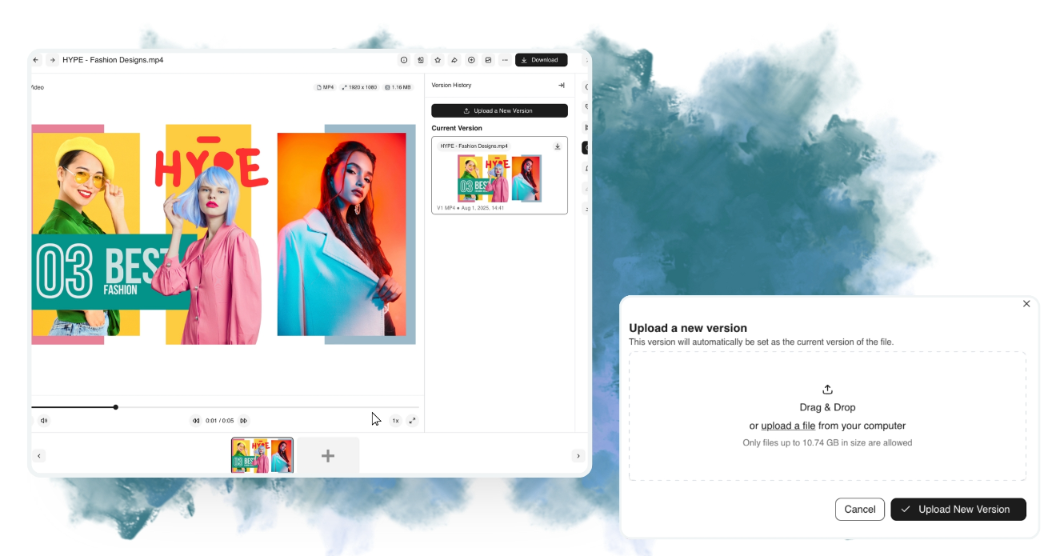
BrandLife’s version control feature
A brand portal gives agencies and partners a branded place to find approved files, and you control who can access it. Custom status fields show which files are cleared for use, and role-based access and version history come with every plan.
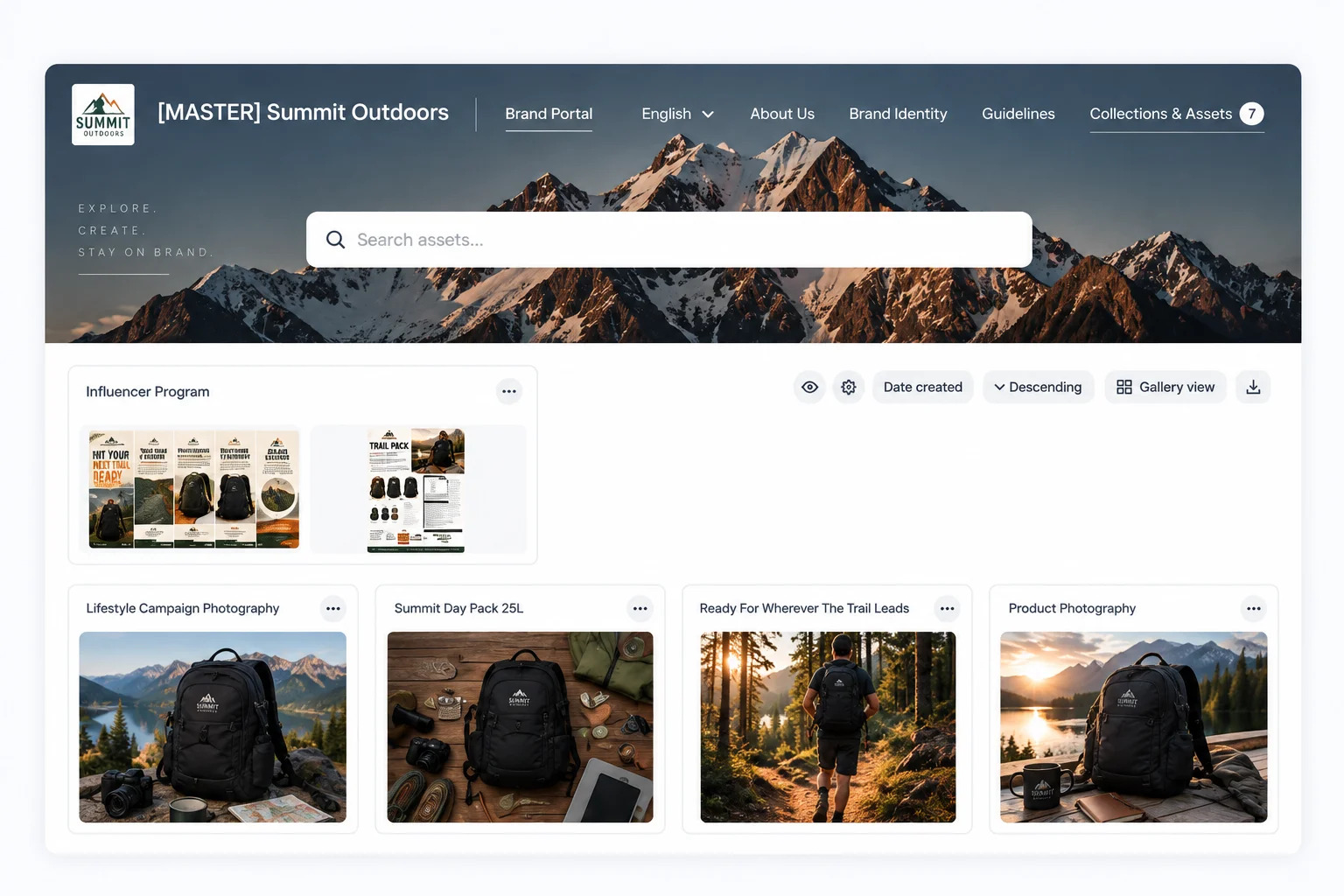
Sharing approved assets beyond the ECM
BrandLife’s integrations page lists Box, described as connecting enterprise content workflows with centralized digital asset management, and the Enterprise plan lists single sign-on and custom integrations. The Starter plan is $150/month, and Enterprise pricing is custom.
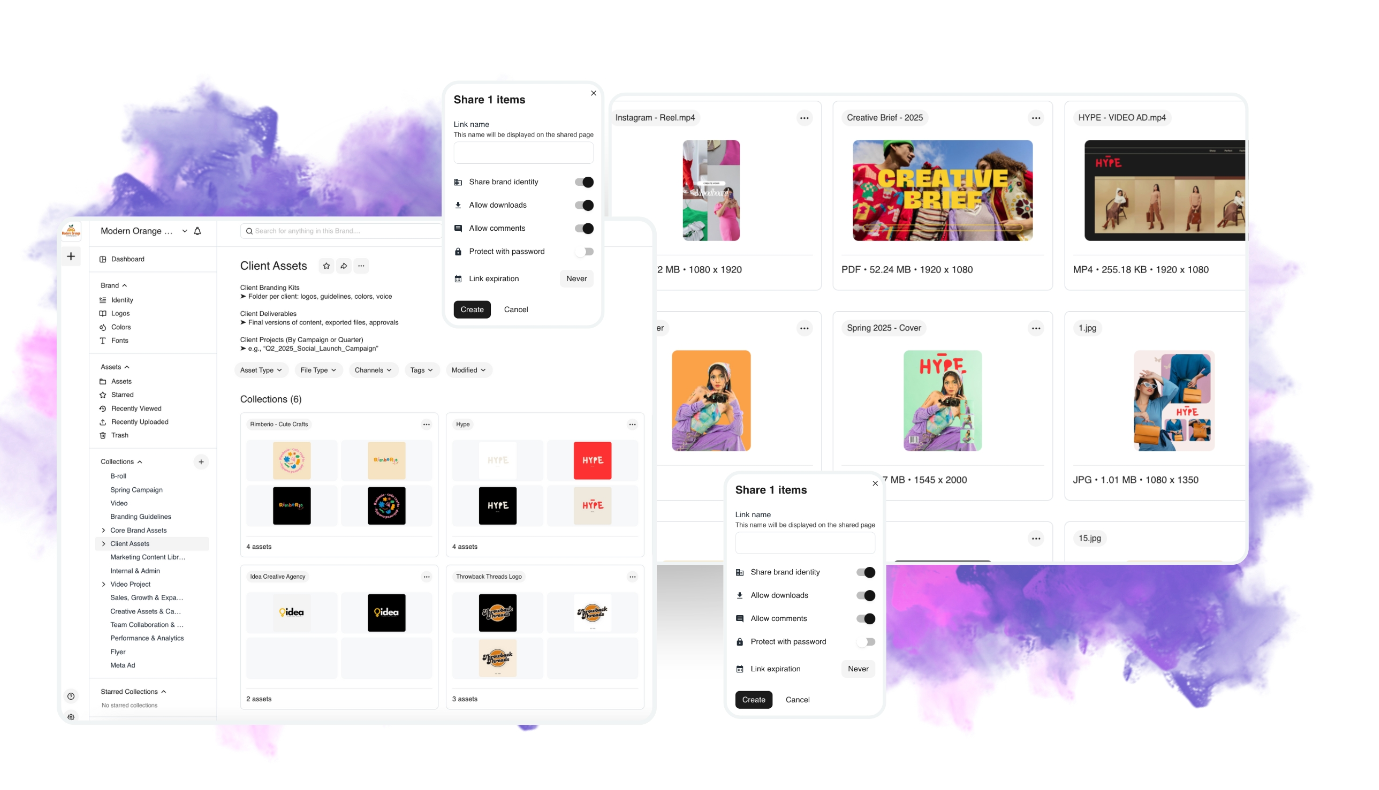
BrandLife’s integrations
Want to see how BrandLife would sit alongside your content platform? Book a walkthrough, and the BrandLife team will show you version control, approval status and partner access with your own files.
Book a BrandLife Demo for Your Enterprise Brand Team.
Frequently Asked Questions
- Is SharePoint an ECM or a DAM?
Microsoft positions SharePoint as a content services platform, the category Gartner now uses for ECM. It handles documents and collaboration well, and teams with large visual libraries or heavy partner sharing commonly pair it with a DAM.
- Can an ECM replace a DAM?
It can, when visual assets are few and stay internal. Once you need visual search or partner sharing, an ECM needs added work to cover them, and that’s usually the point where a DAM costs less to run.
- What is the difference between ECM and content services?
Content services is the newer name. Gartner replaced “ECM” with “content services” in 2017, a label that also covers content services applications and platforms. In everyday use, the two terms describe the same kind of records-focused platform.
- Does a DAM handle records retention?
Not in the records-management sense. A DAM can expire or archive brand assets when a campaign or license ends, but formal retention schedules and disposition belong in your ECM or records system.
- How do you connect an ECM and a DAM?
Start with rules rather than software. Agree which system holds the record for each content type, use shared campaign and contract IDs and pass references between systems instead of copies. A native integration or custom connector can then automate those links, but the rules decide whether the connection stays clean.