Key Takeaways
- A brand guidelines template gives your team a pre-built framework that keeps logos and color consistent across every channel.
- The strongest templates cover six sections, namely, logo usage, color, typography, voice, imagery, and real-world applications.
- A static file works for one small brand. Multiple brands or frequent updates call for a living system with version control and approvals instead.
- BrandLife keeps guidelines interactive and connected to approved assets, so partners verify brand rules without hunting through outdated PDFs.
- Customers report 40% less time searching for assets and 70% fewer asset-request emails after centralizing brand rules and files.
A brand guidelines template is a pre-built framework for documenting how your brand looks and sounds, so your team isn't rebuilding the rules from memory every time someone needs a logo file. Your new hire just ran last year's logo on a paid ad, because the "final" brand PDF was already behind by the time she found it. That's the real cost of a template nobody maintains.
Brand teams now manage more channels and product variants than shared folders were built to handle. A template is the starting point, and it earns its keep when it stays current.
This guide covers where a free brand guidelines template fits, the six sections it should include, when a static file stops holding up, and how BrandLife keeps brand rules current across teams.
What a Brand Guidelines Template Actually Is
A brand guidelines template is a pre-built framework that standardizes how your brand shows up, giving your team one source for logo use, colors, and voice instead of four people building assets from memory. You'll see the same idea called a brand style guide or a brand book, with the label changing by audience while the job stays the same: keep everyone using the brand consistently across channels. A good template gives you the sections to fill in and shows correct and incorrect usage, so decisions move faster.
Team complexity matters more than prestige when you choose a format, since a solo founder and a multi-brand agency need very different documents:
- A one-page guide fits early-stage startups, usually covering the logo, a primary font, and the core colors. That's enough to keep a small team aligned while the brand finds its footing.
- A brand kit suits growing marketing teams, adding secondary palettes, type hierarchy, imagery, and voice notes. Resources like HubSpot's style guide examples show how mid-size brands expand from a page into a working reference.
- A full brand book serves multi-brand or franchise operations, documenting more applications including packaging and co-branding, and it works best when each rule connects to approved files. Template libraries like Venngage's brand templates give you a running start on that structure.
What Your Brand Guidelines Template Should Include
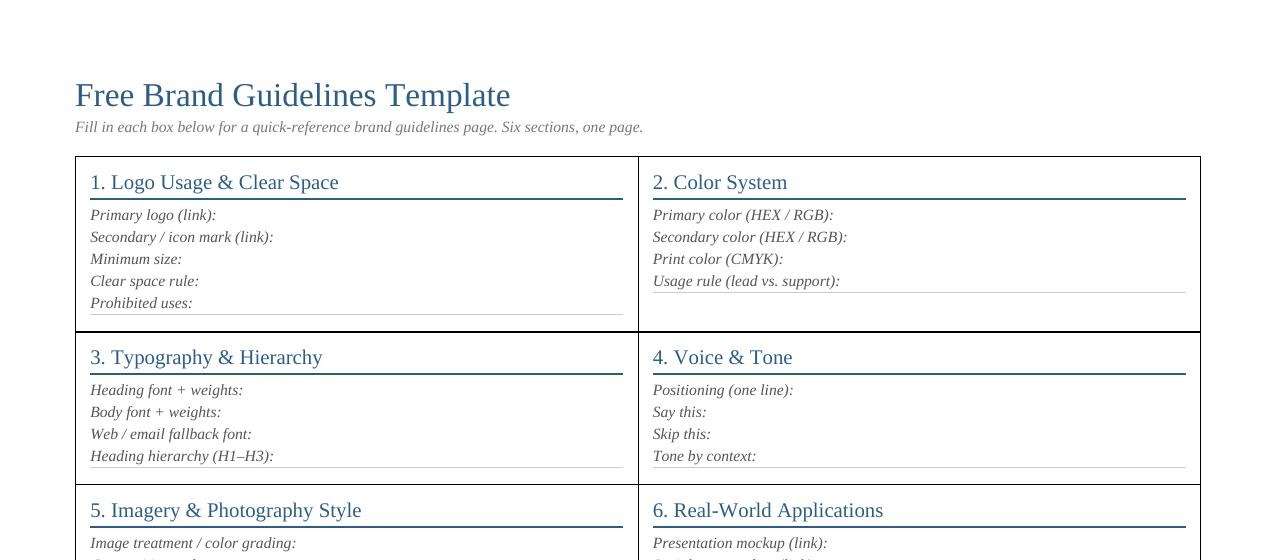
A brand guidelines template needs six sections to prevent the repeat mistakes that cause off-brand work such as stretched logos, wrong colors, and copy that sounds like another company. Each section below stops a specific error before it reaches a customer.
1. Logo usage and clear space
Stretched marks and busy backgrounds are common sources of off-brand ads, so your template should list approved logo versions, minimum size, and the clear space around the mark. Show the prohibited uses too. A panel with stretched or recolored examples settles arguments fast, and resources like Adobe's brand guide walkthrough show how to frame these rules for designers and non-designers alike.
2. Color system
"Our blue" becomes several different blues once a few people export it, so exact codes fix that. List HEX and RGB values for screens, plus CMYK values for print:
- Split the palette into primary and secondary colors
- Add usage rules for each, showing where a color leads and where it supports
Precise codes keep web and print aligned without a cleanup round later.
3. Typography and hierarchy
A deck built in the wrong font reads off-brand before anyone reaches slide two, so document your font families, weights, and sizing rules in the template. Set a clear heading hierarchy so headlines and body text stay consistent across materials, and add fallback fonts for web and email, since browsers and email clients can swap your brand typeface. That one step helps protect layout consistency in customer-facing work.
4. Voice and tone
Two writers can describe the same product and make it sound like two different companies, and your voice section keeps them aligned. Start with brand positioning, then give approved phrasing and language to avoid. A simple table works better than a page of adjectives:
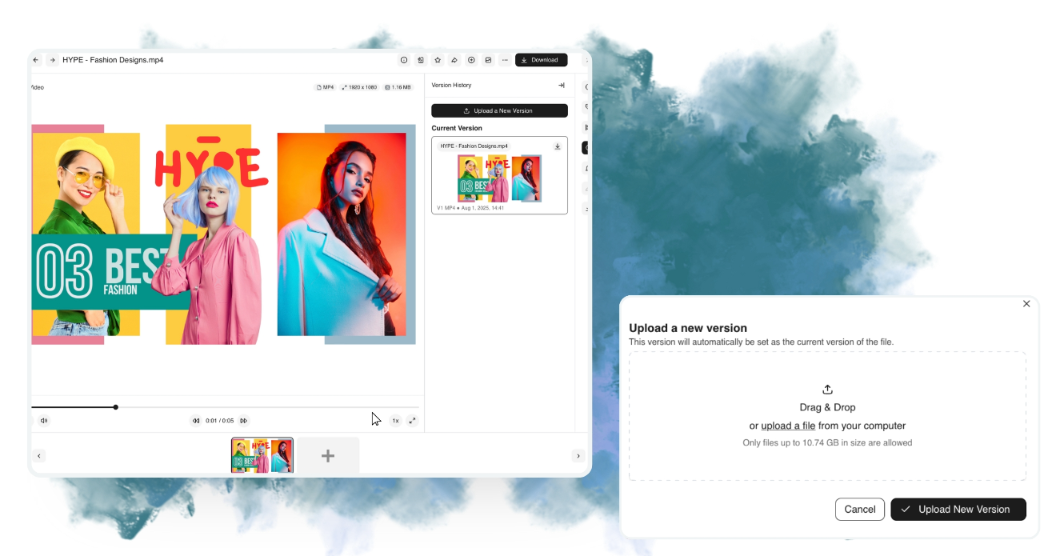
External partners work better when they see only what they're approved to use. BrandLife gives you unlimited free brand portals for franchisees, agencies, and resellers, each using secure sharing with expiration dates and link controls. Partners pull approved files from a branded space instead of a passed-around folder, so you stay in control of what circulates while partners get self-serve access to the current set.
Multi-brand workspaces keep each client or sub-brand in its own space, with separate palettes, font libraries, and storage, which matters most for two kinds of teams. In-house marketing and DTC teams with product-heavy catalogs spread across Amazon, Shopify, Instagram, and retail get faster retrieval from AI tagging that organizes photography by SKU, product, and campaign.
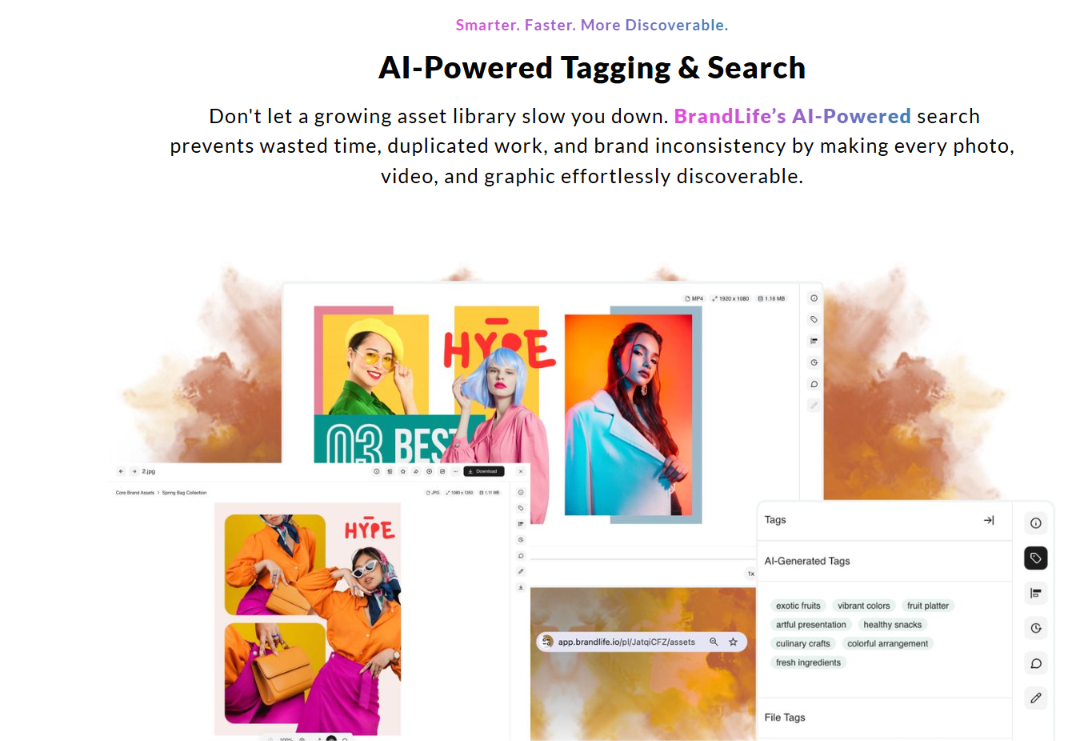
Agencies and multi-brand teams managing several client brands avoid the daily sorting problem of one shared drive, since each client gets a separate workspace and onboarding a new client means spinning up a fresh workspace instead of untangling old folder structures. Franchise and multi-location brands get the same benefit at the storefront level, with regional teams pulling approved assets from branded portals so a location in one market stays aligned with corporate standards in another.
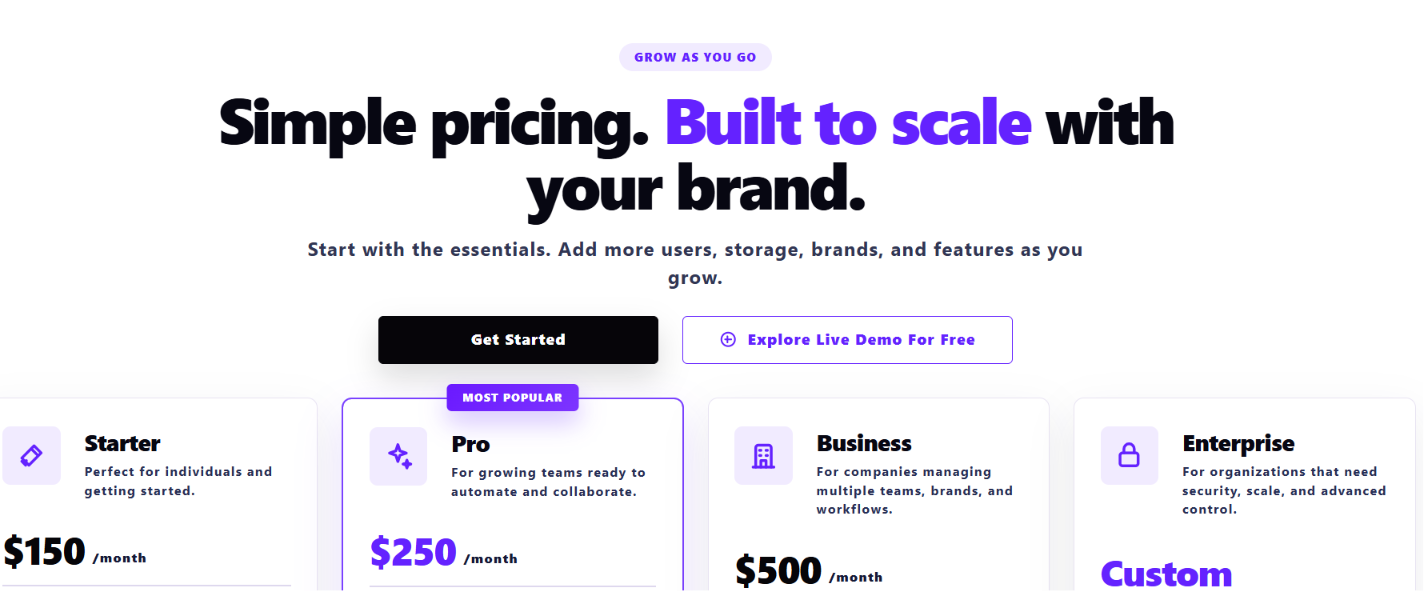
Customers report 40% less time searching for assets, 50% faster launch cycles, 70% fewer asset-request emails, and 6+ hours saved weekly per creative after making this switch. Pricing stays transparent, with Starter at $150/month for 1 user, 1 brand, and 1GB of storage, and Enterprise on custom pricing for larger teams.
Get Started with BrandLife and move your template into a living system your team can rely on.
Frequently Asked Questions
How often should we update our brand guidelines?
Set a regular review cadence, and revisit the guidelines after any identity change, such as a logo refresh or a new product line. Static files create a resend cycle, and old copies keep circulating. Living guidelines update in place, so the current rule reaches everyone as soon as you publish it.
What file format should we share a brand guidelines template in?
Share an editable link for teams that reference the rules, and keep a controlled master for your source files. If your master lives in InDesign, save an IDML alongside the INDD for compatibility across versions and collaborators. Vector logos and licensed font files belong with the master instead of a flattened export, so a contributor downloads a usable asset instead of a screenshot that breaks on resize.
Who owns the brand guidelines in a company?
Brand managers or marketing ops leads usually own the guidelines and hold edit rights, while contributors like designers, sales teams, and franchisees get view-only or download access to the approved set. Role-based access keeps that clean: one team updates the rules, and everyone else works from them.
Can we use a free template for commercial work?
Check the template's license before you build a commercial brand on it, since some free templates from design libraries allow commercial use while others include restrictions or attribution requirements. Read the terms on the source page, because they vary by provider, and remember that the fonts and stock imagery inside a template carry their own licenses too.
How do we get partners to follow the guidelines?
Give partners a portal with only the approved assets and current rules, instead of a PDF that gets forwarded and buried. When the correct logo pack and active campaign files are the ones they see first, brand compliance gets easier. Secure sharing with expiration dates keeps retired creative out of active use, and your team fields fewer one-off asset requests.