Key Takeaways
- Automated branding turns approved assets and written brand rules into repeatable workflows. Routine requests then ship on-brand without a designer handling each one.
- 95% of B2B marketers say their organizations use AI-powered applications, per CMI's 2026 research. With that much AI-assisted output, manual review alone gets hard to sustain.
- Automate jobs that repeat and follow clear rules, such as channel resizing and template fills. Keep positioning and new creative concepts with people.
- Route approvals by risk. Low-risk template fills can auto-approve with sample checks, while product or regulated claims need legal sign-off.
- Before you buy any tool, run a two-week pilot on 20 of your real requests and time each one from request to approved file.
- BrandLife can serve as the approved source, with version control that keeps approvals tied to the right file and an interactive brand guideline portal. Plans start at $150/month.
In the Content Marketing Institute's 2026 trends research, 95% of B2B marketers said their organizations use AI-powered applications. Among those AI users, 53% use creative asset tools to generate or edit visual content. That's a lot of new brand output, and not all of it passes through a designer.
That's where brands slip. Your regional team needs an event banner by Friday. The designer is booked, so someone pulls last year's file from a shared drive. It still carries the old logo.
Automated branding is the practice of turning approved brand assets and written brand rules into repeatable workflows. Teams then produce routine, on-brand content without a designer handling every request. Software takes the predictable steps, like resizing and approval routing. People keep the judgment calls, such as new concepts and anything with legal risk.
Below you'll find the jobs worth automating and the workflow that connects them. Then come governance guardrails and a buyer checklist you can run against any tool.
What is automated branding?
Automated branding is a system that applies your brand rules to routine content production through software. It starts with an approved asset library and codified guidelines. Templates and approval workflows turn those inputs into finished output. People still review anything new or high-stakes.
The term gets used two ways. Some vendors use it for AI tools that generate a logo or identity from scratch. This guide covers the second meaning: governed production for teams that already have a brand and need more people to use it correctly.
Automated branding also differs from marketing automation. Marketing automation decides when a message reaches an audience, like a nurture email after a download. Automated branding decides what that message looks like and which assets it may use.
Volume is the reason this matters now. Every extra asset is another chance to drift from your brand consistency standards. Manual review rarely grows as fast as output does.
The jobs automated branding should take on
Good candidates repeat frequently and follow clear rules. A mistake should also be cheap to catch.
| Job | What gets automated | Typical trigger | Human role |
|---|---|---|---|
| Format variants | Resizing an approved master to channel specs | A master asset is approved | Spot-check crops |
| Template fills | Dropping local copy or offer details into locked layouts | A request form is submitted | Approve new copy |
| Tagging and metadata | Applying descriptive tags on upload | A file is uploaded | Correct wrong tags |
| Approval routing | Sending work to the right reviewer | Work is submitted | Make the decision |
| Distribution | Publishing approved files to partner folders or links | Approval is recorded | Choose the audience |
| Retirement | Archiving or expiring files at an end date | The date arrives | Confirm a replacement |
Six brand jobs that suit automation, with the step a person still owns.
The jobs that should stay human
Positioning and campaign ideas need people. So does the final call on regulated claims or crisis responses. AI makes drafts cheap, and quality still needs an owner. In the same CMI study, 58% of marketers using AI for content creation said content quality improved. Another 12% said it decreased.
How automated branding works
Automated branding works as a five-stage pipeline. Each stage feeds the next, and the whole chain is only as good as its first input. If the source library holds outdated files, automation spreads them faster.
1. Lock the approved source
Start with an audit. Pick one library as the source of truth and give every asset a status field with fixed values. Automation should only ever read assets marked approved.
Delete duplicates or move them to an archive. A single "final_v5" file sitting beside the real master is enough to break the chain.
2. Turn guidelines into rules a system can apply
Most brand guidelines are written for humans who read carefully. Software needs rules it can check. Convert soft guidance into specific values.
- Logo: Minimum size in pixels and clear space as a ratio. Name the approved file for each background.
- Color: Exact hex values, plus which combinations meet your contrast standard.
- Type: Approved font files and the fallback for each channel.
- Copy: Required disclaimers and character limits per field. List banned phrases too.
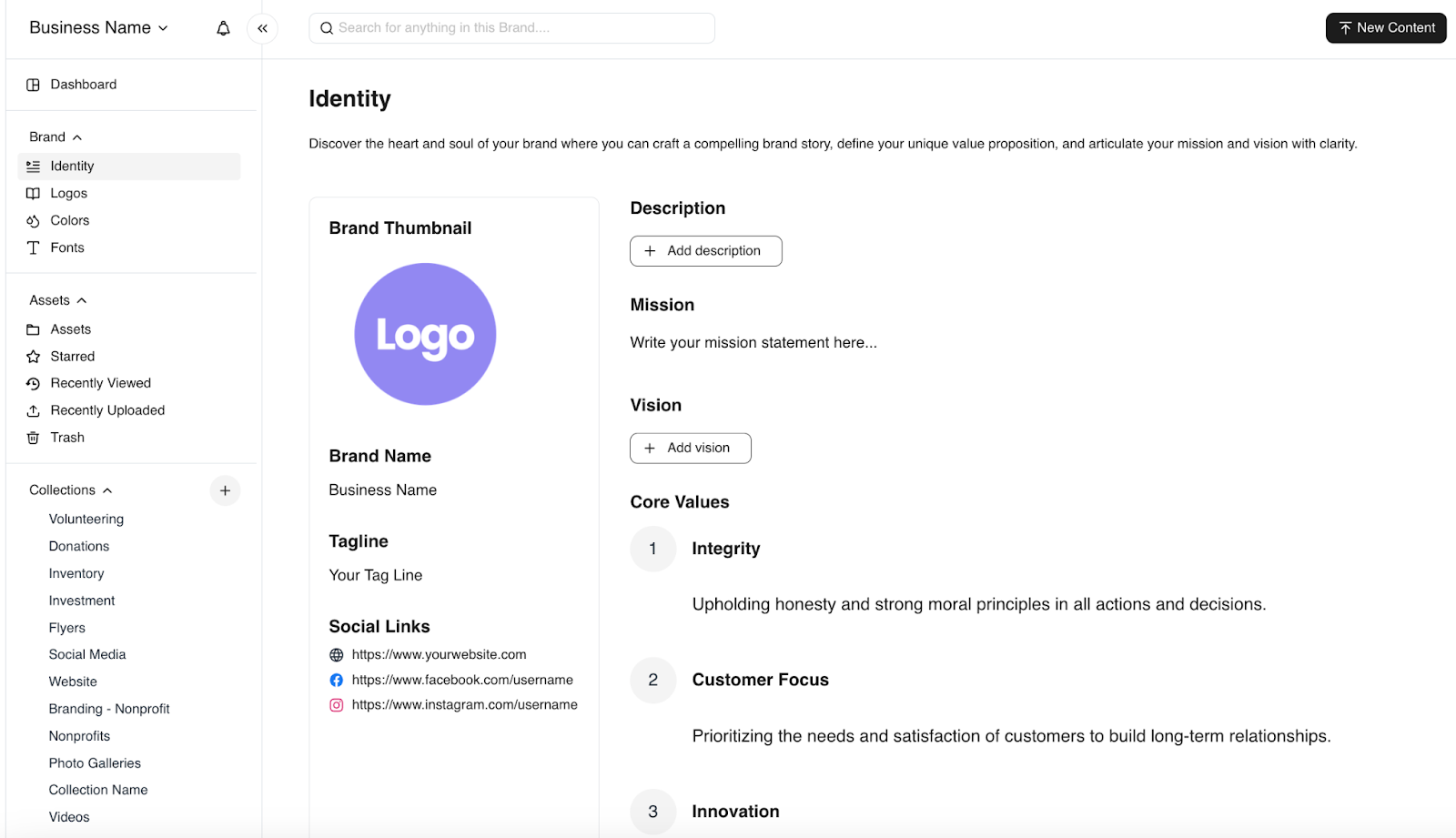
Soft brand guidance becomes checkable rules such as exact logo sizes, hex values, font files and copy limits.
If your rules still live in a static PDF, our guide on building brand guidelines covers what to capture first.
3. Build templates with locked and open fields
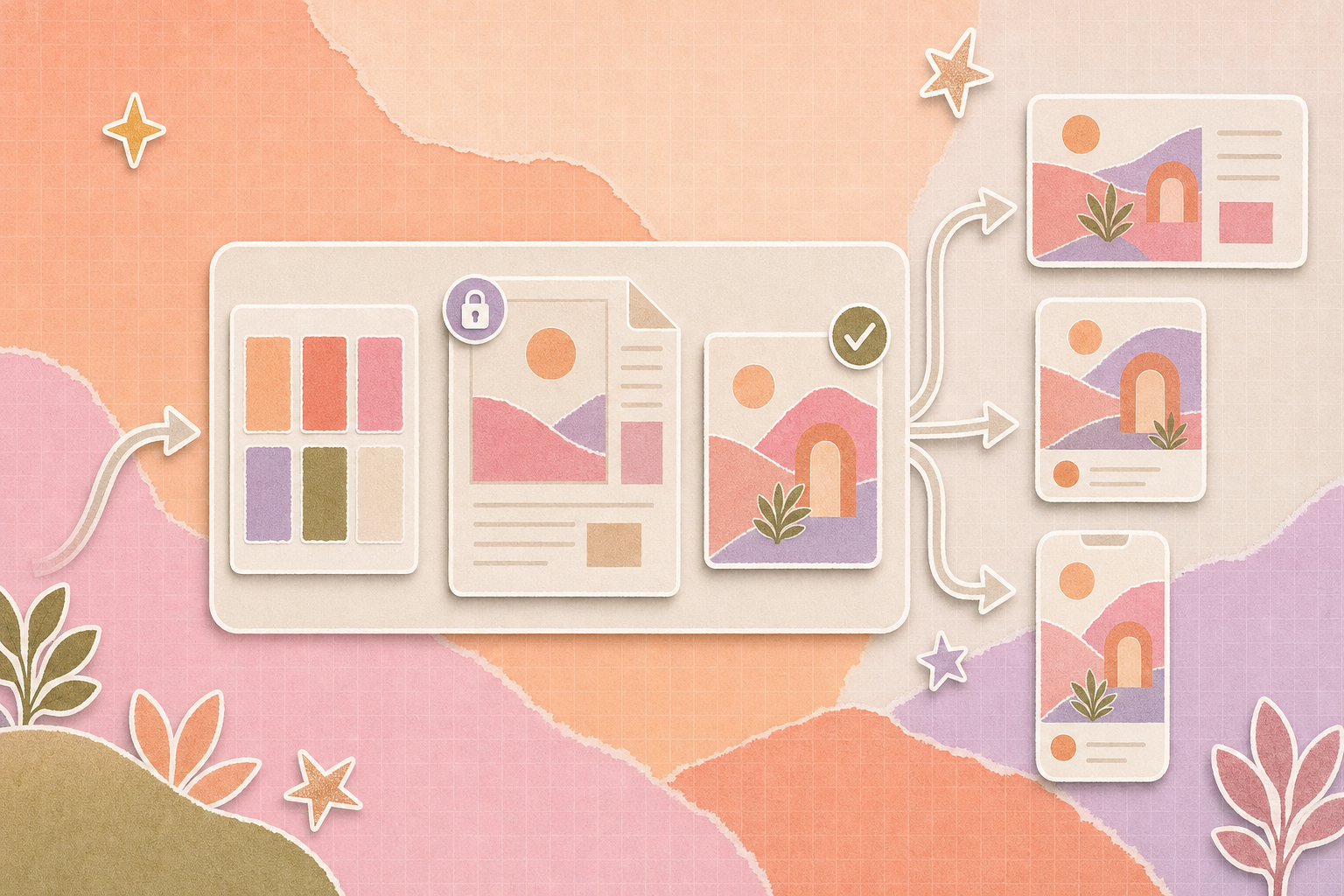
A template is where rules become output. Lock the elements that define the brand, like the logo position and layout grid. Open only the fields a requester needs to change.
Set limits on open fields. A headline field with a 40-character cap prevents the cramped text that wrecks a layout. An image field that pulls only from an approved collection stops random stock photos.
4. Route output by risk
Different outputs carry different risks, so they deserve different review paths. A template fill using pre-approved copy can move fast. The new copy goes to a brand reviewer. Anything with product claims or legal exposure adds a compliance check.
The governance section below turns this into a tier table you can adapt.
5. Distribute and retire on schedule
Approved output should land where people already look, such as a partner folder or a shared link. Record where each asset went and who downloaded it. Then set an end date for anything time-bound, so retired creative stops circulating on its own.
The asset-side mechanics behind these stages are covered in this walkthrough of a scalable DAM workflow.
Take a franchise brand with 200 locations. The head office approves one seasonal promotion master. A local manager opens the template, enters the store address and picks one of three approved photos. The output routes to a regional marketer because the copy came from the approved bank. On approval, the file appears in that location's folder with an end date matching the promotion. When the promotion ends, the file expires.
The example is illustrative. Your tiers and timings will differ.
Approvals
- Can routing follow asset type or risk tier without manual forwarding?
- Does each approval attach to a specific file version?
Versions and lifecycle
- Is full version history visible, with rollback?
- Can assets expire on a date and drop out of shared links?
Distribution and reporting
- Can each partner group see only its approved assets?
- Can you see who downloaded or shared an asset?
Audit and AI controls
- Is there an activity log showing who changed or approved each asset?
- Can AI-generated or AI-edited assets be labeled and filtered in metadata?
Fit and cost
- Does it connect to the design and storage tools your team already uses?
- Is pricing for extra users and brands published?
Run a pilot before you sign
Demos use clean sample files. Your library won't be that tidy. Ask for a two-week pilot and run 20 recent real requests through the workflow.
Measure time from request to approved file, and compare it with your current process. Then count revision rounds and off-brand outputs caught at review. If the vendor can't support a pilot on your own assets, treat that as an answer.
How Does a DAM supports automated branding
Every stage above reads from the approved library. A digital asset management (DAM) platform is that place for you. It holds the source files and the metadata that makes them findable. It also stores version history and the permissions that decide who sees what.
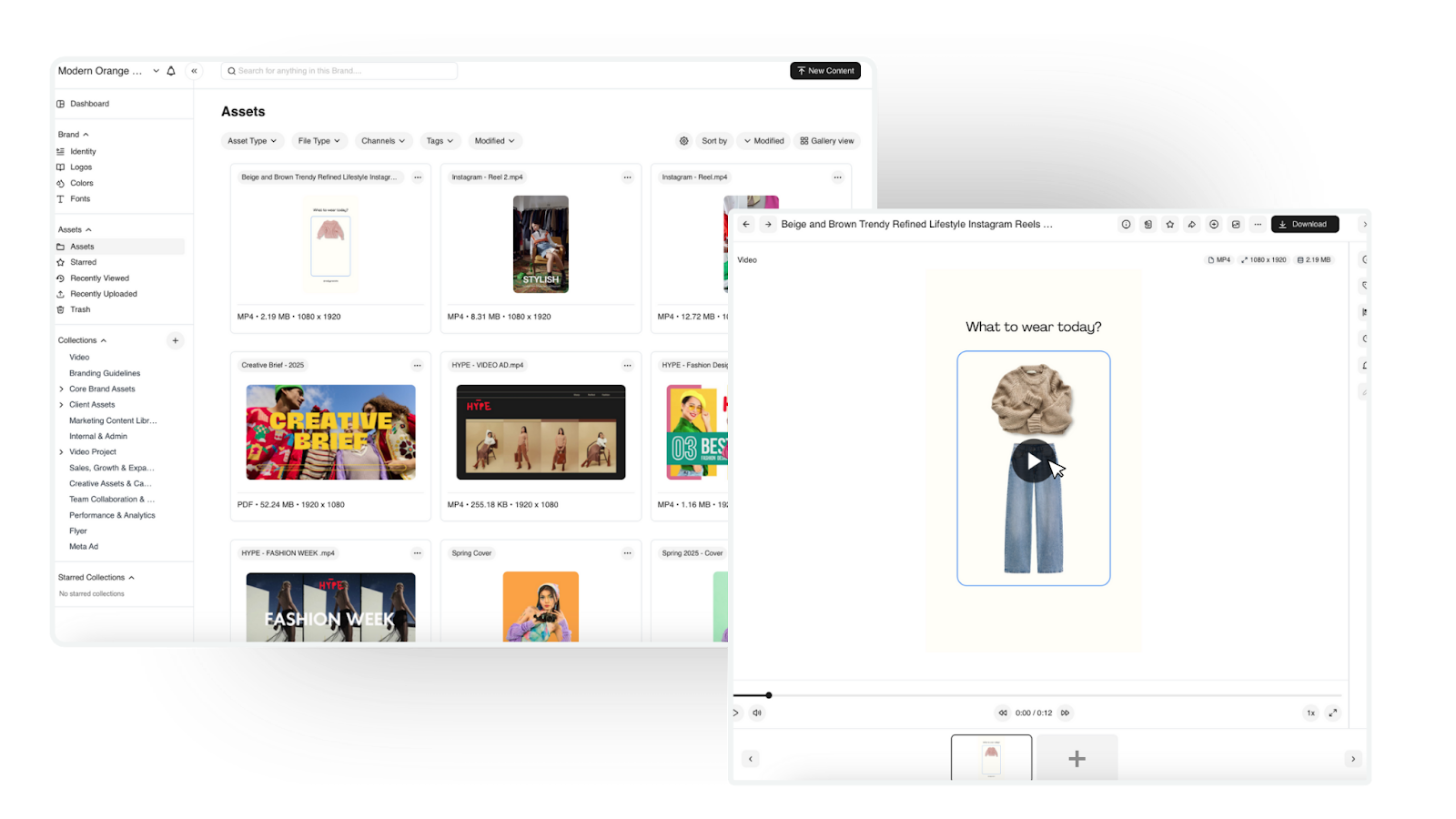
BrandLife’s DAM dashboard
A DAM won't write your rules or set your approval tiers. Your team decides those. What a DAM can do is make the rules visible and keep the inputs clean.
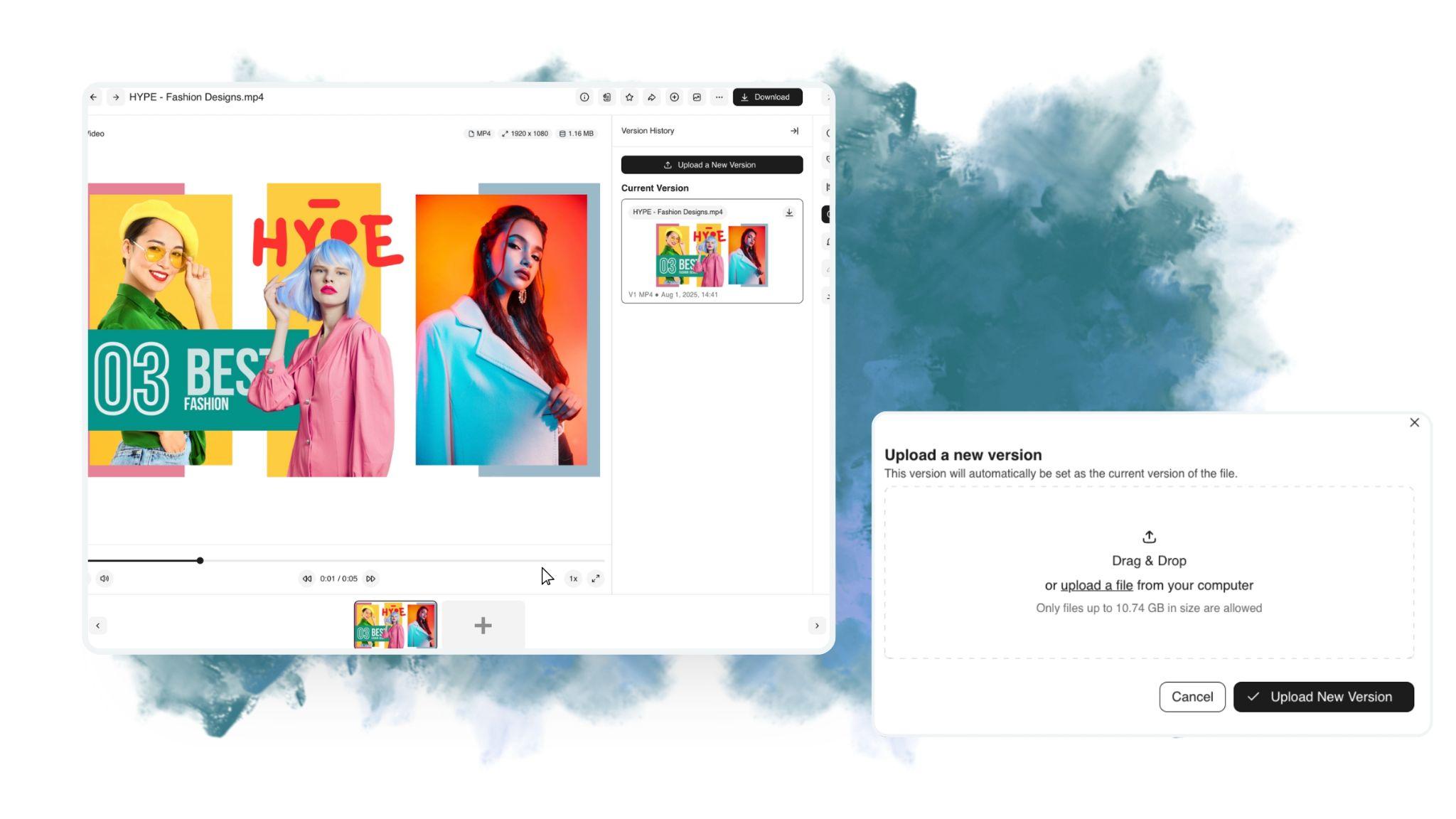
BrandLife is a DAM built for growing and multi-brand teams. Its version control tracks file updates and marks the latest approved version. Approvals stay tied to the right file. The branding guideline portal puts guidelines and approved templates in one interactive hub. Each brand can run in its own workspace, which helps agencies and multi-brand portfolios keep rules separate. Asset expiration and custom roles are available on higher plans or as add-ons.
BrandLife’s interactive brand guidelines sit next to the assets they govern.
Pricing is published. The Starter plan is $150/month, and Enterprise pricing is custom. Check current plan details before you compare.
Automate one brand job in the next 30 days
Automated branding lets more people ship routine content without losing control of the brand. The teams that get it right start small and clean up the source before they scale.
Here's a 30-day plan you can start on Monday:
- Week 1: Clean the source. Mark every live asset approved or archived. Delete the duplicates.
- Week 2: Write the rules. Turn your guidelines into checkable values, starting with logo sizes and color codes.
- Week 3: Build one template. Pick your highest-volume request and lock its brand elements. Then give the template an approval tier.
- Week 4: Prove it. Run 20 real requests through the template. Track time to approval and revision rounds.
Ready to build on a clean, approved source? The Starter plan is $150/month, and you can sign up online. Upload your approved masters today and put your guidelines right next to them. From day one, every file keeps one current version. Get started with BrandLife
Frequently asked questions
- What is the difference between automated branding and marketing automation?
Marketing automation controls when and to whom messages are sent, such as triggered emails or lead nurture sequences. Automated branding controls what the content looks like and which approved assets it uses. Teams can run both, with automated branding supplying on-brand assets that marketing automation then delivers.
- Can small teams use automated branding?
Yes. Small teams can benefit first, because one designer can't handle every resize and local variant. Start with a single approved library and two or three locked templates. Add approval tiers once more than a handful of people create content.
- Does automated branding replace designers?
No. Automated branding takes repetitive production work off designers, like resizing and template fills. Designers still create the masters and templates that automation depends on. The shift moves design time from production toward system building and new creativity.
- What should a team automate first?
Automate the job with the highest volume and the clearest rules. Channel resizing of approved masters and template fills with pre-approved copy are good starting points. Both carry low risk, and the time saved is easy to measure.