

Key Takeaways
DAM Integration Streamlines Workflows: Seamless integrations with tools like Adobe Creative Cloud, CMS, and marketing platforms reduce manual work and improve asset distribution.
Focus on High-Impact Integrations: Start with two or three critical integrations to eliminate friction points and improve efficiency.
Scalable Framework: Use API-first architecture to ensure your DAM can grow with your team and adapt to new tools.
User Adoption Drives Success: Provide role-specific training and collect feedback to ensure the system is actively used and integrated into daily workflows.
Measure ROI with KPIs: Track metrics like user adoption, asset retrieval time, and campaign launch speed to measure the success of DAM integrations.
Picture a marketing team in 2026. A designer finishes a product visual in Figma, and before she closes the file, it's already accessible to the social media manager building tomorrow's campaign, the sales rep updating a pitch deck, and the web developer refreshing the homepage. No emails. No file transfers. No version confusion.
This isn't fantasy—it's what happens when digital asset management integrations actually work. And in a landscape where content velocity keeps accelerating, the teams that connect their tools seamlessly are the ones that ship faster, stay consistent, and never lose an asset in the chaos.
Understanding the Importance of DAM Integrations
Five years ago, a DAM system was essentially a glorified filing cabinet. Teams uploaded assets, organized them into folders, and hoped everyone knew where to look. That model worked when content production was measured in dozens of pieces per quarter. It collapses entirely when the number jumps to hundreds per week.
What changed isn't just volume—it's velocity and distribution. A single brand asset now travels through design tools, content management systems, email platforms, social schedulers, and sales enablement portals. If the DAM sits in isolation, disconnected from those destinations, it becomes a bottleneck instead of a backbone.
Digital asset management has evolved from a file storage solution into what industry leaders increasingly recognize as the central nervous system connecting all other marketing technologies and content creation tools. When a DAM integrates deeply with the platforms teams already use, assets flow without friction. When it doesn't, people revert to desktop folders, Slack messages, and email attachments—creating the exact chaos the DAM was supposed to eliminate.
The consequence is straightforward: integrated DAMs accelerate work. Siloed DAMs slow it down. And in 2026, no team can afford the latter. Platforms like Brandlife Integrations reflect this shift, treating connectivity as a core feature rather than an afterthought.
Key Digital Asset Management Integrations
Not all integrations carry equal weight. Some unlock creative flow, others drive distribution, and a few do both. The categories that matter most align with where teams spend the bulk of their time—and where handoff friction causes the most damage.
Creative Tools and Design Platforms
- Adobe Creative Cloud (Photoshop, Illustrator, InDesign)
- Figma and Sketch
- Canva for team-level design
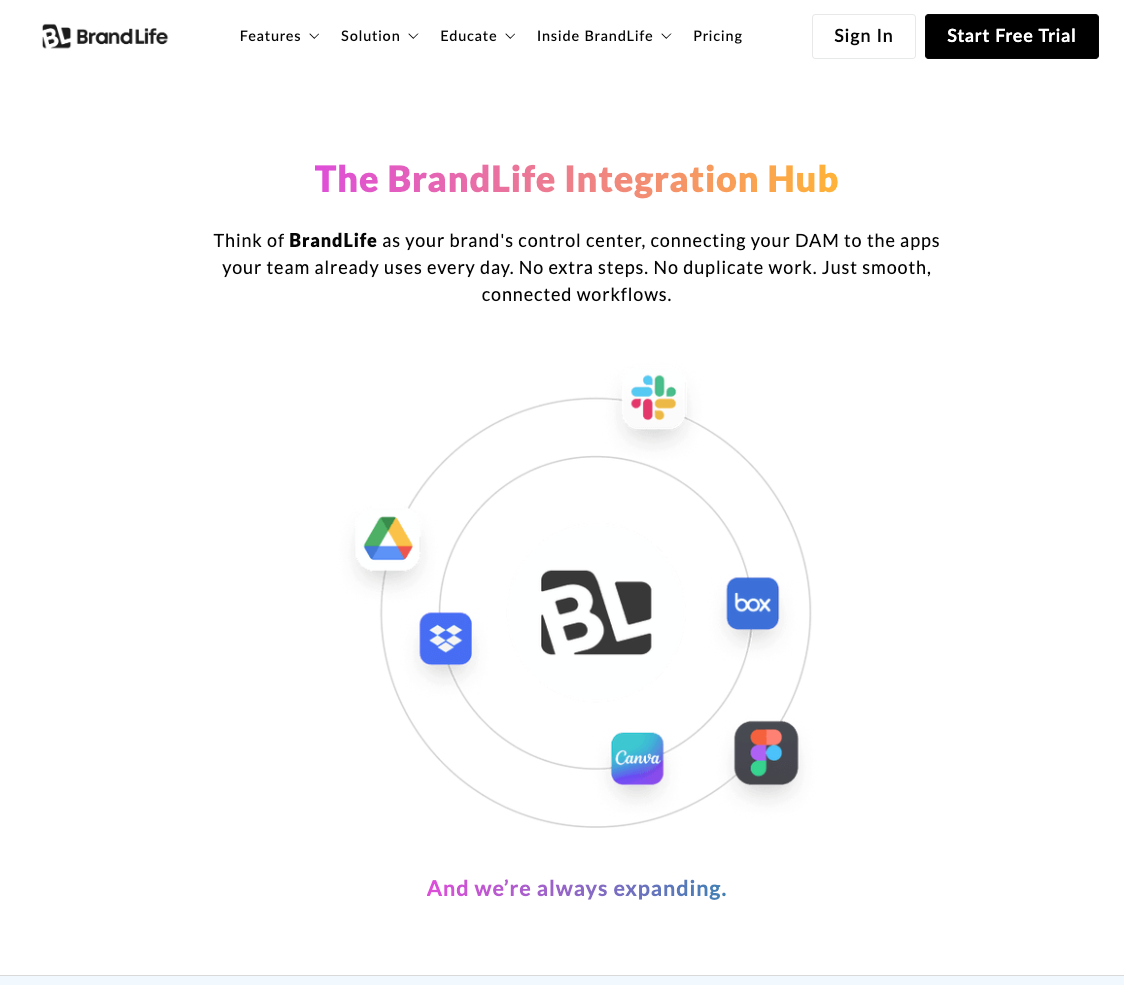
A designer working inside Photoshop shouldn't have to export a file, navigate to a browser, log into the DAM, and manually upload. That's four steps too many. With a direct integration, she saves the file—and it appears in the DAM, tagged and versioned, ready for the next person in the chain. Platforms that support seamless tools integration eliminate this gap entirely.
Content Management Systems and Web Publishing
- WordPress and Drupal
- Contentful and other headless CMS platforms
- Shopify for e-commerce asset delivery
When a content editor needs a hero image for a blog post, the fastest path is pulling it directly from the DAM into the CMS—without downloading, renaming, or re-uploading. Teams that have streamlined this workflow, using methods like importing assets directly from cloud storage, report fewer broken links, fewer outdated visuals, and significantly less time spent hunting for the right file.
Marketing Automation and CRM Platforms
- HubSpot and Marketo
- Salesforce
- Slack and Microsoft Teams for internal distribution
Imagine a campaign manager building a nurture email sequence. Instead of downloading approved images from the DAM, saving them locally, and re-uploading into the email builder, she pulls them directly—approved, correctly sized, brand-compliant. That's not a small convenience. It's the difference between launching a campaign on Tuesday or Thursday. Tools like Slack integration with Brandlife extend this accessibility even further, putting assets where conversations already happen.
Best Practices for Implementing DAM Integrations
Integrations promise efficiency, but only if implemented with intent. A poorly planned integration creates more confusion than the manual process it was supposed to replace.
Planning and Strategy Development
Before selecting a single integration, teams need to map their actual workflows—not the idealized version, but the messy reality. Where do assets get stuck? Where do people create workarounds? Those friction points reveal which integrations deliver immediate value.
A practical approach follows three steps:
- Audit existing tools and workflows. Document every platform that touches a digital asset, from creation to publication.
- Identify handoff points. Pinpoint where assets move between tools—these are integration opportunities.
- Prioritize by impact. Start with the integration that eliminates the most manual steps for the most people.
Skipping this mapping exercise is the fastest way to end up with integrations that technically work but nobody uses—because they don't match how people actually operate.
Ensuring User Adoption and Training
Even the best integration fails if users revert to old habits. And they will—unless the new workflow is demonstrably easier than the old one. The most common reason DAM implementations fail to deliver anticipated value involves insufficient attention to user adoption and organizational change management.
Effective adoption strategies include short, role-specific training sessions—not hour-long webinars. Show the designer how the Figma integration saves her ten minutes per file. Show the marketer how CMS integration eliminates version errors. Make the benefit personal and immediate.
Build feedback loops early. A monthly check-in during the first quarter catches problems before they harden into resentment. Without that feedback mechanism, the integration quietly becomes shelfware.
Evaluating the Success of Your DAM Integrations
Success isn't measured at launch—it's measured six months later, when the novelty has worn off and the integration either sticks or gets abandoned.
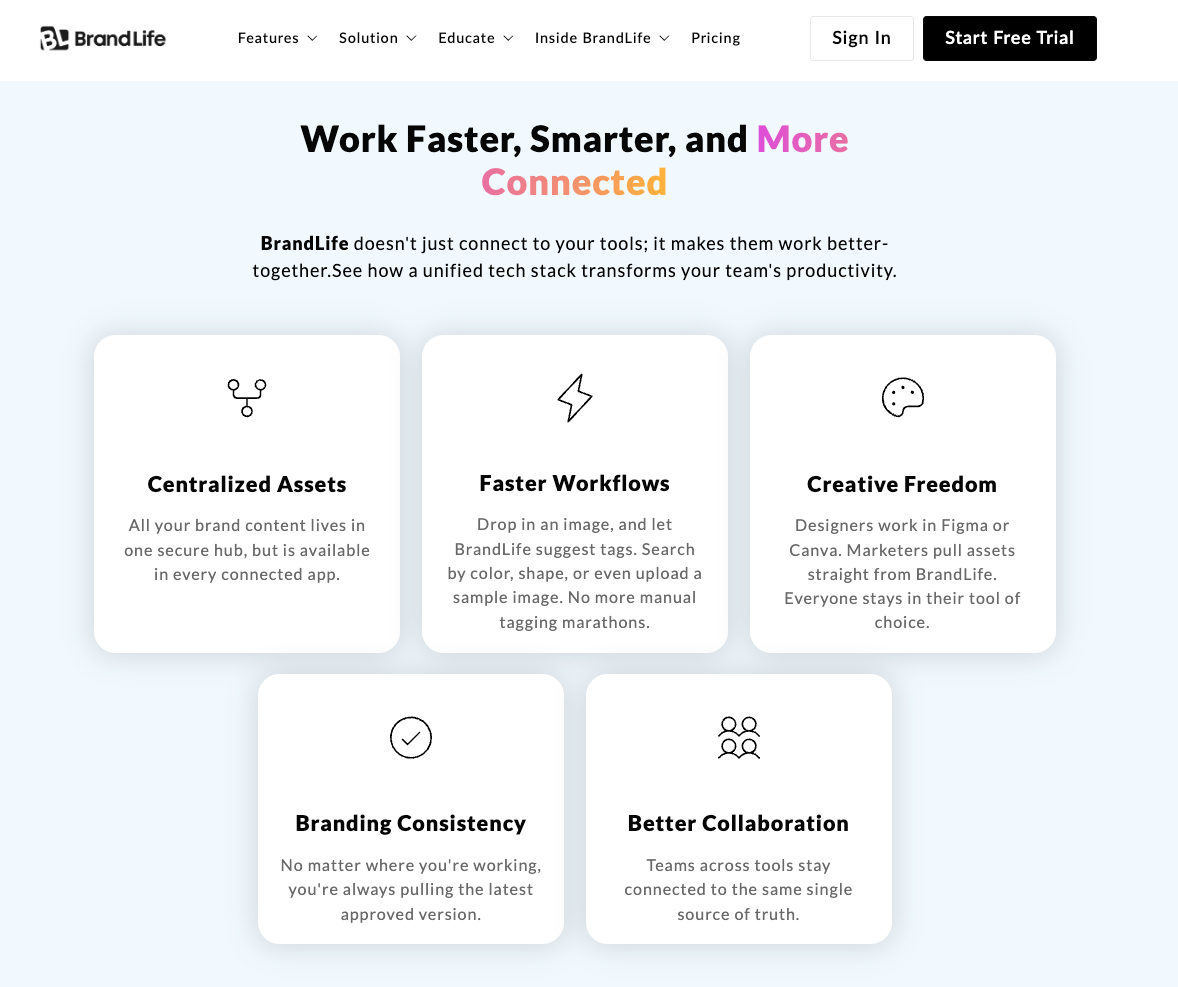
Key Performance Indicators to Track
The metrics that reveal whether an integration is working go beyond simple usage counts:
- User adoption rate: What percentage of eligible users actively use the integration weekly? Below 60% signals a training or workflow mismatch.
- Asset retrieval time: If people still spend minutes searching for files, the integration isn't serving its purpose.
- Error reduction: Fewer outdated logos in campaigns, fewer wrong-sized images on web pages—these are tangible proof of integration value.
- Campaign launch speed: Teams with well-integrated DAMs report up to 30% faster campaign execution, a metric that directly impacts revenue.
Numbers without context are just noise. If asset retrieval time drops by 40% but nobody notices because campaigns still miss deadlines, something else in the workflow is broken. Always connect KPIs to business outcomes.
Continuous Improvement and Feedback Loops
A quarterly review reveals what dashboards can't. Maybe the marketing team can't find the latest product photography because metadata conventions drifted over time. Maybe the CMS integration works perfectly for blog posts but breaks for landing pages.
These discoveries only surface through structured conversations—not automated reports. Schedule cross-functional reviews where designers, marketers, and content managers share what's working and what's creating new friction. Then iterate. The best integration strategies treat every quarter as a new optimization cycle, not a maintenance check.
Future-Proofing Your Digital Asset Management Strategy
Today's integrations may not fit tomorrow's workflows. The tools, formats, and regulations shaping digital asset management are shifting fast enough that rigidity becomes a liability.
Preparing for Emerging Trends and Technologies
AI-driven auto-tagging is already changing how assets get organized—but that's just the beginning. As generative AI produces more content at higher volumes, DAM systems will need to handle exponentially more assets without proportionally more human oversight. North America's DAM market exceeded 1.56 billion USD in 2023, and much of the growth is driven by organizations preparing for exactly this kind of scale.
New content formats—3D assets, interactive media, short-form video variants—demand integrations that don't exist yet. Teams that monitor emerging tools quarterly rather than annually position themselves to adopt early instead of scrambling late.
Building a Scalable Integration Framework
Scalability isn't about predicting every future tool. It's about building an architecture that accommodates the unknown. Three principles keep a DAM ecosystem flexible:
- API-first design: Every integration should connect through documented, versioned APIs—not custom-built bridges that break with updates.
- Regular integration audits: Quarterly reviews of which integrations are active, which are underused, and which need replacement.
- Vendor flexibility: Avoid contracts that lock the DAM into a single ecosystem. The best strategy assumes that at least one major tool in the stack will change within 18 months.
A flexible DAM ecosystem means never scrambling when a new platform enters the stack. It means the architecture bends without breaking.
Conclusion: The Path to Efficient Digital Asset Management
The argument for DAM integrations in 2026 isn't theoretical—it's operational. Every disconnected tool in a content workflow represents lost time, increased error risk, and slower campaigns. Every well-integrated connection removes a manual step, eliminates a version conflict, and gets assets into the market faster.
The teams that treat integration as a strategic priority—mapping workflows before choosing tools, investing in adoption before declaring victory, and measuring impact through business outcomes rather than login counts—are the ones that extract real value from their DAM investment.https://www.brandlife.io/features/integrations
https://www.brandlife.io/features/integrations
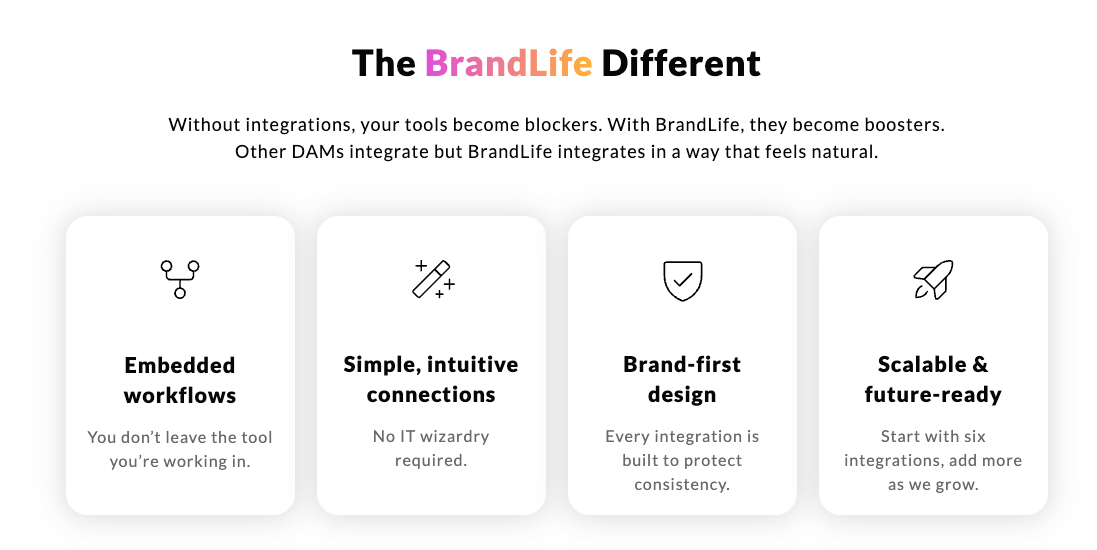
Start by mapping the current toolchain. Identify where assets get stuck between platforms. Pick the two or three integrations that eliminate the most friction for the most people. Then build from there—iterating quarterly, listening to users, and staying flexible enough to absorb whatever new tool or format emerges next.
In 2026, the teams that win aren’t the ones with the most assets—they’re the ones that connect, distribute, and activate those assets without breaking stride. That’s what mastering DAM integrations looks like.Book a Demo