

Key Takeaways
- Digital Asset Management (DAM) centralizes all digital files, making it easier for teams to find and access the assets they need quickly.
- Core DAM features like AI-powered search, version control, and collaboration tools dramatically improve team workflows and efficiency.
- DAM provides a single source of truth for assets, ensuring consistency, security, and compliance across an organization.
- The difference between DAM and Creative Asset Management (CAM) lies in the scope—DAM handles all digital assets, while CAM focuses on creative media assets and production workflows.
- Implementing a DAM system leads to significant cost savings by reducing time spent searching for files, increasing brand consistency, and improving collaboration.
- Popular DAM solutions like BrandLife, Bynder, and Adobe Experience Manager offer various features tailored to different organizational needs.
- The future of DAM includes AI and automation, which will make asset management even more efficient by automating repetitive tasks and integrating with other business tools.
- Start by exploring platforms like BrandLife, which offers an easy setup and AI-powered features, allowing teams to quickly adopt DAM and start benefiting from it.
Not long ago, managing digital assets meant navigating a labyrinth of nested folders, shared drives, and email threads with attachments named "final_v3_UPDATED." Marketing needed the latest logo. Legal couldn't find the signed contract. Sales was using a product image from two quarters ago. Everyone was busy—and nobody had the right file.
That era is fading fast. Organizations have realized that storing content isn't the same as managing it. What teams need now is control, speed, and a system that makes collaboration effortless rather than exhausting.
The shift isn't just about better software. It's about rethinking how digital content flows through an entire organization.
Understanding Digital Asset Management Features
What happens when every team—from marketing to legal to product—wants the latest logo, but nobody can find it? That single question captures why digital asset management has become essential, not optional.
What Is Digital Asset Management?
Digital asset management isn't just a fancy file cabinet. It's an ecosystem designed to organize, store, retrieve, and distribute every digital file an organization touches. Think images, videos, documents, brand templates, and creative assets—all living in one governed environment instead of scattered across personal drives and inboxes.
The pain points it solves are painfully familiar: wasted hours searching for files, outdated assets going live, and teams duplicating work because they didn't know a resource already existed.
Core Concepts Behind DAM
At its foundation, DAM creates a single source of truth. Every asset carries metadata—tags, descriptions, usage rights—that makes it discoverable in seconds. Permissions ensure the right people access the right files. Automation handles the repetitive tasks that used to eat entire afternoons.
The practical outcome? Faster campaign launches, fewer branding errors, and a global DAM market projected to reach 27.18 billion USD by 2032, growing at a 17.11 percent CAGR. That trajectory tells you everything about where organizations are placing their bets.
Key Features of Digital Asset Management Systems
If a DAM system can't help someone find what they need in seconds, it's not solving the problem—it's just relocating it. The features that matter most are the ones that change daily workflows, not the ones that look impressive on a spec sheet.
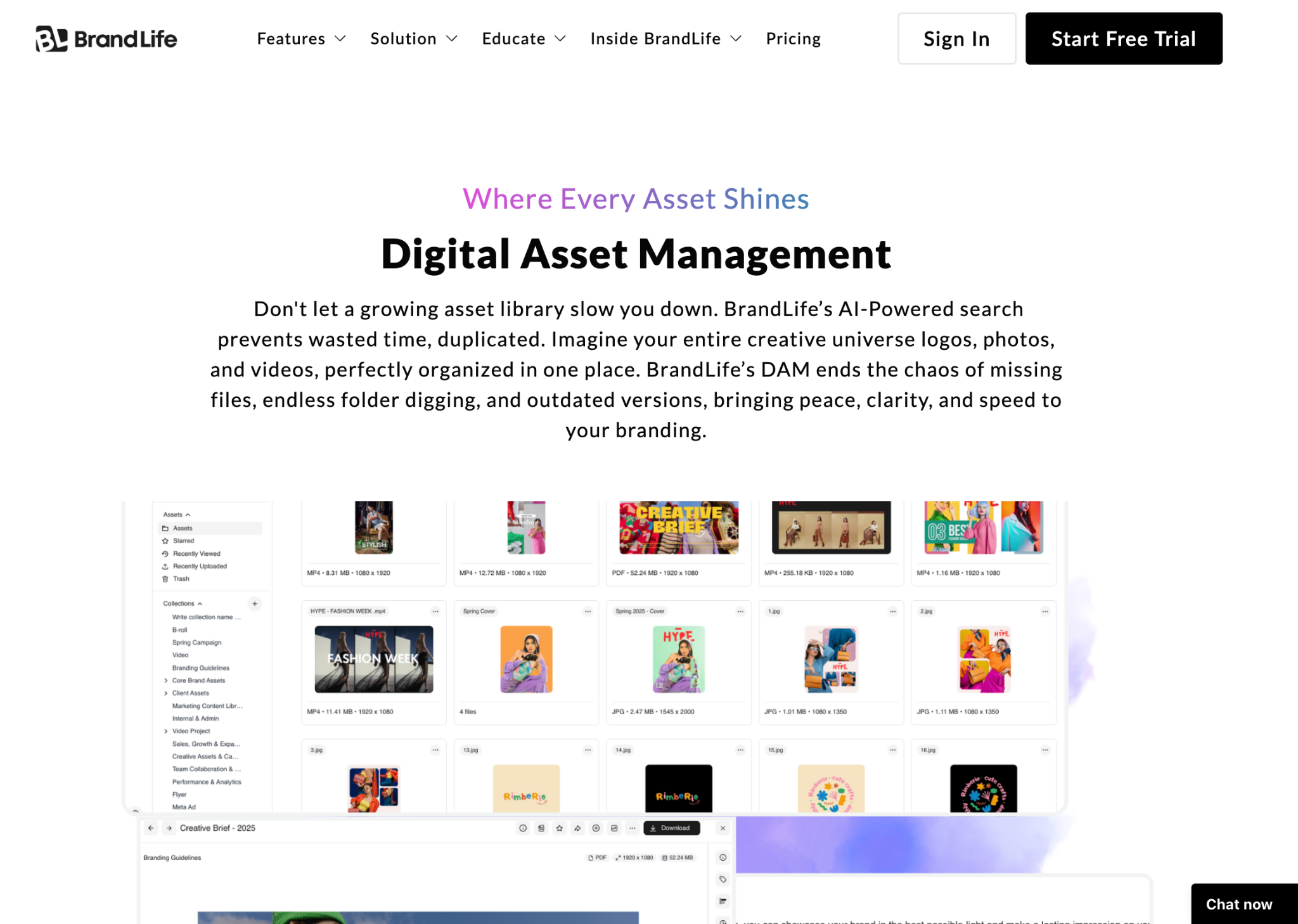
Centralized Asset Library
Picture the before: a designer emails a file to three stakeholders, each saves a local copy, and within a week, four versions exist across four devices. Now picture the after: a single digital asset storage hub where every file lives, updates in real time, and stays secure behind role-based access. That shift alone eliminates hours of confusion every week.
Advanced Search and Filtering
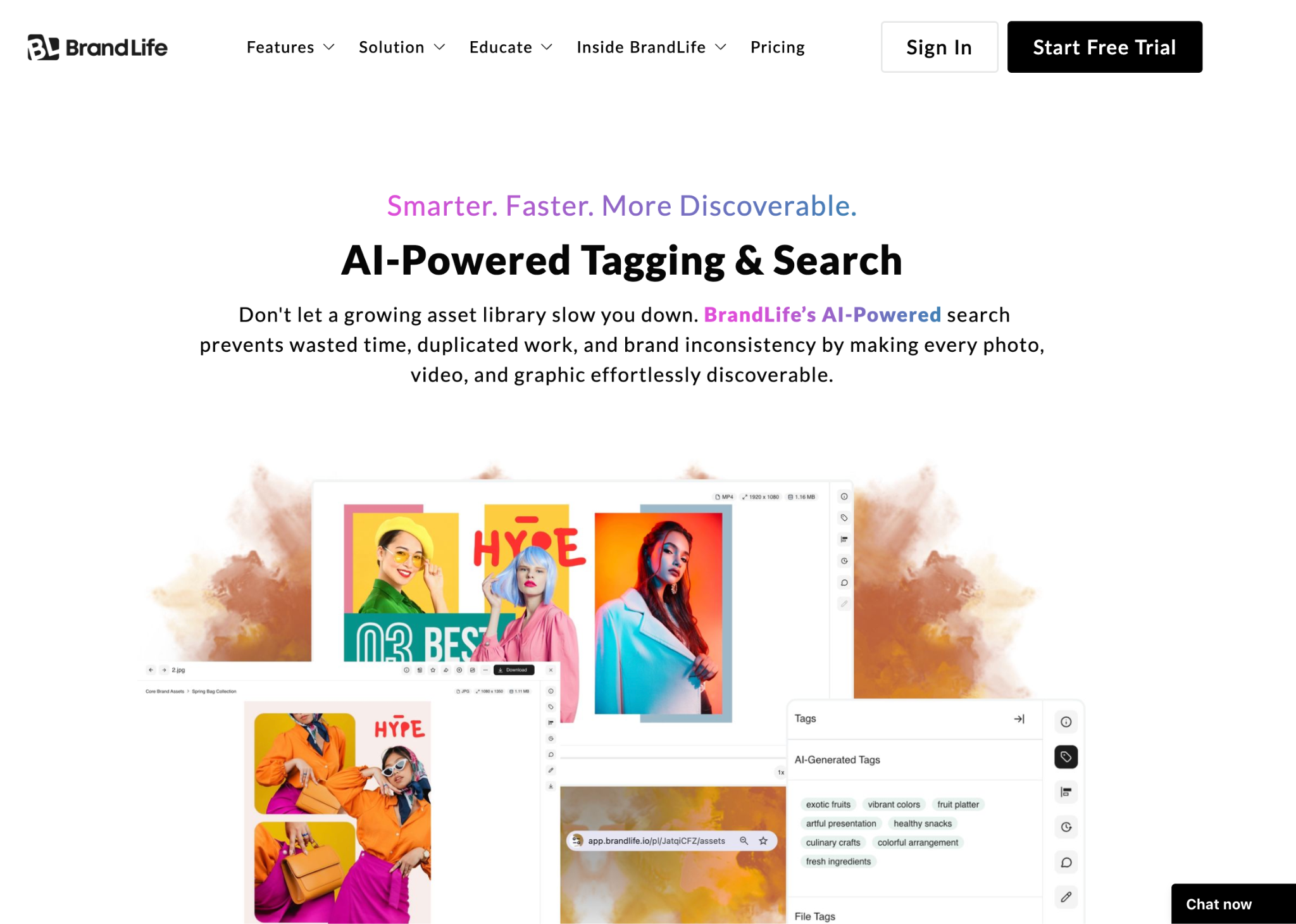
A designer needs a campaign visual from two years ago. Without intelligent search, that's an archaeological dig through archived folders. With AI-powered tagging and searching, it's a ten-second query. Organizations using AI-driven DAM systems report that teams locate needed assets sixty percent faster than those relying on traditional file browsing.
Version Control and Revision History
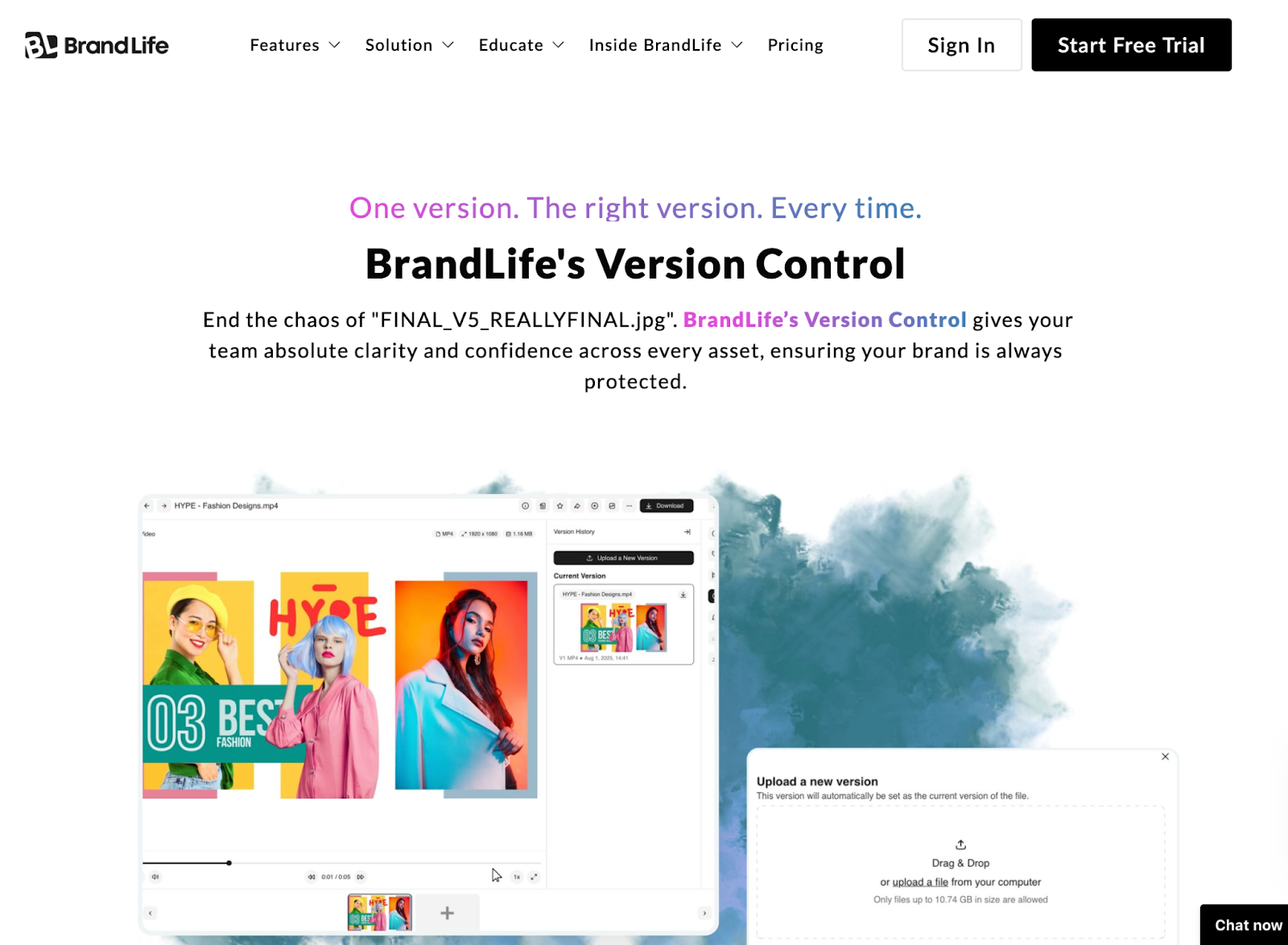
Everyone's encountered the "final_v7_reallyfinal.psd" problem. Without version control, teams overwrite work, lose revisions, and spend time recreating assets that already existed. A proper revision history restores order—every change tracked, every previous version recoverable, and zero ambiguity about which file is current.
Team Collaboration Tools
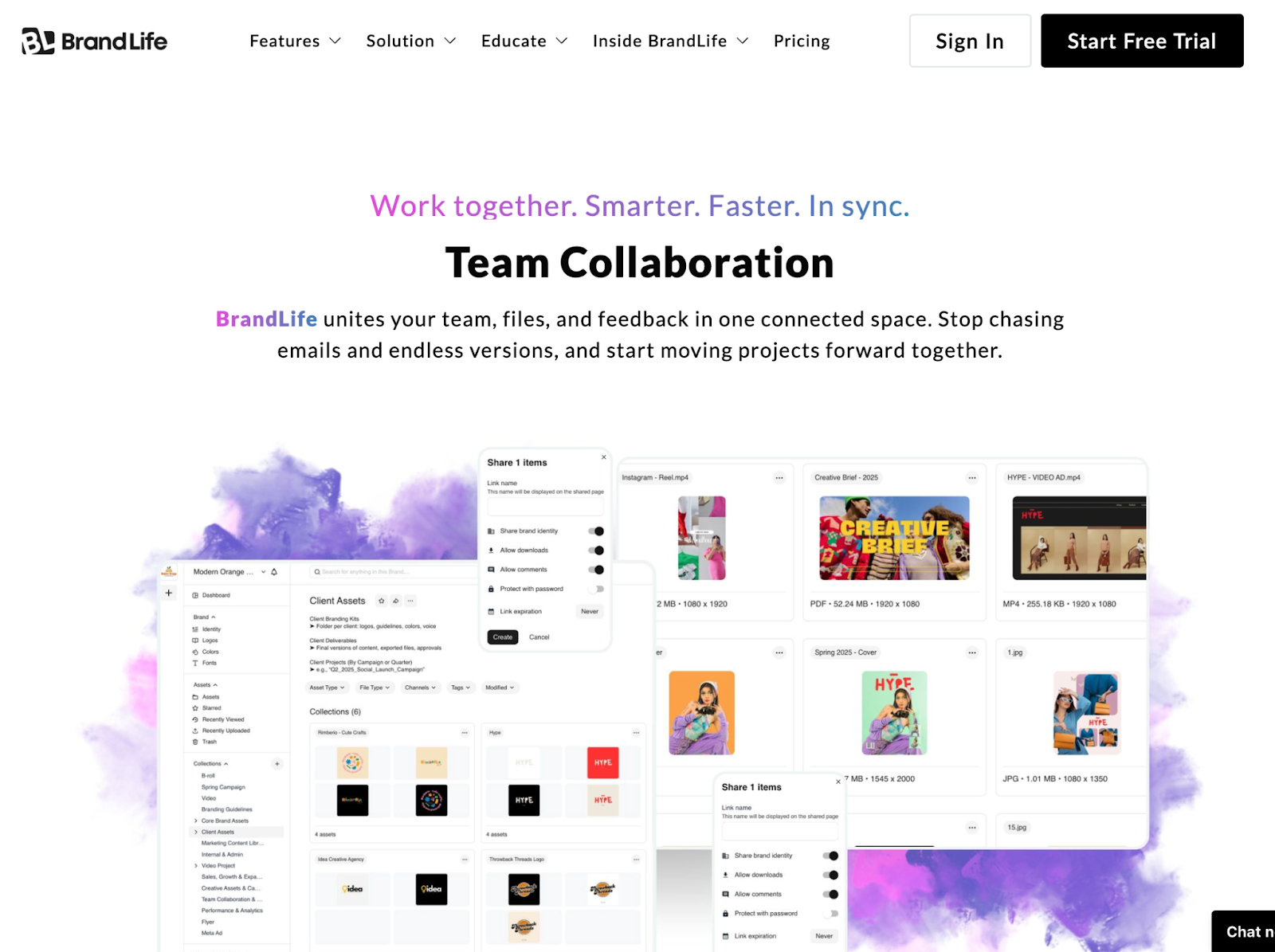
When feedback lives in email threads, Slack messages, and sticky notes, things fall through cracks. Team collaboration features built into a DAM—real-time comments, approval workflows, task assignments—compress review cycles from days into hours. Fewer email chains, faster delivery, and a clear audit trail of who approved what.
Digital Asset Management vs. Creative Asset Management
Is every DAM a creative asset manager? Not quite. The terms get tossed around interchangeably, but they serve different purposes—and confusing them can lead to buying the wrong tool entirely.
Key Differences
DAM casts a wide net. It manages every digital file an organization produces—contracts, product photos, training videos, compliance documents. Creative asset management narrows the focus to media-specific workflows: design reviews, campaign asset approvals, and creative production pipelines.
Think of it this way: a legal team archiving signed agreements needs DAM. An agency managing a multi-channel campaign with iterative design rounds needs CAM. The overlap exists, but the emphasis is fundamentally different.
Use Cases and Applications
This distinction matters most during buying decisions. A team that needs enterprise-wide governance shouldn't settle for a tool optimized only for creative review—and vice versa. Knowing the difference saves budget and frustration.
Benefits of Implementing a DAM Solution
When assets are scattered across drives, inboxes, and forgotten Slack threads, the costs compound quietly—duplicated effort, inconsistent branding, and campaigns that launch late because someone couldn't find the approved file.
Cost Efficiency
Every hour a team member spends searching for a file is an hour not spent on strategic work. DAM slashes wasted time by centralizing assets, eliminating duplicate creation, and preventing the costly cycle of recreating files that already exist somewhere in the organization's digital maze. Teams with DAM consistently report spending significantly less time on file retrieval alone.
Brand Consistency and Control
Imagine a regional office launching a campaign with last year's logo because nobody told them it changed. A DAM with permissions and approval flows prevents exactly that scenario. Only current, approved assets are accessible. Outdated files get archived, not accidentally published. Brand standards stop being a PDF nobody reads and start being enforced by the system itself.
Enhanced Customer Experiences
The domino effect is real: when teams access the right assets instantly, campaigns launch faster. Content stays current across every channel. Customers encounter a consistent, polished brand experience whether they're on a website, in an app, or opening an email. Better asset management doesn't just help internal teams—it builds trust with every external touchpoint.
Choosing the Right DAM Software
With dozens of DAM platforms competing for attention, separating must-haves from nice-to-haves becomes the real challenge. Not every feature matters equally for every organization.
Factors to Consider in 2025
- Security and compliance: Role-based access, encryption, audit trails
- Scalability: Can it grow with your asset library and team size?
- AI capabilities: Auto-tagging, smart search, content recommendations
- Integration ecosystem: Connects with CMS, CRM, and creative tools
- Pricing transparency: No hidden fees, clear per-user or flat-rate models
Popular DAM Software Options
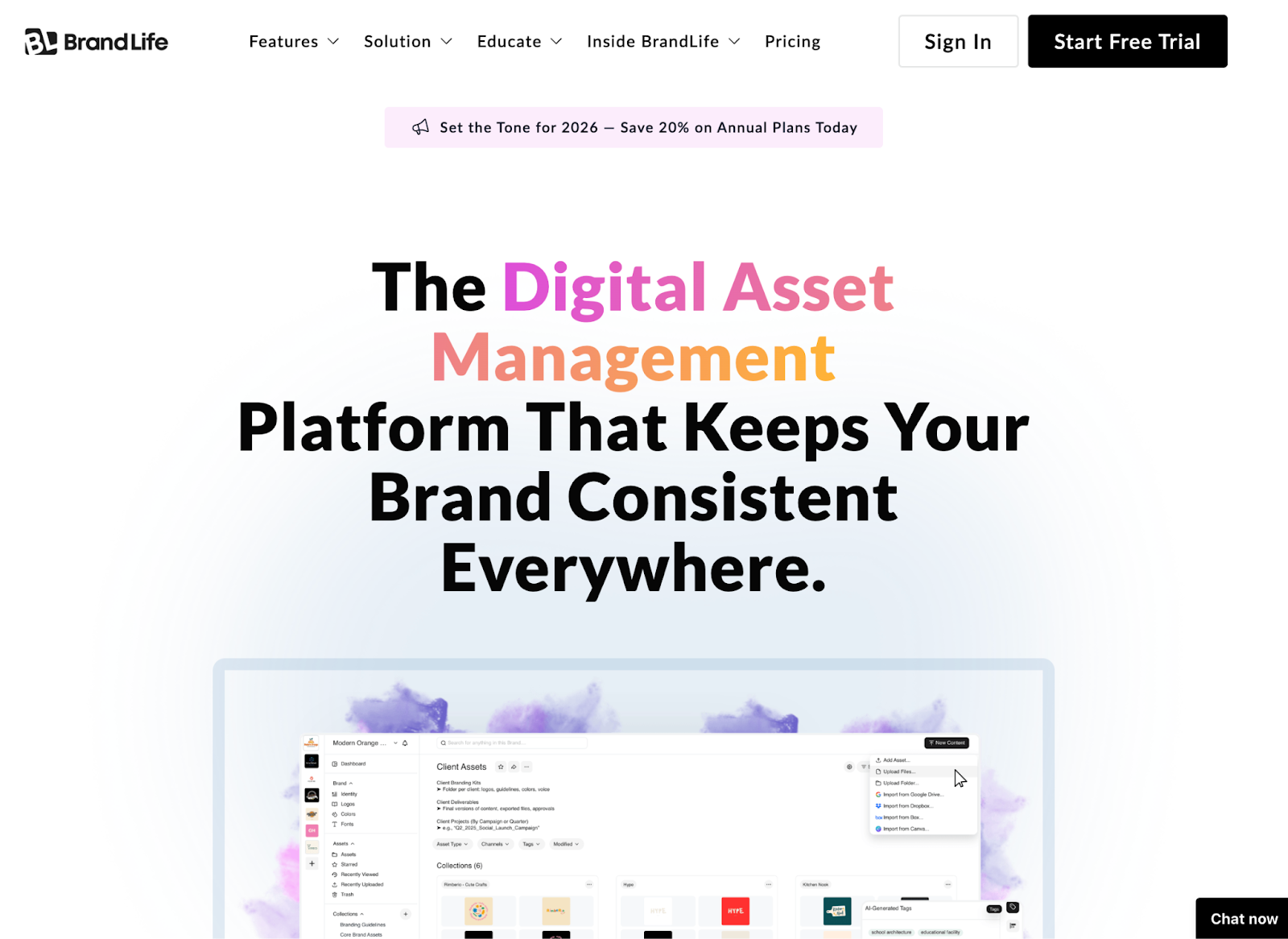
- BrandLife: Built for teams that want unlimited users, AI-powered features, and transparent pricing without enterprise complexity.
- Bynder: Strong in brand portal capabilities and creative workflow automation.
- Adobe Experience Manager: Deep integration with the Adobe ecosystem, suited for large enterprises with complex content operations.
- Canto: Known for intuitive design and visual-first asset browsing.
Trends and Future of Digital Asset Management
Tomorrow's DAM isn't just about storage—it's about intelligence and connection. The platforms gaining traction are the ones that anticipate needs rather than just respond to commands.
AI and Automation in DAM
AI is moving beyond basic auto-tagging. Picture a marketer preparing a product launch who receives asset recommendations based on campaign type, audience, and past performance—without requesting them. Automated workflows handle resizing, format conversion, and distribution, turning what used to require manual effort into background processes that simply happen.
Integration with Other Technologies
A DAM that doesn't connect to a company's CMS, CRM, and creative suites creates another silo instead of eliminating one. The future belongs to platforms that act as connective tissue—pushing approved assets directly into marketing automation tools, ecommerce platforms, and publishing systems without manual exports or re-uploads.
Getting Started with BrandLife's DAM Solution
For teams ready to move past folder chaos and scattered assets, BrandLife offers a unified DAM experience designed for speed and simplicity.
BrandLife's Feature Overview
BrandLife provides unlimited users as a standard—not a premium add-on—because DAM value increases with adoption. The platform includes AI-powered search, robust permissions, version control, and team collaboration tools, all backed by transparent pricing with no surprise fees.
Why Choose BrandLife?
Where other platforms require weeks of onboarding and consultant-led implementations, BrandLife is built for rapid adoption. Teams have gone from first login to launching a fully organized campaign library in days. Ease of use isn't a marketing claim—it's the core design principle that makes automation accessible to every team member, not just power users.
Start Your Free Trial
Explore BrandLife with a personalized demo. See firsthand how modern DAM transforms the way teams store, find, and share digital assets.Book a Demo