
Key Takeaways
- Teams reviewing Acquia DAM (Widen) in 2026 usually want easier onboarding, more modern AI search, and less Drupal-tied lock-in.
- Top pick: BrandLife, built for modern multi-brand marketing and creative teams that want transparent pricing and quick setup.
- Strong enterprise-scale option for global governance and distribution: Bynder.
- We rank eight named tools across four signals, from ICP fit to honest watch-outs. Those tools are BrandLife, Bynder, Brandfolder, Canto, Frontify, Aprimo, Cloudinary, and MediaValet.
- Skip to the migration section for a four-phase plan to move a large library off Acquia DAM while keeping CMS and e-commerce integrations intact.
- BrandLife Starter is public at $150/month. Enterprise is custom. Legacy DAMs on this list often start in the thousands per month.
Teams start searching for Acquia DAM alternatives the moment a routine request turns into an IT ticket. Your brand team finds the campaign master file, then hits a Drupal-dependent workflow that sends the request back to IT, and what should have taken thirty seconds turns into a day of waiting.
Recent roundups point to the same themes. Teams want easier onboarding, more modern AI capabilities, and less ecosystem lock-in. Acquia DAM still fits Drupal-heavy organizations with mature governance needs, while teams with simpler setups often want a more flexible experience, a distinction G2's category comparisons draw out directly.
This roundup compares eight named options by fit, strengths, and cost position. Explore a migration plan, so your team can move without wrecking metadata or downstream publishing.
What Acquia DAM Does Well
Acquia DAM's Leader status on G2 is earned. Rights management, expiration enforcement, multi-stage approvals, and full audit trails make it a genuinely strong fit for brand governance at scale, and two published outcomes back that up. Autodesk cut asset distribution time by 50%, and Zurich Insurance cut image search time by 83% across a 20,000-user deployment.
Its clearest strength is the native Drupal integration, where assets stay managed in Acquia DAM while Drupal references them directly, with governance respected both ways. That depth suits large, regulated enterprises already on Drupal or the wider Acquia platform. The trade-off is what pushes other teams toward the alternatives below, since real setup complexity and pricing stays opaque until late in the sales process.
How We Chose These Acquia DAM Alternatives
Five signals decide this ranking. They include platform fit, AI capability, creative workflows, external distribution, and total cost, since shortlists get clearer when you score tools against the work your team actually does every week.
1. ICP fit and multi-brand support
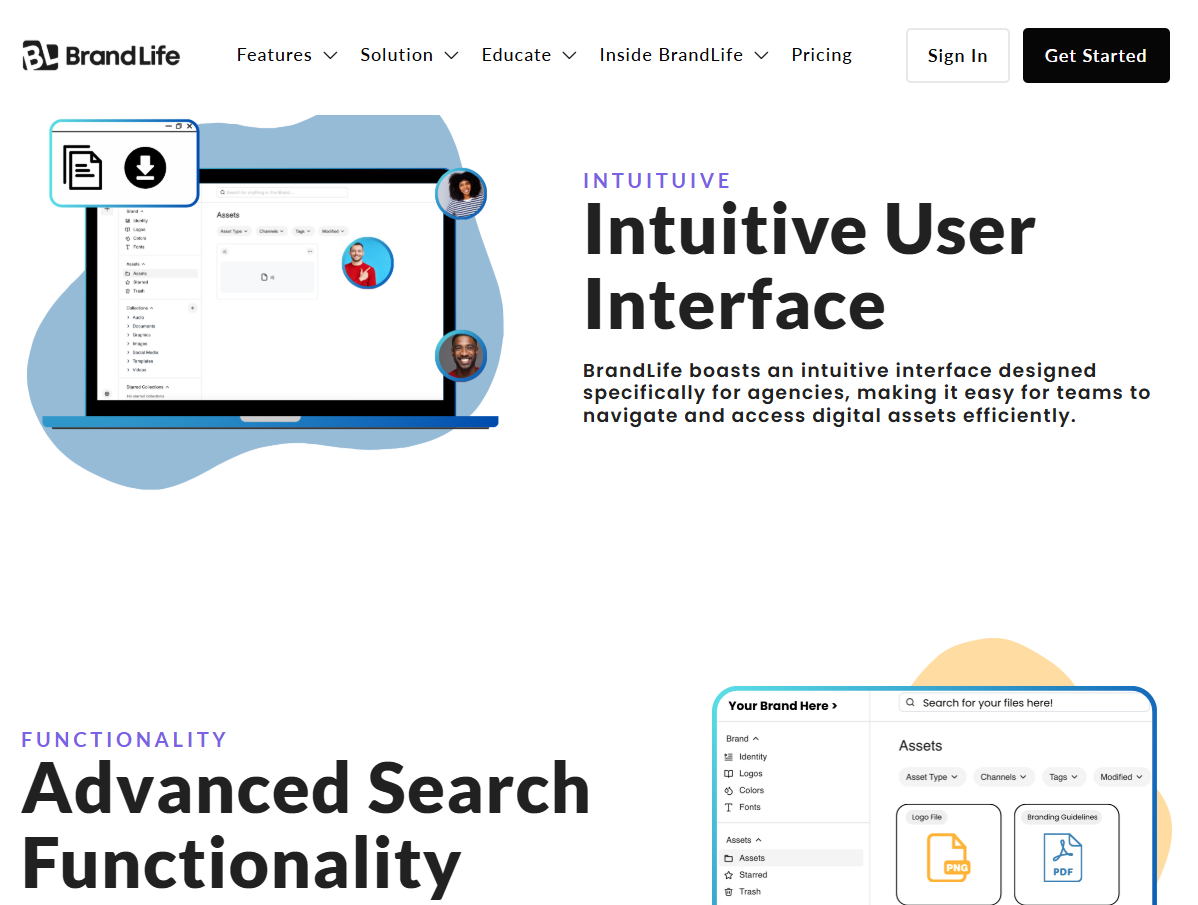
A single-brand DTC team needs a different setup than an agency managing ten client brands, so we looked at who each platform serves best across in-house teams, agencies, franchise groups, and multi-location brands. We also checked whether each brand gets its own workspace or whether teams need folder workarounds inside one shared library.
2. AI search, tagging, and automation
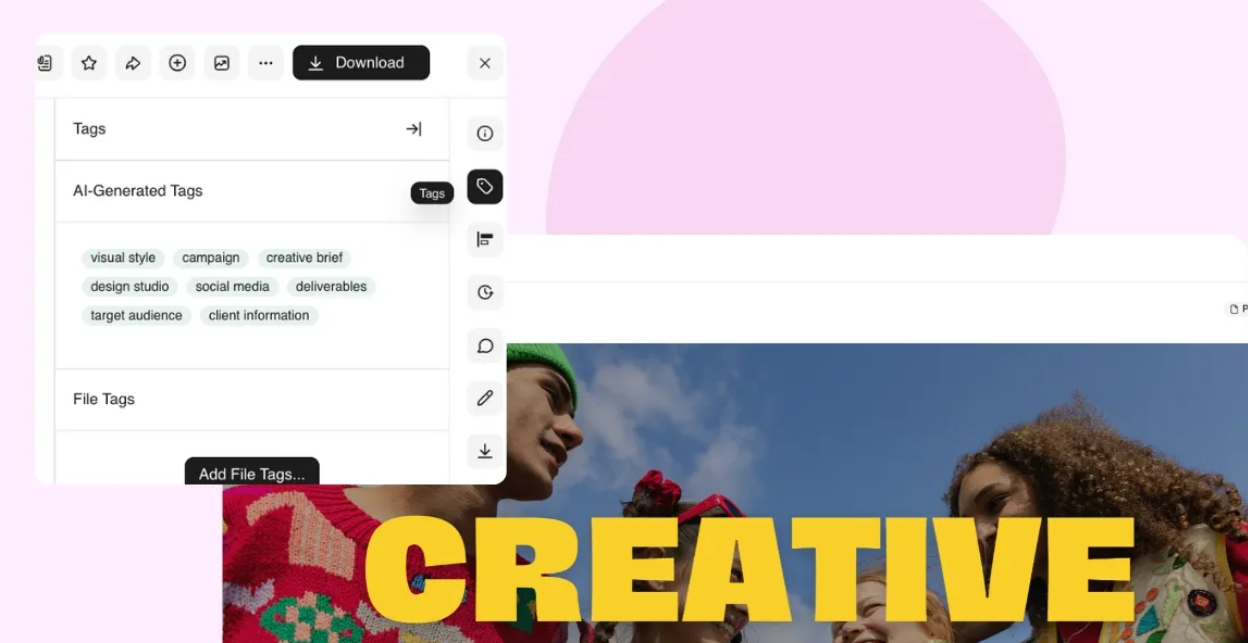
Manual metadata upkeep eats time fast, so we gave more credit to platforms that emphasize AI search and tagging, especially for larger libraries. We also looked for visual search, smart organization, and retrieval that feels easier than metadata-first systems.
3. Creative and approval workflows
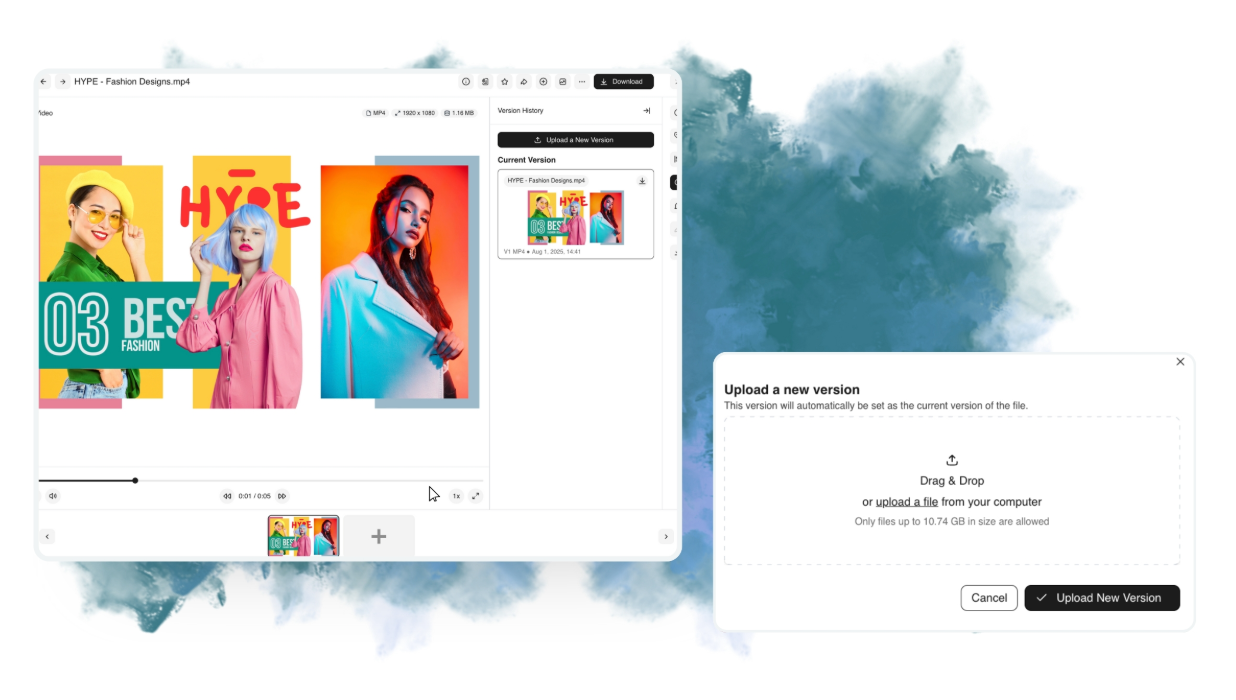
Approval chaos slows launches more than missing storage ever will, so we checked version control, restore options, approval routing, expiration rules, and comment threads on assets. Native creative integrations also mattered, since brand and design teams live in Canva, Figma, and shared cloud drives.
4. Partner and franchise distribution
Off-brand execution usually starts outside headquarters, so we rated branded portals, expiring links, and controlled external access for franchisees, resellers, agencies, and local teams. Platforms that make approved assets easy to find scored highest.
5. Pricing transparency and total cost
Quote-only pricing hides important details until late in the process, so we compared public pricing against sales-led pricing, then called out likely cost drivers such as storage tiers, bandwidth, guest access, and implementation effort.
The 8 Best Acquia DAM Alternatives
Eight named platforms cover the range of teams looking to leave Acquia DAM, from self-serve multi-brand tools to enterprise content operations suites. Each entry below covers who it fits, what stands out, where pricing lands, and the trade-off worth knowing before you shortlist it.
1. BrandLife
Best for: Modern multi-brand marketing and creative teams
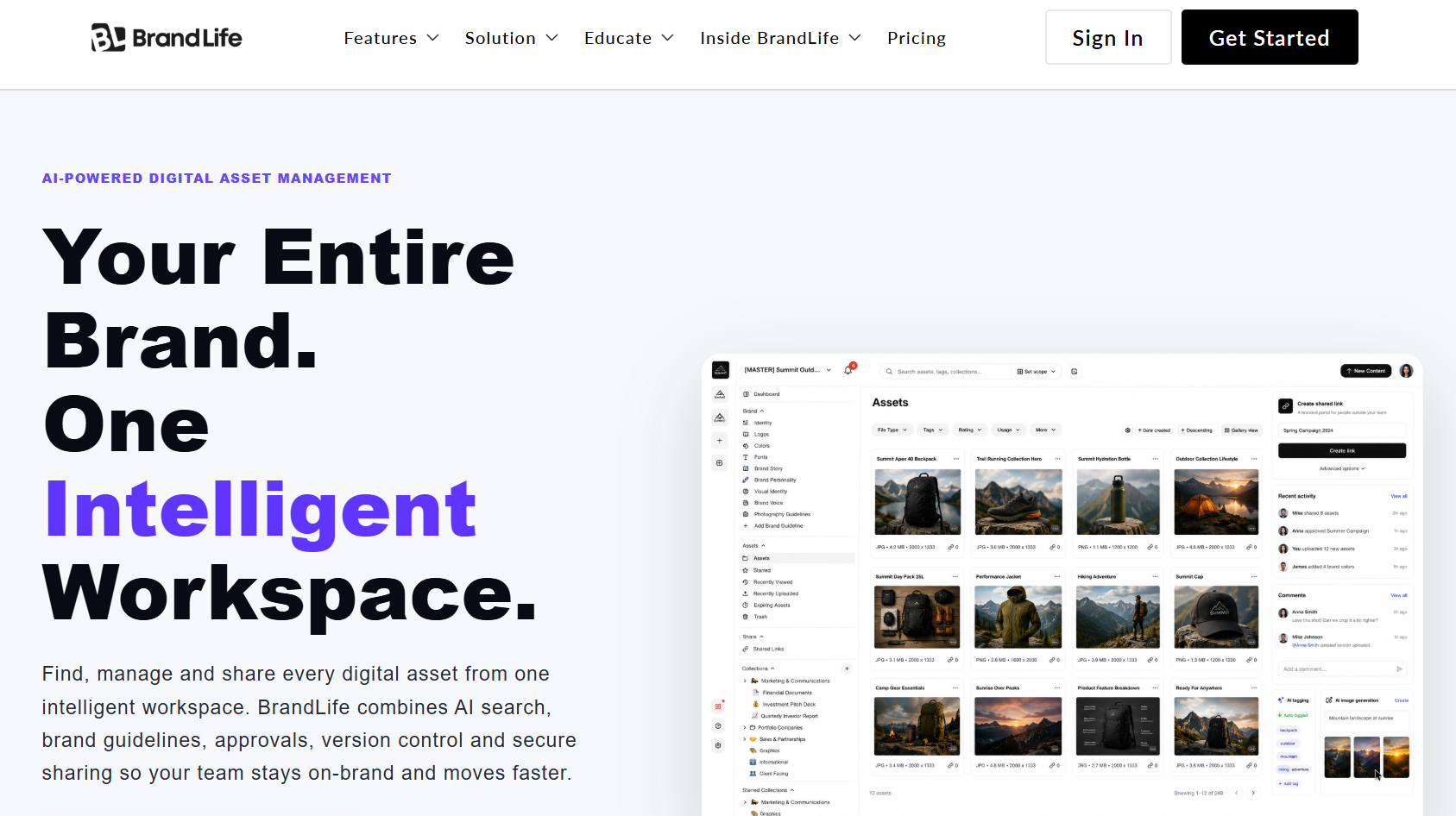
BrandLife fits growing and mid-market brand-driven teams best, especially organizations with roughly 10 to 1,000 employees, agencies managing several client brands, and franchise or multi-location groups, since each client or sub-brand can run in its own multi-brand workspace with separate colors, fonts, and asset storage.
BrandLife's YouTube channel, hosted by CMO Shannah, breaks down this exact positioning, arguing that most marketing teams don't have a content problem, they have a system problem.
Key features
- AI-powered search by keyword, product, SKU, color, object, category, or campaign, with visual similarity search available as an add-on
- Interactive brand guidelines living inside the same workspace as the asset library
- Multi-brand workspaces giving each brand its own environment instead of shared folders
- Unlimited free brand portals for franchisees, agencies, and resellers, with expiration dates and link controls
- A Capture Content Portal for direct photographer and field-team uploads
- Version control with restore, plus native integrations with Canva, Figma, Google Drive, Dropbox, SharePoint, OneDrive, and Slack
One of BrandLife’s customers, Sarah J., said "BrandLife has completely transformed how we manage our brand. Our team is faster, more consistent, and way more organized."
Pricing
Starter runs $150/month for 1 user, 1 brand, and 1GB of storage, with Enterprise custom-priced for unlimited users, brands, and advanced security. Starter fits a narrow use case, so teams with several users or more than one brand will move up quickly, and security-heavy environments may need Enterprise add-ons like SSO or Custom Roles & Permissions.
2. Bynder
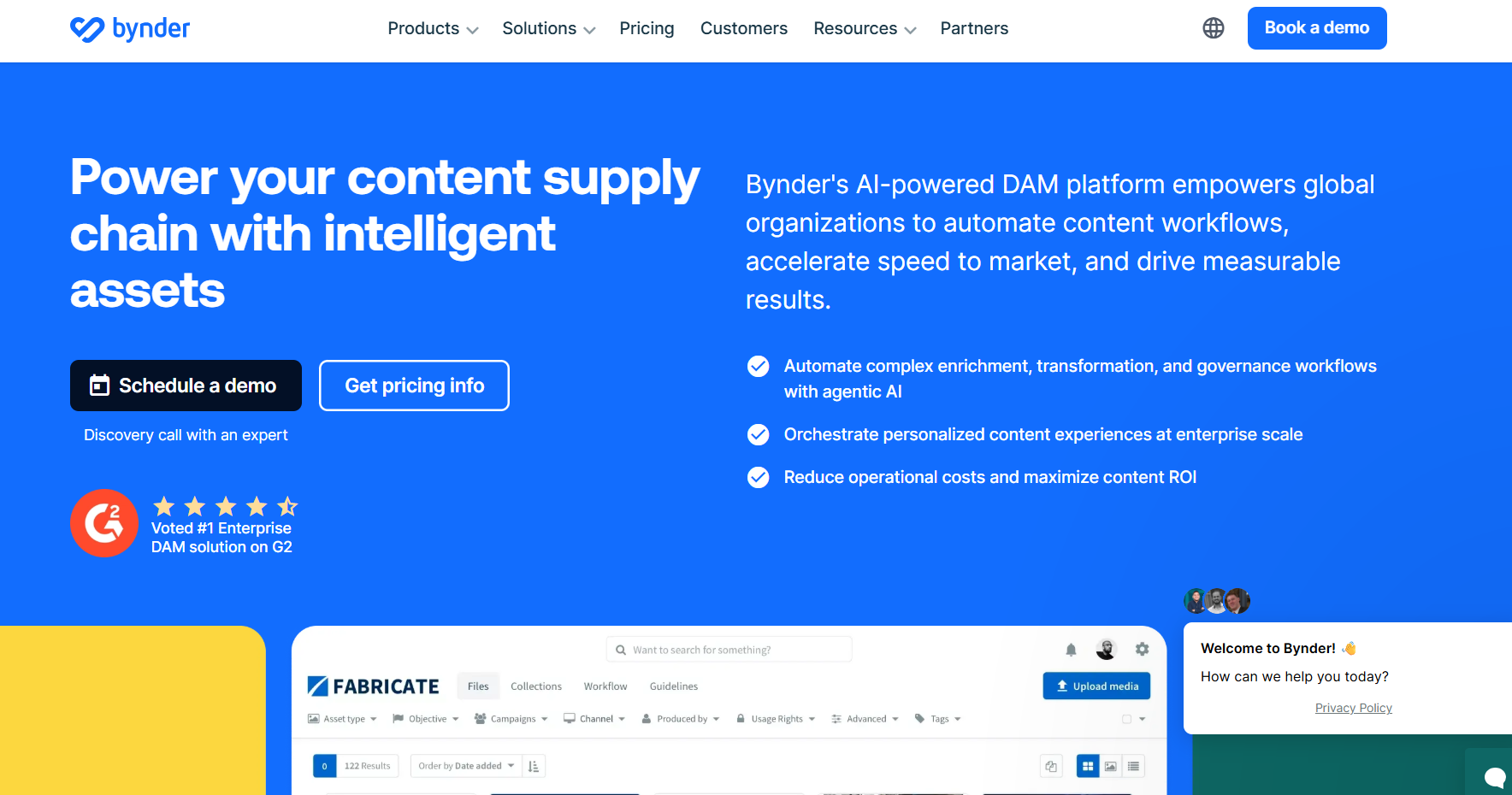
Best for: Global enterprise brand governance
Bynder shows up repeatedly in Acquia alternative lists for global brand teams that need one system supporting regional marketers, external users, and governance rules at scale.
Key features
- Branded portals and templating built around centralized brand governance
- Broad integrations for standardizing how assets move across a large marketing stack
- AI-assisted tagging and search for organizing bigger libraries across multiple markets or business units
Pricing
Pricing is sales-led, positioned in the upper mid-market to enterprise tier, and buyers should expect a scoping conversation before seeing a quote. Implementation works best as a structured rollout, and admin overhead and configuration depth can feel heavy for smaller teams.
3. Brandfolder
Best for: Distributed brands and partner networks
Brandfolder is widely cited for polished partner sharing, the kind of external distribution where some DAM platforms separate themselves fast.
Key features
- Branded portals supporting self-service sharing for partners and local teams
- Asset usage insights showing which files get traction and which stay untouched
- AI-assisted organization for keeping external distribution cleaner without constant manual cleanup
Pricing
Pricing is quote-based and usually aimed at mid-market or enterprise buyers. Organizations already using the broader Smartsheet ecosystem should ask how bundling affects the final price, and some buyers end up evaluating a broader stack instead of a standalone DAM, so it's worth clarifying which features are native versus dependent on additional products.
4. Canto
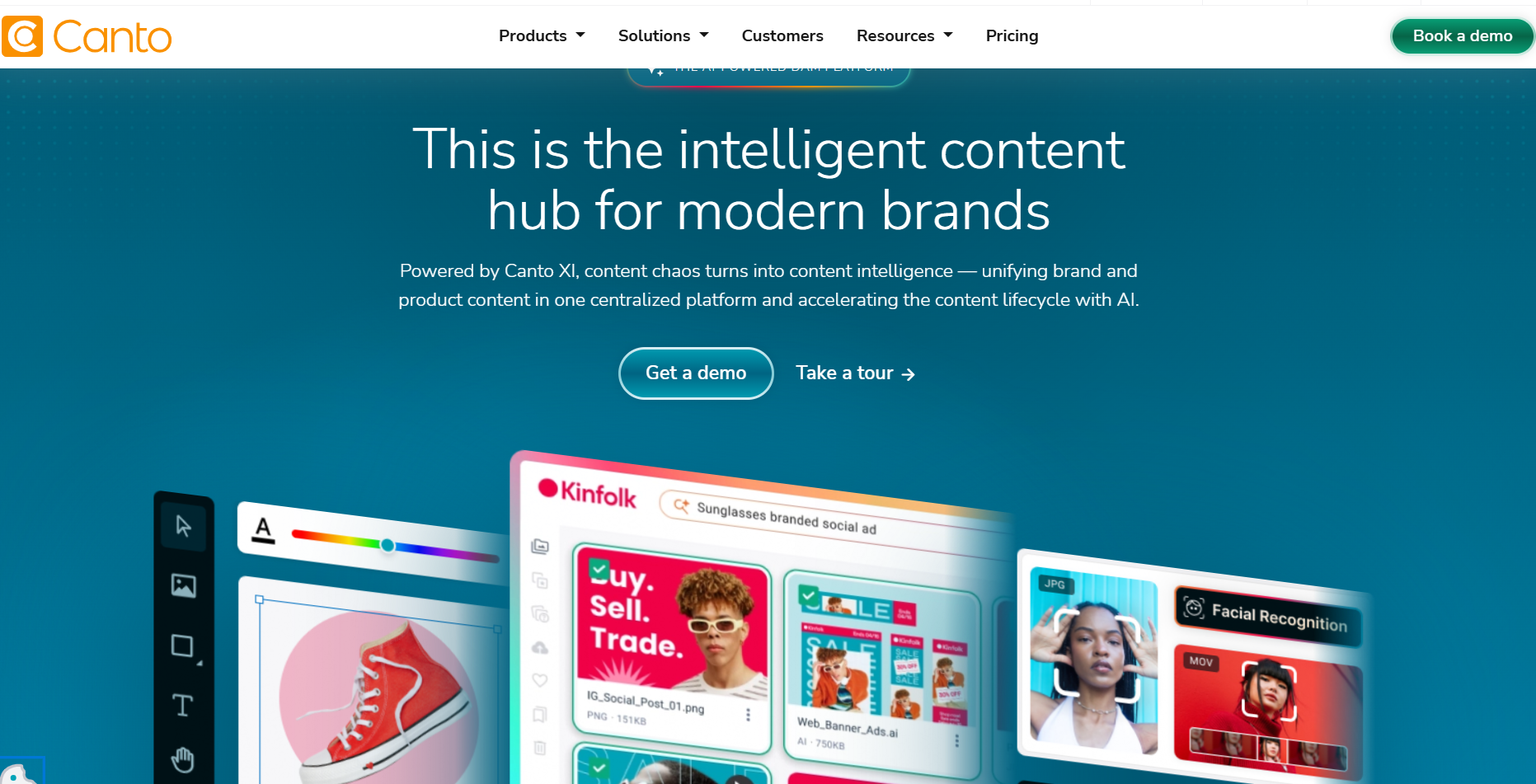
Best for: SMB and mid-market simplicity
Canto shows up often on SMB and mid-market shortlists for teams that care more about speed, usability, and low admin burden than deep governance layers.
Key features
- An interface widely described as intuitive for daily search, sharing, and organization work
- AI-assisted organization that scales as libraries grow
- A faster path to adoption than most governance-heavy platforms
Pricing
Pricing is generally described as friendlier for smaller budgets, though exact numbers are usually quote-based, so ask about user tiers, storage limits, and implementation scope during evaluation. Brand program depth is lighter than in platforms centered on brand guidelines or complex governance, so teams with large franchise networks should compare portal depth closely.
5. Frontify
Best for: Brand-ops-led multi-brand programs
Frontify fits teams that treat brand management as a program, where brand guidelines, portals, and governance matter as much as the DAM itself.
Key features
- Cloud brand guidelines as a major part of the product's value
- Multi-brand workspaces, branded portals, and templates supporting local teams while keeping standards consistent
- AI-enhanced tools positioned inside a broader brand management stack
Pricing
Pricing is sales-led and usually aimed at mid-size to enterprise organizations, with discovery work expected before a quote. Organizations that only need a straightforward asset library may find the broader brand-program scope more than they plan to use.
6. Aprimo
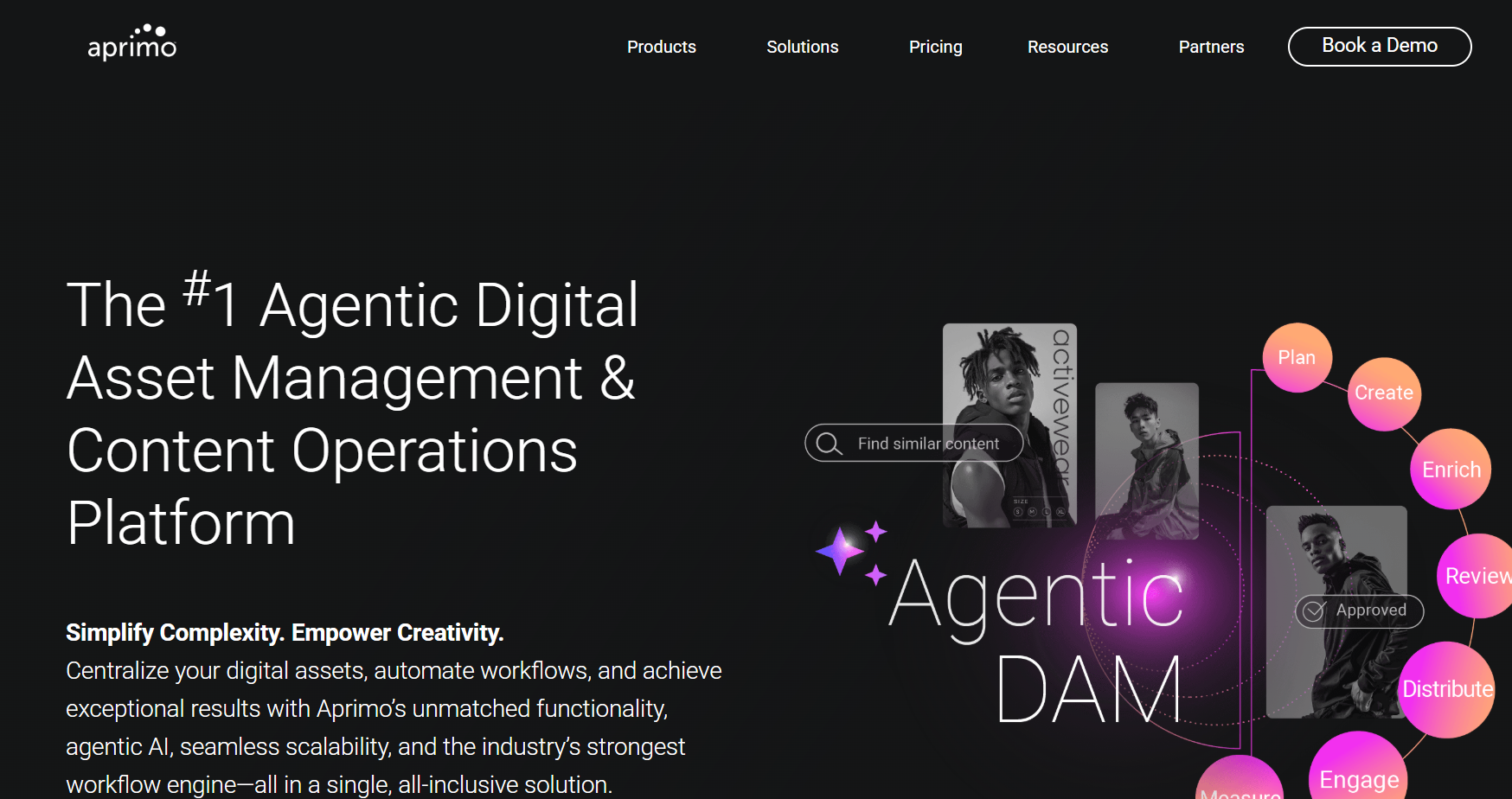
Best for: Enterprise Content Operations
Aprimo is built for organizations that want DAM tied directly to planning, workflow, and resource management rather than a standalone asset library.
Key features
- Workflow depth as a major differentiator, with DAM sitting inside a larger content operations platform
- Support for campaign planning and production across bigger teams
- A structure suited to mature marketing operations groups managing broader process change
Pricing
Pricing is enterprise-oriented and handled through sales, so buyers should plan for a scoped implementation conversation rather than a self-serve trial path. Setup complexity is significant, and leaner teams can end up paying for operational depth they aren't ready to use.
7. Cloudinary
Best for: E-commerce and developer-led media
Cloudinary serves a different buying checklist entirely, built for product imagery and web delivery rather than brand governance.
Key features
- Image and video transformation for managing size, format, and delivery behavior at scale
- Built-in CDN delivery and strong APIs for product-heavy digital experiences
- A technical, developer-oriented product experience
Pricing
Pricing is usually usage-based, with delivery volume or bandwidth shaping the bill, so buyers should model traffic carefully before committing. Brand governance is lighter than in platforms built around brand portals or guidelines.
8. MediaValet
Best for: Large Libraries and Heavy Distribution
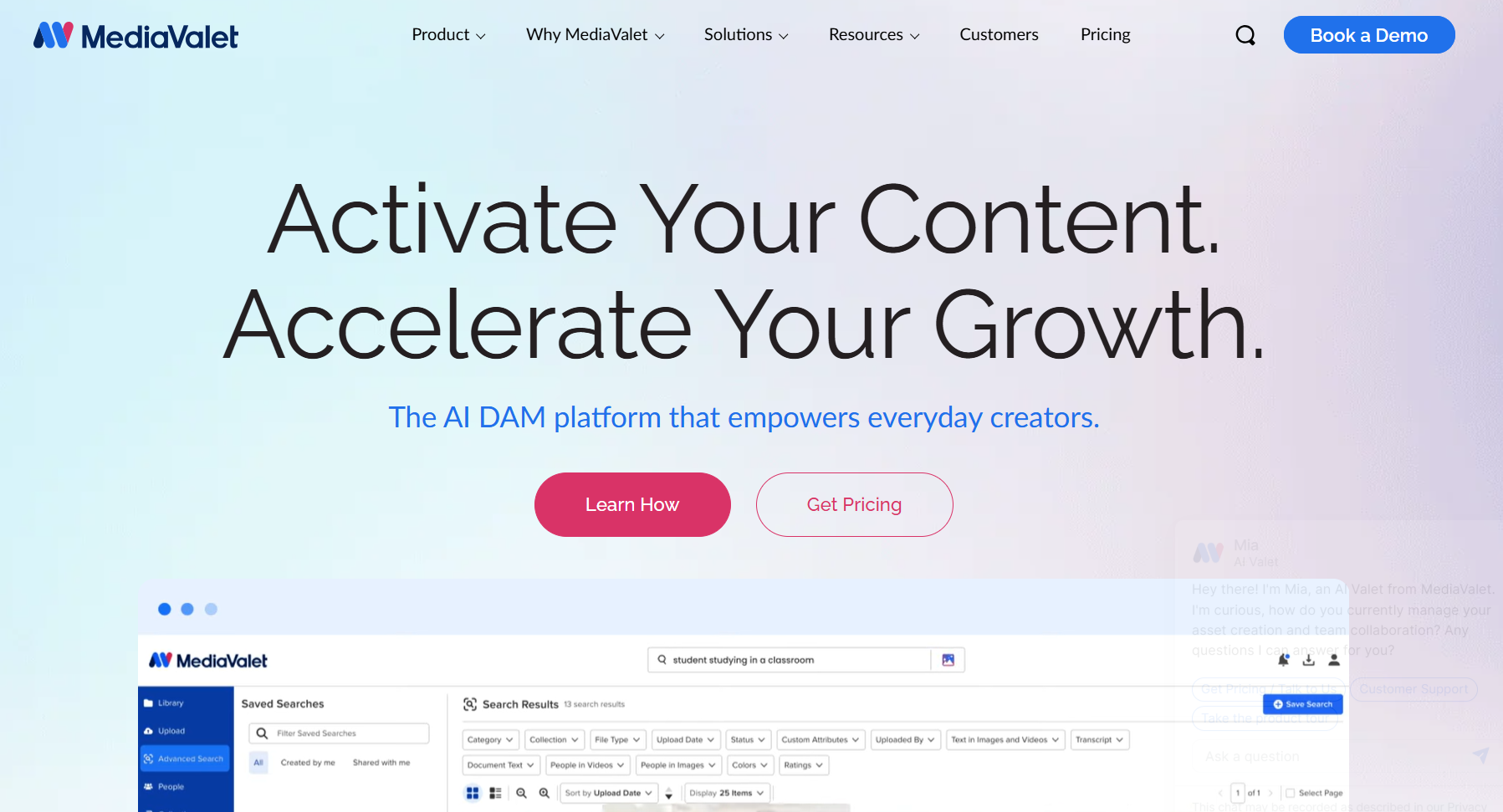
MediaValet is built for the buying math that changes once media archives get large, where storage scale, external access, and operational support matter more than anything else.
Key features
- Scalable cloud DAM built for large asset libraries
- External portals for distributing a lot of media outside the core team
- Support commonly highlighted in vendor positioning and third-party roundups
Pricing
Pricing is generally enterprise-tier and quote-based, so ask how storage levels, user structure, and portal needs affect the proposal. Teams with detailed brand governance needs may need more hands-on configuration than they would in a brand-first platform.
How to Migrate Off Acquia DAM Without Breaking Your Stack
Migrating off Acquia DAM works best as a four-phase plan: audit, target design, pilot, and full cutover, since migration usually becomes the biggest line item after software, and a phased approach protects metadata, rights rules, and publishing connections.
1. Audit and strategy
Start with a full inventory of assets, metadata schemas, rights rules, and expiration dates, and capture brand taxonomies too. Then identify Acquia-specific patterns such as Drupal integrations or custom metadata fields that need mapping before transfer. Use this stage to decide what should move and what should be retired, since old files increase storage costs and weaken search results later.
2. Target design
Define the future state before you move files, including roles, permissions, partner access, multi-brand structure, and any approval routing your team wants to improve. It also helps to decide which AI features will carry the most value on day one, since auto-tagging, smart organization, and better search can change adoption quickly after launch.
3. Pilot and dual-run
Move one brand, one region, or one major asset class first, which keeps risk contained while your team validates metadata mapping, search quality, user adoption, and portal access. Run both systems briefly if needed, giving your team time to test CMS links, creative integrations, and publishing workflows before a full cutover.
4. Full migration and decommission
After the pilot proves out, bulk transfer the remaining assets and update downstream CMS or e-commerce connections, then formalize governance rules, expiration settings, and external sharing controls in the new platform. A franchise retailer following this pattern, for example, might move from a governance-first DAM into a platform with centralized guidelines and local-market portals, a phased move that reduces disruption for field teams.
Which Acquia DAM Alternative Fits Your Team
Teams usually start looking beyond Acquia DAM for three reasons: they want easier onboarding, more modern AI search, and more freedom from Drupal-tied lock-in. This roundup covered eight alternatives across fit, feature strengths, pricing position, and practical trade-offs, plus a four-phase migration plan so your team can protect metadata, rights rules, and CMS connections during the switch.
BrandLife stands out for modern multi-brand marketing and creative teams, with each brand getting its own workspace and AI search, brand guidelines, approval workflows, and partner portals living in one place. Starter pricing begins at $150/month, which makes early evaluation a lot easier than quote-only enterprise tools. If your team wants faster retrieval, cleaner approvals, and brand-safe sharing without a long sales cycle, Get Started with BrandLife.
Frequently Asked Questions
Can I keep my Acquia DAM metadata when I migrate?
Yes, with proper field mapping during the audit phase. Each source field needs a target field, and your taxonomy needs a clear match. AI tagging can enrich thin metadata, though custom Drupal-oriented fields need closer review.
How long does a DAM migration usually take?
It depends on asset volume, metadata complexity, and integration count. A pilot on one brand or region can finish in a few weeks, with full rollout in phases after that. Dual-running reduces risk before final cutover.
Do these alternatives work without Drupal?
Yes. All eight tools operate independently of Drupal. BrandLife, for example, connects natively to Canva, Figma, Google Drive, Dropbox, SharePoint, OneDrive, and Slack, so assets keep moving through the tools your team already uses.
Is there a DAM option with public, self-serve pricing?
Yes. BrandLife Starter is public at $150/month and needs no sales call, while most enterprise DAMs in this category stay quote-based. That makes early comparison easier for growing brand and creative teams.
Which alternative fits agencies managing multiple client brands?
Agencies get the cleanest setup from true multi-brand workspaces, where each client gets separate colors, fonts, guidelines, and storage. That structure reduces accidental cross-use, making BrandLife a strong fit for multi-brand agencies.