Key Takeaways
1. Importance of Brand Asset Management: Effective brand asset management is essential for maintaining a coherent brand identity in today’s digital landscape, where businesses rely heavily on various digital assets.
2. Diverse Tool Options: There are numerous tools available for brand asset management, each with unique features tailored to different business needs, from small startups to large enterprises.
3. BrandLife's Unique Advantages
- BrandLife excels with automated workflows that streamline the approval process, making asset management more efficient.
- It offers built-in brand consistency checks to ensure all assets align with brand guidelines before use.
- The platform emphasizes collaboration, allowing team members to provide real-time feedback directly on assets.
4. Comparison with Competitors: While tools like Bynder, Widen Collective, and Adobe Experience Manager have strong capabilities, BrandLife stands out for its user-friendly interface, ease of setup, and superior collaboration features.
5. Collaboration and Compliance: Enhanced collaboration tools and automated compliance checks in BrandLife help teams focus on quality while ensuring that all brand assets are used correctly and consistently.
6. Streamlined Processes: Many tools provide essential features for asset management, but BrandLife integrates project planning, real-time collaboration, and brand compliance into one cohesive platform, simplifying the overall asset management process.
7. Choosing the Right Tool: Selecting the appropriate brand asset management tool can significantly impact brand consistency and efficiency, making it crucial for organizations to evaluate their specific needs and consider options like BrandLife for optimal results.
Your team doesn’t need another folder. It needs one trusted place for approved logos, campaign files, templates, and brand guidelines.
Brand asset management software gives marketing and creative teams that shared system. The strongest options combine searchable asset storage with version control, permissions, approval workflows, and controlled sharing. The right choice depends on how many brands you manage, who needs access, and how much administration your team can support.
For growing and multi-brand teams that want transparent entry pricing, living brand guidelines, AI-assisted search, and separate workspaces, BrandLife is the strongest fit in this shortlist. Its Starter plan is $150 per month. Enterprise pricing is custom.
Quick picks
- Best for growing and multi-brand teams: BrandLife
- Best for large enterprise brand operations: Bynder
- Best for teams centered on living brand guidelines: Frontify
- Best for established enterprise DAM programs: Acquia DAM, formerly Widen
- Best for teams already using Adobe’s experience stack: Adobe Experience Manager Assets
- Best for straightforward visual asset libraries: Canto
- Best for visual brand portals and asset distribution: Brandfolder
Brand asset management software comparison
| Software | Best for | Pricing visibility | Standout strengths | Limitations to evaluate | Implementation | Integrations |
|---|---|---|---|---|---|---|
| BrandLife | Growing, agency, and multi-brand teams | Starter $150/month; Enterprise custom | Separate brand workspaces, living guidelines, AI tagging and search, portals | Confirm storage and add-on needs for your library | Designed for faster adoption than complex enterprise DAMs | Google Drive, Dropbox, OneDrive, SharePoint, Canva, Figma, Slack |
| Bynder | Large enterprise brand operations | Vendor quote; verify before publish | Governance, controlled distribution, permissions, guidelines | Procurement, configuration, and administration requirements | Plan for enterprise rollout and stakeholder governance | Verify required connectors during evaluation |
| Acquia DAM (Widen) | Mature enterprise DAM programs | Vendor quote; verify before publish | Metadata, portals, analytics, enterprise asset operations | May be more system than a smaller team needs | Plan taxonomy, migration, and governance work | Verify required connectors during evaluation |
| Canto | Mid-market teams that value a visual library | Verify before publish | Search, version control, portals, distribution | Test governance depth and scale against your use case | Moderate setup depends on taxonomy and migration | Verify required connectors during evaluation |
| Frontify | Brand-led teams that prioritize guidelines | Vendor quote; verify before publish | Living guidelines, templates, collaboration, brand portals | Confirm DAM depth and multi-brand administration needs | Requires guideline and permission design | Verify required connectors during evaluation |
| Brandfolder | Teams focused on brand portals and sharing | Vendor quote; verify before publish | Visual library, sharing, portals, usage insight | Confirm workflow and multi-brand fit | Plan portal structure and metadata | Verify required connectors during evaluation |
| Adobe Experience Manager Assets | Enterprises already invested in Adobe | Vendor quote; verify before publish | Adobe ecosystem, content operations, enterprise scale | Higher implementation and administration burden | Typically a structured enterprise implementation | Strongest fit when Adobe is already central |
| MediaBeacon | Enterprise teams needing configurable DAM | Vendor quote; verify before publish | Metadata, workflow configuration, search | Evaluate usability and implementation effort | Expect configuration and governance work | Verify required connectors during evaluation |
| Asset Bank | Teams seeking a conventional DAM | Verify before publish | Search, permissions, bulk asset operations | Evaluate modern AI, portal, and workflow requirements | Depends on migration and configuration | Verify required connectors during evaluation |
| GatherContent | Content operations teams | Verify before publish | Content planning, templates, collaborative editing | Not a direct DAM substitute for many asset-heavy teams | Content workflow setup rather than full DAM migration | Verify CMS and workflow connectors |
Evidence note: BrandLife pricing and integrations are grounded in BrandLife’s approved product record. Other vendors’ current pricing and integration claims must be checked against first-party vendor pages immediately before publication.
What is brand asset management software?
Brand asset management software is a governed system for storing, organizing, approving, and distributing the files that represent a brand. These assets include logos, fonts, color palettes, templates, product images, campaign creative, and brand guidelines.
A shared drive stores files. Brand asset management software adds the controls that keep those files useful: metadata, search, permissions, version history, approval status, usage rules, and partner access.
Brand asset management vs. digital asset management
Digital asset management covers the broader creative library, including working files, raw media, and final deliverables. Brand asset management focuses on the approved subset that teams and partners can safely use.
Many modern platforms handle both jobs. The distinction still matters during selection. A creative team may need deep production workflows, while a brand team may care more about guidelines, controlled distribution, and preventing outdated assets from circulating.
For the operating model behind implementation, read the brand asset management guide for scaling brands. This page stays focused on comparing software.
How we evaluated the software
We evaluated each platform against the capabilities that affect daily adoption and long-term cost:
- Centralization and search: Can users find approved assets without knowing the folder structure?
- Governance: Can admins control permissions, versions, expiration, and usage?
- Guidelines and templates: Do brand rules live beside the assets people use?
- Approvals and collaboration: Can teams review work without moving feedback into email?
- External distribution: Can partners, agencies, franchisees, and sales teams self-serve safely?
- Multi-brand support: Can each brand or client maintain distinct assets and rules?
- Integrations: Does the platform connect to the team’s storage, design, and communication tools?
- Implementation and migration: What work is needed before the library becomes useful?
- Pricing visibility and total cost: Are the entry price, add-ons, storage, seats, and service costs clear?
Evidence date: August 11, 2026. Recheck vendor pricing, packaging, and named integrations before publication.
1. BrandLife: best for growing and multi-brand teams
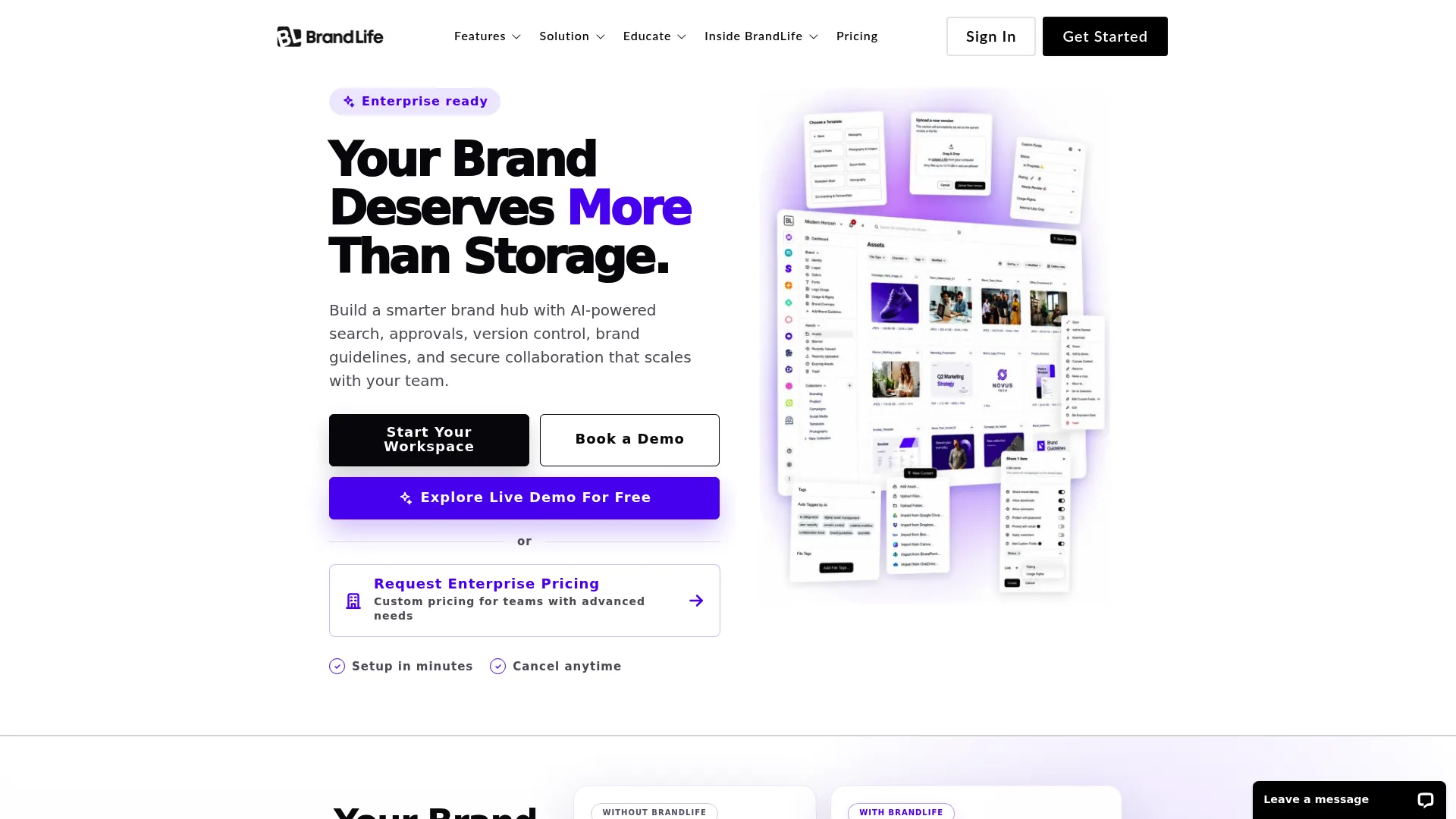
BrandLife’s public website, captured August 11, 2026. Source: BrandLife.
BrandLife is built for teams that have outgrown shared drives but don’t want the cost or administration of a legacy enterprise DAM. Each client, product line, or sub-brand can operate in its own workspace with separate assets, colors, and fonts.
Best for: Growing brands, agencies, franchise teams, ecommerce teams, and organizations managing multiple brands.
Strengths
- AI tagging and search reduce manual metadata work.
- Living brand guidelines sit beside approved assets.
- Version control and asset expiration reduce outdated-file risk.
- Portals support controlled distribution to partners and external teams.
- Native integrations include Google Drive, Dropbox, OneDrive, SharePoint, Canva, Figma, and Slack.
Limitations to evaluate
- Starter includes one user, one brand, and 1GB of storage, so larger teams should model expansion or Enterprise needs.
- Advanced security and selected capabilities may require Enterprise or add-ons.
Pricing: Starter is $150 per month. Enterprise pricing is custom.
2. Bynder: best for large enterprise brand operations
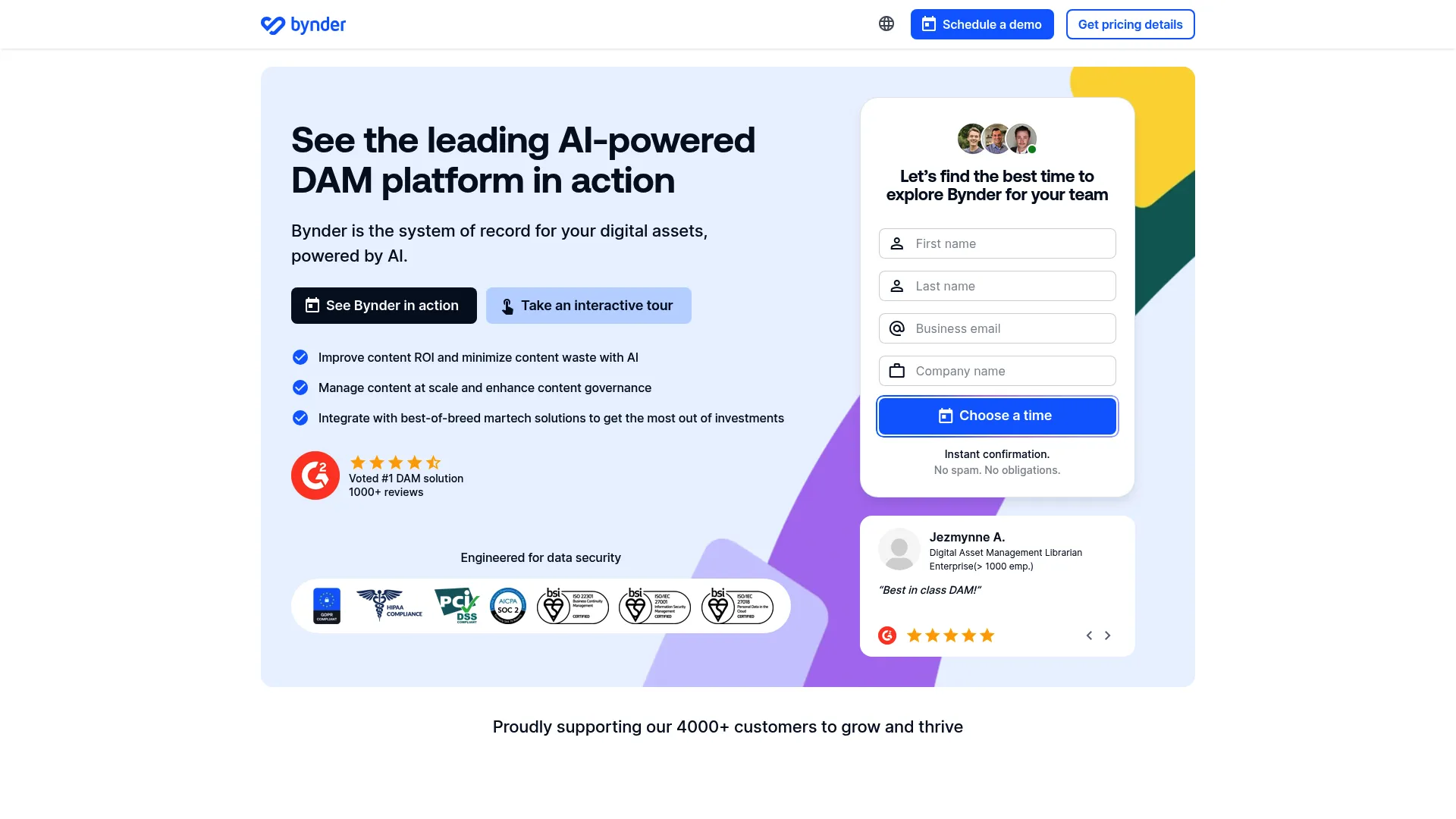
Bynder’s public DAM page, captured August 11, 2026. Source: Bynder.
Bynder is a strong fit for large organizations that need formal governance, controlled content distribution, and access management across many stakeholders.
Best for: Enterprise brand teams with established procurement, governance, and implementation resources.
Strengths
- Centralized brand assets and guidelines.
- Access controls for internal and external users.
- Support for scaled asset creation and distribution.
Limitations to evaluate
- Confirm implementation effort, administration needs, and total contract cost.
- Smaller teams should test whether the platform’s depth justifies the rollout burden.
3. Acquia DAM: best for mature enterprise DAM programs
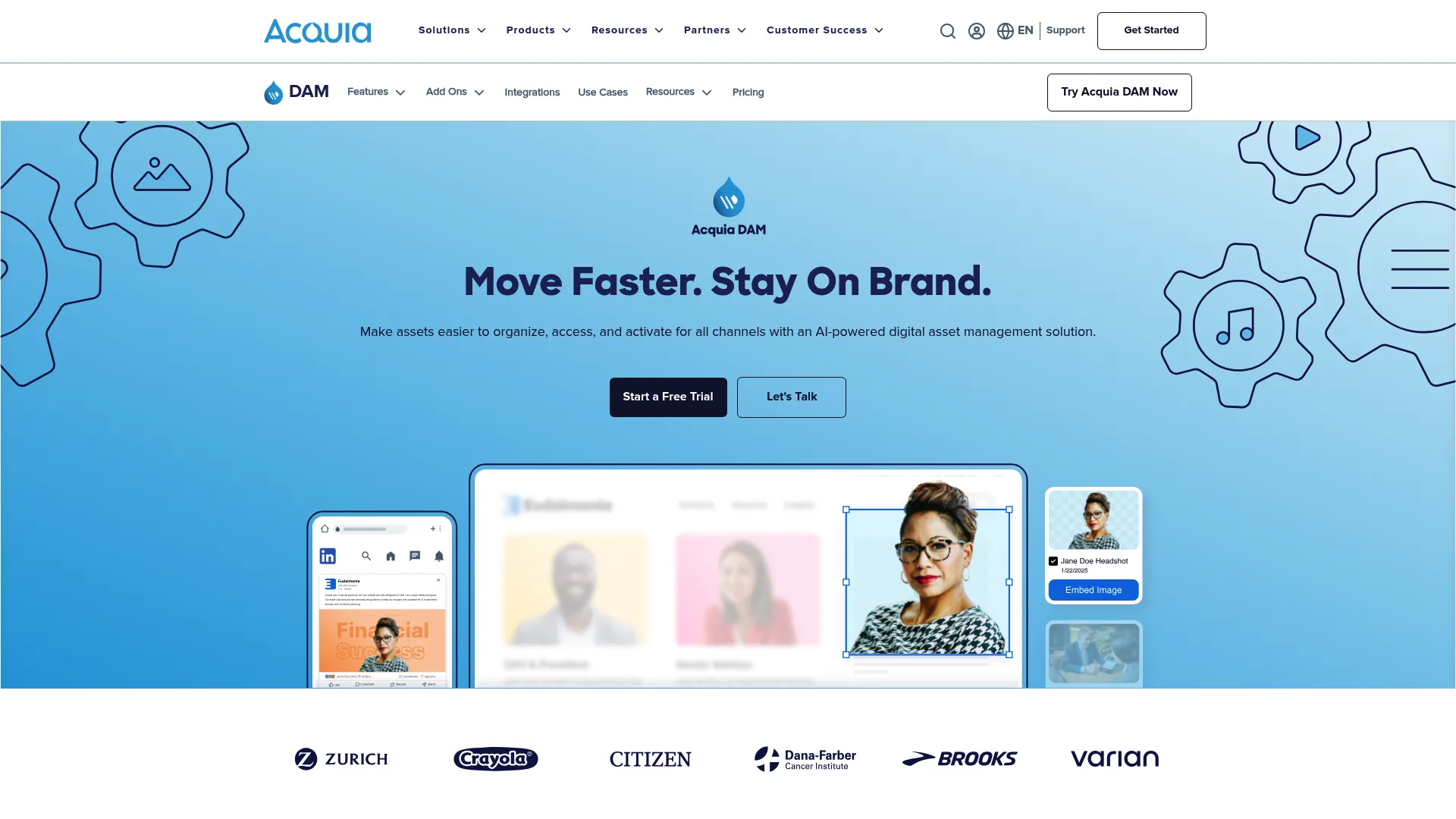
Acquia’s public DAM page, captured August 11, 2026. Source: Acquia DAM.
Acquia DAM, formerly Widen, is best considered by organizations with large libraries and formal metadata, portal, and reporting requirements.
Best for: Established enterprises with dedicated DAM owners and structured asset operations.
What to evaluate: Migration services, taxonomy design, portal administration, analytics requirements, and total ownership cost.
4. Canto: best for straightforward visual asset libraries
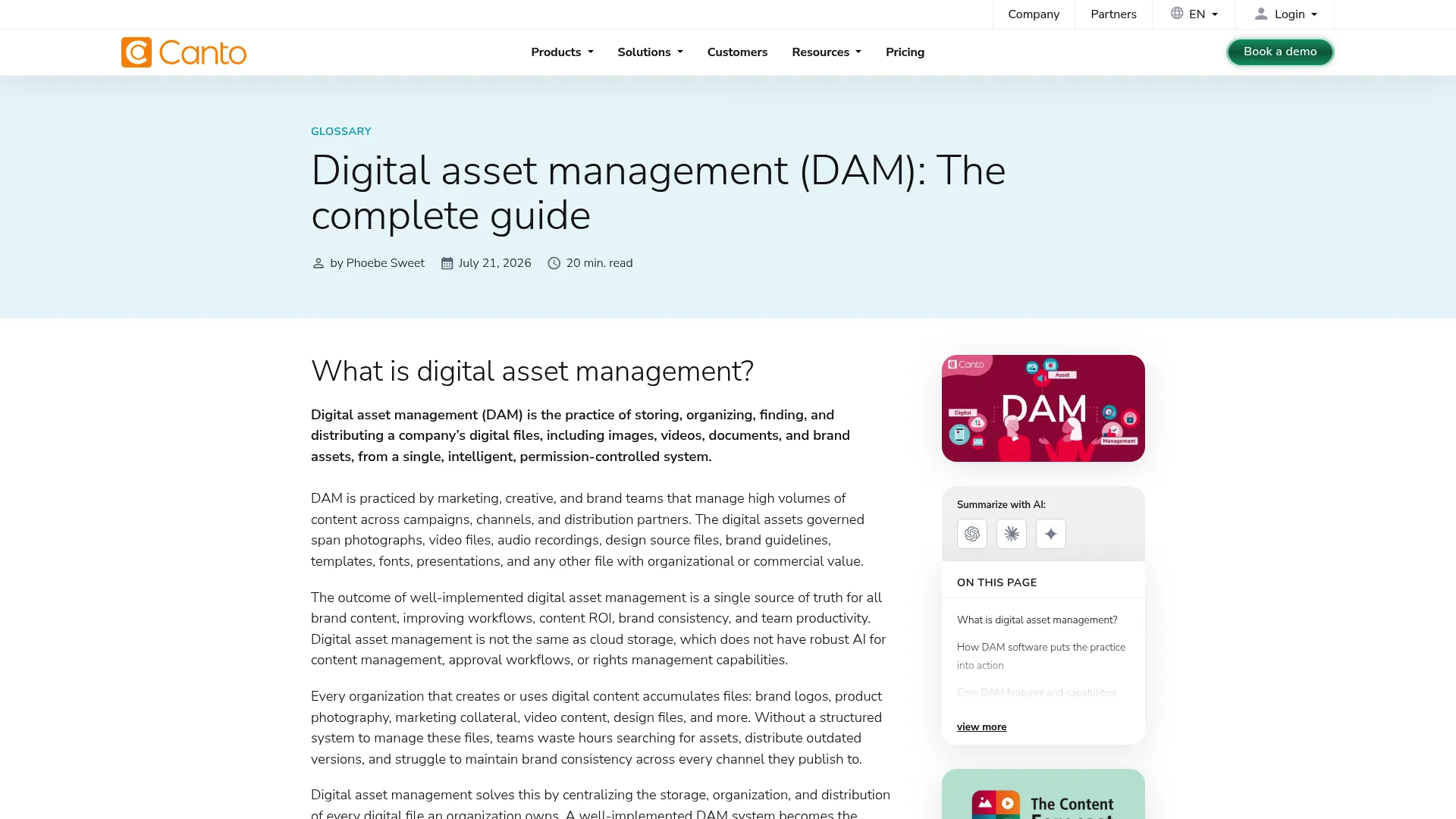
Canto’s public DAM page, captured August 11, 2026. Source: Canto.
Canto centers the buying decision on asset discovery, version control, brand content organization, and distribution.
Best for: Mid-market marketing teams that want a visual library and a clear path away from shared folders.
What to evaluate: Approval depth, permissions, rights management, multi-brand administration, and pricing at your expected library size.
5. Frontify: best for living brand guidelines
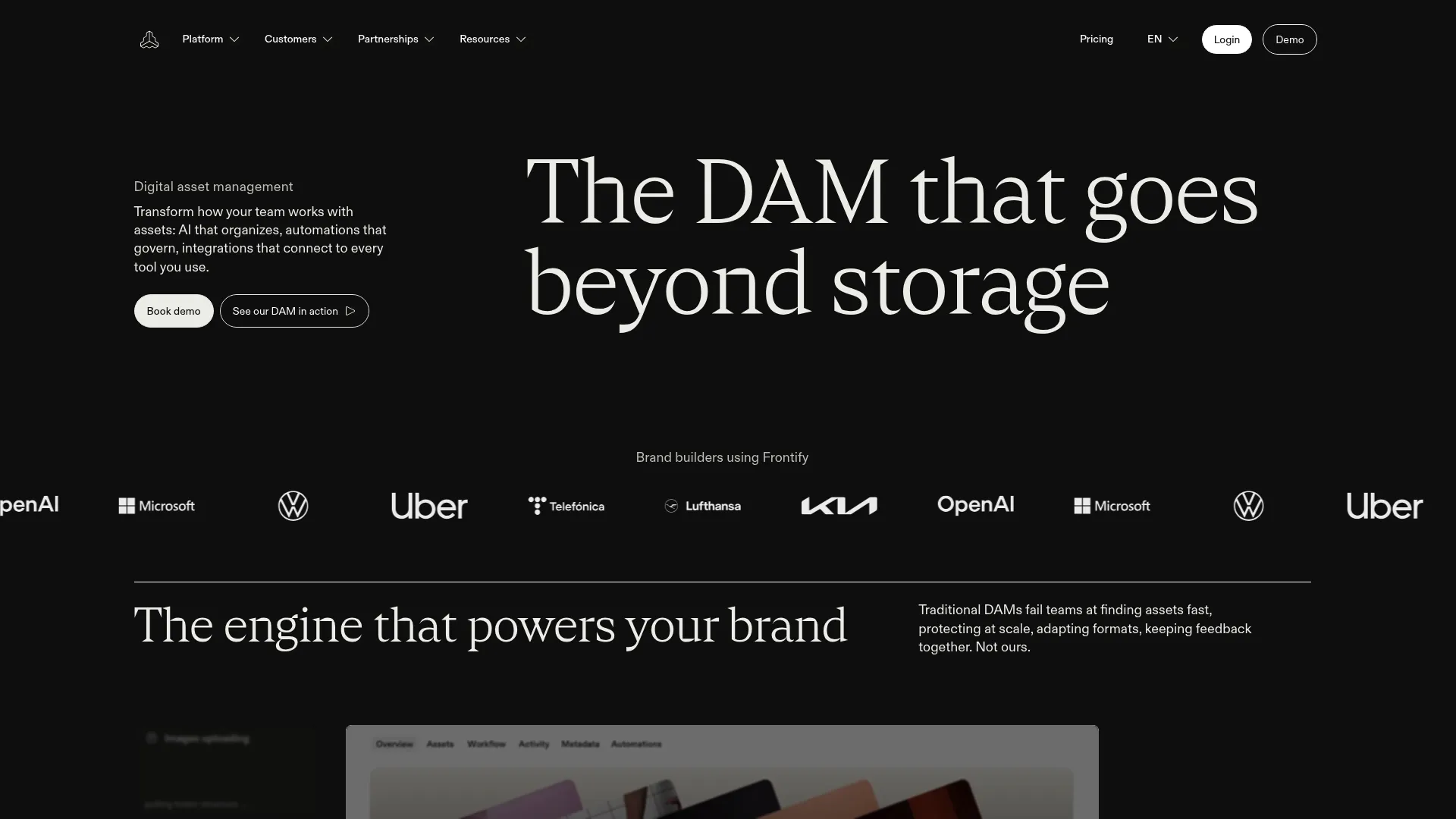
Frontify’s public DAM page, captured August 11, 2026. Source: Frontify.
Frontify is a natural shortlist choice when brand guidelines, templates, and stakeholder access are central to the project.
Best for: Brand teams building a governed brand portal or design system.
What to evaluate: DAM depth, approval workflows, multi-brand structure, migration effort, and total platform cost.
6. Brandfolder: best for visual portals and distribution
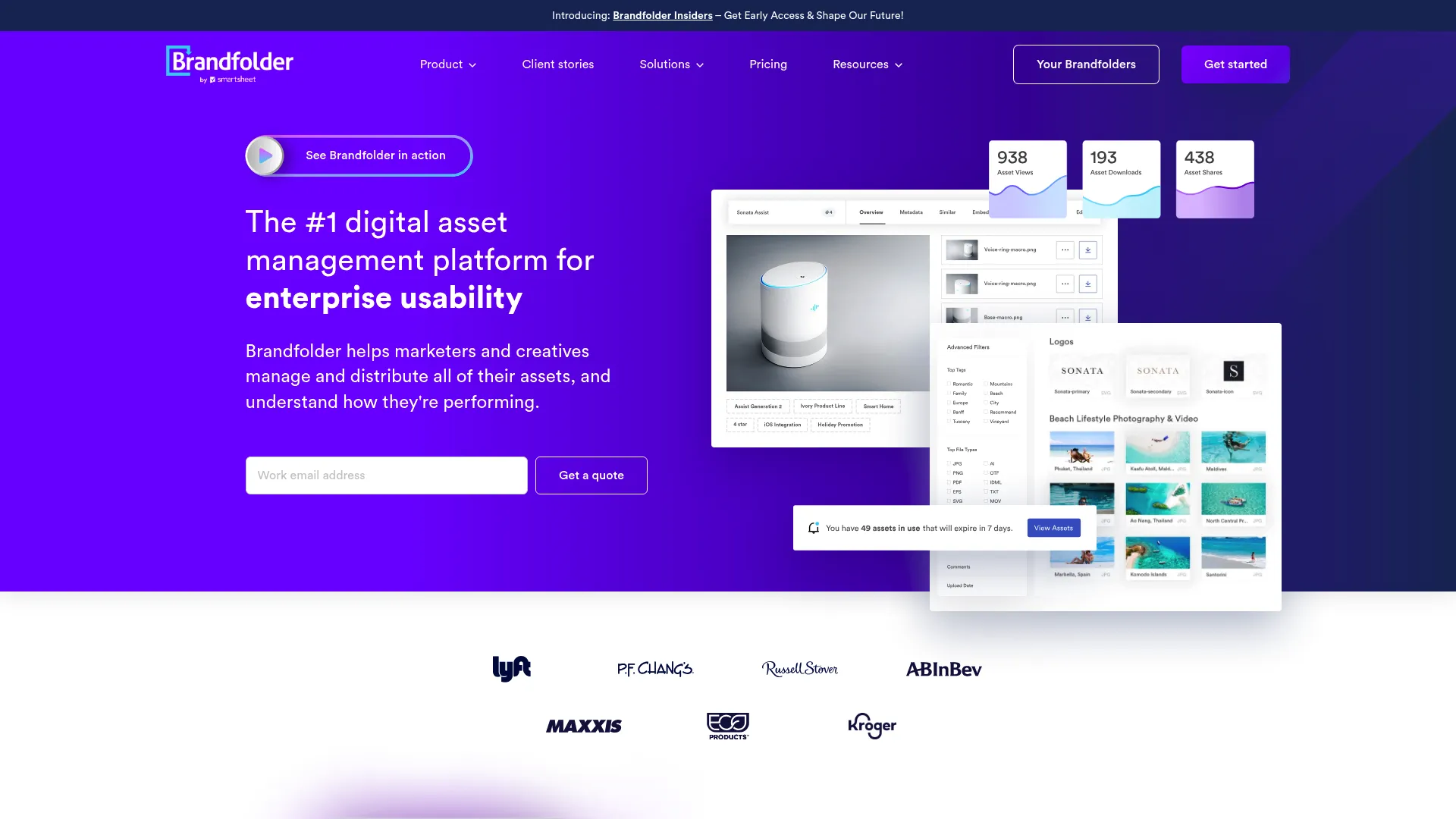
Brandfolder’s public website, captured August 11, 2026. Source: Brandfolder.
Brandfolder focuses on making approved brand assets easy to browse and share. It suits teams that need clear portals for internal users and external partners.
Best for: Marketing teams prioritizing presentation, sharing, and asset distribution.
What to evaluate: Workflow depth, multi-brand administration, analytics requirements, implementation services, and contract structure.
7. Adobe Experience Manager Assets: best for Adobe-centered enterprises
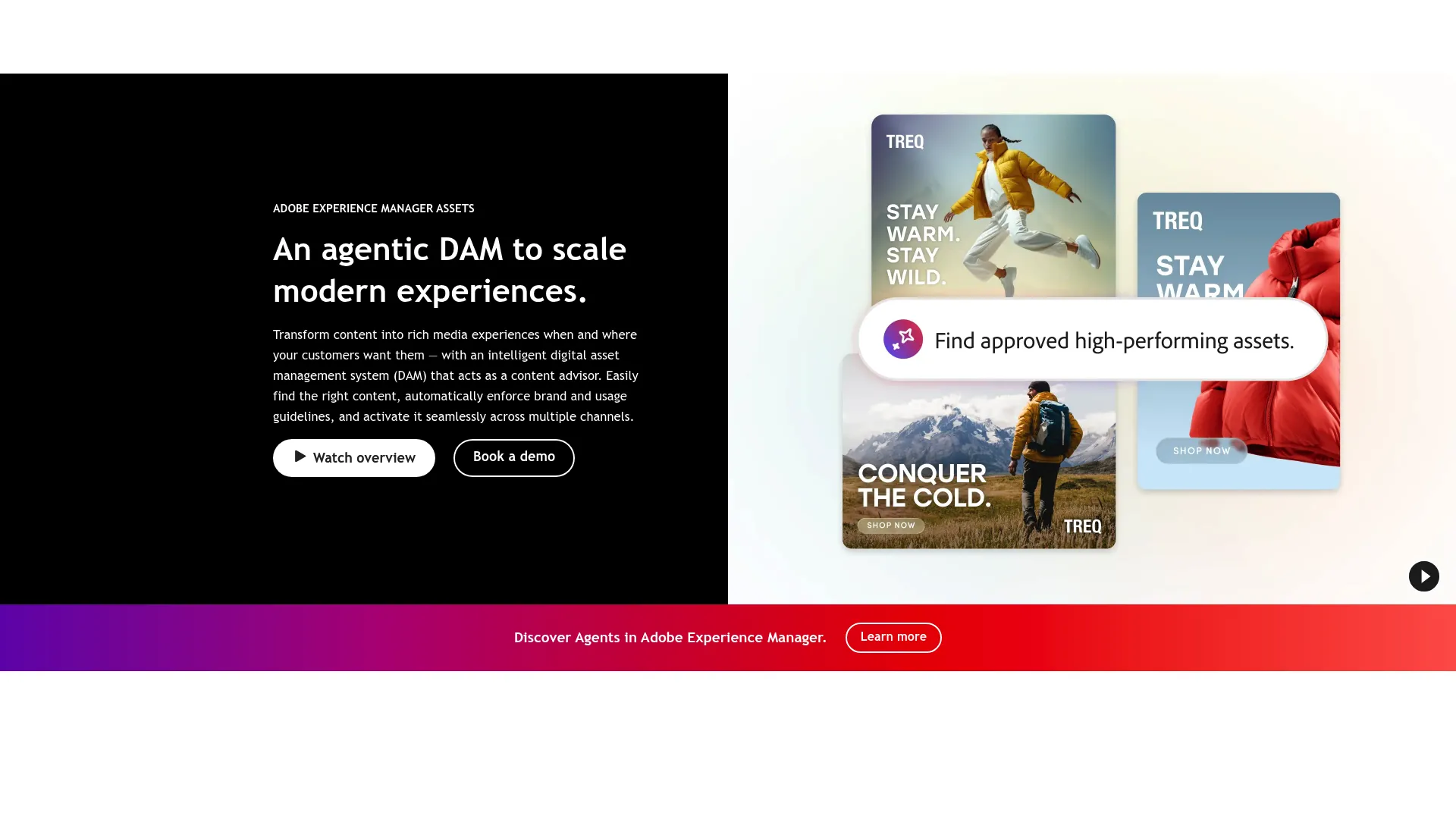
Adobe’s public Experience Manager Assets page, captured August 11, 2026. Source: Adobe.
AEM Assets fits organizations where Adobe already powers content, creative, or experience operations.
Best for: Large enterprises with Adobe expertise and complex content infrastructure.
What to evaluate: Implementation timeline, specialist resources, integration architecture, training, and ongoing administration.
8. MediaBeacon: best for configurable enterprise DAM
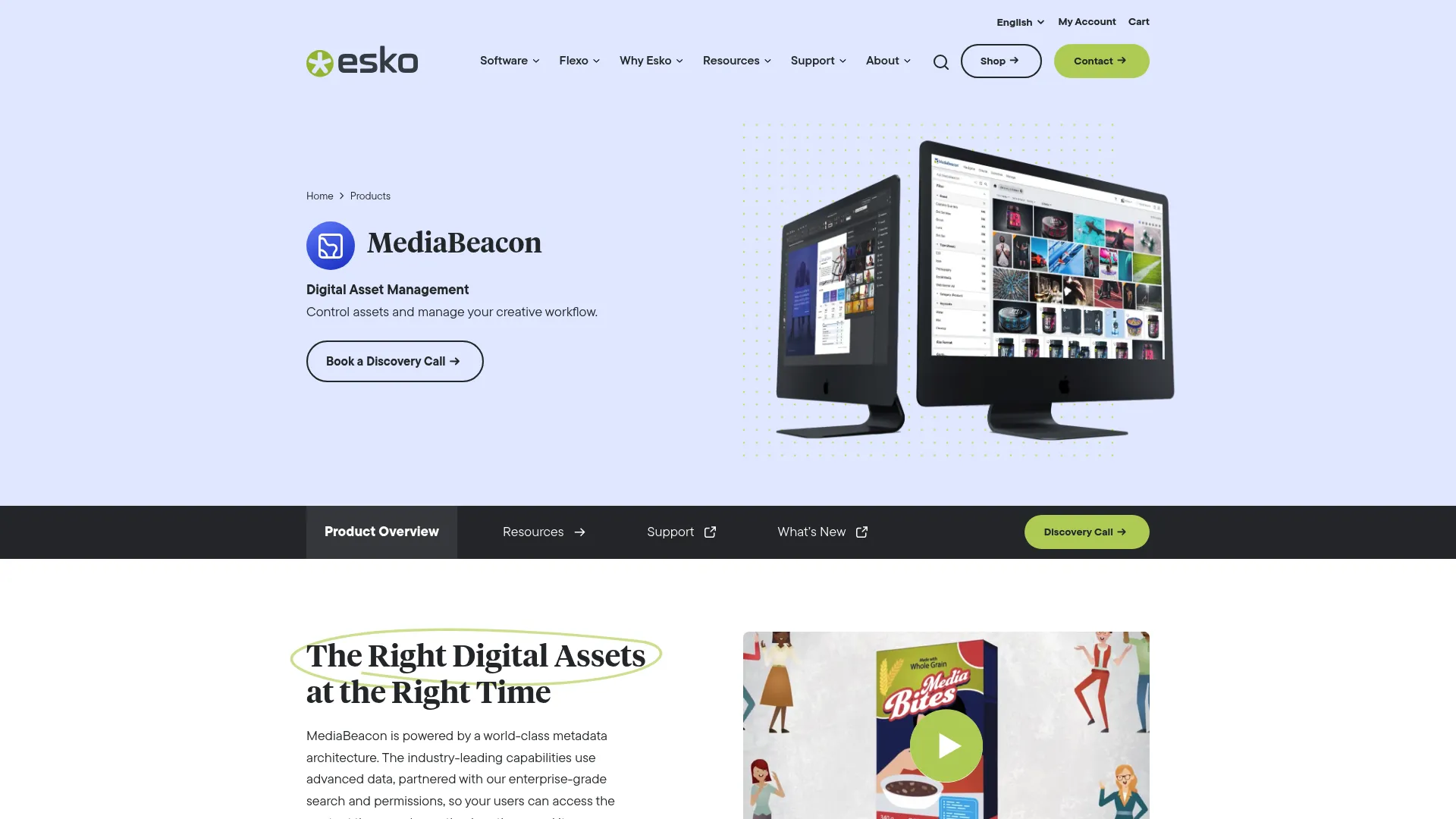
MediaBeacon’s public website, captured August 11, 2026. Source: MediaBeacon.
MediaBeacon belongs on the shortlist when the organization needs configurable metadata and enterprise asset workflows.
Best for: Teams with specialized asset structures and the resources to configure them.
What to evaluate: Ease of use for occasional users, rollout effort, portal experience, and integration requirements.
9. Asset Bank: best for conventional DAM requirements
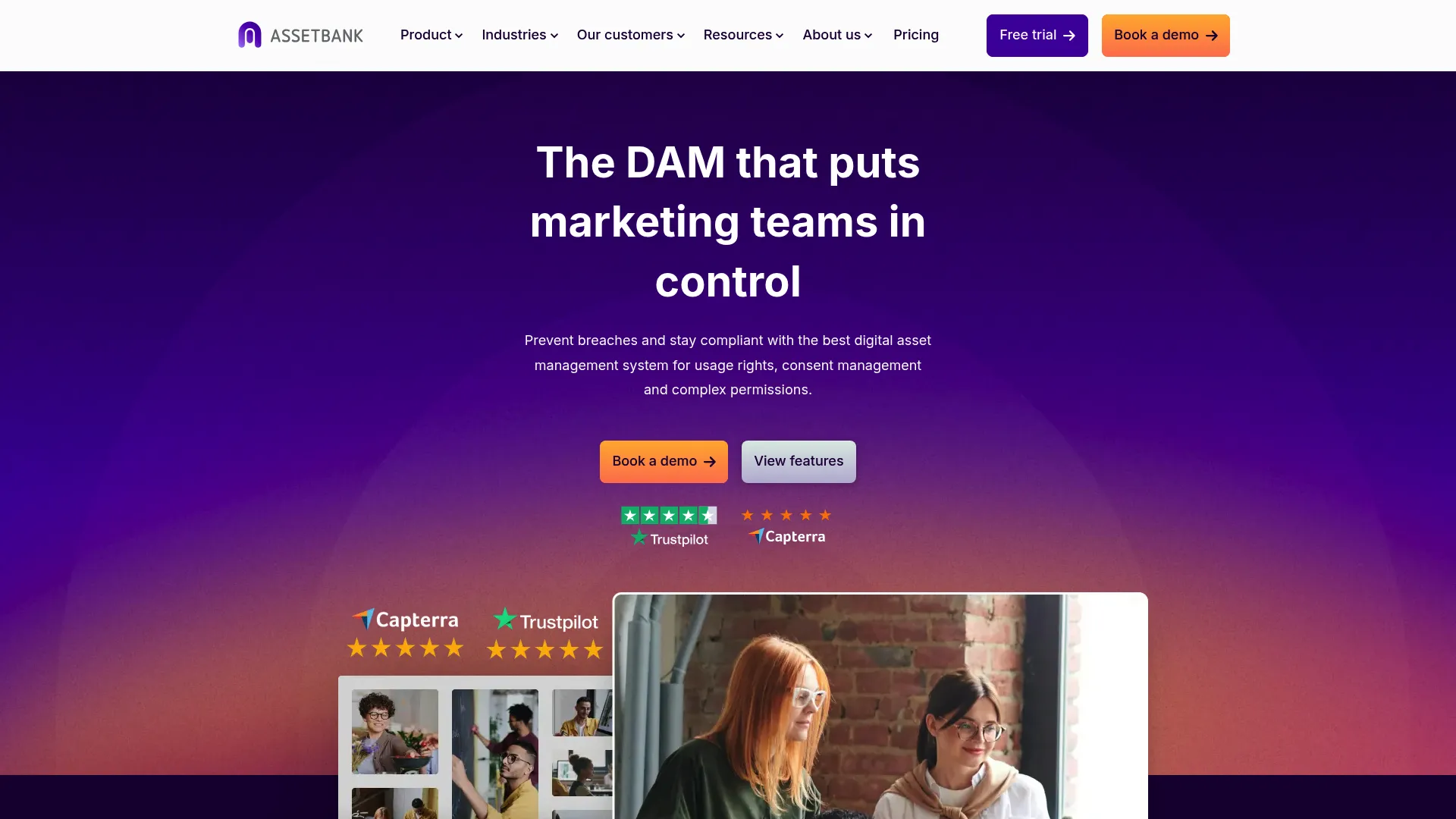
Asset Bank’s public website, captured August 11, 2026. Source: Asset Bank.
Asset Bank covers familiar DAM needs such as search, permissions, bulk uploads, and controlled access.
Best for: Organizations seeking a conventional asset library without a broader brand operating system.
What to evaluate: AI search quality, brand-guideline support, approval workflows, external portals, and current pricing.
10. GatherContent: best for content operations, not every DAM use case
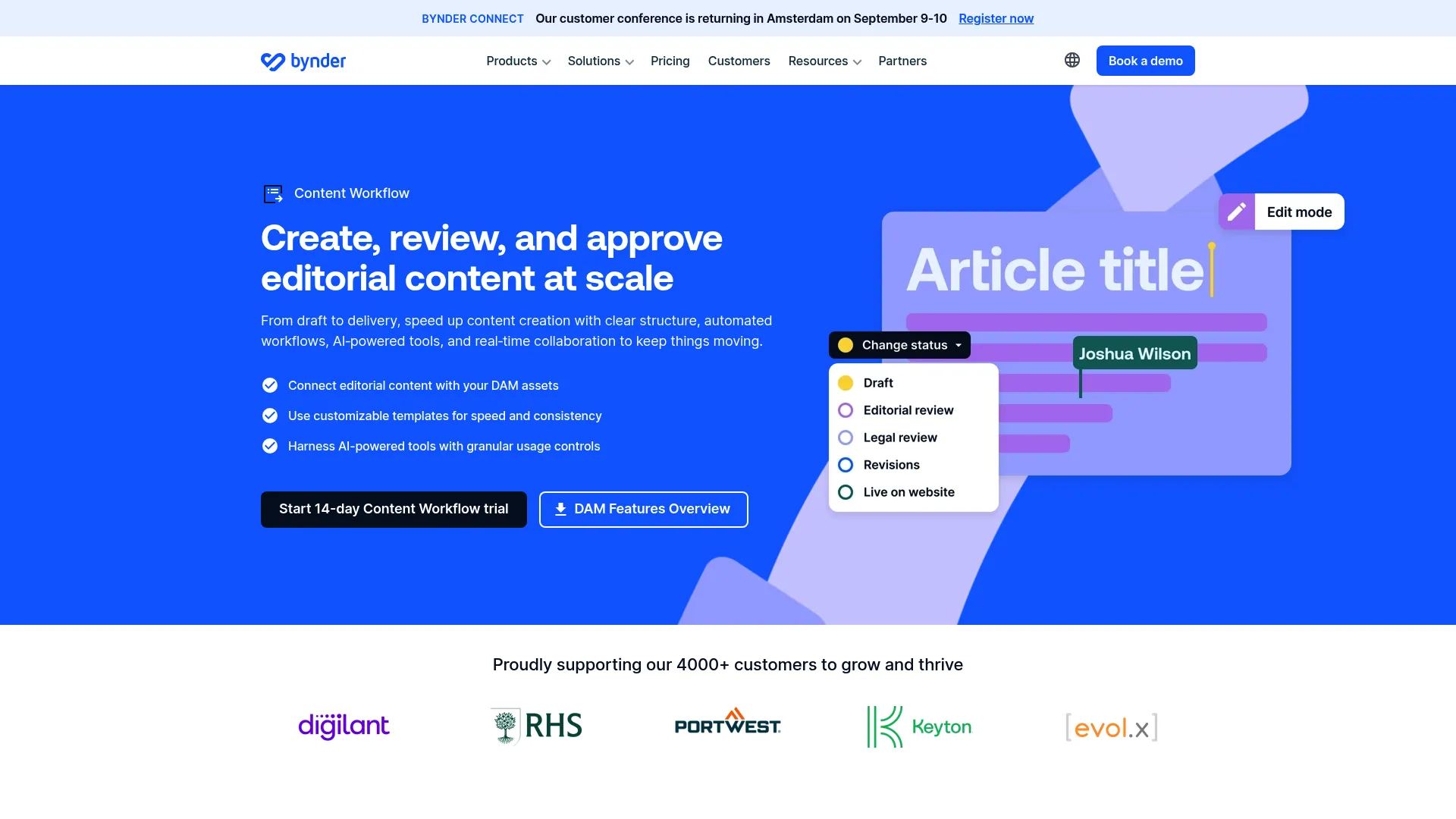
GatherContent’s public website, captured August 11, 2026. Source: GatherContent.
GatherContent is oriented toward planning and producing structured content. It may complement a DAM, but asset-heavy teams should not assume it replaces one.
Best for: Editorial and content operations teams that need templates, collaboration, and CMS-oriented workflows.
Not ideal for: Teams whose primary need is visual asset storage, rights, portals, version control, and governed distribution.
Which capabilities matter most?
Governance and permissions
Permissions should match how work moves. Brand managers need control. Designers need upload and version access. Sales teams and partners often need view or download access without seeing the full library.
Test role design with real users before signing. A long permissions checklist means little if administrators can’t maintain it.
Living guidelines and templates
Static PDFs become stale because copies spread across inboxes and shared drives. Living guidelines update in one place and sit beside the approved assets they govern.
If templates matter, test who can edit locked elements, how approvals work, and whether non-designers can produce safe variations.
Version control, approvals, and expiration
The platform should make the current version obvious and preserve history. Approval status should travel with the asset. Expiration rules should stop retired campaign creative from reappearing months later.
Portals and external sharing
Partners need a simple path to approved assets. Look for branded portals, scoped access, expiring links, download controls, and a clean experience for users who rarely log in.
AI search and metadata
AI can reduce manual tagging, but it doesn’t remove the need for a useful taxonomy. Test search with your own files and buyer language. Include product names, SKUs, campaign terms, colors, locations, and visual similarity.
Migration and implementation
A migration is more than moving files. Teams must decide what to archive, which metadata to preserve, how permissions map, and who owns the system after launch.
Ask every vendor for a sample implementation plan. Include internal labor when comparing costs.
Multi-brand management
Multi-brand teams need clean separation without duplicating administration. Test whether each brand can maintain its own colors, fonts, assets, users, and portals. Then test whether central leaders can still govern the portfolio.
Total cost of ownership
The subscription is only one line. Model:
- Implementation and migration
- Storage and bandwidth
- User or administrator expansion
- Additional brands or portals
- AI usage or add-ons
- Security features and SSO
- Integrations and support
- Internal administration time
BrandLife publishes a $150-per-month Starter plan. Enterprise is custom. For every shortlisted vendor, request a three-year cost view using the same assumptions.
How to choose the right platform
- List the workflows that fail today, not the features you think you need.
- Separate must-haves from future requirements.
- Test search, permissions, approvals, and partner sharing with real assets.
- Score every vendor with the same rubric.
- Compare three-year cost, not the first invoice.
- Run a migration pilot before committing the full library.
Frequently asked questions
What is the best brand asset management software for a growing company?
The best fit usually combines fast setup, simple administration, search, version control, guidelines, and transparent costs. BrandLife is designed for this segment, with Starter pricing at $150 per month and Enterprise available for larger requirements.
What is the difference between brand asset management and DAM software?
DAM software manages the broader digital and creative library. Brand asset management focuses on approved assets that define the brand, plus the rules and distribution controls that keep their use consistent.
Can brand asset management software replace Google Drive or Dropbox?
It can replace shared drives as the system of record for approved brand assets. Many teams still keep cloud storage for working files while using a DAM for governed, searchable, approved content.
Which features should a brand team prioritize?
Start with search, permissions, version control, guidelines, approvals, and external sharing. Add rights management, AI search, multi-brand administration, and integrations based on your operating model.
How much does brand asset management software cost?
Costs vary by storage, users, brands, services, security, and add-ons. BrandLife Starter is $150 per month. Enterprise pricing is custom. Request a three-year total-cost estimate from every vendor.
How should an agency evaluate brand asset management software?
Agencies should test brand separation, client permissions, portals, asset intake, approvals, and how quickly a new client workspace can be created. Avoid systems that force every client into one tangled library.
How should ecommerce teams evaluate these tools?
Test search by product, SKU, campaign, color, and channel. Confirm that teams can find the correct product image quickly and distribute approved variants without manual file requests.
Final recommendation
Choose the platform your occasional users can understand and your administrators can maintain. Enterprise depth has value when the organization can support it. Growing teams often get more from faster adoption, clear pricing, and a focused set of controls.
BrandLife brings approved assets, living guidelines, AI-assisted search, version control, and partner distribution into one workspace. It is built for growing and multi-brand teams that want to move past file chaos without taking on a legacy DAM rollout.