

Key Takeaways
- A digital asset management (DAM) library centralises all brand assets into one searchable, cloud-based hub, eliminating wasted time spent hunting for files across drives and inboxes.
- Core DAM features such as AI-powered search, version control, and advanced filtering ensure teams always use the latest approved assets while reducing manual tagging effort.
- Built-in collaboration tools and embedded brand guidelines prevent version confusion, duplicated work, and brand drift across distributed teams.
- Enterprise-grade security, role-based permissions, audit trails, and compliance support protect sensitive assets and reduce legal and regulatory risks.
- AI-driven DAM platforms are reshaping content operations through automation, predictive recommendations, and intelligent repurposing—helping teams scale content without scaling chaos.
Behind every on-brand campaign, every perfectly timed product launch, every seamless creative handoff, there's a system most people never see. It's the digital asset management library—the quiet engine that keeps marketing, creative, and legal teams from drowning in a sea of files, folders, and frantic Slack messages asking, "Does anyone have the latest version of this?"
To understand why DAM libraries are reshaping how teams work, it helps to start with the basics.
Introduction to Digital Asset Management Libraries
It's Monday morning. A brand manager needs last year's product launch video for an investor deck due by noon. She digs through shared drives, emails a colleague who might remember, and waits. Thirty minutes vanish—just to locate one file.
That scene plays out thousands of times daily across organizations of every size. A digital asset management library eliminates it entirely. By centralizing every image, video, template, and brand file into a single searchable hub, DAM transforms the frantic file hunt into a two-second query.
The stakes extend well beyond convenience. When assets scatter across drives, hard disks, and email threads, teams risk using outdated logos, violating licensing terms, or launching campaigns with unapproved creative. DAM libraries bring speed, compliance, and brand consistency under one roof—and with the global DAM market projected to reach 10.9 billion USD by 2029, businesses are investing heavily in this shift.
What once felt like a nice-to-have for enterprise teams is now table stakes for any organization producing content at scale.
Core Features of a Digital Asset Management Library
A DAM library is only as valuable as the features powering it. The best systems don't just store files—they make every asset findable, trackable, and usable in seconds. Here's what separates a real DAM platform from a glorified shared drive.
Centralized Asset Library
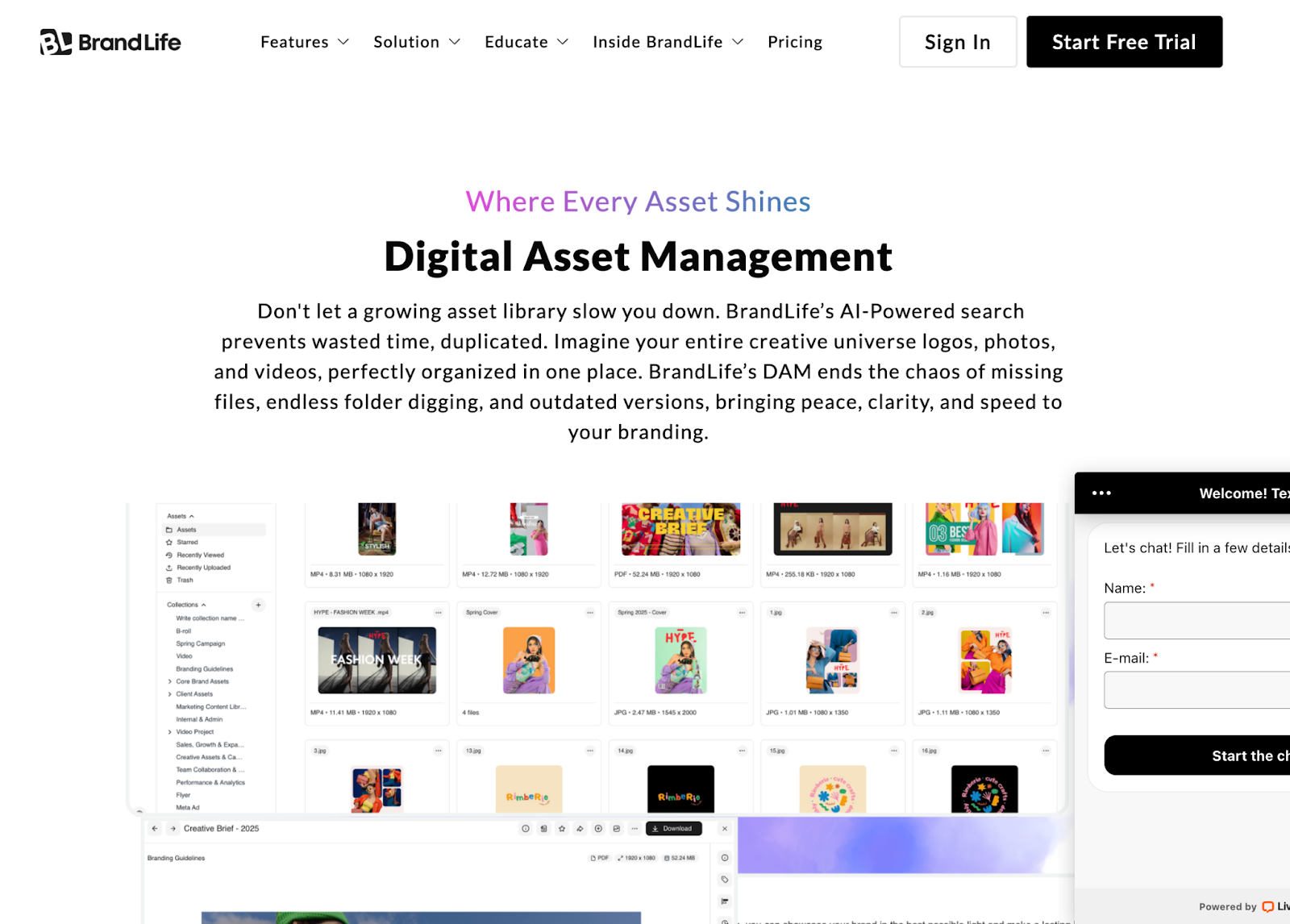
Picture a creative team scattered across three cities, all pulling assets from different folders on different drives. One designer grabs an outdated product shot. Another uses a logo with the wrong color profile. A centralized asset library eliminates this chaos by housing every approved file in a single, cloud-based repository. No more guessing which version is current—everyone works from one source of truth.
Advanced Search and Filtering
If you've ever wasted an hour scrolling through hundreds of thumbnails searching for a specific photo, you already understand the problem. Advanced search and filtering changes the game entirely. AI-powered tagging lets users find assets by keyword, color, file type, or even the visual content of an image itself.
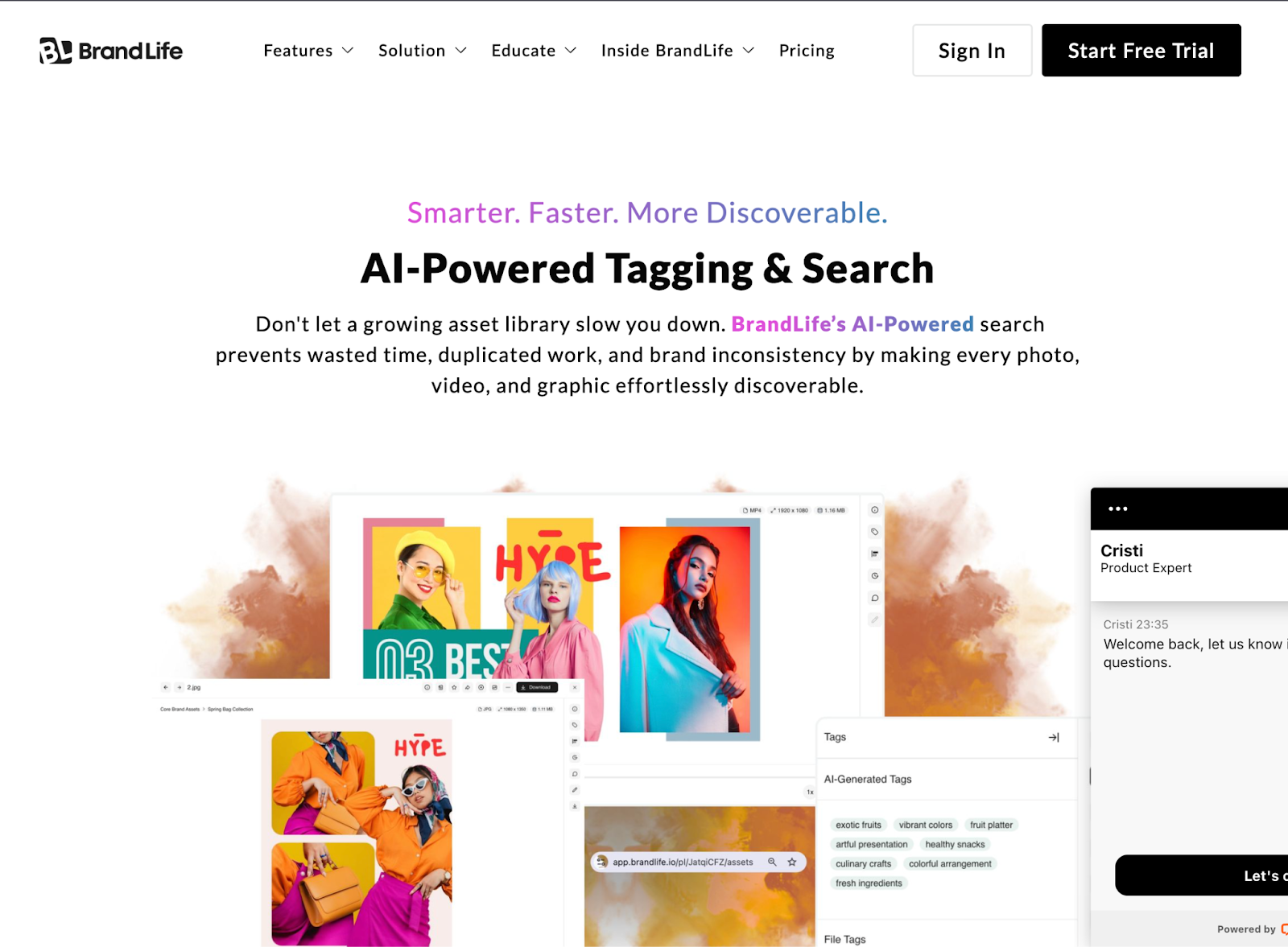
The efficiency gains are real. Organizations using AI auto-tagging report reducing manual tagging efforts by up to 35%—time that creative teams can redirect toward the work they were actually hired to do.
Version Control and Asset Integrity
Nothing derails a campaign faster than discovering someone used last quarter's pricing sheet instead of the current one. Version control ensures every edit is logged, every previous iteration remains accessible, and the latest approved version always surfaces first. For regulated industries—healthcare, finance, legal—this isn't just convenient. It's a compliance requirement that prevents costly errors before they happen.
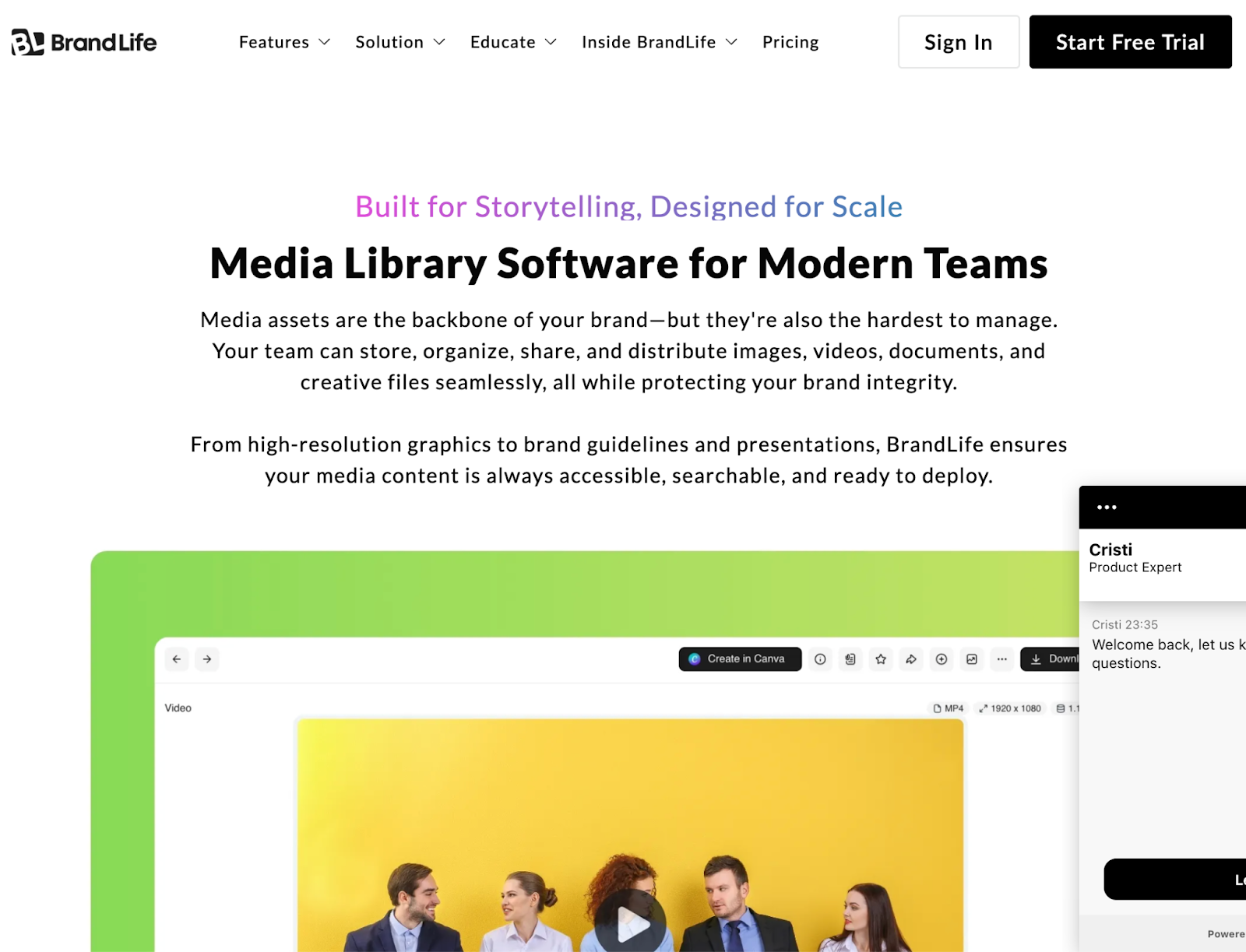
Together, these capabilities form the backbone of any serious media library software—turning scattered digital chaos into a system that actively fuels creative velocity.
Enhancing Collaboration with DAM
A campaign is about to launch. The copywriter in London needs the final hero image. The social media manager in Austin needs the approved caption deck. The CMO in Singapore wants to review everything before it goes live. Without a shared system, this becomes a chain of emails, delayed approvals, and last-minute scrambles that feel all too familiar for distributed teams.
Real-Time Collaboration Tools
Real-time collaboration tools inside a DAM turn that chain of emails into a single, shared workspace. Teams can comment on assets, request approvals, and track feedback without ever leaving the platform. No more version confusion from attachments bouncing between inboxes. No more "Did you see my email?" follow-ups that slow everything down.
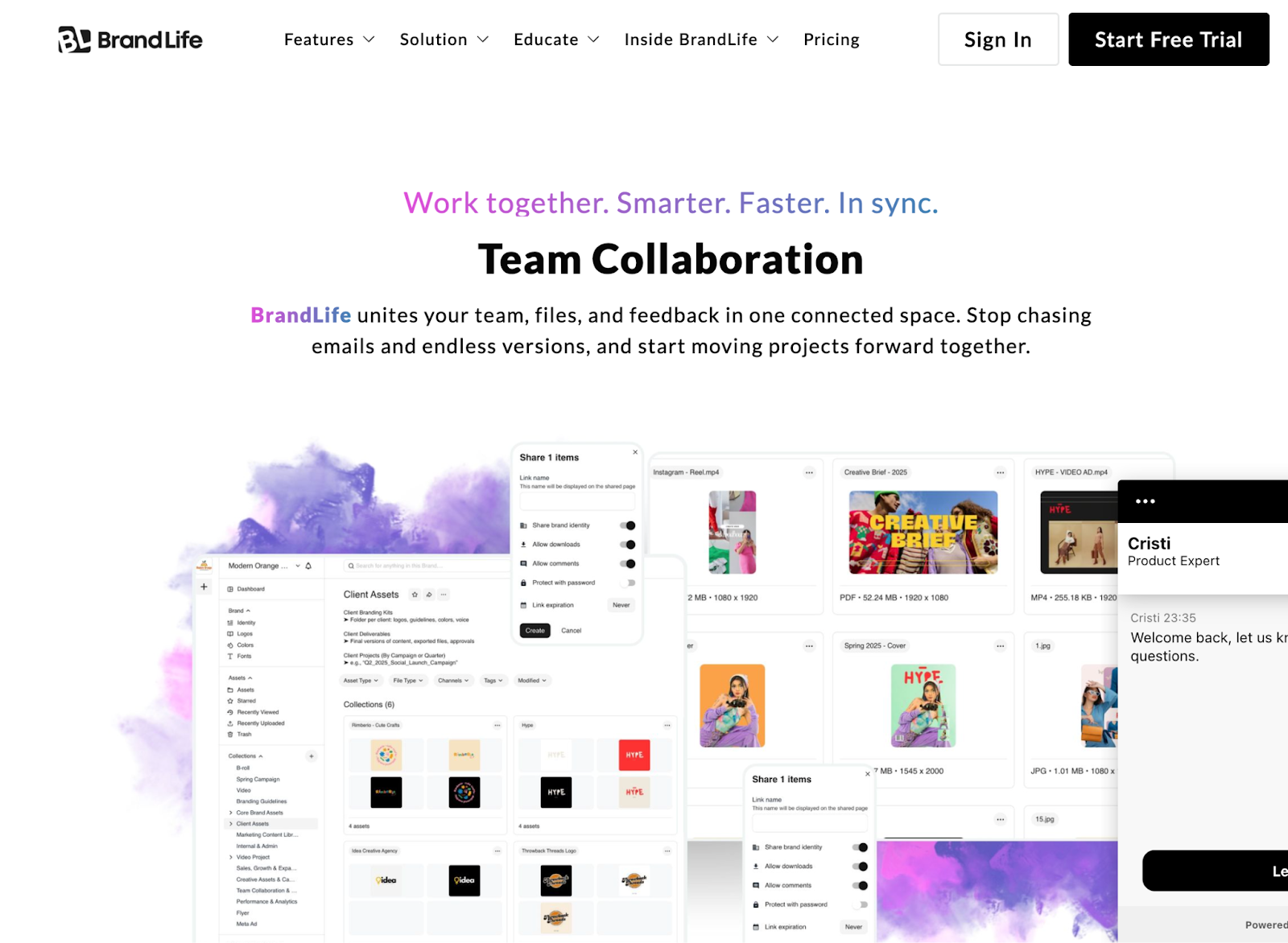
The cost of not having this is steep. Marketing teams waste approximately seven hours weekly on duplicated work—much of it rooted in poor asset organization and version control failures. DAM collaboration tools attack that waste directly, giving every stakeholder a real-time view of what's current, what's approved, and what still needs attention.
Brand Guideline Management
Collaboration without guardrails leads to brand drift. One team subtly tweaks the logo spacing. Another uses an off-palette color for a social ad. Over months, the brand fractures into a dozen slightly different versions of itself—and nobody notices until a customer does.
DAM systems solve this by embedding brand guidelines directly into the asset library. Approved templates, locked color codes, and usage rules live alongside the assets themselves. When a team member downloads a file, they're not just getting an image—they're getting the rules that govern how to use it correctly.
This is where DAM shifts from a storage tool to a brand governance platform. It doesn't just hold assets; it enforces consistency at scale.
Security and Compliance in DAM
Imagine discovering that unreleased campaign images—the ones tied to a product launch three weeks away—have surfaced on a competitor's blog. The damage isn't just strategic. It's financial, reputational, and sometimes legal. A single breach of asset security can erode months of careful planning in hours.
Security in DAM isn't a checkbox feature. It's the foundation everything else depends on.
Data Security and User Permissions
The most effective DAM systems operate on the principle of least privilege: every user sees only what they need to see and touches only what they're authorized to touch. Role-based permissions let administrators control access at the folder, asset, or even file-version level.
This matters more than most teams realize. An intern accidentally sharing a pre-launch asset on social media isn't a hypothetical scenario—it's a Tuesday. Granular permissions prevent those moments by limiting exposure before mistakes happen, not after.
Think of it as the difference between a house with a single front-door key and one with unique locks on every room. Both are technically "secure," but only one protects you when the wrong person gets inside.
Compliance Standards
For industries like healthcare, finance, and consumer goods, compliance isn't optional—it's audited. DAM systems that support frameworks like GDPR, HIPAA, or SOC 2 give organizations the infrastructure to prove they're handling assets responsibly, not just claiming they are.
This includes audit trails that log every download, share, and edit. It includes expiration dates on licensed assets so teams don't accidentally use a stock photo past its rights window. And it includes encryption—both in transit and at rest—ensuring that sensitive creative never travels unprotected.
When a regulator or legal team asks "who accessed this file, when, and why?"—a well-configured DAM delivers the answer in seconds, not days of forensic digging.
Implementing a Digital Asset Management Solution
Choosing a DAM platform is only half the challenge. The other half—and often the harder one—is making sure your team actually uses it.
Choosing the Right DAM Software
The search for the right DAM can feel like navigating a crowded marketplace where every vendor promises everything. Cutting through the noise requires a different starting point: your team's actual pain points, not a feature comparison spreadsheet. If search inefficiency is the bottleneck, prioritize AI-powered tagging. If brand drift is the issue, look for built-in guideline enforcement.
Integration depth matters just as much as features. A DAM that doesn't connect with your existing design tools, CMS, or project management stack creates a new silo instead of eliminating one. The best DAM solution evaluation starts with a simple question: where does our current workflow actually break down?
Best Practices for Managing Digital Assets
Adoption is where most implementations stall. A DAM delivers value only when teams consistently use it—which means onboarding plans, naming conventions, and governance structures need to be established before launch, not cobbled together after.
Start with a pilot team, refine the taxonomy based on real usage patterns, and expand gradually. Organizations that treat DAM as a living system rather than a one-time IT project are the ones that see lasting returns.
Future Trends in Digital Asset Management
AI Integration and Automation
Picture a near future where assets tag themselves the moment they're uploaded. Where approval workflows trigger automatically based on asset type, campaign stage, and stakeholder role. Where a system learns your team's search patterns and surfaces the right files before anyone even asks.
That future isn't speculative—it's already taking shape. AI-driven DAM platforms are moving beyond basic auto-tagging into predictive asset recommendations, automated rights management, and intelligent content repurposing. A hero image from last quarter's campaign could be automatically resized, reformatted, and suggested for this quarter's social ads without a single manual request.
Personalization at scale is another frontier. As brands push toward hyper-targeted content across dozens of channels, DAM systems with embedded AI will become the engine that makes mass customization possible—without multiplying the creative workload.
The shift matters because it fundamentally changes the role of creative teams. Instead of spending time organizing, searching, and reformatting, they focus on what they were hired to do—create. As DAM grows smarter, the gap between teams that embrace AI-powered workflows and those that don't will become impossible to ignore.
Conclusion: Explore BrandLife for Your DAM Needs
DAM isn't about storing files in a prettier folder structure. It's about giving creative, marketing, and brand teams the infrastructure to move faster, stay aligned, and protect the assets that drive revenue.
From centralized storage and AI-powered search to real-time collaboration and enterprise-grade security, the features covered in this guide aren't luxuries—they're the baseline for any team producing content at scale. The question isn't whether to invest in DAM. It's how quickly you can implement it before scattered assets cost you another campaign, another deadline, or another compliance headache.
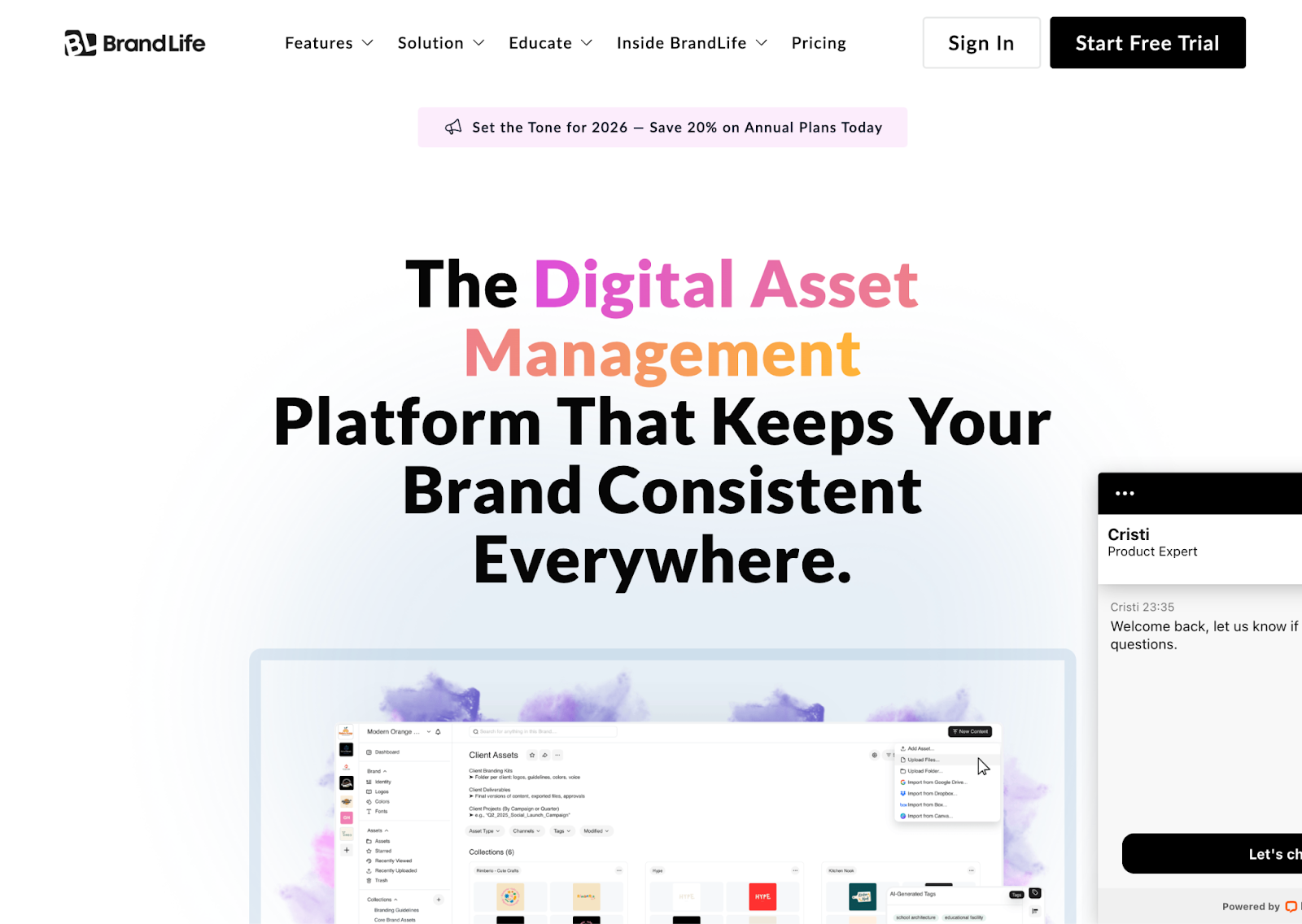
BrandLife is built around this reality. BrandLife's platform offers transparent pricing with no hidden fees, unlimited users so adoption isn't gated by per-seat costs, and AI-powered features that make tagging, searching, and organizing assets faster from day one. Every capability is designed to reduce friction—not add another tool to manage.
What sets BrandLife apart is the philosophy behind it: DAM value increases when more people use it, not fewer. That's why BrandLife removes the per-seat pricing model that forces teams to ration access. When everyone from designers to executives can find and use approved assets instantly, brand consistency stops being an aspiration and becomes a default.
Explore BrandLife to see how a purpose-built DAM library can transform the way your team creates, collaborates, and scales. Start free trial.