

.jpg)
Key Takeaways
- Brand and creative teams shop for Canto alternatives when flexible pricing and faster onboarding matter more than a single-brand library.
- The core DAM shortlist includes BrandLife, Acquia DAM, Bynder, Brandfolder, Frontify, and MediaValet. Lighter tools round out the list, Dash, Filecamp, Tagbox, Pics.io, and Baseline.
- BrandLife pairs modern DAM with multi-brand workspaces and AI search. Interactive brand guidelines and free partner portals round it out, starting at $150/month.
A creative ops lead searches "Canto alternatives" for the third time this quarter, still not sure whether pricing or plain friction is driving the search. That hesitation is common. Teams rarely leave a working DAM over one bad week. They leave once small frictions start stacking up.
The category is crowded enough to make that search overwhelming on its own. In G2's rankings, Bynder alone holds a 4.5 out of 5 rating across 1,133 reviews. That review volume shows how many serious options sit between Canto and whatever comes next.
You already know Canto. The question is which platform fits your workflow and brand structure better.
This guide separates DAM-first tools from product-content tools. From there, a simple framework helps you cut ten options down to two or three. Each profile answers one question, who should choose it, and who should keep looking.
Why teams look for Canto alternatives in 2026
Budget pressure and rollout delays usually show up before a team starts a migration. Recent guides from Stockpress research, Fast.io research, and Sparkfive research point to the same themes, pricing flexibility, simpler onboarding, and better support for multi-brand work.
1. Per-seat pricing that climbs with your team
Seat bills rise fast when contractors and partners need access. Add ten logins across marketing and creative, and the annual cost changes quickly.
Flat-rate and usage-based tools handle this differently. BrandLife provides unlimited free brand portals for agencies and franchisees, so external access never turns into a per-seat bill. Starter pricing is also published upfront, so budgeting starts with a number instead of a sales call.
2. Onboarding and setup that drag on for weeks
A rollout that drags for weeks delays the first real win. Creative leads feel that delay first, because the new library is still empty or half-configured. BrandLife's Starter plan is built to get one user and one brand live quickly, with core DAM features, AI tagging, and interactive guidelines included from day one instead of added later in a longer enterprise setup.
3. Multi-brand and partner complexity
Regional teams and agencies expose structure issues quickly. One library feels manageable until each brand needs its own rules, assets, and partner access.
BrandLife addresses the same problem with multi-brand workspaces, giving every client or sub-brand its own color palette, font library, and asset storage, plus free branded portals so franchisees and resellers see only the assets approved for their market.
How to evaluate a Canto alternative before you switch
A low price can still create a poor fit. The strongest evaluations score each tool against your real workflow, then rank the shortlist from there.
1. Use case fit
Your primary job trims the shortlist faster than any feature grid. Brand governance and product-content syndication point to different categories.
A marketing asset library and a digital-shelf catalog solve different problems. Match the platform to the work that fills most of your week.
2. Pricing and licensing model
A small monthly number can still inflate your annual cost. Look past the headline price to the billing model underneath.
Per-user pricing suits smaller teams with stable access. Flat-rate and usage-based models suit larger groups or heavier partner access. Check whether external partners count as paid seats or work inside shared portals, because that one detail can reshape your annual cost.
3. Hidden costs
Implementation fees usually appear after the demo. Storage limits, onboarding help, and migration work can all change the total.
4. Brand governance and access control
Outdated logos spread fast when permissions stay loose. The right platform keeps approved files visible and retired files out of circulation.
Ask how each tool handles role-based permissions and approval routing across brands.
5. AI capabilities and roadmap
Search speed matters when your team hunts for files every day. Auto-tagging and visual search can cut the time spent chasing the right version.
The 11 best Canto alternatives at a glance
A wide budget spread separates these tools more than category copy does. The table below sorts them by primary fit so you can rule options in or out quickly.
Caption: A quick glance at the top 11 Canto alternatives
The core DAM alternatives, profiled
Five names show up on most serious shortlists. Each earns its place for a different reason, so read these against the job you named in step one.
1. BrandLife
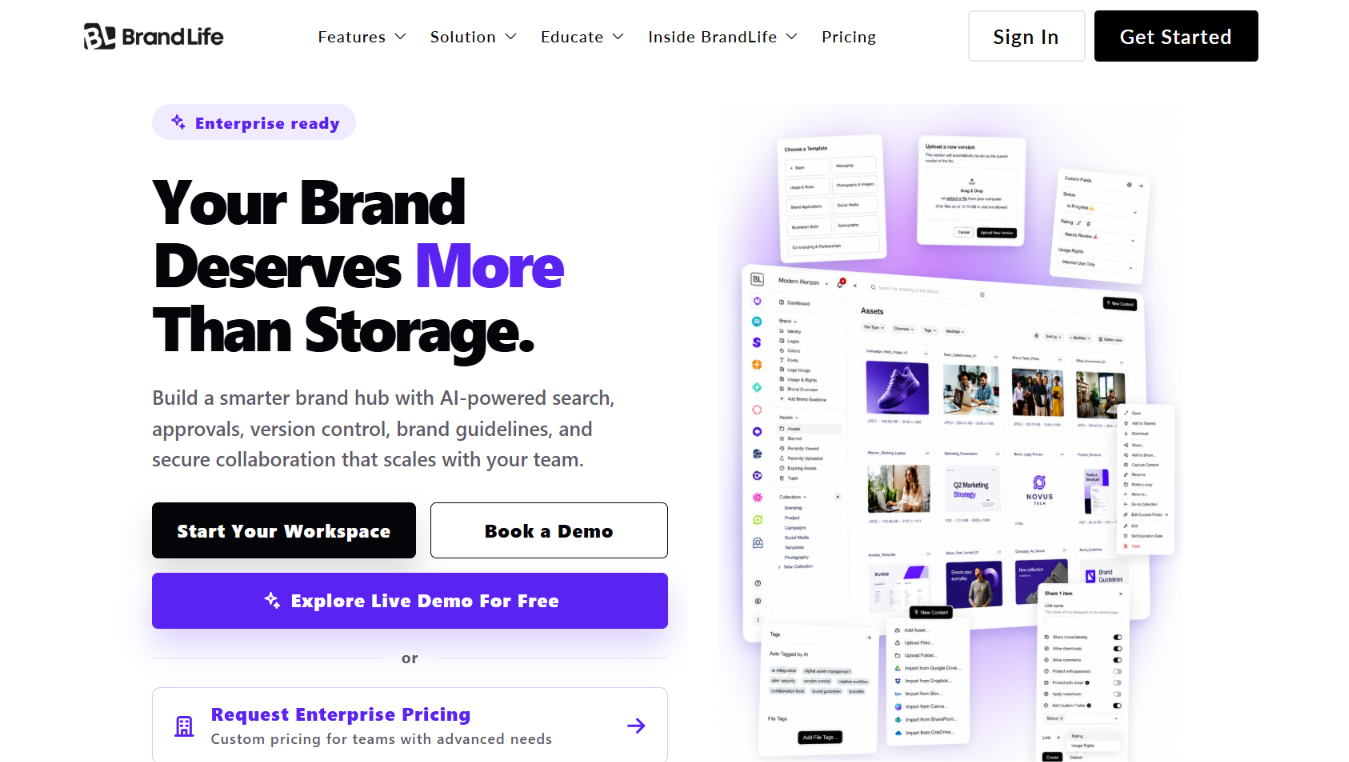
Growing teams often outgrow a basic asset library before they outgrow their DAM. BrandLife is built for organizations that need assets, brand guidelines, approvals, and partner access to stay organized as more brands, regions, or agencies get involved. Published pricing starts at $150/month, giving buyers a clear starting point before they commit to a sales process.
Multi-brand workspaces also make it easier to separate assets and permissions without creating disconnected libraries.
Key features
- Multi-brand workspaces with separate color palettes and font libraries per brand by keyword, product, or SKU
- Interactive brand guidelines that live beside the asset library
- Free, unlimited partner portals with secure and expiring links
- Version control and approval workflows
Advantages
- Transparent published pricing removes the sales-call step other DAMs require
- Free partner portals avoid the per-seat cost that hits agencies and franchise networks hardest
- Multi-brand workspaces fit agencies and multi-location brands without extra configuration
Disadvantages
- Single-brand teams with simple document needs may not need the multi-brand architecture
- Newer to the category than legacy enterprise DAMs, so third-party review volume is still building
2. Acquia DAM
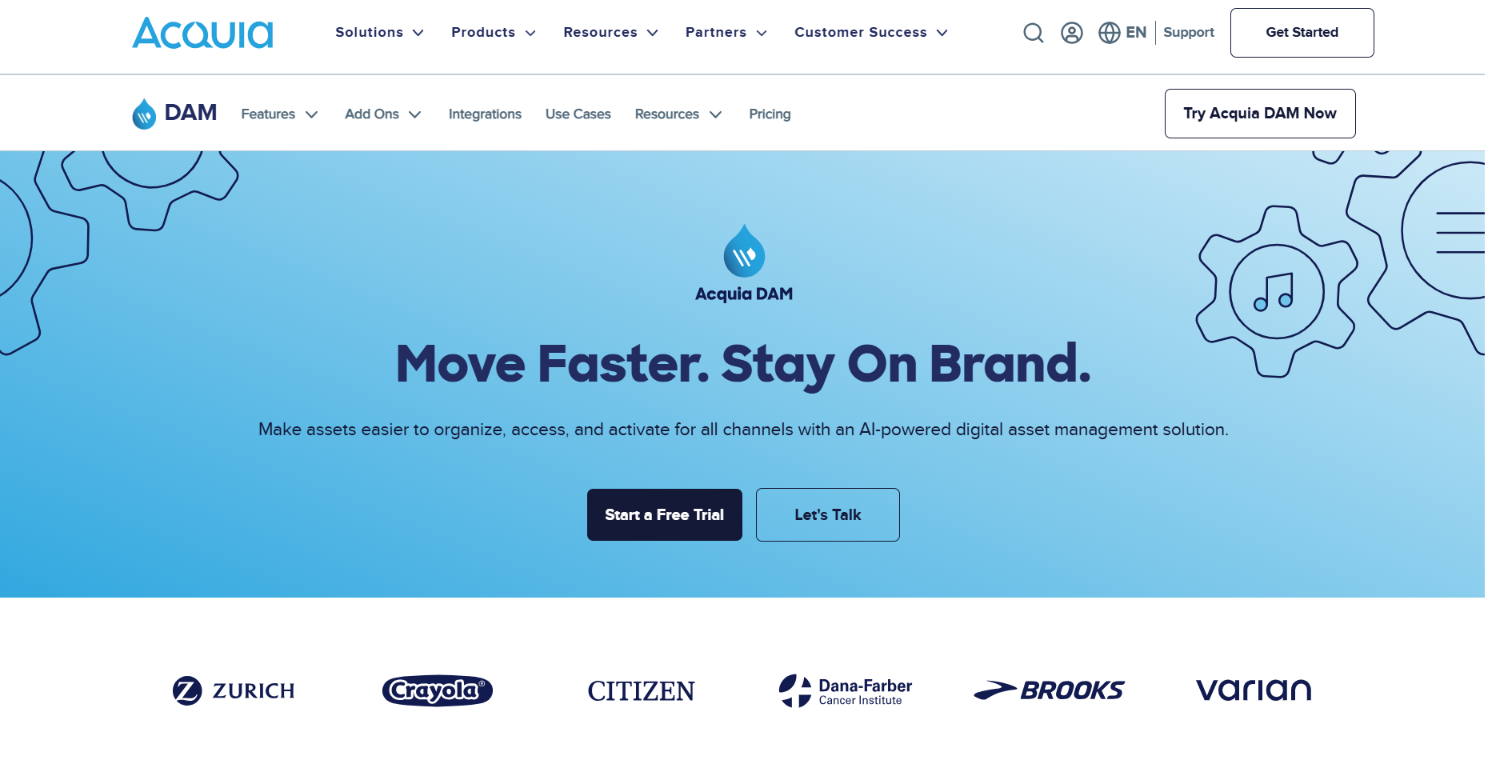
Acquia DAM sits firmly in the enterprise category. It is most often evaluated by organizations that already use Acquia's CMS or digital experience products and want asset management inside the same ecosystem. The platform focuses on governance, integrations, and enterprise-scale content operations rather than quick deployment. Teams with a simpler marketing stack may find those capabilities unnecessary.
Key features
- Assets sit inside the Acquia DXP for multi-brand digital experiences
- Deep integration with Acquia's broader content and marketing stack
- Quote-based enterprise pricing
Advantages
- Strong fit when your web stack and DAM need to live under one enterprise roof
- High G2 rating with a large reviewer base
Disadvantages
- Quote-based pricing means no published starting number
- Overkill for teams that don't already run on the Acquia DXP
3. Bynder
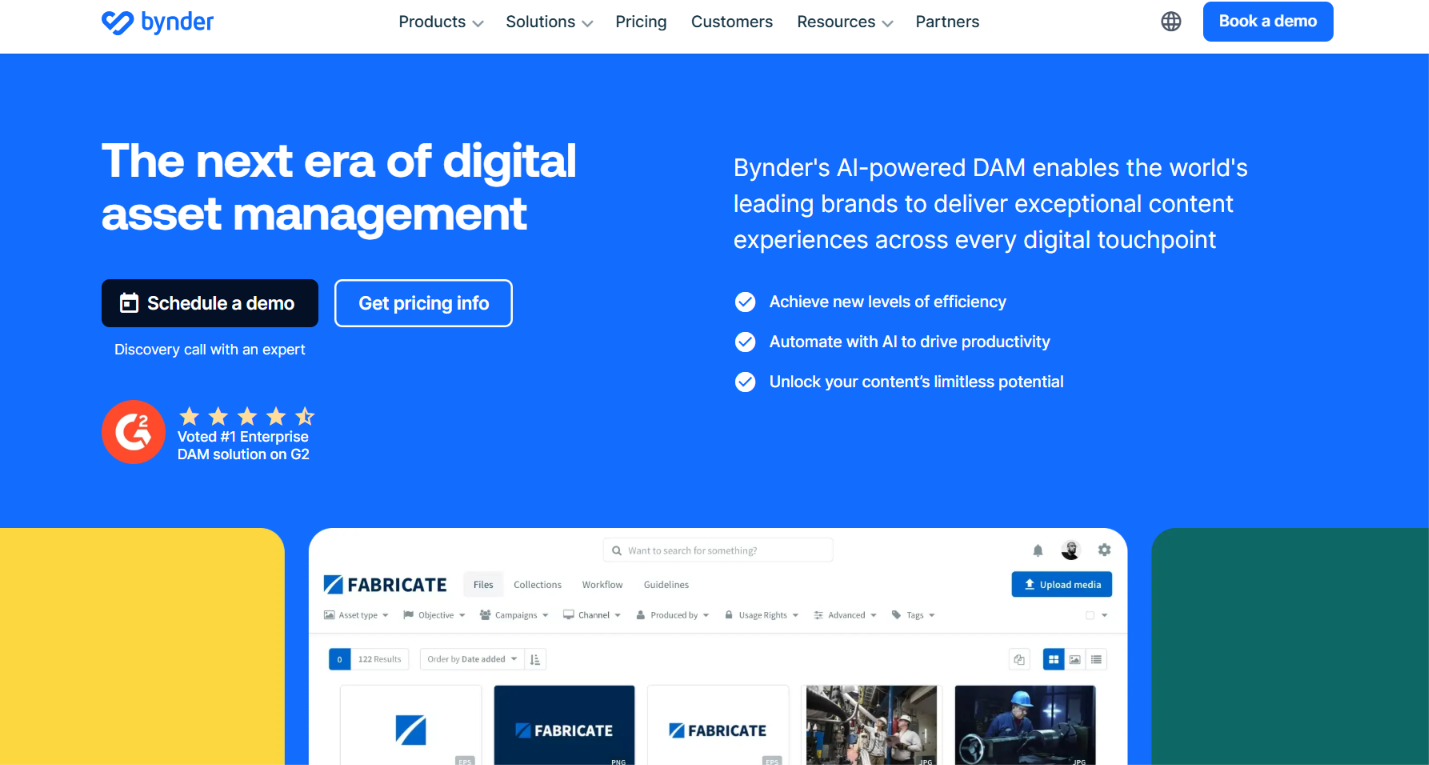
Bynder is one of the largest names in digital asset management, with broad adoption among enterprise marketing organizations. It is built for teams handling large creative libraries, structured approval processes, and multiple regional or product brands. Companies comparing enterprise DAM platforms often evaluate Bynder alongside Acquia DAM and Brandfolder because of its mature workflow capabilities and established market presence.
Key features
- Workflow automation and approval routing across brands
- A wide integration ecosystem for enterprise tech stacks
- Seat-based enterprise pricing
Advantages
- Comprehensive platform for complex, multi-brand enterprise ecosystems
- Large, highly rated review base signals market trust
Disadvantages
- Pricing runs from roughly $33K/year for SMB tiers to $125K+/year at the enterprise level
- Seat model needs checking against headcount before you sign
4. Brandfolder
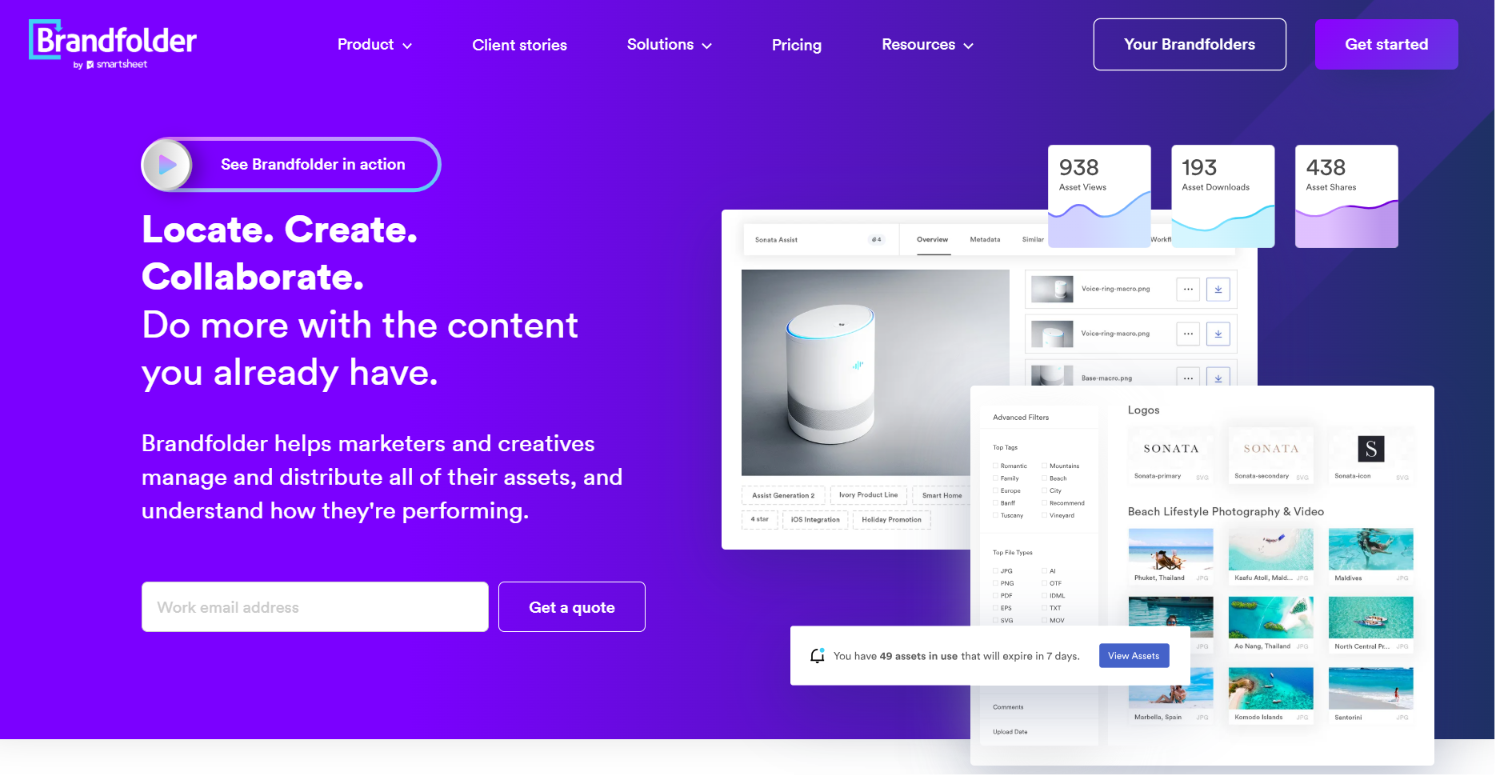
Brandfolder is aimed at marketing teams that spend more time distributing assets than governing complex brand systems. Sales teams, agencies, and external partners can access approved content through branded portals designed for quick sharing. The platform focuses on keeping assets organized and accessible without requiring the heavier governance features some enterprise organizations need.
Key features
- Intuitive branded portals for internal and external sharing
- Marketing-focused DAM with partner distribution tools
- Quote-based pricing
Advantages
- Lighter learning curve than some enterprise competitors
- Strong fit for marketing teams focused on asset distribution
Disadvantages
- Quote-based pricing requires a sales conversation before budgeting
- Less brand-guideline depth than dedicated brand-governance platforms
5. Frontify
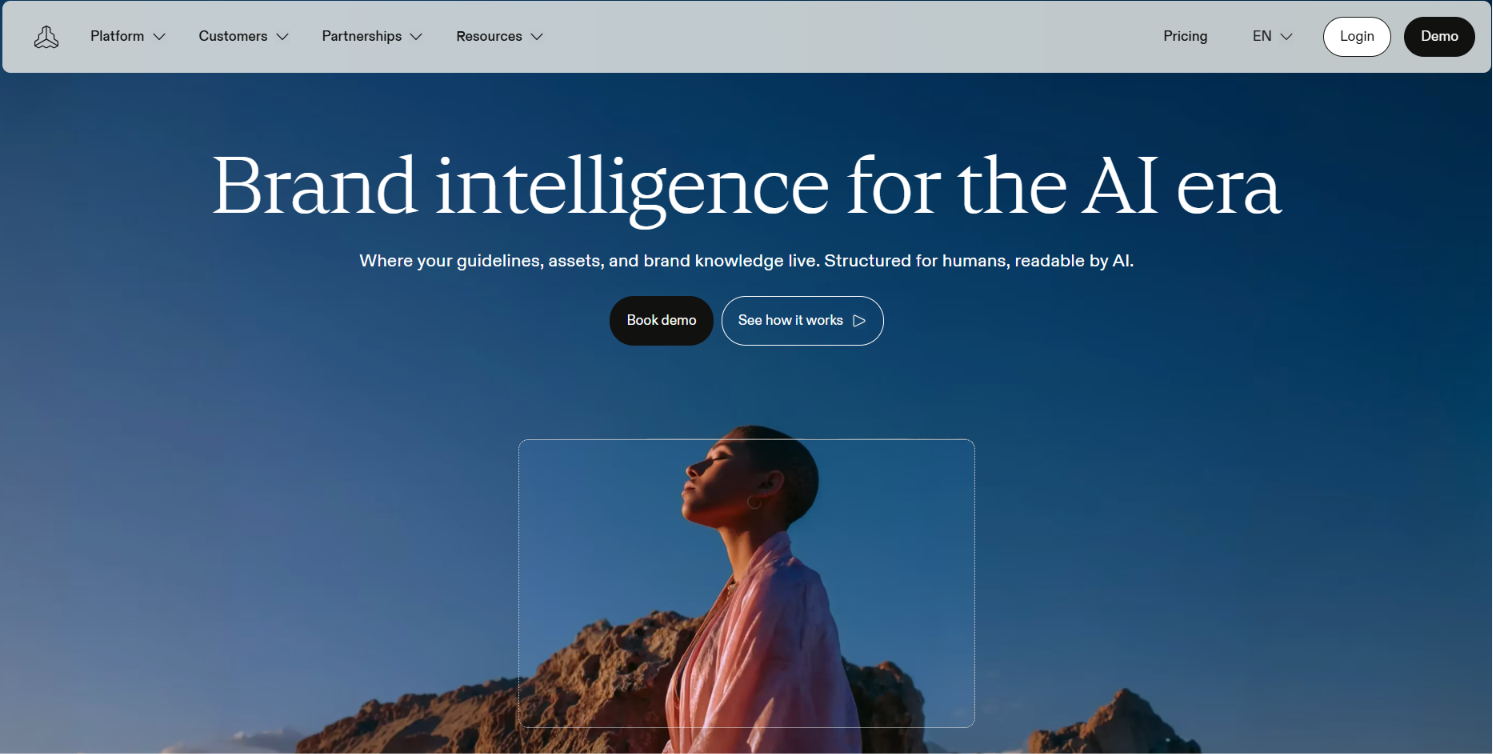
Frontify is often shortlisted when brand governance leads to the buying decision. Organizations use it to publish interactive brand guidelines that stay current as standards evolve, instead of maintaining static PDF documents. Asset management supports that workflow, making the platform a common choice for companies focused on brand consistency across regions, departments, and partners.
Key features
- Interactive, web-based brand guidelines
- An AI Brand Assistant for contextual guidance
- Customizable brand portals
- Tiered pricing
Advantages
- Strong fit for consistent brand use across regions and partners
- Guidelines stay live and update in place instead of shipping as static PDFs
Disadvantages
- Costs scale quickly once a team moves into the Growth or Enterprise tiers
- The asset library is organized per brand, so cross-brand search is limited
6. MediaValet
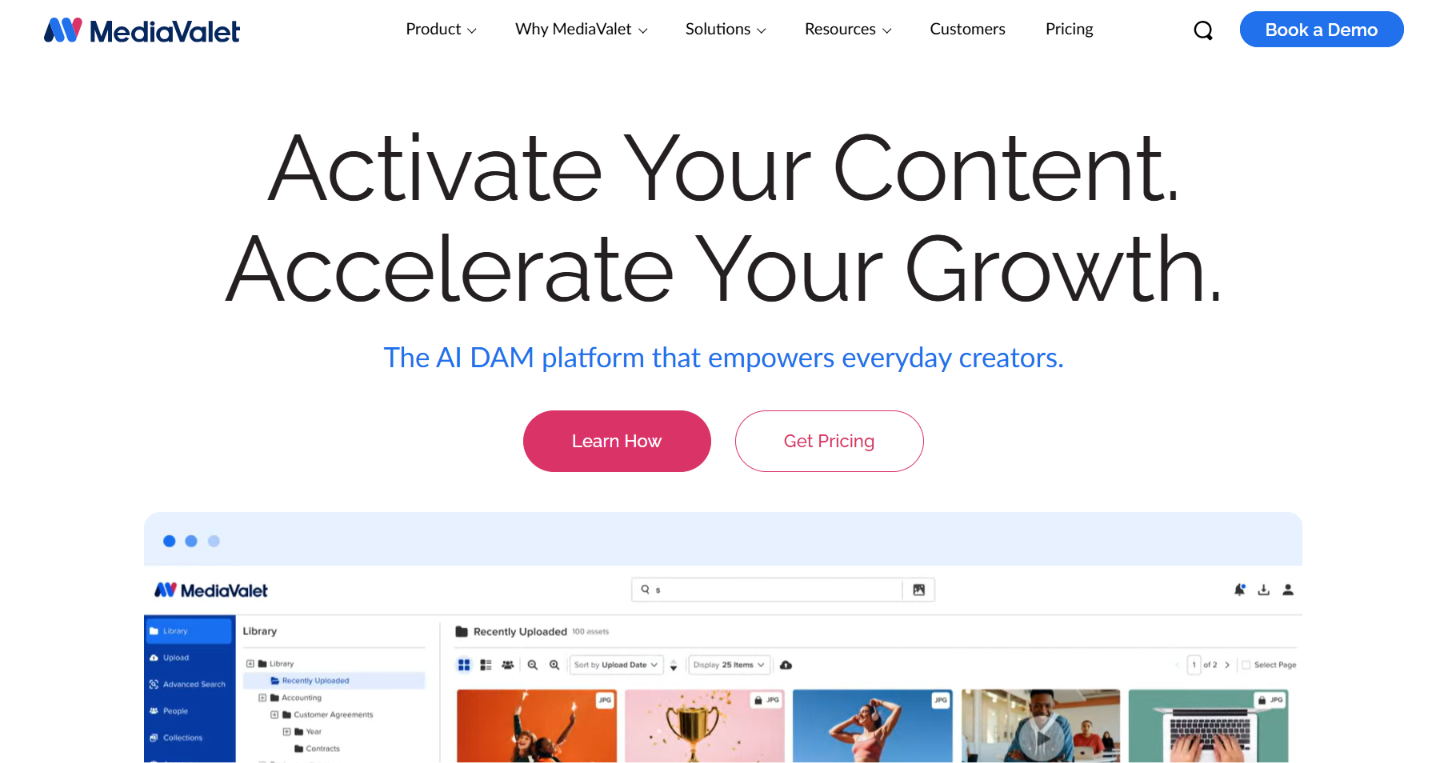
MediaValet targets enterprise organizations where digital assets become part of day-to-day business operations. Security, compliance, governance, and customer support receive more attention than rapid deployment or entry-level pricing. Teams in regulated industries or large distributed organizations often evaluate it when reliability matters more than a lightweight rollout.
Key features
- Built exclusively on Microsoft Azure
- Enterprise-grade compliance and security
- A strong customer support reputation
Advantages
- Reliability and governance built for daily system-of-record use
- High G2 rating specifically for support quality
Disadvantages
- Custom pricing only, with no published starting plan
- Less suited to teams that want a fast, self-serve setup
Lighter and Lower-Cost DAM Alternatives
Lean teams still need permissions, search, and sharing. These five tools cover smaller budgets, agency-style work, or simpler rollout needs.
7. Dash
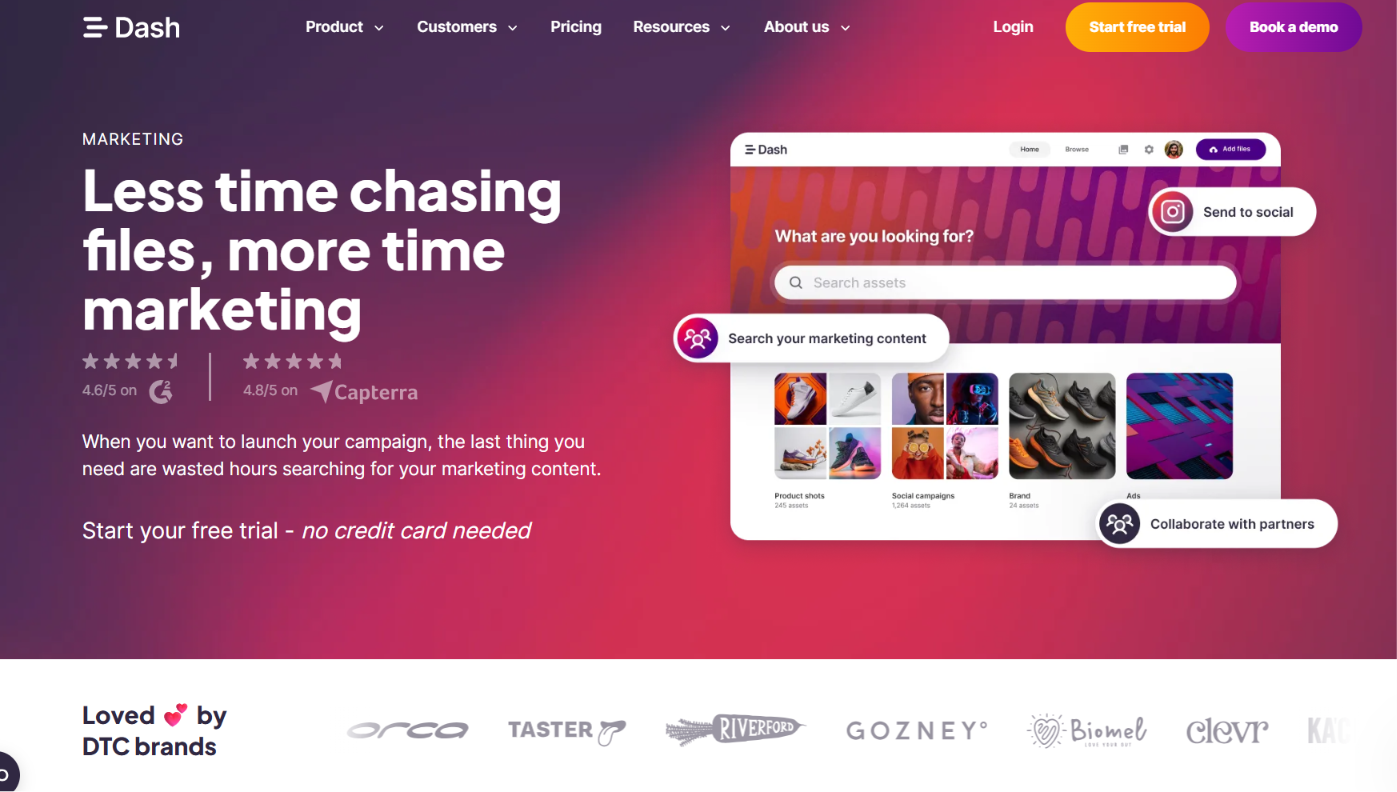
Dash is designed for growing marketing teams that want core DAM functionality without enterprise pricing or lengthy implementations. Flat-rate pricing keeps budgeting straightforward as more contributors need access. Ecommerce businesses also benefit from features built around product imagery, content collection, and Shopify workflows.
Key features
- Flat-rate, published pricing
- Ecommerce-oriented features, including a Shopify integration
- Guest uploads for collecting content from creators and influencers
Advantages
- Predictable billing without seat math
- Quick setup for lean teams
Disadvantages
- Lighter on deep enterprise governance
- A smaller feature set than full enterprise DAMs
8. Filecamp
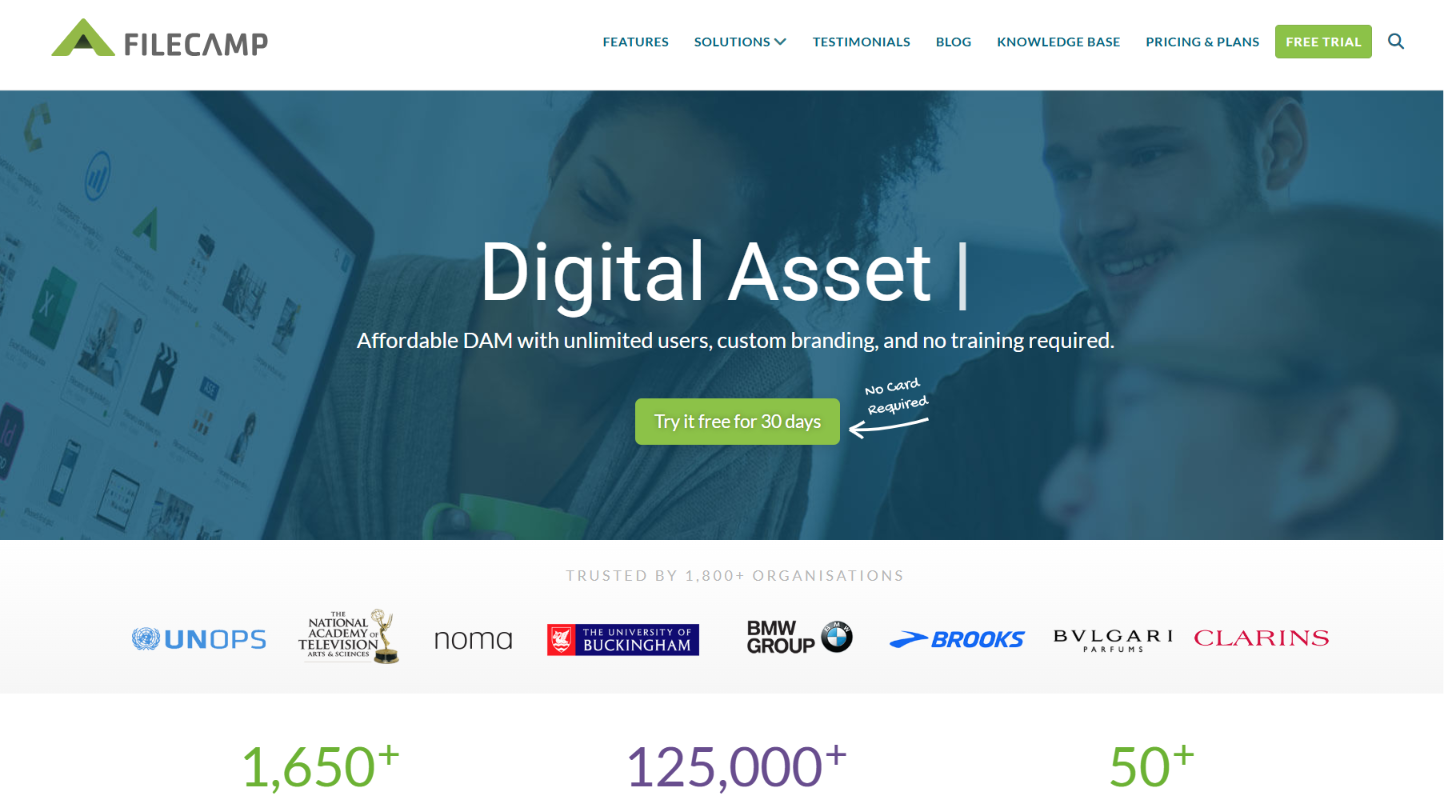
Filecamp focuses on the fundamentals of digital asset management at a lower cost than many enterprise platforms. Organizations can organize files, manage permissions, and share assets externally without investing in advanced governance or workflow automation. It is a practical option for teams that need a dependable asset library rather than an enterprise content platform.
Key features
- Flat-rate pricing
- External sharing tools for partners
- Core DAM fundamentals without heavy configuration
Advantages
- Budget-friendly and predictable as viewer count grows
- Simple to set up
Disadvantages
- Fewer advanced AI search or approval-layer features
- Less suited to complex multi-brand governance
9. Tagbox
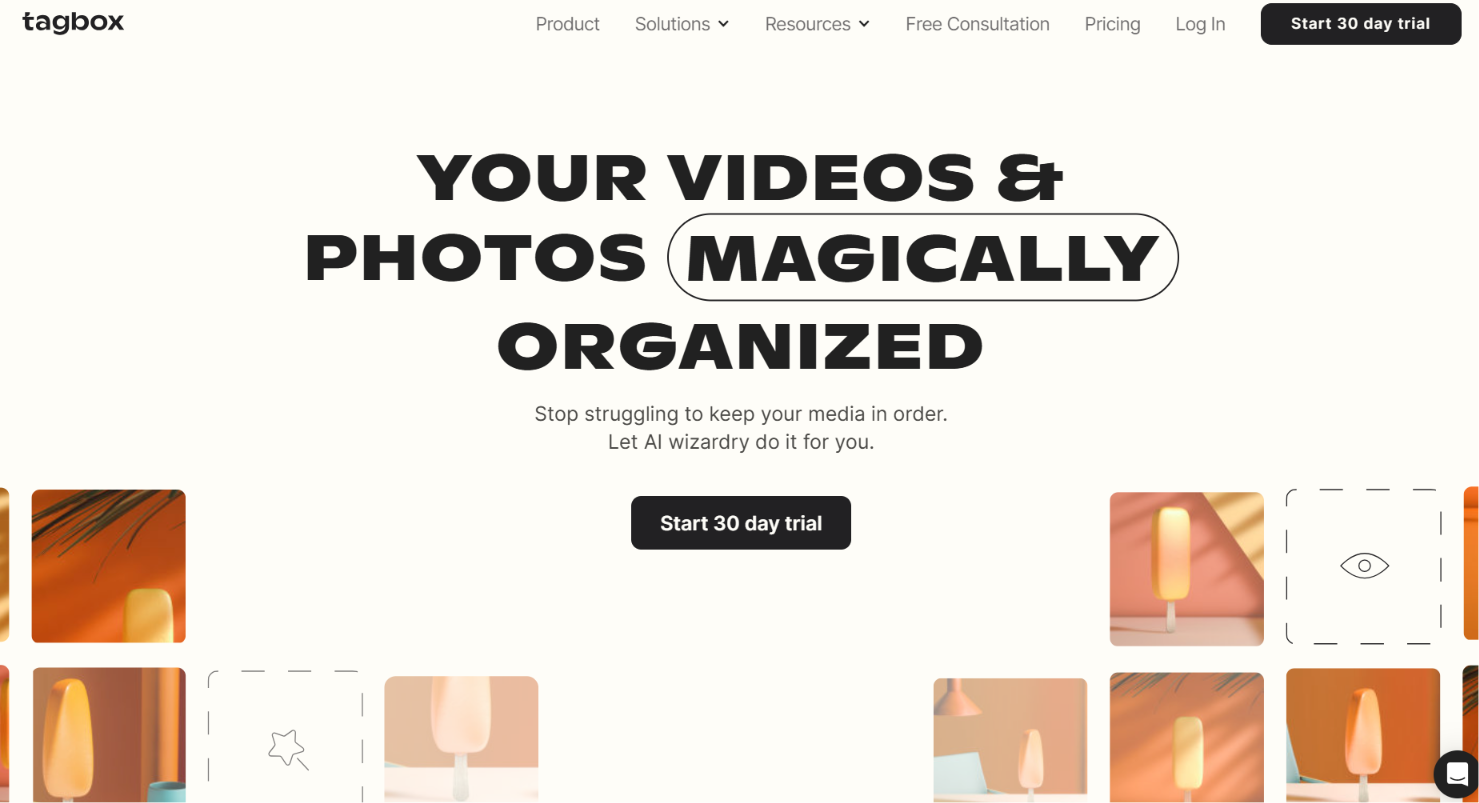
Tagbox positions itself around modern asset sharing and a simpler migration experience. The platform focuses on helping marketing teams organize approved content and distribute it to internal users and external partners through branded interfaces. Businesses moving from older DAM systems may also value its onboarding and migration support.
Key features
- A modern, brand-facing sharing interface
- Light onboarding with migration team support
- Tiered pricing
Advantages
- A current interface with light onboarding
- Fast migration support for teams switching platforms
Disadvantages
- Mid-tier pricing can climb as more features get added
- Less established than legacy enterprise players
10. Pics.io
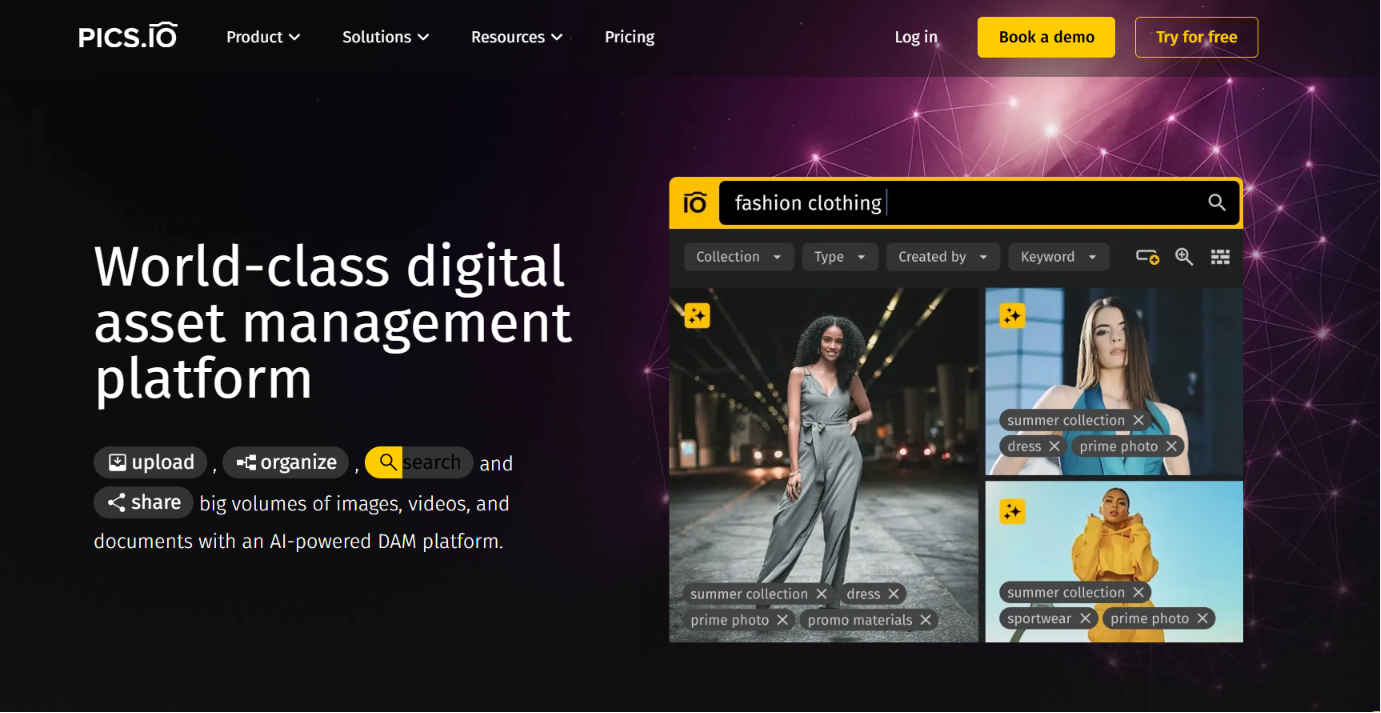
Pics.io takes a different approach from most DAM platforms by building on cloud storage that organizations already use. Instead of moving files into a separate repository, teams manage assets stored in Google Drive or Amazon S3 through an added DAM layer. That approach appeals to organizations that want better search, permissions, and organization without replacing existing storage.
Key features
- Works on top of existing Google Drive or Amazon S3 storage
- Migration and onboarding support for teams leaving other platforms
- Tiered, published pricing
Advantages
- A lighter lift for teams that like their current storage
- Transparent, predictable pricing
Disadvantages
- Best suited as a media layer rather than a full document collaboration replacement
- Still dependent on the health of the underlying Drive or S3 setup
11. Baseline
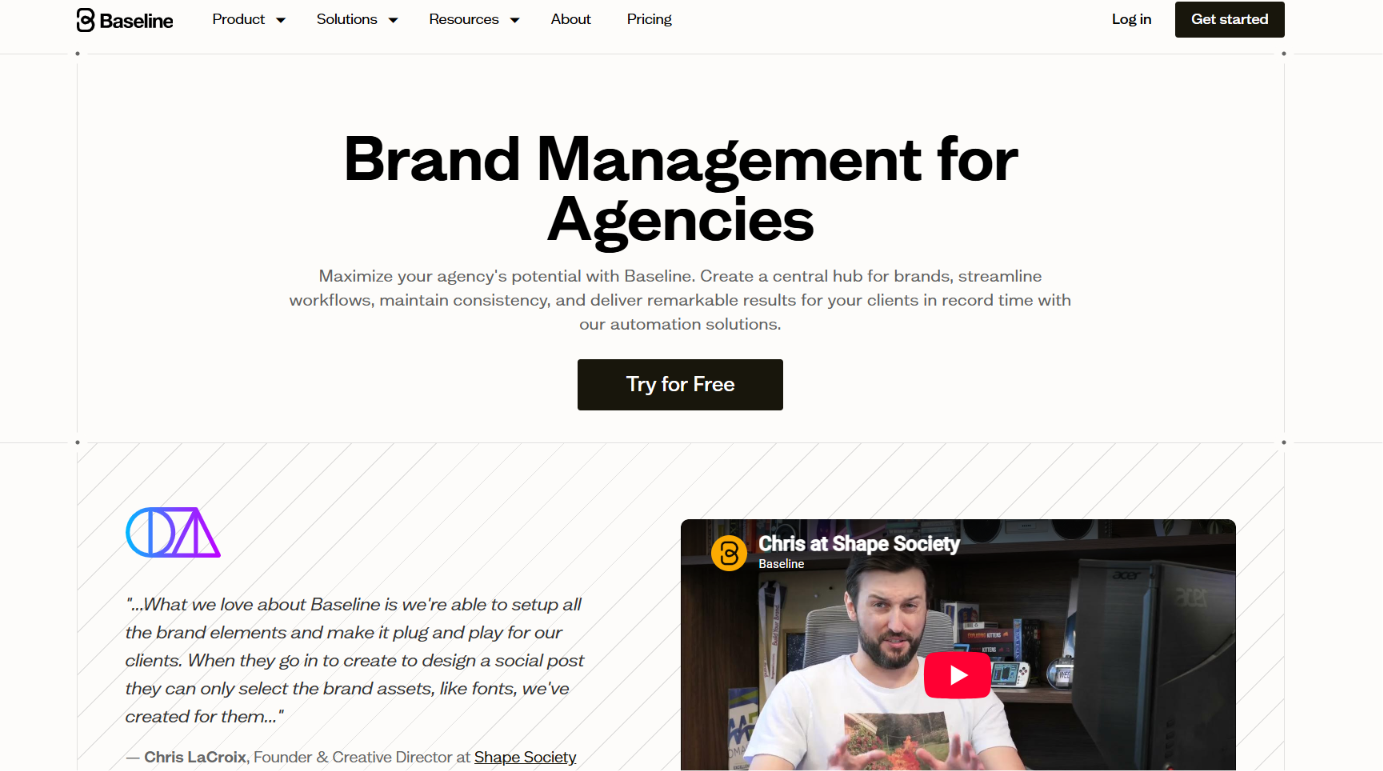
Baseline is built around agency workflows rather than enterprise content management. Teams managing multiple client brands can publish updates, organize assets, and maintain separate client spaces without paying enterprise-level prices. Predictable pricing and multi-client features make it a practical choice for agencies that need a DAM built around client delivery instead of internal brand management.
Key features
- Multi-client publishing built for agencies
- Tiered pricing starting at $59/month
- Live-update publishing across client portals
Advantages
- Benchmarks itself at 75 to 80 percent below Canto for comparable agency use, making it the most affordable option on this list with real DAM features
- Purpose-built for agencies managing several client brands
Disadvantages
- A newer, smaller player compared to established enterprise DAMs
- May lack some deeper enterprise governance features larger orgs need
Choosing the best Canto Alternative
Canto alternatives make sense when your team wants a better fit on pricing, rollout speed, or brand structure. Enterprise buyers with a broader web stack often lean toward BrandLife. Brand governance teams usually look hard at Frontify. Marketing teams that care about sharing portals often shortlist Brandfolder. Lean teams and agencies can find strong value in lighter tools like Dash, Filecamp, Pics.io, or Baseline. Commerce teams with large catalogs belong in PIM territory with tools like Akeneo or Salsify.
Use the five-question framework, then price the hidden costs before you commit. If your team needs modern DAM with AI search, interactive guidelines, and partner portals, BrandLife gives you those pieces in one workspace. Get Started with BrandLife when you're ready to see a simpler setup.
Frequently Asked Questions
1. Does BrandLife offer a free trial or free tier?
A direct signup flow keeps evaluation simple. The Starter plan is $150/month for one user and one brand, and Enterprise pricing is custom for unlimited users and brands. Check the current pricing for plan details.
2. How long does it take to migrate off Canto?
Library size and metadata cleanliness drive the schedule. A focused move usually follows four steps, from audit and inventory through training and launch. Vendors that offer migration support can make planning easier.
3. Can external partners use a DAM while staying off your seat bill?
Partner access can double costs when each viewer needs a paid seat. Some tools use flat-rate or usage-based pricing, and portal-based models can give outside users controlled access without adding full seats. BrandLife includes free shared portals for franchisees and agencies, so partner access stays simple.
4. What is the difference between a DAM and a PIM?
The split comes down to file types and data structure. A DAM stores and governs branded content like images, video, or campaign files across teams. A PIM manages structured product data such as specs and attributes for e-commerce or retail channels.
5. Which Canto alternative is best for agencies with many clients?
Agency teams juggle separate clients, approvals, and partner sharing every day. Baseline positions itself around affordable multi-client publishing, and BrandLife gives each client a separate workspace with its own guidelines and portals.